


The 7 AI Software Development Agents That Changed My Entire Workflow in 2025
- Best AI Tools
- August 18, 2025
- No Comments
AI software development agents changed the way I code, test, and deploy apps. Here’s the real story of how these tools revolutionized my workflow and why you should care too.
According to Stack Overflow’s 2024 Developer Survey, 68% of professional developers reported using AI tools like ChatGPT, Copilot, or Tabnine in daily workflows. When I first started exploring AI software development agents, I had a ton of questions:
- Can AI really understand and write high-quality code?
- Do these autonomous agents provide a secure and extensible foundation for authentic software development?
- What are the most effective artificial intelligence utilities for various phases?
- And more importantly, can these tools actually make me faster and more efficient?
“The future of coding is not code. It is the collaboration between human creativity and machine intelligence.” — Satya Nadella, CEO of Microsoft
As AI rapidly evolves, these agents are more than just autocomplete tools. They’re changing how software gets made. According to GitHub’s 2024 Developer Survey, over 92% of professional developers now use some form of AI coding assistant. That number’s only climbing.
I’ve been building software for over 15 years—in startups, agencies, and enterprise teams. I’ve seen every trend from serverless to containers. But nothing has reshaped my workflow like AI software development agents.
In this story, you’ll learn what these agents are, how they work, and exactly how I used them to scale projects, catch bugs faster, and even learn new languages—without burning out.
What Are AI Software Development Agents?
Let’s start with the basics. An AI software development agent is an AI-powered tool that helps developers throughout the Software Development Lifecycle (SDLC). Think of them as intelligent collaborators that can:
- Suggest or write code
- Review pull requests
- Generate unit tests
- Spot vulnerabilities
- Optimize performance
- Translate requirements into functional modules
These agents differ from static code analyzers or simple linters. They reason, plan, and learn from interactions. They’re trained on massive codebases and, increasingly, fine-tuned on your specific project.

Now let me walk you through the seven most powerful AI software development agents I’ve personally used in my day-to-day dev work—including one that completely surprised me: the Flatlogic AI Software Development Agent.
1. GitHub Copilot
I’ll admit, my hopes for GitHub Copilot upon its VS Code installation were minimal. But it rapidly transformed into my primary tool for writing boilerplate code, handling repetitive tasks, and even picking up new syntax in languages like Rust and Go.
What makes it powerful? Its deep integration with GitHub and real-time suggestions make it feel like pair programming with an overachieving junior dev who never sleeps. I even used the AI chat (currently in beta) to brainstorm algorithm solutions.
That said, it’s not perfect. I’ve had to double-check for security flaws, and it occasionally generates code that feels… off. Still, it’s a game-changer for early-stage coding.
The best part? Copilot’s help on a legacy JavaScript refactor in San Diego, CA, was a lifesaver, preserving at least two full workdays.
Advantages:
This tool accelerates coding by taking over repetitive tasks and providing essential boilerplate code. You’ll see fewer errors as it helps pinpoint and fix syntax or logic issues, often by recommending established best practices. It even serves as an excellent educational tool, offering suggestions for idiomatic code to help you grasp new languages or frameworks. And importantly, its inherent link to preferred IDEs promises an effortless coding journey.
Limitations:
Vigilance from developers remains essential because code produced by tools like Copilot can unfortunately introduce bugs, pose security vulnerabilities, or simply fail to align with unique project needs. This necessitates thorough human review. Data privacy is a significant worry because user information is kept for nearly a month. Even though this data is encrypted and kept separate, there are still questions about who owns the intellectual property and how well the data is protected overall.
Additionally, depending on just one large language model can result in less accurate or tailored suggestions, particularly for highly specialized development projects. Lastly, since it only works in the cloud, a continuous internet connection is necessary for full functionality, which might limit its usefulness in secure or offline settings.
2. CodeGPT
CodeGPT was my secret weapon when onboarding onto a messy, undocumented Python codebase from a Chicago-based fintech client.
Unlike Copilot, CodeGPT lets you build custom agents trained on your specific codebase. The knowledge graph it creates made navigating the project feel like reading a well-documented book.
I loved using its code review agent linked to GitHub. It flagged edge cases I had missed and helped auto-generate changelogs for sprint planning.
And the self-hosting option? Massive win for working with sensitive healthcare data in compliance-heavy environments.
Advantages of CodeGPT
CodeGPT proficiently handles intricate codebases with accuracy by leveraging knowledge graphs and extensive code indexing. Its distinguishing feature is the capability to educate specialized artificial intelligence agents using a team’s proprietary records or project archives, making it well-suited for groups with distinct operational methods.
It considerably enhances programmers’ output by mechanizing repetitive chores such as scrutinizing code, restructuring it, and even preparing explanatory materials. Furthermore, it operates independently of large language models (LLMs) and facilitates protected, on-site execution, positioning it as an excellent choice for settings concerned with data privacy and for corporate-level implementations.
Limitations of CodeGPT
Even though CodeGPT understands context, it can have difficulty with very particular or specialized problems unless it’s given comprehensive information or instructions. Developers might find it challenging at first to learn how to configure or refine their own agents for their particular stack.
Understanding how to fully leverage its advanced capabilities might require some initial experimentation or technical investment—especially for smaller teams or solo devs.
3. Tabnine
If you’re working on proprietary code or have tight privacy requirements, Tabnine is the way to go. I first deployed Tabnine in Washington, D.C.-based government project where every byte of code had to be secure.
Why Tabnine Stands Out for Privacy-Focused Teams
For businesses concerned with keeping their information private and ensuring top-tier protection, Tabnine stands out. It can be hosted on-site and maintains a strict policy of never holding onto any data, making it perfect for handling confidential or proprietary software.
Where Tabnine Falls Short
For solo programmers or compact teams lacking DevOps assistance, installing Tabnine locally can present a significant technical obstacle. Plus, beyond a limited free option, many of Tabnine’s powerful features are paywalled, making it less accessible for individual or casual users.
4. Sourcegraph Cody
Cody is a hidden gem. Powered by Sourcegraph, it’s like having an AI assistant with an encyclopedic knowledge of your codebase.
I used Cody while working with a legacy monolith in Atlanta, GA. Cody understood the context of functions buried across dozens of files, something other agents struggled with. Its semantic search and @mention system felt like Google Search, but just for code.
It’s also open source, which makes it attractive for devs who want more control. Just be ready for some rough edges—it’s still maturing fast.
Advantages of Sourcegraph Cody
Sourcegraph Cody excels at delivering context-aware coding suggestions by combining large language models (LLMs) with Sourcegraph’s powerful code intelligence. It deeply understands your entire codebase, not just isolated files, enabling it to respond to natural language prompts with highly relevant, creative suggestions. Developers love that it’s open source, free for individuals, and available across platforms—VS Code, JetBrains, a web interface, and an API.
Limitations of Sourcegraph Cody
Cody, despite its ability to operate on local systems, incorporates some functionalities that depend on cloud-based services. This dependency might lead to data privacy worries for companies. Additionally, the tool is currently in an active testing phase, indicating frequent changes in its features and the possibility of intermittent performance issues.
5. Replit Ghostwriter
For quick prototypes and teaching, I rely on Replit Ghostwriter. I’ve used it with my students during online coding bootcamps, and its code explanation and transformation features are super beginner-friendly. Think of it as the AI buddy for your coding classroom.
Advantages of Replit Ghostwriter
Replit Ghostwriter shines through its seamless integration with the Replit IDE—no installs, no plugins, just instant AI coding help. A great option for those new to coding or still learning, this platform boasts a simple design and offers supportive conversations through its chat feature.
Limitations of Replit Ghostwriter
However, Ghostwriter is cloud-based only, meaning it won’t function offline—an issue for those coding in low-connectivity environments. Its AI suggestions depend heavily on file context and recent chat, so vague or out-of-scope prompts may produce weak results. Lastly, for more complex projects, it lacks the advanced depth and accuracy of alternatives like GitHub Copilot, especially in enterprise or large-scale applications.
6. Snyk Open Source (DeepCode Agent)
Security is often an afterthought—until it isn’t. I learned this the hard way when a minor npm package exposed a known vulnerability during a client audit in Boston, MA.
Enter Snyk Open Source, backed by DeepCode AI. This agent automatically scans dependencies, open-source libraries, Docker containers, and even Terraform configs. The real-time vulnerability detection is shockingly good.
What do I love most? The contextual autofixes. It made our DevSecOps pipeline feel bulletproof.
Advantages of Snyk Open Source (DeepCode Agent)
Snyk Open Source, which uses DeepCode AI, provides a security experience designed for developers. This essential development tool seamlessly plugs into existing coding setups and team processes, empowering groups to pinpoint and resolve security flaws from the get-go.
It thoroughly examines diverse elements, like the code itself, adopted open-source dependencies, containers, and even infrastructure-as-code (IaC). Consequently, this drastically slashes the Mean Time To Remediate (MTTR) – think of it cutting down the time it takes to fix a problem by a massive margin, say from days to just hours.
Limitations of Snyk Open Source
The Snyk artificial intelligence engine learns from carefully selected information, and its success hinges on how good and extensive that information is. Sometimes, getting this system operational and linked to sophisticated business systems requires extra preparation or dedicated instruments. Even with fewer erroneous alerts, they can still appear, so individuals will need to verify the outcomes for accuracy and trustworthiness.
7. Flatlogic AI Software Development Agent
Now here’s the twist: Flatlogic’s AI software development agent genuinely surprised me with how much time it saved.
While exploring Flatlogic to build a React-based internal CRM, I used its AI-powered app generator. The experience felt like magic. I entered a few prompts and requirements, and within minutes, I had a full-stack CRUD app with PostgreSQL, Node.js, and React—all neatly wired together.
Flatlogic Generator will convert this description into a fully functional business web application. And it actually did. For developers or PMs who want to skip scaffolding and get straight to customizing logic, this tool is a goldmine. Serving clients in the greater Austin, TX area, we now use Flatlogic regularly to spin up admin dashboards and MVPs.
It’s not just a template engine. The agent understands your domain, adapts to industry patterns, and gives you clean, readable code that scales.
Advantages of Flatlogic AI Software Development Agent
The Flatlogic AI Software Development Agent stands out by enabling developers to generate full-stack web apps from a simple prompt—complete with frontend, backend, and database. Unmatched speed is its greatest asset, compressing multi-week projects into just minutes.
Limitations to Consider
Because it follows standardized architecture patterns, developers with highly specific or legacy system needs might find some limitations in flexibility. Still, for most modern web app use cases, it’s a massive productivity booster rather than a blocker.
Key Takeaways To Consider
While the immediate future might not involve AI completely replacing human developers, it will undoubtedly transform their roles.
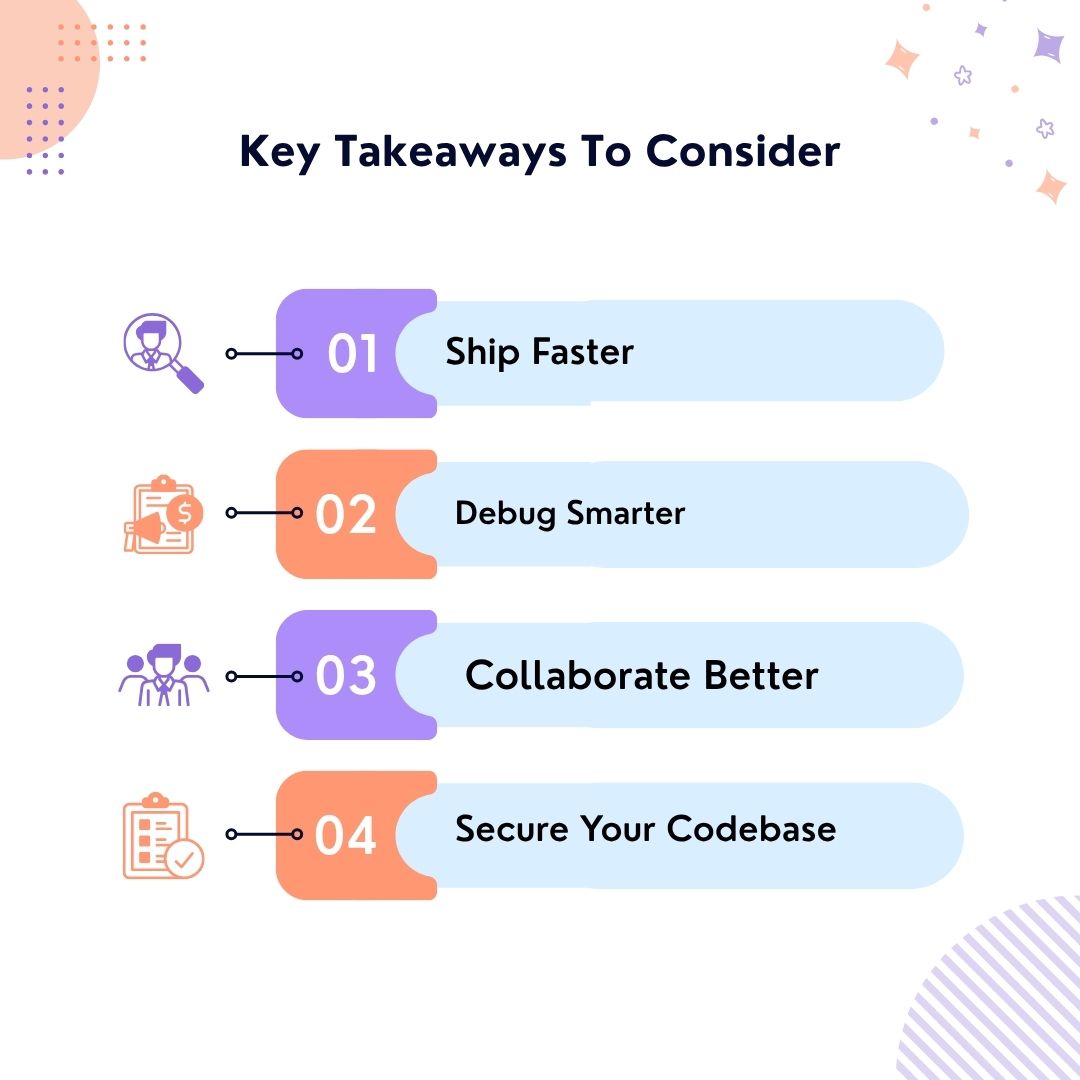
- Ship faster
- Debug smarter
- Collaborate better
- Secure your codebase
From GitHub Copilot to Flatlogic AI Software Development Agent, each tool plays a role. Self-enhancing, flexible software is emerging, driven by the capacity of intelligent computer programs to acquire knowledge, adjust, and even create novel programs or enhance existing ones.
The key isn’t a universal solution, but rather carefully selecting and combining the appropriate team of these specialized programs for each specific task. And remember: AI doesn’t replace developers. It elevates them.
Final Thoughts: Why You Should Try Flatlogic
The adoption of AI agents in enterprise software is expected to increase significantly. If you’re building SaaS tools, internal apps, or admin dashboards, do yourself a favor and explore the Flatlogic Generator.
Alternative Reading:
According to GitHub’s State of AI in Software Development Report, 92% of developers currently use AI-driven coding assistants. Flatlogic’s AI software development agent is more than just a tool. It’s your silent co-founder.
The future of software development will be a collaborative environment where humans and AI agents work hand-in-hand. Organizations that embrace these tools will gain a competitive edge, driving efficiency, reducing costs, and accelerating innovation.
AI software development agents are the future. But they’re also the present. Don’t get left behind.