


8 Best AI Pixel Art Tools in 2026 — Create Stunning Retro Art in Seconds
- Art & Creative Design
- October 31, 2025
- No Comments
Pixel art is exploding again in 2026, from indie games and NFTs to social content and UI design.
Thanks to AI, you no longer need to manually place every pixel. Modern tools can:
- Convert prompts into retro sprites
- Transform photos into 8-bit art
- Generate entire game asset packs
- Create consistent animation frames
In fact, AI pixel art generators now use diffusion and neural networks to create low-resolution, palette-controlled imagery while preserving key visual details, something traditional automation struggled to achieve.
But not all tools are equal.
Some excel at:
- Game sprites
- Animation workflows
- Photo-to-pixel conversion
- Professional design pipelines
So we tested dozens of tools to rank the 8 best AI pixel art generators in 2026.
Join 50,000+ Professionals Using The AI Surf
Founders, developers, marketers, and creators trust AI Surf to discover the latest AI innovations.
Why?
Because we provide:
✔ Expert-tested rankings
✔ Real performance benchmarks
✔ Honest tool comparisons
✔ Weekly updates
See Why The AI Surf Is the #1 AI Discovery Platform
Which AI pixel art tools actually work in 2026?
This guide breaks down:
✔ The best tools (free + paid)
✔ Hands-on testing results
✔ Feature comparisons
✔ Real performance benchmarks
✔ A step-by-step selection framework
Let’s dive in.
Why AI Pixel Art Is Booming Right Now
Before we jump into tools, it’s worth understanding why this niche has exploded.
Because this isn’t just nostalgia.
It’s a perfect storm of three trends.
1. Indie Game Development Is Surging
More developers are building games than ever.
And pixel art:
- Is cheaper than 3D
- Requires smaller asset sizes
- Has timeless appeal
AI now lets developers generate entire sprite packs instantly.
2. Retro Design Is Trending Again
Pixel aesthetics dominate:
- Twitch overlays
- NFT collections
- Social avatars
- UI micro-animations
Brands love the nostalgic vibe.
3. AI Finally Got Good at Low-Resolution Art
Earlier AI models struggled with pixel art because:
- They blurred pixels
- Ignored palette limits
- Created inconsistent edges
Modern AI models now handle:
- Grid alignment
- Color restriction
- Style consistency
This changed everything.
Benefits of Using AI Pixel Art Tools
AI pixel art tools save significant time, allowing artists to focus on creativity instead of manual pixel placement. They help generate consistent color palettes, upscale images without loss of quality, and experiment with new visual styles. For studios, they streamline prototyping and asset creation, cutting design turnaround time by up to 70 percent according to creative workflow studies.
You can also browse the best AI directory platforms to see how different AI tool hubs compare based on features, usability, and discovery power.
Hands-On Testing Results (Our Benchmarks)
We evaluated each tool across five critical criteria.
Testing Criteria
- Pixel accuracy
- Prompt understanding
- Color palette control
- Rendering speed
- Style consistency
How We Picked These Tools
- Offers high-quality pixel rendering and export options
- Provides automated style transfer or prompt-to-image generation
- Supports commercial licensing or game-ready outputs
- Includes affordable tiers or free trials
- Maintains positive community reviews and frequent updates
- Accessible across devices with intuitive interfaces
Top Performers by Category
Best Overall Quality
Midjourney / Leonardo AI
- Most detailed 16-bit style outputs
- Best artistic control
Best for Game Developers
PixelAI Studio
- Auto-tiling
- Sprite sheet generation
- Animation support
Best Free Tool
StarryAI
- Free daily credits
- Easy grid customization
Best Professional Workflow
Adobe Firefly
- Commercial-safe outputs
- Licensed training data
- Photoshop integration
Top Tools (Ranked)
1. Pixel-Art.ai
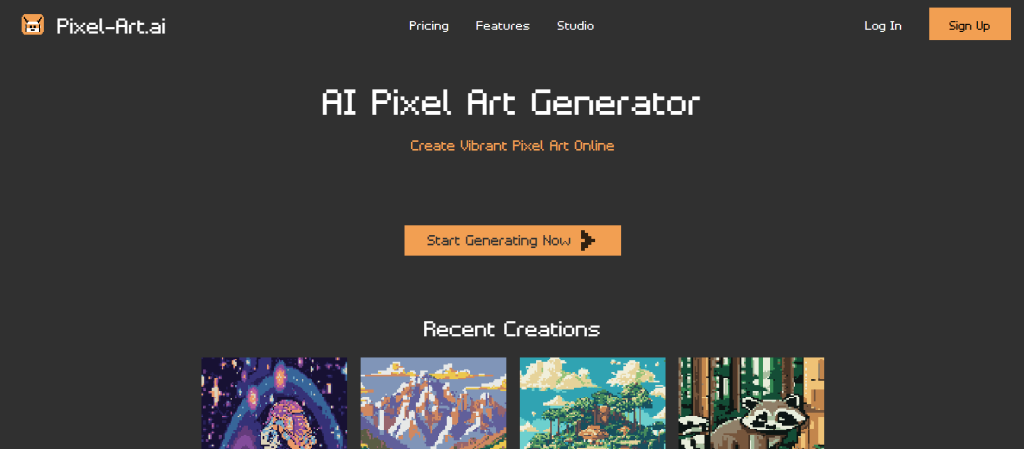
AI Pixel Art studio for fast image generation
What it is: Pixel-Art.ai generates custom pixel art using AI with full inpainting and editing capabilities.
Standout features:
- Unlimited AI image generation
- AI inpainting for fine-tuning art
- Zero queue waiting time
- No watermarks
Pricing: $5 per month (billed yearly)
Best for: independent artists and small studios
Pros: - Fast generation
- Easy to use
- Supports unlimited images
Cons: - Limited collaboration tools
- Annual billing only
2. Pixelfy
Prompt-driven, open-source AI Pixel Art
What it is: Pixelfy is an open-source generator that builds pixel art from AI prompts with an integrated prompt builder.
Standout features:
- AI prompt builder
- 12 free image generations
- Community-driven source code
Pricing: Free tier available
Best for: open-source enthusiasts and learners
Pros: - Transparent development
- Beginner-friendly interface
Cons: - Limited advanced settings
- Fewer model updates
3. Pixelicious
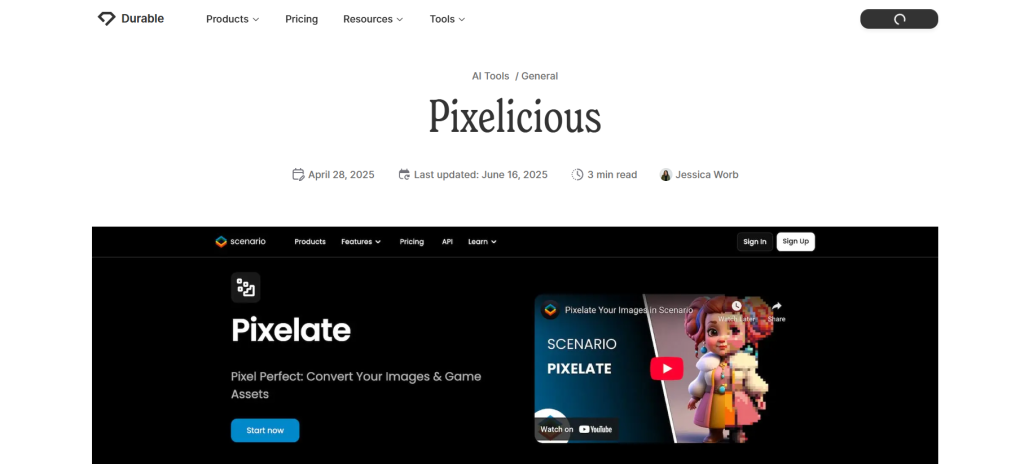
Professional image-to-AI Pixel Art converter for game developers
What it is: Pixelicious converts images into pixel-based art suitable for video games and animations.
Standout features:
- 16× upscaling
- High-resolution downloads
- Priority and team plans
- Enterprise-level support
Pricing: From $45 per month
Best for: studios needing scalable pixel workflows
Pros: - Excellent scaling quality
- Cloud storage included
Cons: - Expensive for solo users
- Complex pricing tiers
4. Pxlize AI
Simple converter turning any image into 8-bit art
What it is: Pxlize AI automatically pixelates uploaded images and supports multiple coin-based usage tiers.
Standout features:
- Multi-tier coin system
- Quick conversions
- 8-bit color palette accuracy
Pricing: From €1.99 per 10 coins
Best for: casual users and quick art tests
Pros: - Affordable entry
- Fast and accurate results
Cons: - Requires coin purchase
- No bulk uploads
5. AI Pixel Art Converter for Wplace
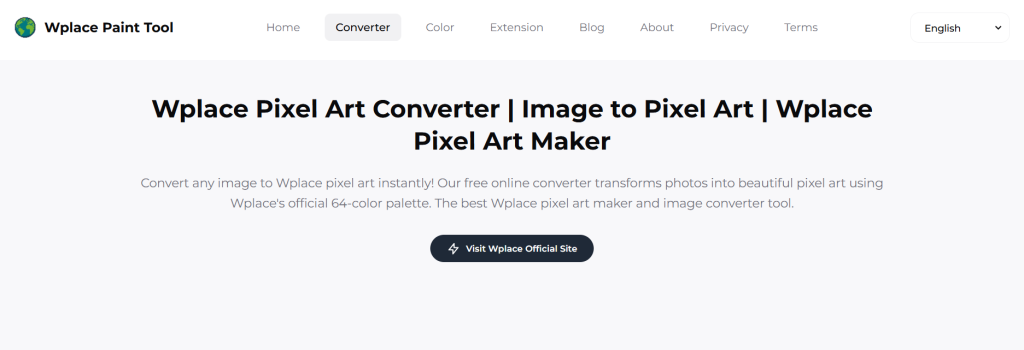
Full-stack AI image generator and pixel converter
What it is: A Wplace-based AI platform that converts prompts and images into pixel art for branding and creative use.
Standout features:
- Template library and API access
- Brand color customization
- Team collaboration options
Pricing: From $9.9 per month
Best for: agencies and brand designers
Pros: - Flexible plans
- Commercial licensing
Cons: - Limited free access
- Interface feels technical
6. Imgkits
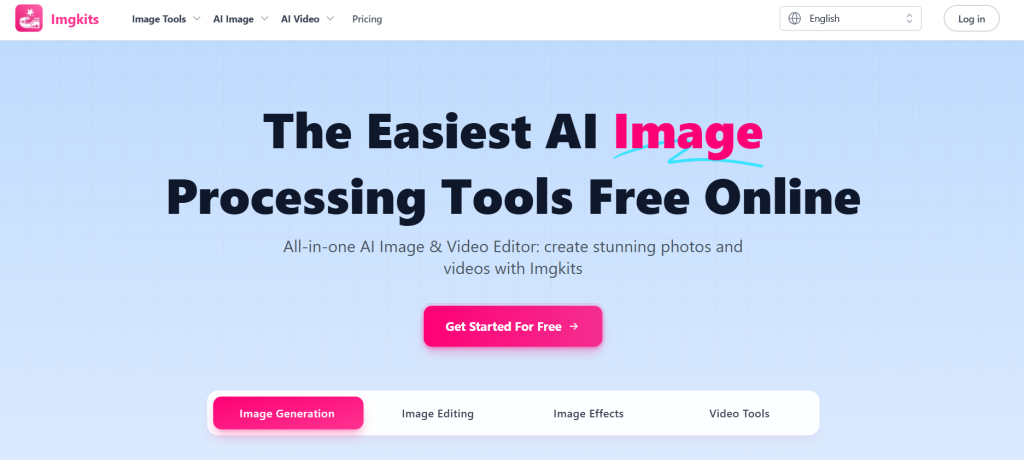
Web-based AI image and video processing suite
What it is: Imgkits combines AI editing, pixelation, and video enhancement in one browser platform.
Standout features:
- Supports multiple formats
- Batch processing
- High-quality upscaling
- Secure SSL encryption
Pricing: See site for latest pricing
Best for: content creators and e-commerce editors
Pros: - No installation needed
- Handles large files easily
Cons: - Occasional export delays
- Limited pixel customization
7. AnimeGenius
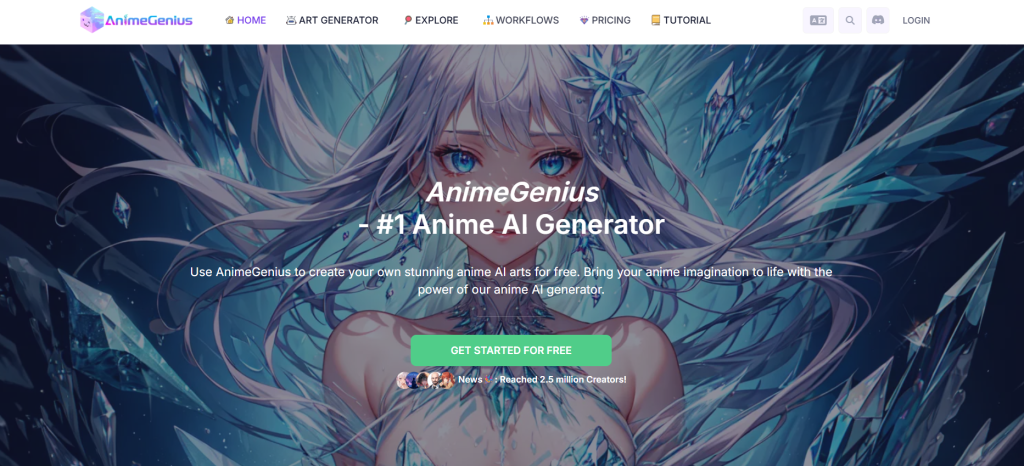
Dedicated AI anime and pixel-style art generator
What it is: AnimeGenius offers a vast model library for text-to-image, pose-to-image, and sticker creation.
Standout features:
- 800 AI models and Loras
- Batch image generation
- Image-to-video support
- Commercial usage rights
Pricing: From $9 per month
Best for: anime artists and VTuber creators
Pros: - Extensive credit options
- High-resolution outputs
Cons: - Complex credit system
- Limited free tier
8. Morphic
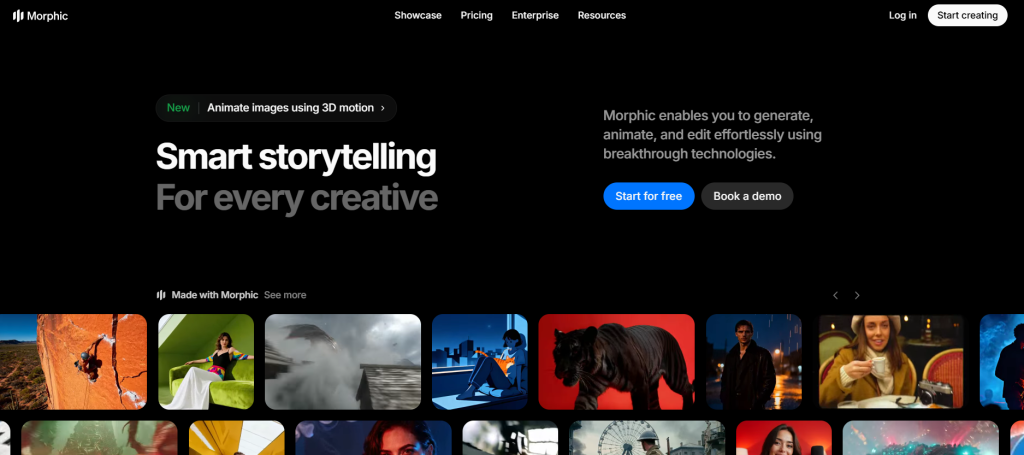
All-in-one AI creative studio for art and assets
What it is: Morphic enables generation of images, videos, ads, and in-game art assets with AI assistance.
Standout features:
- No watermark on paid tiers
- Multi-format export
- Large asset storage limits
Pricing: Free to Enterprise (custom)
Best for: teams building multimedia assets
Pros: - Generous free plan
- Versatile creative tools
Cons: - Learning curve for new users
- Limited third-party integrations
Comparison Table
| Tool | Key Use Case | Starts At | Free Plan | Standout Feature |
| Pixel-Art.ai | AI pixel generation | $5 /mo | No | Unlimited images |
| Pixelfy | Open-source prompt builder | Free | Yes | AI prompt creation |
| Pixelicious | Game-ready conversion | $45 /mo | No | 16× upscaling |
| Bitsjourney | Retro image generation | — | — | Color reduction |
| Pxlize AI | Quick 8-bit conversion | €1.99 | No | Fast processing |
| Wplace Converter | Brand pixel art API | $9.9 /mo | No | Custom templates |
| 4′33″ | Prompt matching AI | — | — | Smart recommendations |
| Imgkits | Image & video editing | — | — | Batch processing |
| AnimeGenius | Anime & pixel art creation | $9 /mo | Limited credits | 800 models library |
| Morphic | All-in-one creative studio | Free | Yes | Multi-asset generation |
StarryAI allows 20 free images daily and customizable grid size, making it ideal for beginners.
PixelVibe currently ranks #1 in traffic among pixel art AI tools with ~387K monthly visits.
To understand why discoverability matters in 2026, read our detailed guide on choosing the best AI directory for finding and showcasing cutting-edge tools.
How to Choose the Right AI Pixel Art Tool
This is where most guides fail.
They list tools, but don’t help you decide.
So here’s a simple decision framework.
Step 1: Identify Your Goal
| Goal | Recommended Tool Type |
| Game assets | PixelVibe, Leonardo |
| Avatars | PixelMe |
| Marketing visuals | Canva AI |
| Professional design | Firefly |
| Artistic exploration | Midjourney |
Step 2: Check Feature Needs
Ask yourself:
Do you need:
- Animation support?
- Palette control?
- Batch generation?
- Style consistency?
These determine the best tool.
Step 3: Consider Budget
Free Tier
Best for beginners.
Freemium Tools
Great for creators.
Premium Tools
Essential for studios.
Built an AI Tool? Get Featured
Reach thousands of decision-makers actively searching for AI solutions.
Boost visibility. Gain backlinks. Drive traffic.
Free vs Paid AI Pixel Art Tools
Free Tools Advantages
- No cost
- Easy to try
- Beginner-friendly
But they often have:
- Generation limits
- Watermarks
- Lower quality
Paid Tools Advantages
- Better models
- Consistent outputs
- Commercial rights
- Faster rendering
For serious work, paid tools are worth it.
Common Mistakes When Using AI Pixel Art Tools
Most beginners make these mistakes.
Mistake 1: Using Generic Prompts
Pixel art requires specific prompts.
Always include:
- Resolution (16-bit, 8-bit)
- Palette style
- Grid size
Mistake 2: Ignoring Palette Limits
Real pixel art uses limited colors.
Always specify palette constraints.
Mistake 3: Choosing the Wrong Tool Type
Not all tools support sprite generation.
Use specialized tools for game assets.
Future of AI Pixel Art
Here’s where things are heading:
Real-Time Pixel Generation
AI tools will soon generate assets instantly during gameplay.
AI-Driven Animation Pipelines
Full character animation will become automated.
Style Consistency Engines
Future AI will maintain perfect consistency across thousands of frames.
Related Reads
- Top AI Tools Directory in 2026: The Best AI Platforms
- AI Image Generator: Best Tools To Try
- Best AI Games Tools
Final Verdict — Which AI Pixel Art Tool Is Best?
AI pixel art tools have transformed a once-manual craft into an incredibly fast creative process.
What used to take hours now takes seconds.
And as AI models improve, pixel art creation will only become faster, smarter, and more consistent.
If you’re serious about retro aesthetics, game development, or digital art, now is the perfect time to start using AI pixel generators.
Because this isn’t just a trend.
It’s the future of creative production.
Here’s the simple answer:
Beginners → StarryAI
Game Developers → PixelVibe
Designers → Adobe Firefly
Artists → Midjourney
There’s no single “best” tool.
Only the best tool for your use case.
For advanced promotion features, featured placements, and premium visibility, explore the available AI Surf pricing plans.
Related Tools You Should Explore
And don’t forget to explore our full AI directory.
FAQ SECTION
What is an AI pixel art generator?
It’s a tool that uses AI models to create pixel-style images from text prompts, photos, or sketches.
Are AI pixel art tools free?
Many offer free tiers. Some provide daily credits or limited generations.
Which tool is best for game development?
PixelAI Studio and Leonardo AI are best for sprites and animations.
Can AI pixel art be used commercially?
Yes, especially tools trained on licensed data like Adobe Firefly.
How accurate is AI pixel art?
Modern AI can maintain semantic details while limiting color palettes and resolution for authentic pixel aesthetics.