


AI Animated Video Maker: Produce Studio-Level Videos
- Video & Animation Video Generators
- November 2, 2025
- No Comments
Earlier this year, a small marketing startup in New York launched a campaign entirely using AI-generated animated videos.
Within days, their engagement skyrocketed by 320%.
Investors, creators, and marketers started asking the same question: “How did they do it?”
The answer is simple: AI animated video tools 2026.
No more hiring expensive animation teams. No more weeks of rendering.
AI is now generating cinematic animations, explainer videos, and social media-ready motion graphics in minutes.
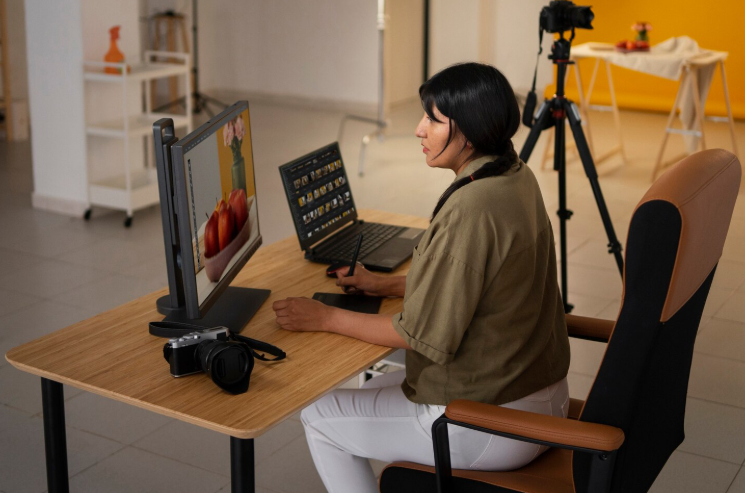
The 2026 AI trend is clear, automation, creativity, and storytelling are merging into one toolset.
If you want to stay ahead as a creator, marketer, or business, mastering the best AI animation software is no longer optional, it’s essential.
What is an AI Animated Video Tool?
An AI animated video tool uses artificial intelligence and automation to produce animation content.
Instead of manually animating frame by frame, users can input a script, image, or idea, and the AI generates lifelike scenes, character movements, and voiceovers.
These tools simplify complex production steps, making video creation accessible for marketers, educators, and creative professionals.
Why AI Animated Video Tools Are Dominating 2026
Before diving into the tools, let’s break down why AI video generation is now a must-have:
- Speed & Efficiency: Traditional animation takes weeks; AI can deliver polished videos in minutes.
- Cost-Effective: No teams, no studios, minimal software costs.
- Scalable Creativity: You can produce hundreds of variations for ads, social media, and campaigns.
- Accessibility: Non-technical users can create animated content using AI text-to-animated video generators.
- Data-Driven Storytelling: AI analyzes viewer preferences and recommends styles, pacing, and characters.
In 2026, every brand that thrives visually will have AI animation in its toolkit.
How We Picked These Tools
- Quality and realism of AI-generated animations
- Ease of use for non-designers
- Available templates, voice, and style options
- Speed of rendering and export quality
- Integration with other platforms or workflows
- Value for money across pricing tiers
The Ultimate List: Best AI Animated Video Tools 2026
Here’s a curated list of the top AI animated video makers, animation generators, and AI video creation tools you need to know.
Animaker – best for studio-quality animated video creation
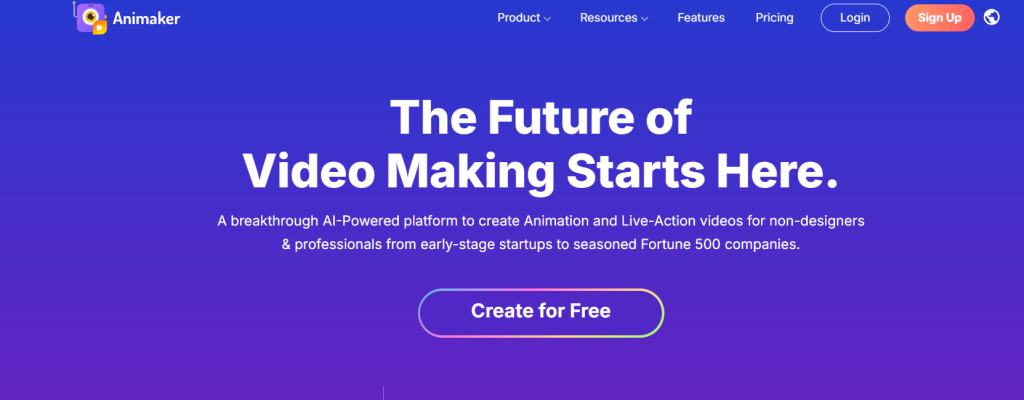
What it is: A powerful online AI animation and video maker that simplifies professional content creation for individuals and teams.
Standout features:
- Whiteboard animations
- AI text-to-speech generator
- Background removal and resizing tools
- HD to 4K export quality
- Team collaboration and brand kits
Pricing: Starts at $15/month for Basic; Pro plan at $43/month; Enterprise custom pricing
Best for: Businesses and creators seeking studio-level results
Pros: - Professional-grade features and templates
- Built-in AI voice generation
- Team-ready with collaboration tools
Cons: - Slight learning curve
- Expensive at higher tiers
A2E Free and Uncensored AI Videos – best for open creative freedom
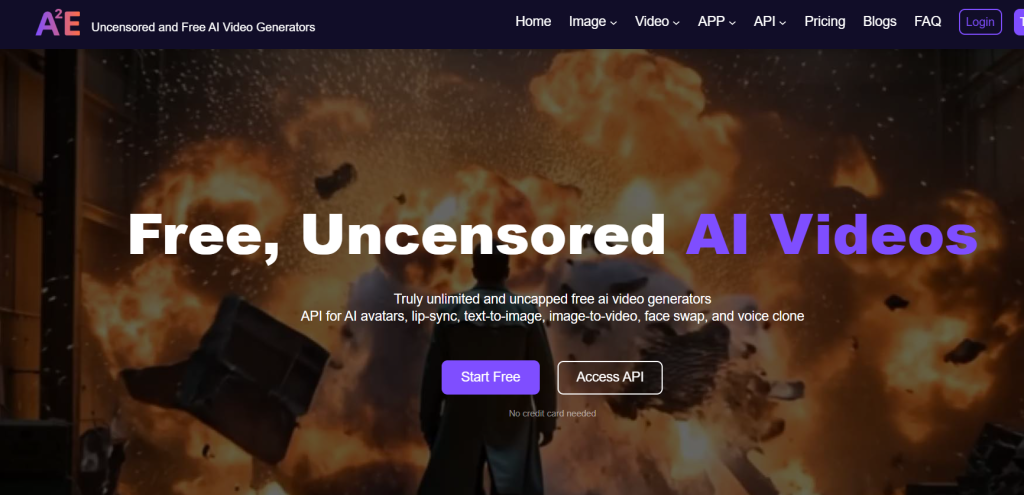
What it is: A creator-focused AI toolbox that supports lip-sync, face swap, voice cloning, and image-to-video generation without restrictions.
Standout features:
- AI avatars and uncensored generation tools
- Face and voice synthesis
- API integration for developers
- Frequent daily free credits
Pricing: Free tier available; Pro starts at $9.9/month; Max at $49/month
Best for: Experimental creators and developers
Pros: - Wide creative range
- Daily free credit system
- API access for automation
Cons: - Interface feels technical
- Limited support documentation
Autodraft AI – best for comics, webtoons, and custom animations
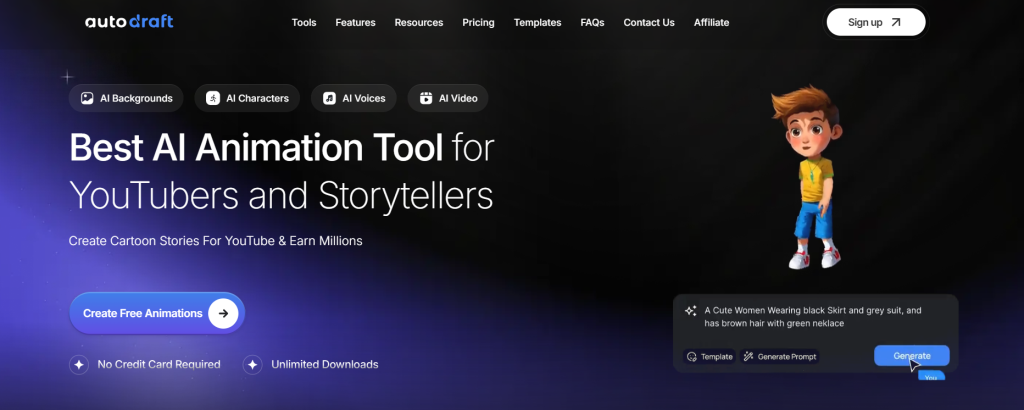
What it is: An AI platform for generating comics and animation with custom character models and stylized outputs.
Standout features:
- Character design from text prompts
- Scene-by-scene comic generation
- Script-to-animation workflow
- 1000–4000 monthly credits for rendering
Pricing: Base plan $10/month; Pro plan $35/month
Best for: Artists and storytellers creating serial content
Pros: - Excellent for stylized projects
- Intuitive creation process
- Customizable assets
Cons: - No voiceover feature
- Web interface only
Animate AI – best for story-driven video series
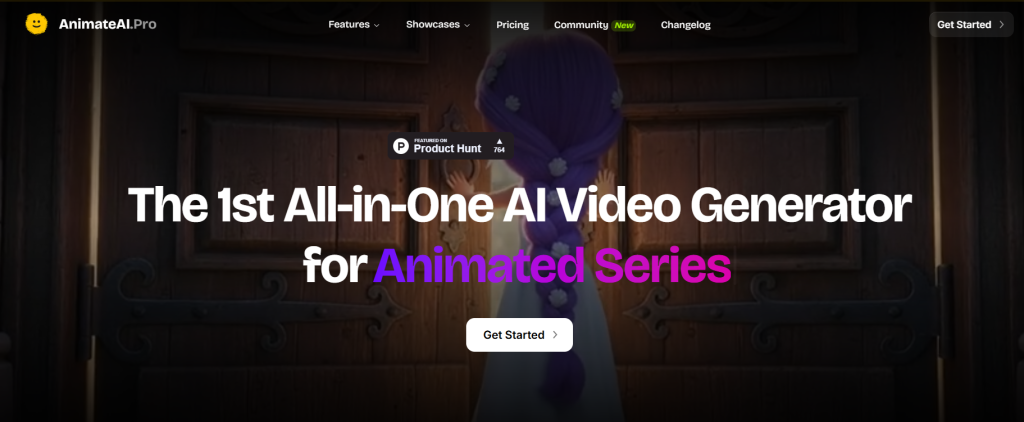
What it is: A full-service AI video generator for creating animated series, stories, and cinematic trailers.
Standout features:
- Multi-language support
- Fast-track rendering
- Ultra-high-quality models
- Scene-based video creation
- Personalized tech support on higher plans
Pricing: Free plan available; Standard $29.99/month; Pro $99.99/month
Best for: Creative studios and narrative content creators
Pros: - High-quality results
- Frequent updates and new models
- Flexible credit options
Cons: - Requires credits for generation
- Limited free scenes
Magic Hour AI – best for image to video and lip sync creation
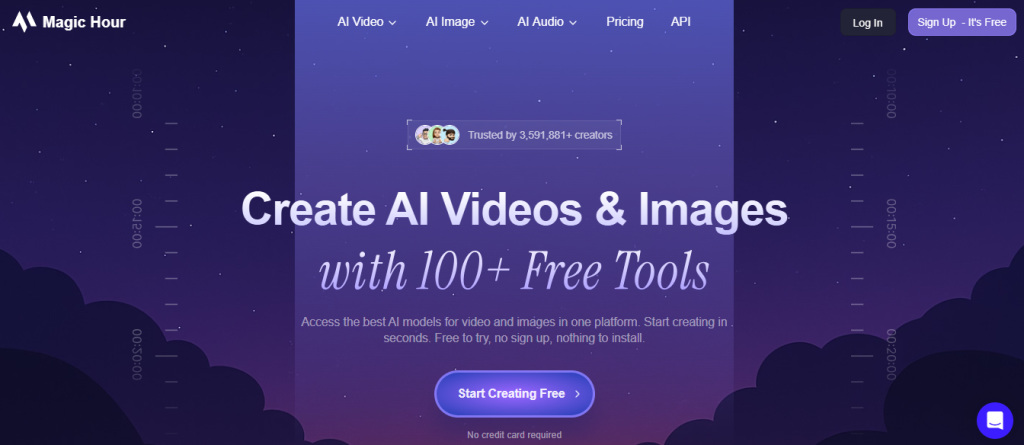
What it is:
An all-in-one AI creation studio designed to turn static visuals into animated content and synchronize speech effortlessly.
Standout features:
- Image to Video Generation: Converts still images, photos, and portraits into motion clips.
- AI Lip Sync: Maps audio tracks onto video speakers or static portraits with frame-by-frame mouth accuracy.
- Face Swap & Video-to-Video: Integrates face swapping into video clips, memes, and animations.
- Broad Tool Suite: Offers over 100+ specialized tools for image editing, style transfer, and video rendering.
Pricing:
Free trial available (no credit card required); tier-based credit plans and custom API pricing available.
Best for:
Creators, marketers, and developers looking for flexible image to video conversions and seamless lip sync dubbing.
Pros:
- Highly accurate lip sync for video dubbing and multi-language localization
- Smooth image to video animation pipeline
- Free tools available with no forced sign-up wall
Cons:
- Credit system applies across complex video rendering models
- Interface offers many features which can feel dense for complete beginners
Videoinu – best for idea-to-video automation
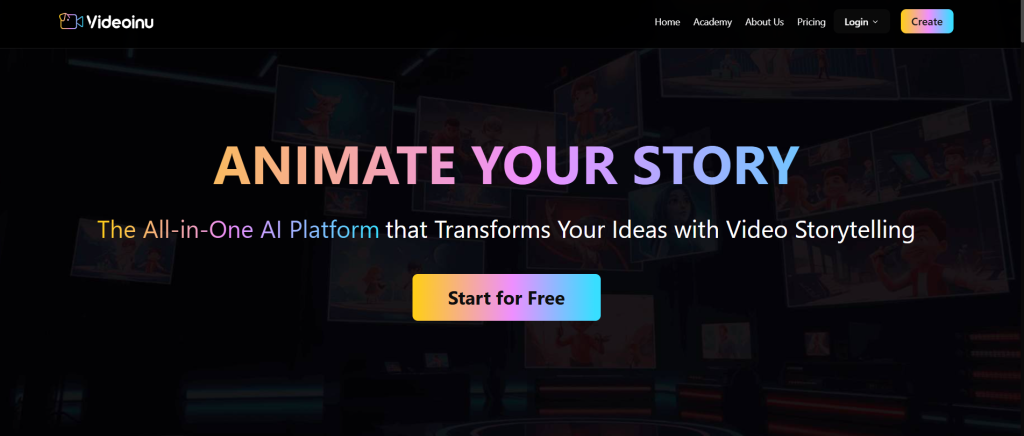
What it is: An all-in-one AI video creation platform that handles scriptwriting, storyboarding, and full video generation from a single dashboard.
Standout features:
- AI-driven story creation
- Integrated storyboard and editor
- Scriptwriting to animation workflow
- Multi-purpose content templates
Pricing: See site for latest pricing
Best for: Content teams and solo creators needing complete automation
Pros: - Combines all stages of production
- User-friendly editor
- Scalable for different content types
Cons: - Occasional lag with complex scenes
- Pricing not transparent
Deep Nostalgia AI – best for animating photos and portraits
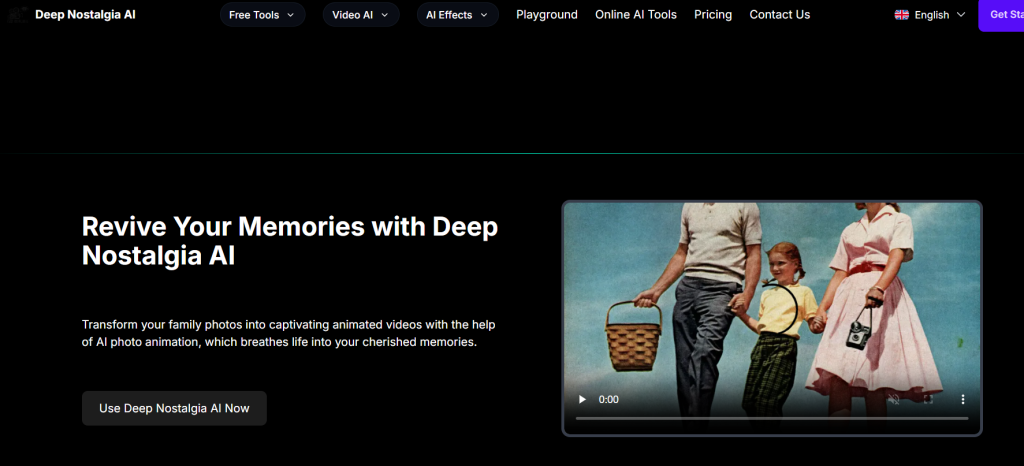
What it is: AI software that brings old photos to life with realistic facial motion and eye movements using deep learning.
Standout features:
- Multiple plans with credits
- High-quality, watermark-free results
- Commercial license options
- Adjustable animation length and quality
Pricing: Starts at $15.9/month (Advanced) up to $59.9/month (Starter)
Best for: History, genealogy, and digital restoration projects
Pros: - Realistic photo-to-video effects
- Multiple credit bundles
- Flexible licensing
Cons: - Focused only on facial animation
- Expensive for light users
Plask Motion – best for motion capture and 3D animation
What it is: A motion capture and animation tool that converts videos into detailed 3D movements using AI.
Standout features:
- Real-time motion tracking
- 3D export support
- Collaboration tools for teams
- Cloud-based asset management
Pricing: Free plan available; Standard $18/month; Pro $50/month
Best for: Animators and 3D creators
Pros: - Accurate motion rendering
- Cloud storage and teamwork
- Great for character animation
Cons: - Limited for 2D creators
- Needs high-quality input footage
RenderLion – best for social media animations
What it is: A free AI video generator for short, animated videos and marketing clips.
Standout features:
- 720p–1080p export
- 1:1, 9:16, and 16:9 formats
- Built-in brand kits and effects
- Fast rendering
Pricing: Free plan available; Starter $6/month; Growth $18/month
Best for: Marketers and influencers creating short-form videos
Pros: - Great for social media output
- Watermark removal on paid plans
- Fast rendering and easy export
Cons: - Limited creative control
- Basic templates
Golpo – best for multilingual explainer videos
What it is: An AI video generator for documents, podcasts, and explainer videos in over 50 languages.
Standout features:
- Voice instructions and script validation
- Scene-by-scene editing
- White-label options for enterprises
- Downloadable, no watermark output
Pricing: Free plan; Starter $39.99/month; Plus $499.99/month
Best for: Businesses and educators
Pros: - Supports global languages
- Storyboard editing flexibility
- Scalable for teams
Cons: - Premium plans are costly
- Limited free credits
Live Portrait AI – best for turning still photos into lifelike videos
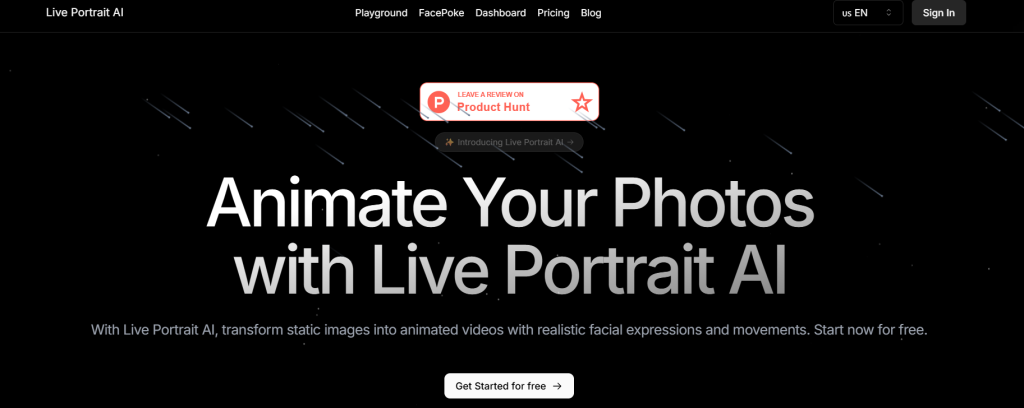
What it is: A deep learning-based animation tool that adds motion and expression to static images.
Standout features:
- Multiple credit tiers
- 10–60 second video support
- High-quality output with email support
- Commercial license for professionals
Pricing: Free plan available; Basic $12.49/month; Pro $41.66/month
Best for: Digital creators and photographers
Pros: - Lifelike results
- Flexible pricing tiers
- Simple interface
Cons: - Occasionally unstable
- Limited animation duration
Comparison Table
| Tool | Key Use Case | Starts At | Free Plan | Standout Feature |
| Animaker | Full-suite AI video maker for business and creators | $15/mo | No | HD to 4K quality with AI subtitle generator |
| A2E AI Videos | Uncensored AI media generation | $9.9/mo | Yes | Image-to-video + face swap toolkit |
| Autodraft AI | Comic and webtoon-style animation | $10/mo | No | Custom character creation with AI |
| Animate AI | Multi-scene AI animation studio | $0 | Yes | Daily credits and multilingual support |
| Videoinu | Script-to-video storytelling | See site | No | Full workflow automation from idea to final render |
| Deep Nostalgia AI | Animate old photos into videos | $15.9/mo | No | Realistic deep learning-based animation |
| Plask Motion | AI motion capture and 3D animation | Free | Yes | Converts videos to 3D skeleton animation |
| RenderLion | Instant video generator for brands | $0 | Yes | Template-based renders for ads and reels |
| Golpo | Explainer and document video generator | $0 | Yes | Multi-language support + API access |
| Live Portrait AI | Photo animation for social media | $0 | Yes | Fast rendering with up to 60-sec animations |
| Animate Old Photos | Old photo revival tool | $14.99 | No | One-time payment model with credit packs |
| ReelCraft | Text-to-animation storytelling | Free | Yes | No-skill animation generation |
| Magic Animator | Animate designs from Figma and SVG | See site | Yes | Direct export to GIF, MP4, or Lottie |
How to Choose the Best AI Animated Video Tool in 2026
Not all AI video generators are created equal.
Here’s how to choose the right one:
- Purpose: Marketing, social media, explainer, or cinematic storytelling?
- Output Style: 2D cartoon, 3D character, or cinematic motion graphics?
- Budget: Free tools vs enterprise-level platforms.
- Integration: Does it connect with your social media, CRM, or editing software?
- Ease of Use: How fast can you generate a polished video without training?
Free vs Paid AI Animated Video Tools
Free AI animation tools are great for testing ideas, but they often come with:
- Watermarks
- Limited export resolution
- Restricted AI features
Paid AI animation generators offer:
- High-quality export (4K/HD)
- Full AI features like voice sync, motion graphics, avatars
- Scalable batch production
- Enterprise collaboration
Benefits of Using AI Animated Video Tools
In 2026, AI animated video tools aren’t just a convenience, they’re a game-changer for creators, marketers, and businesses.
Imagine cutting a week of animation work down to a few hours while producing content that looks like it came from a professional studio.
That’s exactly what AI animation generators do.
Here’s why these tools are transforming content creation:
1. Save Time and Streamline Workflows
Traditional animation can take days or even weeks per video.
With AI animated video makers, you can:
- Generate motion graphics instantly from text
- Auto-sync voiceovers with animated characters
- Use templates to produce multiple variations in minutes
Time saved means more campaigns, faster launches, and less burnout for your team.
2. Reduce Production Costs
Hiring animators, voice actors, and editors adds up quickly. AI tools eliminate many of these costs by:
- Automating complex animations
- Offering built-in voiceovers and sound effects
- Providing ready-made templates and stock assets
This makes studio-quality videos accessible to small teams and startups.
3. Produce Studio-Level Results Without Technical Skills
You don’t need After Effects or Maya expertise anymore.
AI animation tools are designed for anyone to use:
- Drag-and-drop interfaces
- AI-generated motion and transitions
- Auto-rendering in HD or 4K
Even beginners can produce professional-quality animated videos in 2026.
4. Perfect for Multiple Use Cases
AI animated video generators aren’t limited to one type of content.
They excel in:
- Marketing campaigns and ad creatives
- Explainer and tutorial videos
- Education and e-learning modules
- Entertainment and social media content
Where speed, consistency, and visual appeal matter, AI is unmatched.
5. Enhanced Collaboration and Workflow Automation
Many platforms include:
- Team collaboration tools
- Cloud-based project storage
- Integration with marketing, social media, or CRM tools
This streamlines content production from ideation to final export, keeping teams aligned and efficient.
6. Boost Engagement and Conversions
AI-generated animations are eye-catching, consistent, and optimized for attention.
Videos created with AI can:
- Increase CTR on social media and email campaigns
- Improve retention in explainer videos
- Drive higher engagement with interactive storytelling
In short, AI animated video tools let creators focus on ideas, not manual labor, while producing content that delivers results fast.
Future of AI Animation in 2026
2026 will be the year AI fully integrates storytelling, automation, and personalization. Expect:
- AI avatars replacing on-camera hosts
- Neural text-to-video models for instant marketing campaigns
- AI-enhanced motion graphics personalized by viewer data
- Automated animated pipelines for social media, ads, and product demos
In short, the tools listed above are just the beginning.
If you master AI animated video tools now, you’ll dominate content creation in the next decade.
Related Reads
Final Thoughts
AI animated video tools are no longer optional in 2026.
From YouTube creators to enterprises, these tools are reducing production time, cutting costs, and supercharging engagement.
Whether you want text-to-animated video AI, cinematic motion graphics, or personalized avatar marketing videos, the tools above have you covered.
The future of animation is fast, intelligent, and hyper-creative. Master it now, and your content will dominate in 2026 and beyond.
FAQs About AI Animated Video Tools
1. What is the best AI animated video maker in 2026?
It depends on your needs: Runway Gen-2 for cinematic storytelling, Synthesia for avatars, Animaker for businesses.
2. How do AI animation tools work?
They use neural networks, generative AI, and text-to-video models to automatically animate characters, motion graphics, and scenes.
3. Can AI tools create animated videos from text?
Yes, text-to-video AI generators like Runway and Veed.io convert text into dynamic animations.
4. Which AI tools make animated marketing videos?
Synthesia, Animaker, and Rephrase.ai are top choices for scalable marketing campaigns.
5. Are there free AI animation tools with no watermark?
Some tools offer free tiers, but fully watermark-free professional videos typically require a paid plan.