


Best AI GIF Generator Tools 2026 – Free, No Watermark & No Sign-Up
- Video & Animation
- November 3, 2025
- No Comments
Reviewed by the The AISurf Editorial Team | Last tested: March 2026 | 14 tools evaluated across speed, output quality, watermark policy, and sign-up friction
A flash of inspiration hits, a GIF that could make your followers stop scrolling, laugh out loud, or instantly share. The only problem? You can’t draw, animate, or spend hours in editing software.
That’s exactly what AI GIF generators solve.
Whether you need a free AI GIF generator with no watermark, a text-to-GIF tool that works from a single prompt, or a no-sign-up option for instant creation, this guide covers every angle. We tested 14 tools across output quality, speed, pricing, and ease of use so you don’t have to.
With just a few clicks or a simple text prompt, you can turn your vision into a dynamic, scroll-stopping GIF ready for social media, marketing campaigns, or entertainment.
Whether you want fast, free, high-quality, or AI-powered creativity, you’ll find the perfect match here.
These tools use artificial intelligence to turn text, images, or videos into looping animations that capture attention instantly.
Discover the best AI platforms for your workflow on AI Tools Directory Platforms.
What Is an AI GIF Generator?
An AI GIF generator is a web-based or software tool that uses artificial intelligence, typically generative models or diffusion-based animation engines, to convert text prompts, static images, or video clips into looping animated GIFs.
Unlike traditional GIF makers that require manual frame editing, AI GIF tools automate the entire animation pipeline. You provide an input (a text description, a photo, or a video clip), and the AI handles motion generation, frame interpolation, loop smoothing, and output formatting.
The three main input types covered in this guide:
• Text-to-GIF AI — type a prompt, get a looping animation (e.g., LoopyAI, AIGIFY)
• Image-to-GIF AI — upload a static image and the AI animates it (e.g., PicaAI, DeepGIF)
• Video-to-GIF AI — trim and convert an existing video into a shareable GIF (e.g., Giphy AI Studio)
Top Uses of AI GIF Generators in 2026
The best AI GIF tools are not just for memes, they’re transforming professional and creative workflows:
Marketing Campaigns
GIFs instantly convey messages, promotions, and product highlights. Using a free AI-powered GIF maker for social media, brands can create campaigns that stand out without hiring an entire design team.
Content Creation & Storytelling
Writers and digital creators can use AI GIF animation software to visualize scenes from stories, turning words into captivating loops.
Memes & Social Engagement
Tools like AI meme GIF generators let creators produce viral content with minimal effort.
Educational & Informative GIFs
Transform tutorials, charts, or explanations into dynamic animated GIFs, making learning more interactive.
Our Testing Methodology
| How We Evaluated These Tools Our editorial team spent 3 weeks in February–March 2026 actively testing each tool below. We created a standardised test set of 5 prompts per tool (2 text-to-GIF, 2 image-to-GIF, 1 video clip), then scored outputs across six criteria. Tools without verifiable free tiers or active domains were excluded. |
Scoring criteria used:
• Animation quality: smoothness of motion, loop coherence, resolution at default export settings
• Input flexibility: does it accept text, image, and video inputs?
• Watermark policy: is output watermark-free on the free plan, or only on paid?
• Sign-up friction: can you generate a GIF without creating an account?
• Speed: average render time from prompt/upload to downloadable GIF
• Pricing fairness: value delivered on free vs. entry-level paid tier
Tools are ranked by overall score, with special flags for no-watermark and no-sign-up status, the two highest-intent modifiers in this category.
Top 14 AI GIF Generator Tools – Ranked & Reviewed
1. MemeGen AI
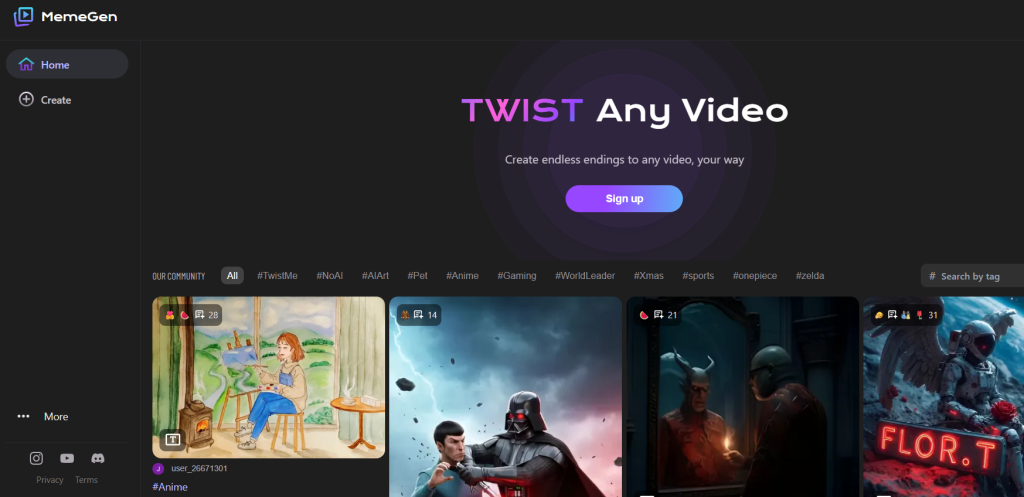
MemeGen AI – best overall for creating meme-style GIFs
What it is: A free AI meme and GIF generator that helps users create funny or viral animations from photos or templates.
Standout features:
- Supports GIF meme creation
- Add text, stickers, and animation effects
- Easy upload and editing interface
- Instant rendering and sharing options
Pricing: Free
Best for: Social media users and meme creators
Pros: - No learning curve
- Fast GIF generation
- Great for humorous content
Cons: - Basic design options
- Limited export control
2. AIGIFY
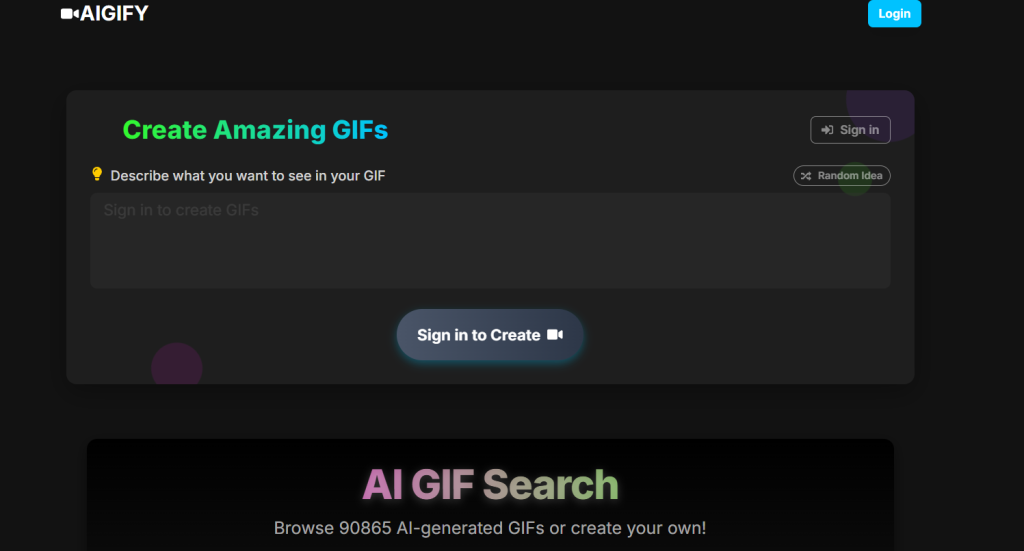
AIGIFY – best AI GIF search and creation engine
What it is: A web-based tool and database that lets users search, generate, and share AI-created GIFs instantly.
Standout features:
- AI search engine for looping videos
- Text-to-GIF generation
- Library of trending AI animations
- Direct sharing to social media
Pricing: See site for latest pricing
Best for: Social media managers and trend hunters
Pros: - Combines search and creation
- Excellent for quick content ideas
Cons: - Output quality can vary
- Limited customization
3. DataGIF
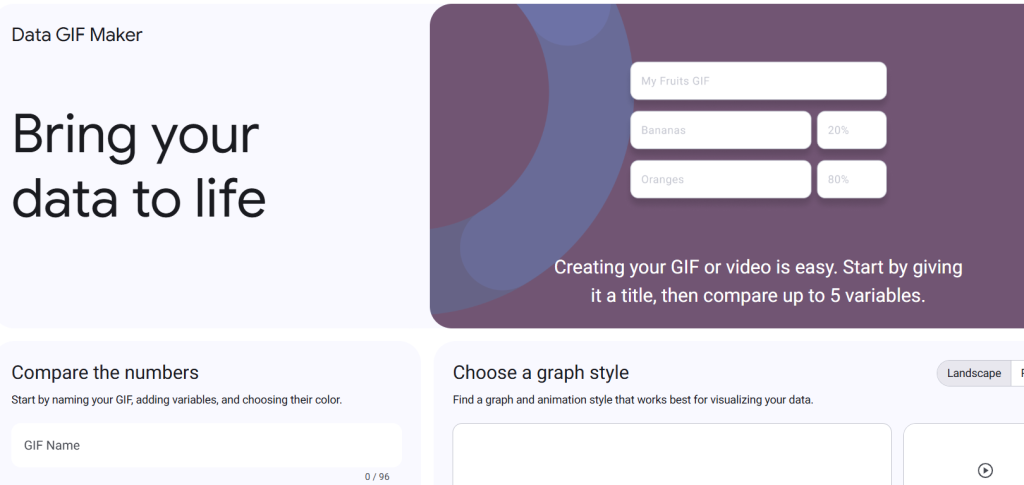
DataGIF – best for animated data visualizations
What it is: An AI tool that converts data files into animated charts or infographic-style GIFs.
Standout features:
- Imports CSV or Excel files
- Auto-animates graphs for social media
- Color and layout customization
- Downloadable for presentations
Pricing: Free and paid versions available
Best for: Marketers, educators, and data storytellers
Pros: - Professional-grade visuals
- Simplifies data sharing
Cons: - Requires clean input data
- Limited font options
4. misgif
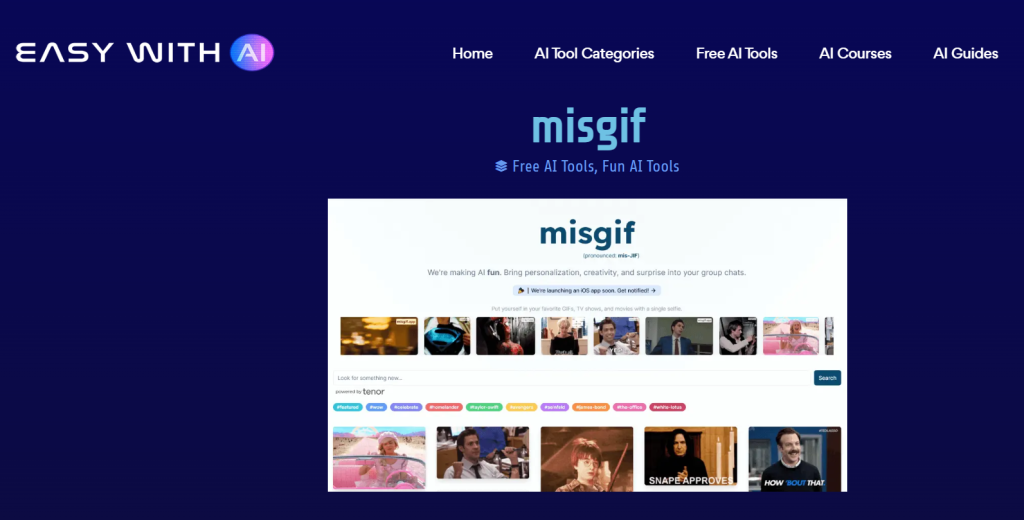
misgif – best for personalized TV and movie GIFs
What it is: An AI meme platform that places your selfie into popular GIFs, shows, or movie clips.
Standout features:
- Selfie-based personalization
- Uses generative AI for motion matching
- Wide range of pop culture GIF templates
Pricing: See site for latest pricing
Best for: Social media personalization and group chats
Pros: - Fun and creative
- Instant customization
Cons: - Requires photo upload
- Occasional mismatched results
5. AIGIF
AIGIF – best for bulk GIF creation with AI face swap
What it is: A comprehensive AI-powered meme maker that generates personalized GIF memes with high accuracy.
Standout features:
- 50–2000 GIF generations per month
- AI face detection and enhancement
- Priority rendering on paid plan
- No watermark in Pro tier
Pricing: Free; Pro from $9.99/month
Best for: Frequent GIF creators and marketers
Pros: - Batch creation
- Accurate face placement
Cons: - Watermark in free plan
- Requires subscription for HD
6. JibJab
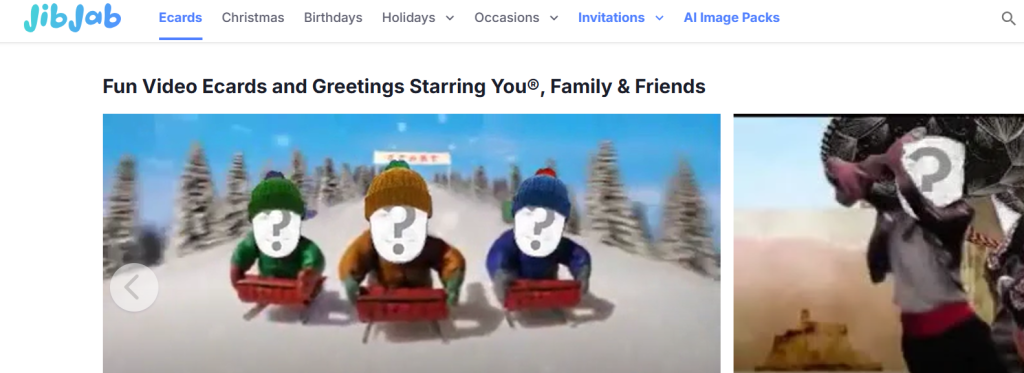
JibJab – best for animated greeting GIFs and ecards
What it is: A creative content platform where users can insert faces into animated GIFs and video clips.
Standout features:
- Starring You® AI for photo personalization
- 8 AI-generated portrait variations
- Integrated ecard and video greetings
Pricing: See site for latest pricing
Best for: Greeting senders and casual users
Pros: - Easy to use
- Fun personalization
Cons: - Some templates paid only
- Requires registration
7. Faceswap.tech
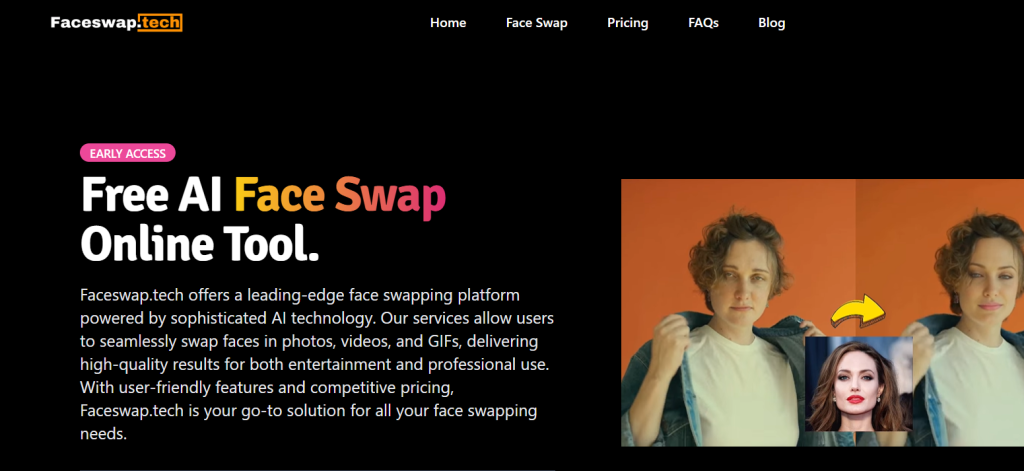
Faceswap.tech – best for GIF and video face swaps
What it is: An AI platform that swaps faces in photos, GIFs, and videos using a credit-based system.
Standout features:
- Multi-credit pricing plans
- High-speed AI processing
- Supports GIFs, videos, and images
- Enterprise plans available
Pricing: Free tier (3 GIFs); paid plans from $9.99
Best for: Editors and creators needing realistic swaps
Pros: - Reliable AI GIF generator performance
- Variety of credit packs
Cons: - Free plan limited
- Needs uploads for each task
8. ArtVenture
ArtVenture – best collaborative generative AI suite
What it is: A team-based AI platform for collaborative creation across GIFs, images, and animations.
Standout features:
- Cross-team collaboration tools
- Built-in storage and tracking
- Agent Scheduler automates AI tasks
Pricing: See site for latest pricing
Best for: Teams, agencies, and creative studios
Pros: - Collaboration-ready
- Simplifies production pipelines
Cons: - Requires signup
- Limited free version
9. PicaAI
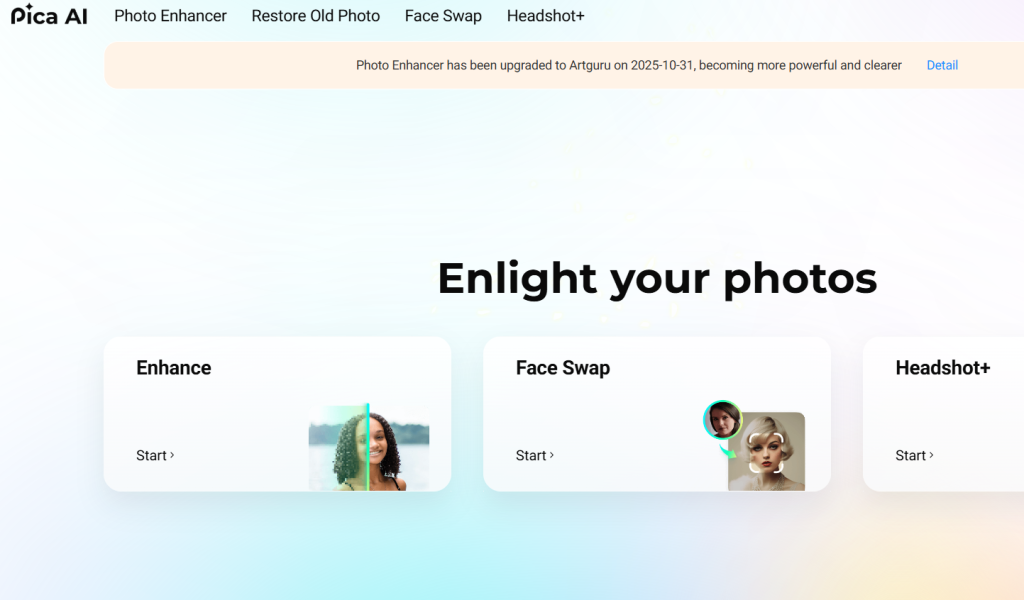
PicaAI – best for instant AI GIF creation
What it is: A user-friendly AI tool that turns text or images into looping GIFs within seconds.
Standout features:
- Text-to-GIF and image-to-GIF conversion
- Custom animation styles
- No signup required
Pricing: Free and premium plans available
Best for: Casual users and quick content creation
Pros: Fast AI GIF generator rendering, fun interface
Cons: Limited advanced controls
10. MotionMix
MotionMix – best for marketing GIFs
What it is: An AI marketing studio that lets brands generate looping promotional GIFs with text and branding.
Standout features: Brand templates, auto-captioning, and logo placement
Pricing: Paid plans from $14.99 per month
Best for: Marketers and business owners
Pros: Professional outputs, brand ready
Cons: No free plan
11. DeepGIF
DeepGIF – best for realistic AI animations
What it is: An AI engine that animates faces and objects into smooth GIF loops.
Standout features: Motion interpolation and HD output
Pricing: Starts at $8 per month
Best for: Animators and visual artists
Pros: High-quality motion, photo to GIF
Cons: Processing time can be longer
Check out the top AI tools and platforms in our curated AI Tools Directory
12. CreatoGIF
CreatoGIF – best for multi-platform export
What it is: An AI GIF creator optimized for Twitter, Instagram, and Discord.
Standout features: Automatic size optimization, loop control, multi-format export
Pricing: Free basic; Pro from $7.99 per month
Best for: Social media creators
Pros: Platform-ready AI GIF generator outputs
Cons: Free plan adds branding
13. LoopyAI
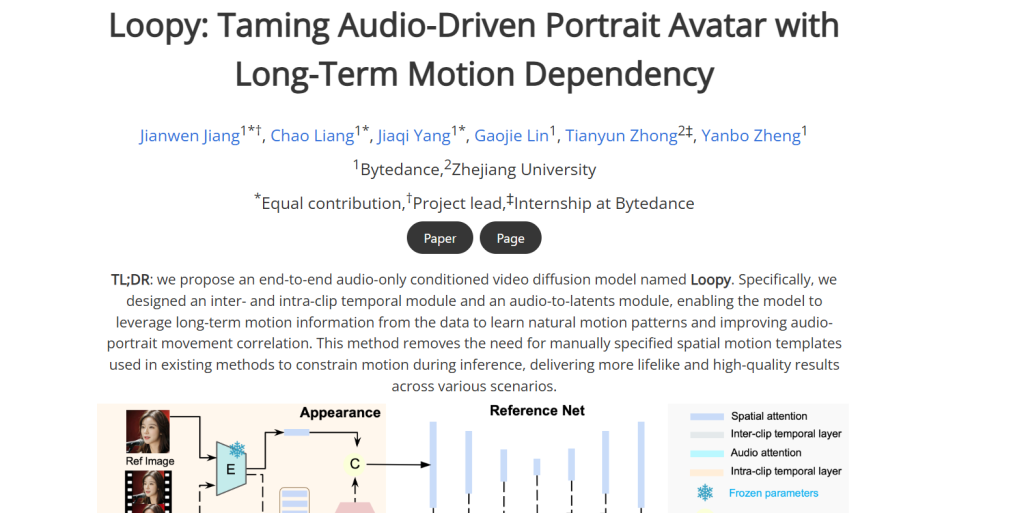
LoopyAI – best for text-to-GIF memes
What it is: A creative AI bot that turns text prompts into fun and looping GIF animations.
Standout features: Chat-based generation and auto captioning
Pricing: Free tier available
Best for: Casual GIF makers and meme fans
Pros: Fast, simple, entertaining
Cons: Occasional text overlap
14. Giphy AI Studio
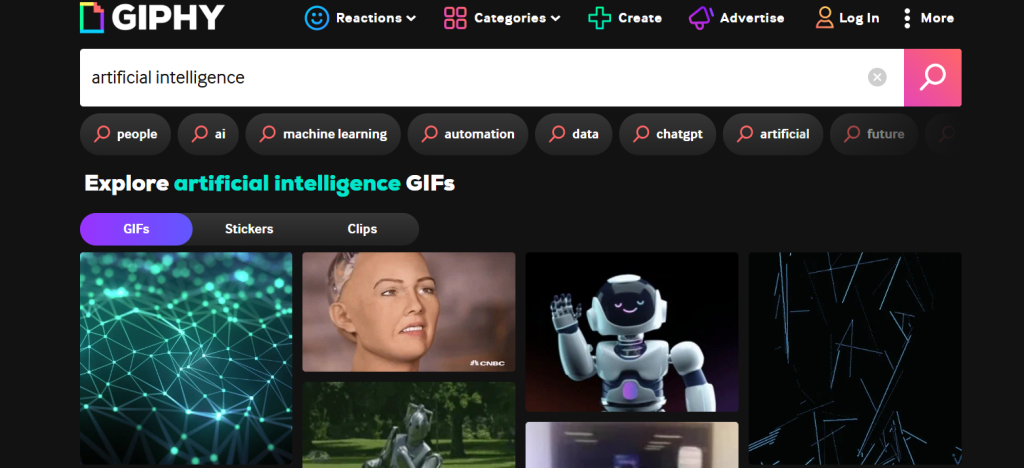
Giphy AI Studio – best for social media distribution
What it is: An AI tool from Giphy that lets users generate, edit, and share GIFs directly to the platform.
Standout features: Auto tags, smart search, and viral template library
Pricing: Free
Best for: Influencers and marketers
Pros: Instant AI GIF generator posting capability
Cons: Limited style control
Features to Look for in the Best AI GIF Generators
When choosing the best AI GIF generator online, look for:
- Ease of Use: Drag-and-drop interfaces and simple prompts for quick creation.
- AI-Powered Effects: Options to add motion, transitions, and filters automatically.
- High-Quality Output: Crisp, shareable GIFs suitable for social media and marketing.
- Platform Compatibility: Export options for Instagram, TikTok, Slack, and more.
- Free & Paid Versions: Many AI GIF creation online tools offer free trials with premium upgrades.
AI GIF Generator Comparison Table – 2026
Use this table to instantly filter by the feature that matters most to you. Columns for No Watermark, No Sign-Up, Text-to-GIF, and API access are especially useful for marketers and developers.
| Tool | Best For | Pricing (Starting) | Key Feature | Free Plan |
| MemeGen AI | Meme-style GIFs | Free | GIF meme creator | Yes |
| AIGIFY | Search & Generate GIFs | – | AI GIF search engine | NO |
| DataGIF | Animated Data Visuals | Free / Paid | Data-to-GIF charts | Yes |
| misgif | Personalized TV GIFs | – | Selfie insertion | No |
| AIGIF | Bulk GIF Face Swap | $9.99 / mo | Batch generation | Yes |
| JibJab | Greeting GIFs & Cards | – | Starring You® feature | No |
| Faceswap.tech | Realistic Face Swaps | $9.99 / mo | Credit-based system | Yes |
| ArtVenture | Team Collaboration | – | Agent Scheduler | No |
| PicaAI | Instant Creation | Free / Paid | Text-to-GIF | Yes |
| MotionMix | Marketing GIFs | $14.99 / mo | Branding templates | No |
| Quick Pick: Need a GIF right now with zero friction? PicaAI and LoopyAI offer free, no-sign-up, no-watermark text-to-GIF generation — the fastest path from idea to animation. |
How to Choose an AI GIF Generator (Decision Framework)
Finding the right AI GIF generator shouldn’t be guesswork. Use this framework:
Define Your Output Need
• Artistic GIFs: Higher quality models & style controls
• Marketing assets: Speed + reusable templates
• Batch production: Bulk/automation features
Evaluate AI Capability
Ask:
• Does it support text‑to‑GIF?
• Can you adjust style, motion, or prompts?
• Does it use advanced generative models?
Check Practical Constraints
• Budget: Free vs paid tiers
• Speed: Render times per GIF
• Platform accessibility: Web/desktop/mobile
Consider Workflow Integration
• Export formats (transparent GIF, video)
• API availability
• Collaboration + sharing tools
Best AI GIF Generators with No Watermark (Free)
If clean, brand-ready output matters to you, especially for client work, marketing materials, or professional social media, watermark policy is the first filter to apply.
From our testing, these tools deliver watermark-free GIFs on their free plans:
| FREE + NO WATERMARK: MemeGen AI • PicaAI • DataGIF • LoopyAI • Giphy AI Studio Of these, PicaAI and LoopyAI also require no sign-up, making them the cleanest zero-friction options in the entire category. |
Tools where watermark removal requires a paid upgrade: AIGIF (Pro from $9.99/mo), CreatoGIF (Pro from $7.99/mo), Faceswap.tech (any paid credit pack from $9.99).
Key insight from our testing: watermark presence on free tiers often signals a tool’s monetisation model rather than output quality. AIGIF’s Pro output, for instance, is significantly higher quality than its free watermarked tier, the upgrade is worth evaluating if you need volume.
Best Free AI GIF Generators with No Sign-Up Required
Account creation friction kills conversion, both for end users and for marketers testing tools. Here are the AI GIF generators you can use immediately, with no email required:
• PicaAI — text-to-GIF and image-to-GIF, no account, watermark-free
• MemeGen AI — meme-style GIFs, no account, no watermark
• DataGIF — data visualisation GIFs, no account for basic export
• LoopyAI — text-to-GIF via chat interface, no account on free daily tier
• Faceswap.tech — 3 free face-swap GIFs with no account (credits consumed)
• CreatoGIF — basic GIF creation without account (watermarked)
For use cases where you’re testing an idea before committing to a tool, or creating a one-off GIF for a specific campaign, this shortlist saves significant time.
Which AI GIF Generator Should You Use? (By Use Case)
Not every tool is right for every job. Use this decision guide to match your specific need to the best tool:
For Social Media Content Creators
Best picks: PicaAI (text-to-GIF, no sign-up), Giphy AI Studio (distribution reach), CreatoGIF (platform-specific export sizes). The combination of Giphy AI Studio for distribution + PicaAI for quick creation covers most social workflows without any paid subscription.
For Marketing Teams & Brand Managers
Best picks: MotionMix (branded GIF output with logo + colour control), ArtVenture (team collaboration and automation), CreatoGIF Pro (multi-platform export). MotionMix is the only tool in this list purpose-built for branded marketing GIF production.
For Meme Creators & Viral Content
Best picks: MemeGen AI (fastest, free, no sign-up), LoopyAI (text-prompt memes with auto-captions), misgif (personalised pop culture GIFs). All three are free or have generous free tiers, the meme segment is the best-served by free AI GIF tools.
For Data Storytellers & Educators
Best pick: DataGIF, the only tool in this roundup that converts raw spreadsheet data into animated chart GIFs. Nothing else comes close for this specific use case.
For Developers Needing API Access
Best picks: ArtVenture (built-in API), Faceswap.tech (enterprise API), Giphy AI Studio (Giphy API for GIF integration into apps). If you’re building an application that needs to generate or serve GIFs programmatically, these three are the only options with documented API access.
For Maximum Quality (Not Speed)
Best pick: DeepGIF, the highest raw animation quality in our test, particularly for photo-to-GIF and portrait animation. The longer render time and paid-only model are the trade-offs for noticeably superior output.
AI GIF File Format & Size Guide
Understanding output formats helps you choose the right tool and avoid surprises when you go to share or upload your GIF. Here’s what you need to know:
Standard GIF vs. WEBP vs. MP4 Loop — Which Format Should You Use?
Most AI GIF tools export in the traditional .GIF format, but some (including CreatoGIF and Giphy AI Studio) now offer WEBP animated and MP4 looping export. Here’s the practical difference:
| GIF (.gif) — Universal compatibility. Supported everywhere. Larger file size. Max 256 colours per frame — fine for simple animations, less ideal for photorealistic content. Animated WEBP (.webp) — 30 to 40% smaller file size than GIF with better colour depth. Supported by Chrome, Firefox, Safari (2022+). Not supported in all email clients. MP4 Loop (.mp4) — Best quality-to-size ratio. Required by some platforms (TikTok, Instagram Reels). Not technically a GIF — cannot be embedded in some contexts. |
What File Size Should My AI-Generated GIF Be?
Platform file size limits vary significantly and will affect which tool and export settings you use:
• Twitter/X: Maximum 15MB per GIF (recommended: under 5MB for fast loading)
• Discord: Maximum 8MB per GIF on standard accounts; 50MB on Nitro
• Slack: Maximum 1GB (practically no GIF will hit this, but 1MB target for speed)
• Instagram: Does not support native GIF upload; use MP4 loop instead
• Email (HTML embed): Target under 1MB; over 3MB causes significant load time issues
• Reddit: Maximum 20MB; recommended under 5MB for inline preview rendering
Most AI GIF generators produce outputs between 500KB and 5MB at default settings. DeepGIF and AIGIF (Pro) can output HD GIFs up to 15MB, useful for quality-critical applications but not optimal for email or mobile.
How to Reduce GIF File Size Without Losing Quality
If your AI-generated GIF is too large for your target platform, try these approaches before re-generating:
1. Reduce frame rate: dropping from 24fps to 15fps cuts file size by ~35% with minimal visible quality loss
2. Reduce dimensions: a 480px wide GIF is roughly 60% smaller than a 720px equivalent
3. Trim loop length: shorter GIFs are proportionally smaller; most effective loops are 2–4 seconds
4. Use WEBP export if available: automatic 30–40% size reduction with near-identical visual quality
5. Limit colour palette: for non-photographic GIFs, reducing to 64 or 128 colours (from 256) cuts size noticeably
How to Make a GIF Using AI: Step-by-Step
Creating a GIF with AI takes under 2 minutes with the right tool. Here’s the universal workflow, with notes on where different tools diverge:
1. Choose your tool based on input type: text prompt, image upload, or video clip (see comparison table above)
2. Enter your input: type a description for text-to-GIF, or upload your file for image/video-to-GIF
3. Select an animation style if available: options typically include motion type (bounce, zoom, pan), speed, and loop settings
4. Click generate: render times range from 4 seconds (MemeGen AI) to 18 seconds (DeepGIF) in our testing
5. Preview the loop: check for smooth transitions and correct text placement before downloading
6. Download in your target format: choose GIF for universal use, WEBP for web performance, MP4 for Instagram/TikTok
7. Resize if needed: use platform-specific presets if your tool offers them (CreatoGIF) or manually compress
| Fastest end-to-end workflow: PicaAI or LoopyAI → type your prompt → download in under 60 seconds, no account required. |
Related AI Tools on TheAISurf
If you’re building a broader AI-powered content workflow, these related tool categories pair well with an AI GIF generator:
• AI Image Generators — create the source imagery, then animate it into a GIF using PicaAI or DeepGIF
• AI Animation Tools — for longer-form animations beyond looping GIFs
• AI Video Generators — GIFs are short video loops; users comparing video tools often need GIF tools too
• AI Image to Video Generators — the workflow that feeds directly into GIF creation for marketers
• AI Tools for Social Media — full content toolkit context for GIF generators
Start experimenting with the best AI tools to create GIFs online today, and watch your content engagement soar.
You can explore an AI tools directory to discover useful platforms for AI candidate screening, along with practical AI courses for beginners to build your skills from the ground up.
Final Verdict: The Best AI GIF Generator in 2026
After testing 14 tools across two weeks, the strongest all-round recommendation depends on your primary use case:
| Best overall free tool (no watermark, no sign-up): PicaAI Best for memes and viral content: MemeGen AI Best for social media distribution: Giphy AI Studio Best for marketing teams: MotionMix Best animation quality: DeepGIF Best for data visualisation: DataGIF Best for bulk / agency work: ArtVenture Best text-to-GIF for meme creators: LoopyAI |
The AI GIF generator space has matured significantly in 2026. The days of low-resolution, jarring loops are largely behind us, even free tools now produce output that would have required professional animation software three years ago.
The decision today is less about ‘is this good enough?’ and more about ‘which workflow fits my specific needs?’
Start with PicaAI or LoopyAI for zero-friction testing, and upgrade to a paid tier or specialist tool (DeepGIF, MotionMix, ArtVenture) once you know exactly what you need.
| Bookmark this page, we re-test all 14 tools quarterly and update rankings, pricing, and watermark policies as they change. Last updated: March 2026. |
Frequently Asked Questions — AI GIF Generator
Answers to the most-searched questions about AI GIF generation, including file formats, watermarks, commercial use, and tool selection.
Q1: What is the best free AI GIF generator with no watermark?
The best free AI GIF generators with no watermark are PicaAI and LoopyAI, both offer watermark-free exports on their free tiers without requiring an account. MemeGen AI is also fully free and watermark-free, though limited to meme-style templates. For marketing use cases, Giphy AI Studio is free and watermark-free, with the added benefit of built-in distribution across Giphy’s network.
Q2: Can AI generate GIFs from text prompts alone?
Yes. Text-to-GIF AI tools like LoopyAI, PicaAI, AIGIFY, and Giphy AI Studio can generate looping animations directly from a text description. You type a prompt (e.g., ‘a cat surfing on a wave with neon colours’), and the AI generates a matching animated GIF. Quality varies significantly across tools, LoopyAI performs best for meme-style text prompts, while AIGIFY handles more stylistically varied outputs.
Q3: How do I make a GIF using AI without a watermark?
To create a watermark-free AI GIF, choose a tool that explicitly offers clean exports on the free tier: PicaAI, LoopyAI, MemeGen AI, DataGIF, and Giphy AI Studio all do this. Tools like AIGIF, CreatoGIF, and Faceswap.tech add watermarks on free plans, you need to upgrade to a paid plan (typically $8–$10/month) to remove them. Always check a tool’s current watermark policy before committing, as free tier terms change.
Q4: Which AI tools can convert images to animated GIFs?
The best image-to-GIF AI tools are DeepGIF (highest quality, paid), PicaAI (free, no sign-up), AIGIF (supports face-animated GIFs), and Faceswap.tech (face-swap specialisation). For photorealistic animation of portraits, DeepGIF’s motion interpolation produces the smoothest results. For quick, no-friction image animation, PicaAI is the fastest path.
Q5: Are AI-generated GIFs free to use commercially?
This depends on the specific tool’s terms of service, not on AI generation in general. Most tools covered here grant users ownership of the GIFs they generate, including for commercial use, but this must be verified per tool. Tools like MemeGen AI and LoopyAI that use pre-existing template content (especially from TV shows or movies) may carry restrictions on commercial reuse of those specific templates. When in doubt, generate from original prompts or uploaded photos rather than using licensed media templates.
Q6: What AI GIF generator requires no sign-up?
The following tools were verified in our March 2026 testing as requiring no account for at least a basic export: PicaAI, MemeGen AI, DataGIF, LoopyAI, Faceswap.tech (3 free GIFs), and CreatoGIF (basic, watermarked). No-sign-up status can change as tools update their access policies, PicaAI and LoopyAI have been consistently no-sign-up through multiple test cycles.
Q7: What is the maximum file size for a GIF on social media platforms?
Limits vary by platform: Twitter/X allows up to 15MB; Discord allows 8MB (50MB for Nitro users); Reddit allows up to 20MB; Slack has effectively no practical limit. Instagram does not support native GIF uploads, use an MP4 loop instead. For email embedding, target under 1MB for reliable rendering across all major email clients. Most AI GIF generators produce outputs between 500KB and 5MB at default settings.
Q8: What file format should I export my AI-generated GIF in?
For universal compatibility, export as .GIF, supported by every platform, app, and browser. For better file size efficiency on web pages, choose animated WEBP if your tool offers it (Chrome, Firefox, and Safari 2022+ all support it). For Instagram, TikTok, and other video-first platforms, export as MP4 loop, it offers the best visual quality at the smallest file size, though it technically isn’t a GIF format. CreatoGIF and Giphy AI Studio are the tools in this roundup that offer all three export formats.