


Best AI Cartoon Video Generator Tools
- Video & Animation Video Generators
- November 2, 2025
- No Comments
I still remember the first time I tried to make a cartoon video.
It was 2 a.m., my coffee was cold, my laptop fan sounded like a jet engine, and after six hours of tweaking keyframes… the character’s mouth still didn’t match the voice.
Fast forward to 2026, and that entire struggle feels ancient.
Today, the best AI cartoon video generator tools can turn a simple text prompt into a fully animated cartoon scene: characters, motion, lip-sync, camera movement, even background music, in minutes.
No animation degree.
No After Effects headaches.
No outsourcing nightmares.
This guide isn’t a generic list.
It’s a creator-first breakdown of how AI cartoon video generation really works in 2026 and which tools matter.
You will get an idea how to choose the right AI animation video creator based on your goals: YouTube, TikTok, kids’ content, or storytelling at scale.
What is an AI Cartoon Video Generator?
An AI Cartoon Video Generator is software that uses artificial intelligence and machine learning algorithms to convert text, images, or other media into animated cartoon videos.
It automates complex animation tasks such as motion design, lip-sync, and scene transitions, enabling users of all skill levels to produce creative visuals quickly.
These tools are often powered by advanced diffusion and generative models similar to those behind modern AI video systems.
Why AI Cartoon Video Generation Exploded in 2026
Cartoon content isn’t just for kids anymore.
In the US alone, animated explainers, cartoon shorts, and AI-generated storytelling videos dominate:
- YouTube Shorts
- TikTok Reels
- Instagram Stories
- EdTech platforms
- Kids channels
- SaaS onboarding videos
What changed?
Three things:
- AI animation generation technology matured
- Text-to-cartoon video AI became reliable
- Character consistency stopped breaking across scenes
In other words, AI animation software finally became usable for real creators, not just demo videos on Twitter.
What Makes the Best AI Cartoon Video Generator in 2026?
Before jumping into tools, let’s set the bar.
A great AI cartoon video maker in 2026 should do most of the following:
- Convert text prompts into cartoon scenes
- Maintain character consistency across videos
- Support lip-sync and voice alignment
- Handle multi-scene storytelling
- Allow custom AI cartoon videos
- Export in formats optimized for YouTube & TikTok
- Work for beginners, not just studios
If a tool can’t do at least half of this, it’s not worth your time.
How We Picked These Tools
- AI-driven text-to-animation capability
- Quality of character and scene rendering
- Ease of use and customization features
- Supported formats, templates, and integrations
- Pricing transparency and commercial-use rights
- User reviews, innovation, and 2025 updates
Best AI Cartoon Video Generator Tools (2026 Edition)
Videoinu
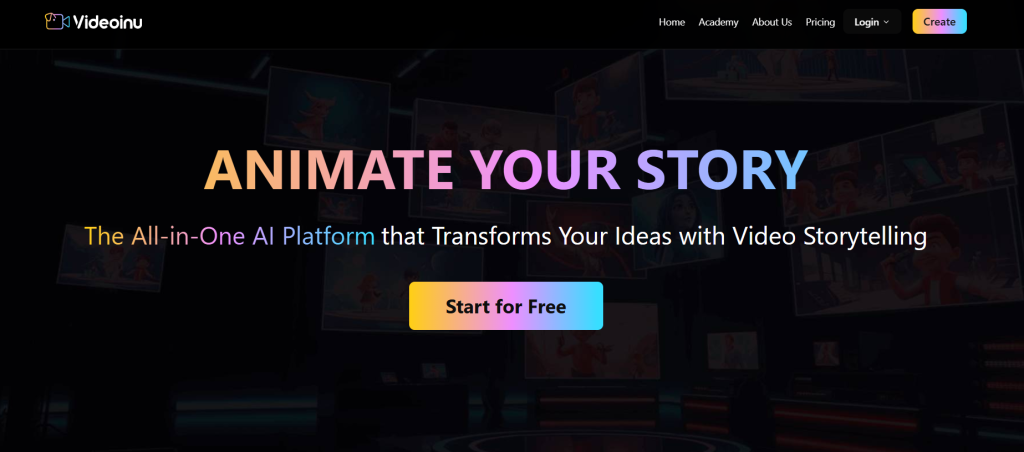
All-in-one AI platform for turning ideas into animated stories
What it is: Videoinu is an end-to-end AI video creation suite that guides users from scriptwriting and storyboarding to final animated output.
Standout features:
- Text-to-video automation
- Script and storyboard generation
- Multiple animation styles and voice options
- Collaboration and sharing tools
Pricing: See site for latest pricing
Best for: Creators, educators, and digital marketers
Pros: - Streamlined creative workflow
- Beginner-friendly editor
Cons: - Limited export flexibility
ToonCrafter AI
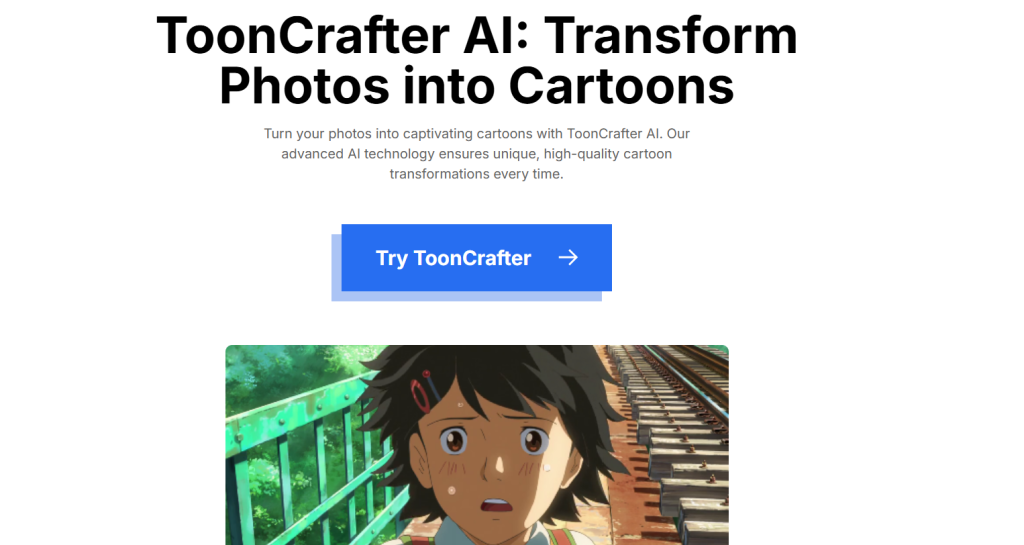
Best for cartoon image-to-video animation
What it is: ToonCrafter AI uses diffusion-based models to animate between two cartoon images, creating fluid motion and unique interpolation effects.
Standout features:
- Image-to-video animation
- Reference-based colorization
- Sketch-guided generation
Pricing: Free tier available
Best for: Animators and experimental artists
Pros: - Unique cartoon interpolation results
- High-quality rendering
Cons: - Short animation duration
MorningComicBrew.com
Best for daily AI comic creation
What it is: MorningComicBrew.com automatically generates daily personalized comics using user prompts and delivers them via email.
Standout features:
- AI-powered comic generation
- Custom prompt-based stories
- Scheduled daily delivery
Pricing: Free trial available
Best for: Hobbyists and storytellers
Pros: - Fun and engaging content generation
- Easy to use
Cons: - Limited animation controls
P5 and faceApi Cartoon Overlay
Best for live video cartoon effects
What it is: This project combines p5.js and face-api.js to overlay cartoon elements on faces during live video sessions.
Standout features:
- Real-time face detection
- Dynamic overlay positioning
- Custom cartoon asset library
Pricing: Free, open-source
Best for: Developers and creative coders
Pros: - Lightweight, browser-based
- Real-time processing
Cons: - Technical setup required
Media.io Halloween AI Generator
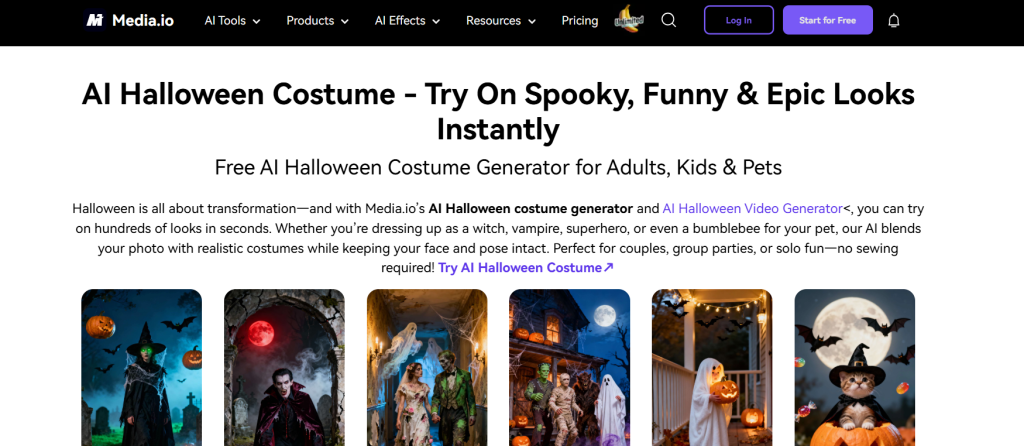
Best for themed and holiday video creation
What it is: Media.io Halloween AI Generator produces spooky themed content using advanced AI models like Veo, Sora, and Runway.
Standout features:
- Themed video and image generation
- AI face swap and effects
- Spooky audio and visual filters
Pricing: Starts at $8.99 for 100 credits; $47.99 for 1000 credits
Best for: Social media creators and seasonal marketers
Pros: - Wide model compatibility
- Supports video, music, and effects
Cons: - Focused on seasonal use
Sora 2 AI Video Generator (by insMind)
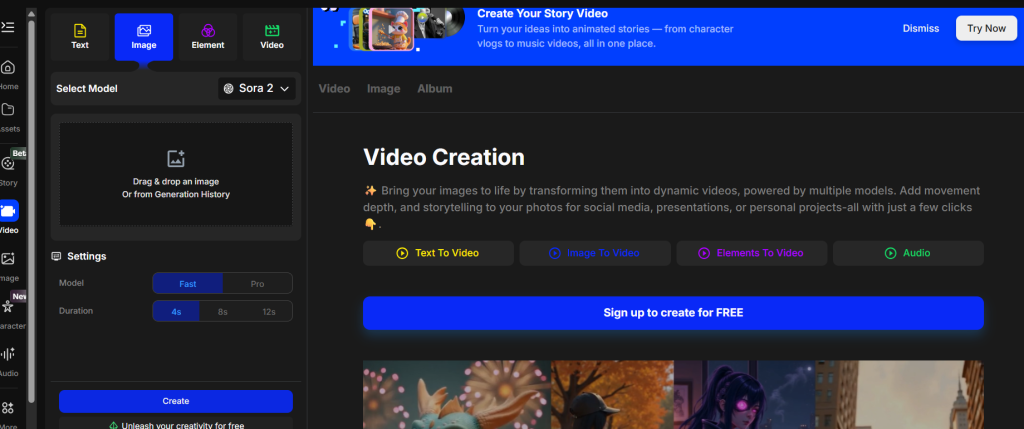
Best for text and image-to-video storytelling
What it is: Sora 2 by insMind converts text or image inputs into cinematic, high-definition video sequences.
Standout features:
- Text-to-video and image-to-video modes
- Emotional tone generation
- HD preview and export options
Pricing: Free trial; pay-as-you-go from $0.15/credit
Best for: Filmmakers and brand storytellers
Pros: - High-quality, cinematic results
- Flexible credit-based pricing
Cons: - Requires prompt experimentation
Animaker
Best for professional cartoon and explainer videos
What it is: Animaker is an online AI animation platform for producing studio-quality videos using pre-built characters, scenes, and assets.
Standout features:
- Drag-and-drop editor
- AI text-to-speech and subtitle tools
- Customizable character library
Pricing: From $15/month (Basic) to Enterprise plans
Best for: Businesses, teachers, and video creators
Pros: - Extensive animation templates
- Supports whiteboard and 2D videos
Cons: - Watermarks in lower tiers
DomoAI
Best for video-to-animation conversion
What it is: DomoAI transforms existing videos or images into AI-generated artistic animations with different creative styles.
Standout features:
- Video-to-animation processing
- AI art and motion style filters
- Relaxed mode for unlimited rendering
Pricing: From $9.99/month (Basic) to $69.99/month (Pro)
Best for: Artists and YouTubers
Pros: - Wide range of animation effects
- Easy customization options
Cons: - Limited control over motion details
LipSync.video
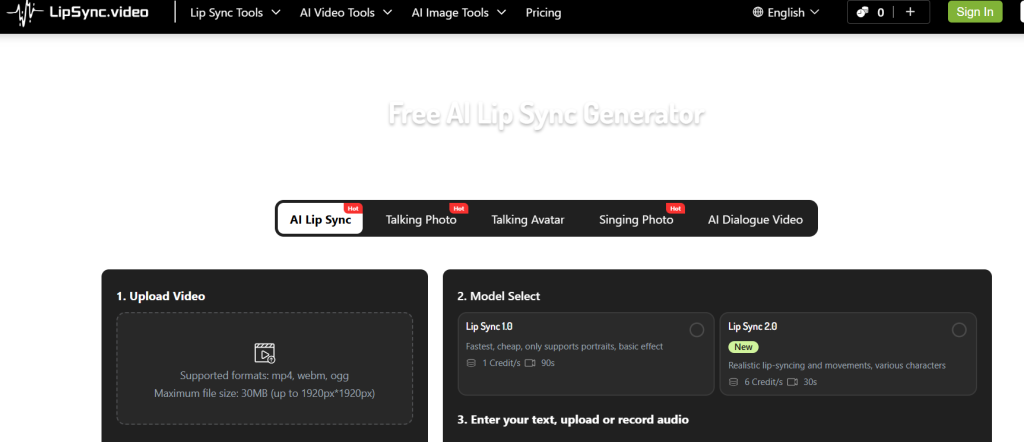
Best for creating lip-synced cartoon videos
What it is: LipSync.video lets users sync animated characters or photos with voice audio to produce realistic talking cartoon videos.
Standout features:
- Free browser-based tool
- AI lip-sync and facial animation
- Supports voiceover uploads
Pricing: Free
Best for: Hobbyists and meme creators
Pros: - Simple, no-login interface
- Accurate sync quality
Cons: - Limited export duration
Viddo-Veo3 AI Video Generator
Best for affordable AI video generation
What it is: Viddo-Veo3 offers one of the lowest-cost AI video generation systems for producing Veo3-based content.
Standout features:
- Veo3 model-based animation
- Quick render output
- Batch generation support
Pricing: As low as $0.17 per video
Best for: Budget-conscious creators
Pros: - Extremely affordable pricing
- Fast processing
Cons: - Fewer creative controls
Comparison Table
| Tool Name | Best For | Pricing | Key Feature |
| ToonAI | Fast cartoon conversions | Freemium | Converts photos into animated shorts |
| Animoto | Quick animated marketing videos | Paid | Drag-and-drop video builder |
| Renderforest | Multi-purpose video creation | Freemium | Cartoon templates and branding tools |
| Powtoon | Professional explainer animations | Paid | Studio-style cartoon editing |
| Steve.AI | AI-to-cartoon script generation | Freemium | Converts text scripts into animated videos |
| Pictory | Auto-animated storytelling | Paid | AI summarization + cartoon visuals |
| Synthesia | Talking avatar + cartoon hybrid | Paid | Realistic cartoon avatars |
| DeepMotion | Motion-capture cartoons | Paid | 3D animation from simple video input |
| Vyond | Business storytelling | Paid | Cartoon animation templates |
| RawShorts | YouTube cartoon videos | Freemium | Text-to-animation storyboard builder |
Best AI Cartoon Video Generator for YouTube (Quick Picks)
- Storytelling: Runway
- Kids’ videos: Vyond
- Shorts & Reels: Reelmind
- Beginners: Pictory
- Studios: Blender + AI
The Core Types of AI Cartoon Video Tools (Quick Breakdown)
Not all AI animation tools are built the same. In fact, most frustration comes from choosing the wrong category.
1. Text-to-Cartoon Video AI
You type a prompt.
You get a cartoon scene.
Best for:
- Storytelling
- Short videos
- Viral AI animated video trends
2. AI Character Animation Generators
You design a character once.
The AI animates it repeatedly.
Best for:
- YouTube series
- Kids’ videos
- Brand mascots
3. AI Animation Software (Professional)
More control.
More learning curve.
Best for:
- Agencies
- Advanced creators
- Multi-scene cartoon movies
Benefits of Using AI Cartoon Video Generators
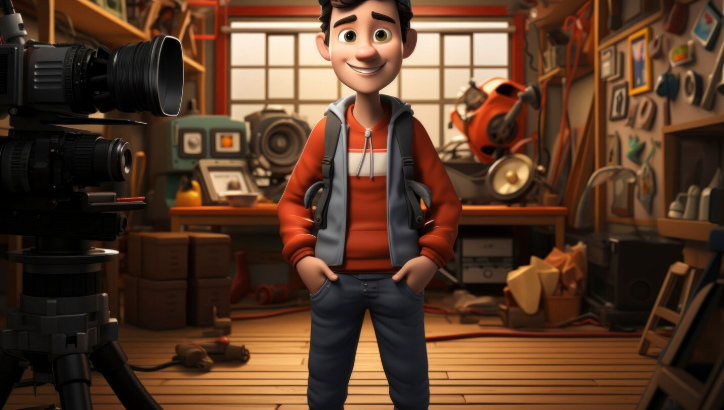
AI cartoon generators simplify storytelling, marketing, and education by making animation accessible to non-professionals.
They reduce production costs, shorten turnaround times, and enable creators to experiment with different styles and narratives without relying on traditional animation software.
Whether for social media content, explainer videos, or brand storytelling, these tools combine automation with creative flexibility.
How to Choose the Right AI Cartoon Video Generator
Choosing the best AI cartoon video generator depends on your creative goals and skill level:
- Purpose: Decide whether you’re making short cartoons, explainer videos, or branded content.
- Customization: Look for tools that let you adjust characters, expressions, and motion style.
- Ease of Use: No-code or drag-and-drop interfaces are ideal for creators without animation experience.
- AI Power: Check if the tool supports text-to-video, script input, or automatic scene generation.
- Export Options: Make sure you can export in HD and social-media-friendly formats.
- Pricing: Test the free tier first; only upgrade if the tool fits your content pipeline.
How to Make Cartoon Videos with AI (Simple Workflow)
Here’s the 2026 creator workflow most pros use:
- Write a short script (or outline)
- Choose a text prompt to cartoon video AI
- Generate scenes individually
- Lock character consistency
- Add voice + AI lip-sync
- Export in platform-specific ratios
That’s it.
No timeline nightmares.
No rendering purgatory.
AI Anime vs AI Cartoon Video Generation (2026 Trend)
Quick clarification, users often confuse these.
- AI anime generation focuses on stylized, frame-heavy visuals
- AI cartoon animation tools prioritize motion, clarity, and storytelling
If your goal is:
- Education → Cartoon
- Kids → Cartoon
- Explainers → Cartoon
- Visual art → Anime
Related Reads
- AI Image Generator Bing: Create High-Quality Visuals
- 15 Best AI Video Generator and Editing Tools in 2026
Final Thoughts: AI Cartoon Videos Are No Longer “Experimental”
In 2026, AI cartoon video generators aren’t a trend, they’re infrastructure.
If you’re a:
- Creator
- Marketer
- Educator
- Founder
…and you’re not experimenting with AI cartoon animation tools yet, you’re already behind.
The good news?
The barrier has never been lower.
And at TheAISurf, we track, test, and break down these tools so you don’t have to.
FAQs
What is the best AI cartoon video generator in 2026?
It depends on your goal. Runway leads for storytelling, Reelmind dominates short-form, and Vyond excels in education and kids’ content.
Can AI generate cartoon animations from text?
Yes. Modern text-to-cartoon video AI tools can generate full scenes, characters, and motion from prompts.
Are there free AI cartoon animation generators online?
Some tools offer limited free plans, but professional results usually require paid tiers.
How do I make cartoon videos with AI for YouTube?
Use an AI animation video creator, generate scenes from text, maintain character consistency, and export in 16:9 or Shorts format.
Which AI tool makes animated videos with lip-sync?
Vyond, Runway, and advanced AI animation software now support AI lip-sync in 2026.