


Best AI Video Upscaler Tools (2026 Edition): Turn Old, Blurry Videos Into Crisp 4K
- Video & Animation Video Generators
- November 3, 2025
- No Comments
The first time I tried to repurpose an old product demo video for a landing page, it looked… awful.
Blurry edges. Pixelated text. Faces that looked like they were filmed through a potato.
The video worked in 2019.
But in 2026? Not a chance.
That moment pushed me down a rabbit hole that most creators, marketers, and founders eventually hit:
“How do I upscale video quality without re-shooting everything?”
That’s where AI video upscalers come in, and honestly, they’ve gotten scarily good.
In this guide, I’ll break down the best AI video upscaler tools in 2026, what actually works (and what doesn’t).
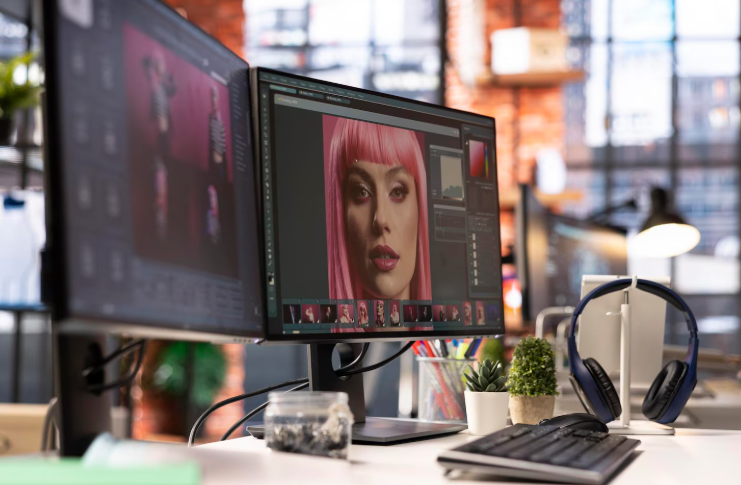
I’ll also discuss how to choose the right one depending on your use case, whether you’re a YouTuber, SaaS marketer, filmmaker, or just trying to clean up old footage.
What Is an AI Video Upscaler
An AI video upscaler uses machine learning models to increase a video’s resolution (for example, from 720p to 4K) without simply stretching pixels.
Instead of guessing, AI:
- Reconstructs missing details
- Sharpens edges
- Reduces noise and compression artifacts
- Enhances faces, text, and motion frames
That’s the key difference between traditional upscaling and AI upscaling.
How We Picked These Tools
- Accuracy and consistency of upscaling results
- Support for 4K and 8K output formats
- Processing speed and cloud optimization
- Batch-rendering capabilities
- Value for price and subscription flexibility
- Accessibility for non-technical users
Best AI Video Upscaler Tools in 2026 (Tested & Compared)
I’m not listing tools just to list them.
These are actually useful, popular in the US market, and globally trusted.
HitPaw VikPea
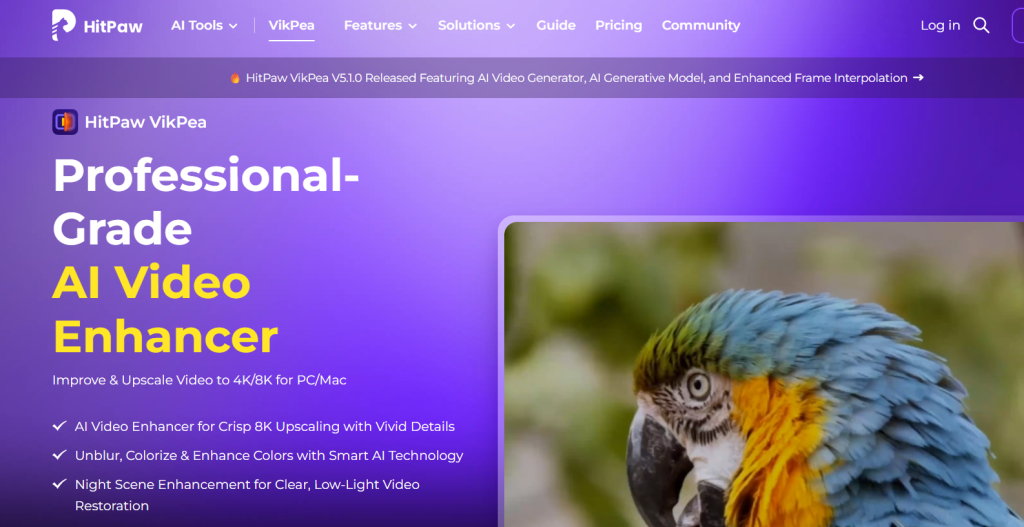
HitPaw VikPea – best all-round AI enhancer for personal creators
What it is: A desktop and cloud-based video enhancer that unblurs, colorizes, and restores videos in one click.
Standout features:
- AI models for upscaling and denoising
- Frame interpolation for smoother playback
- Face refinement engine
- Cloud and device co-processing
Pricing: From $43.19 monthly to $350.39 perpetual license
Best for: YouTubers and short-form video editors
Pros: - Multi-device support
- Excellent credit-based options
- Reliable for batch upscaling
Cons: - Requires good GPU for desktop use
- No mobile app version yet
AnyEnhancer
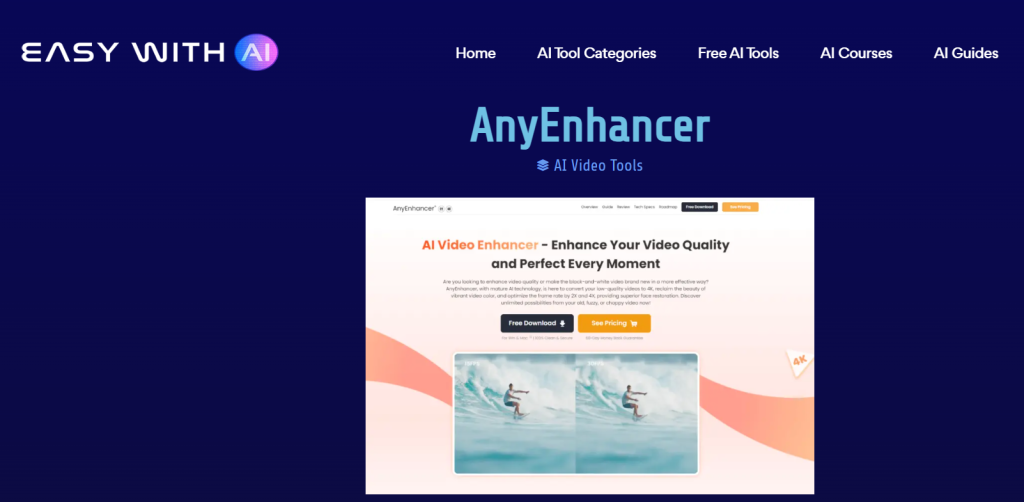
AnyEnhancer – best AI upscaler for color restoration
What it is: A full-suite enhancer for de-noising and recoloring aged or low-light footage.
Standout features:
- One-click AI models for upscale and color fixing
- Supports all major codecs
- Lifetime purchase option
Pricing: S$38.27 per month or S$355.07 one-time license
Best for: Post-production teams and documentary editors
Pros: - Simple UI
- Lifetime upgrade plan
Cons: - Limited cloud credits
- Slow on large 4K batches
Nero
Nero – best suite for casual video editors and AI upscaling
What it is: A multimedia platform offering AI-powered enhancement inside its Platinum Suite.
Standout features:
- AI Pro Pass for media optimization
- Built-in burning and conversion tools
- Hardware acceleration support
Pricing: From S$66.58 yearly to S$72.57 permanent license
Best for: Windows users needing all-in-one video software
Pros: - Trusted brand ecosystem
- Offline functionality
Cons: - Outdated interface
- AI tools need manual setup
AVCLabs Video Enhancer AI
AVCLabs – best professional AI upscaler for studios
What it is: Dedicated AI software for video and photo enhancement with deep learning models.
Standout features:
- Advanced denoise and deblur options
- 4K upscaling with frame stabilization
- Batch processing for multiple clips
Pricing: $39.95 per month (Video Enhancer AI)
Best for: Film editors and VFX studios
Pros: - High-precision upscaling
- Intuitive interface
Cons: - Subscription-only
- Heavy CPU/GPU load
VidHex AI Video Enhancer
VidHex – best for cloud video enhancement at scale
What it is: An AI tool offering parallel cloud processing for video optimization.
Standout features:
- Lifetime credit-based cloud plans
- Supports 5 parallel jobs
- Real-time AI noise reduction
Pricing: From $31.92 monthly to $359.90 for 10,000 credits
Best for: Teams processing large volumes of videos
Pros: - Scalable cloud usage
- Lifetime credit validity
Cons: - No offline mode
- Higher pricing for individual users
Real-time Low-Resolution Video Upscaler
Real-time Low-Resolution Upscaler – best instant solution for live streams
What it is: A deep-learning service that upscales 360p and below to 720p in real time.
Standout features:
- Live AI processing pipeline
- Minimal latency
- Zero installation required
Pricing: See site for latest pricing
Best for: Streaming and live broadcast applications
Pros: - Works instantly on web platforms
- Great for old archive videos
Cons: - Limited output resolution
- Requires constant internet connection
Aimages
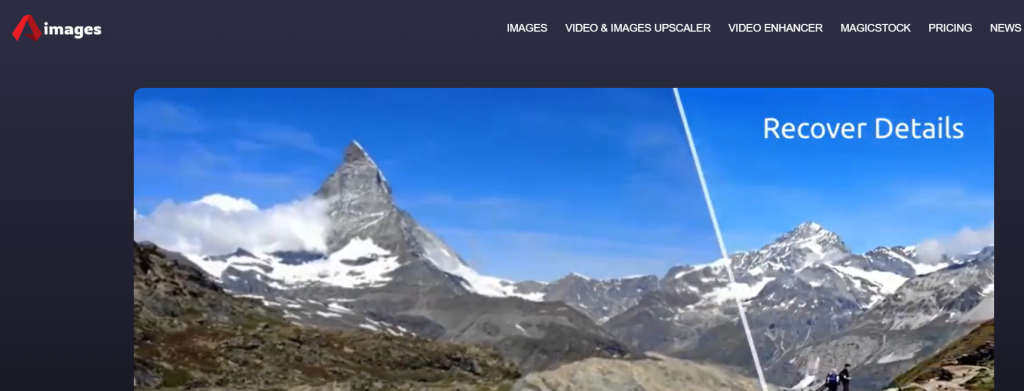
Aimages – best browser-based AI upscaler
What it is: An online AI video and image enhancer with credit plans.
Standout features:
- Pay-as-you-go credit system
- Supports image and video enhancement
- Cloud-hosted AI rendering
Pricing: €0 Free plan, €11 Standard, €25 Premium, €61 Elite
Best for: Freelancers and light video editors
Pros: - No recurring fees
- Easy browser workflow
Cons: - Slow for large clips
- No offline option
VanceAI Video AI
VanceAI – best all-purpose AI upscaler for 4K and denoising
What it is: A one-stop AI suite for video smoothing and upscaling.
Standout features:
- AI models for motion enhancement and noise reduction
- Flexible subscription plans
- Cloud dashboard with preview rendering
Pricing: $49.99 per month or $119.99 per year
Best for: Agencies and post-production studios
Pros: - Excellent results for 1080p to 4K upscale
- Consistent output quality
Cons: - Limited batch features
- Cloud-only model
Vidux AI
Vidux AI – best premium solution for cinematic upscaling
What it is: A GPU-accelerated AI engine focused on 8K mastering and shot restoration.
Standout features:
- Neural texture reconstruction
- Scene-adaptive noise reduction
- HDR frame enhancement
Pricing: From $69 per month
Best for: Film and OTT restoration teams
Pros: - Excellent 8K pipeline
- Enterprise-grade cloud API
Cons: - Steeper pricing
- Complex UI for beginners
Topaz Video AI
Topaz Video AI – industry-standard upscaler for editors
What it is: A desktop software that upscales, deinterlaces, and interpolates frames with exceptional accuracy.
Standout features:
- Trained deep-learning models
- Multi-GPU optimization
- Built-in stabilization
Pricing: $299 one-time purchase
Best for: Filmmakers and restoration professionals
Pros: - Studio-level results
- Lifetime license
Cons: - High hardware requirements
- Large install size
HitPaw Video Enhancer AI (Cloud Edition)
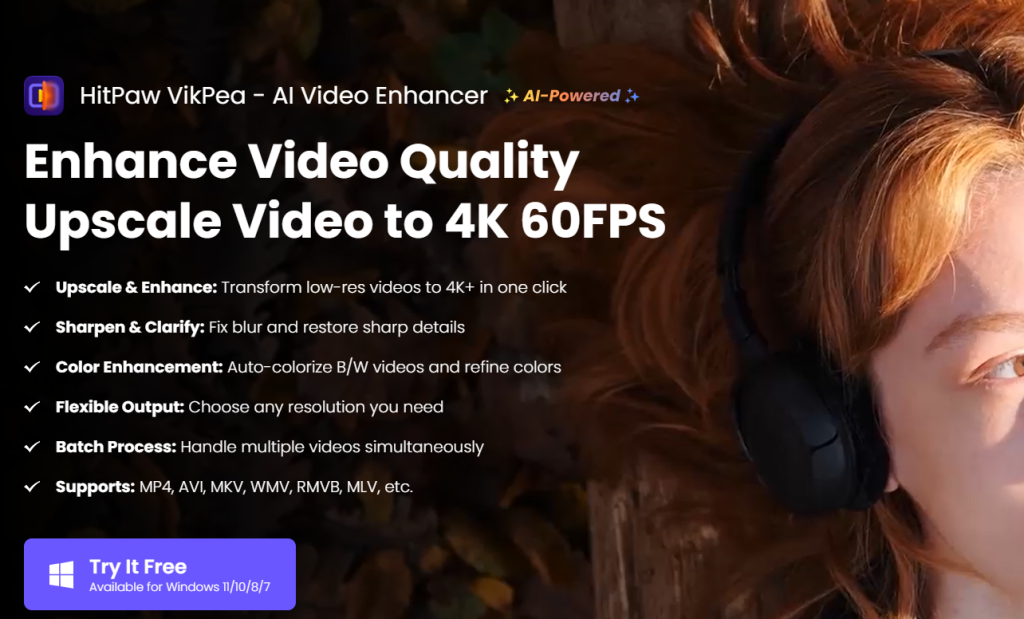
HitPaw Cloud – best for instant 4K conversion in browsers
What it is: A cloud extension of HitPaw VikPea for fast batch upscaling.
Standout features:
- No-install browser workspace
- Auto facial detail refinement
Pricing: Starts at $29 per month
Best for: Content agencies
Pros: - Works on any device
- Good credit usage tracking
Cons: - Requires high upload speeds
Movavi Video Enhancer
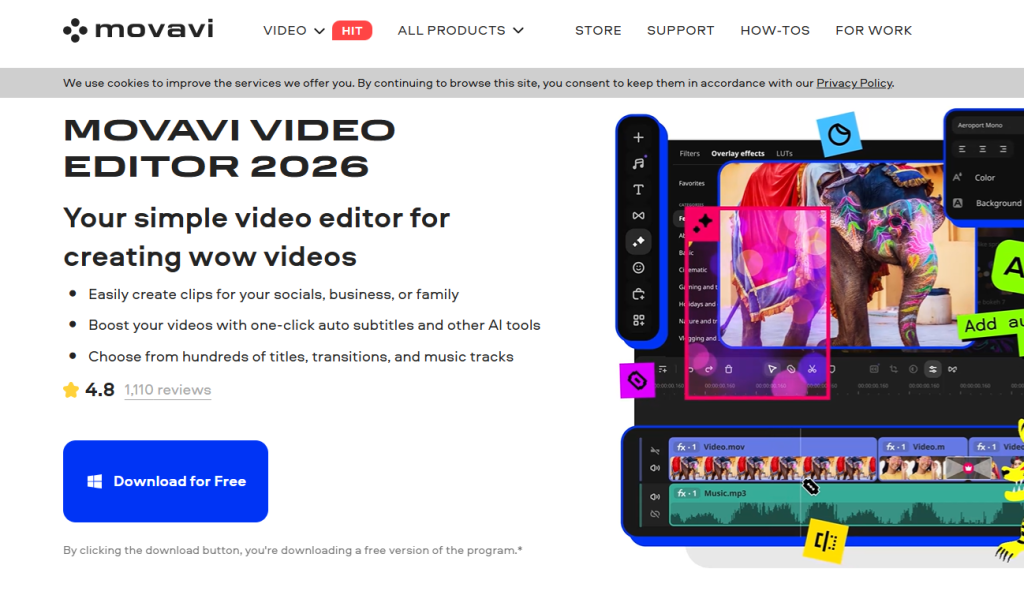
Movavi AI – simplest upscaler for beginners
What it is: A desktop app integrating AI restoration within Movavi Suite.
Standout features:
- Auto brightness and denoise
- Direct export to MP4/AVI
Pricing: $54.95 per year
Best for: Social media video editors
Pros: - Simple controls
- Smooth export pipeline
Cons: - Limited 4K detail recovery
UniFab AI Video Enhancer
UniFab AI – best lightweight 4K and color-correction enhancer
What it is: A tool specialized in quick AI upscaling with GPU acceleration.
Standout features:
- Super-resolution enhancement
- Color calibration models
- Subtitle-safe processing
Pricing: $49.99 lifetime license
Best for: Marketing teams and YouTubers
Pros: - Fast rendering
- Low learning curve
Cons: - No cloud option yet
Comparison Table
| Tool | Best For | Output Quality | Platform | Pricing Model | Batch Processing |
| HitPaw VikPea | Creators | 4K | Desktop + Cloud | Monthly / Perpetual | Yes |
| AnyEnhancer | Color Restoration | 4K | Desktop | Monthly / Lifetime | Partial |
| Nero | Casual Editors | HD / 4K | Desktop | Annual / Perpetual | No |
| AVCLabs | Studios | 4K / 8K | Desktop | Monthly | Yes |
| VidHex | Teams | 4K | Cloud | Credit Based | Yes |
| Aimages | Freelancers | 1080p / 4K | Web | Credit Based | Limited |
| VanceAI | Agencies | 4K | Cloud | Monthly / Yearly | Yes |
| Topaz Video AI | Filmmakers | 8K | Desktop | One-time | Yes |
| Movavi AI | Beginners | HD | Desktop | Annual | No |
| UniFab AI | Marketers | 4K | Desktop | Lifetime | Yes |
Why AI Video Upscaling Matters More in 2026 Than Ever
Here’s the uncomfortable truth:
Video quality is no longer optional.
In 2026:
- 4K is the baseline on most devices
- AI Overviews prioritize high-quality visual content
- Users bounce in seconds if a video looks outdated
- Platforms like YouTube, TikTok, and Instagram compress aggressively
AI upscaling helps you:
- Repurpose old content
- Improve conversion rates on landing pages
- Future-proof your video library
- Save thousands in reshoots
That’s why these tools are exploding right now.
How to Choose the Right AI Video Upscaler (Without Overthinking It)
Ask yourself one simple question:
“What am I actually using this video for?”
- YouTube or film projects? → Topaz Video AI
- Marketing or social content? → Runway
- Editing professionally already? → Adobe Premiere AI
- Old family videos? → DVDFab
- Quick, cheap upgrades? → HitPaw
The “best” tool is the one that fits your workflow, not the one with the most features.
Benefits of Using AI Video Upscaler Tools
These tools improve visual quality, reduce compression noise, and extend the lifespan of legacy footage.
They save editing time, enable 4K exports without reshooting, and help marketers and filmmakers maintain brand quality across platforms.
Common Mistakes to Avoid When Upscaling Videos
Let me save you some frustration:
- Upscaling already compressed videos too aggressively
- Ignoring frame rate mismatches
- Over-sharpening faces
- Using social-compressed files as source footage
Rule of thumb:
Start with the highest quality source you have, AI can enhance, not perform miracles.
Related Reads
- Best AI Movie Generator Tools 2026: Cinematic Films …
- 15 Best AI Video Generator and Editing Tools in 2026
Final Thoughts: AI Video Upscaling Is No Longer Optional
AI Video Upscaler Tools in 2026 deliver studio-grade quality to every creator.
In 2026, blurry video doesn’t just look bad, it hurts credibility.
AI video upscalers let you:
- Extend the life of old content
- Compete visually with bigger brands
- Move faster without reshoots
- Deliver better experiences globally
Whether you want to rejuvenate old clips or prepare 8K-ready visuals, the right upscaler saves hours and unlocks professional results instantly.
Explore your options, test free trials, and choose the one that aligns with your workflow, your videos deserve the sharpest version of themselves.
FAQs
1. What makes an AI upscaler different from normal video enhancers?
AI upscalers rebuild missing pixel data using neural networks instead of filters, giving sharper, more realistic detail.
2. Can these tools upscale audio as well?
Most focus only on visuals, but some like HitPaw and VanceAI offer optional audio-denoise modules.
3. Will AI upscaling affect file size?
Yes. Higher resolution and bit-depth generally increase output size, though codecs like HEVC can manage compression efficiently.
4. Is cloud processing secure?
Reputable vendors encrypt all uploaded footage and auto-delete files within 24–48 hours. Always review each platform’s privacy policy.
5. Which free AI upscaler is worth trying first?
Aimages’ free plan and VanceAI’s limited trial are good starting points before upgrading.
6. Can I upscale live streams?
Yes. Real-time low-resolution upscalers or OBS plug-ins support on-the-fly enhancement for streaming content.