


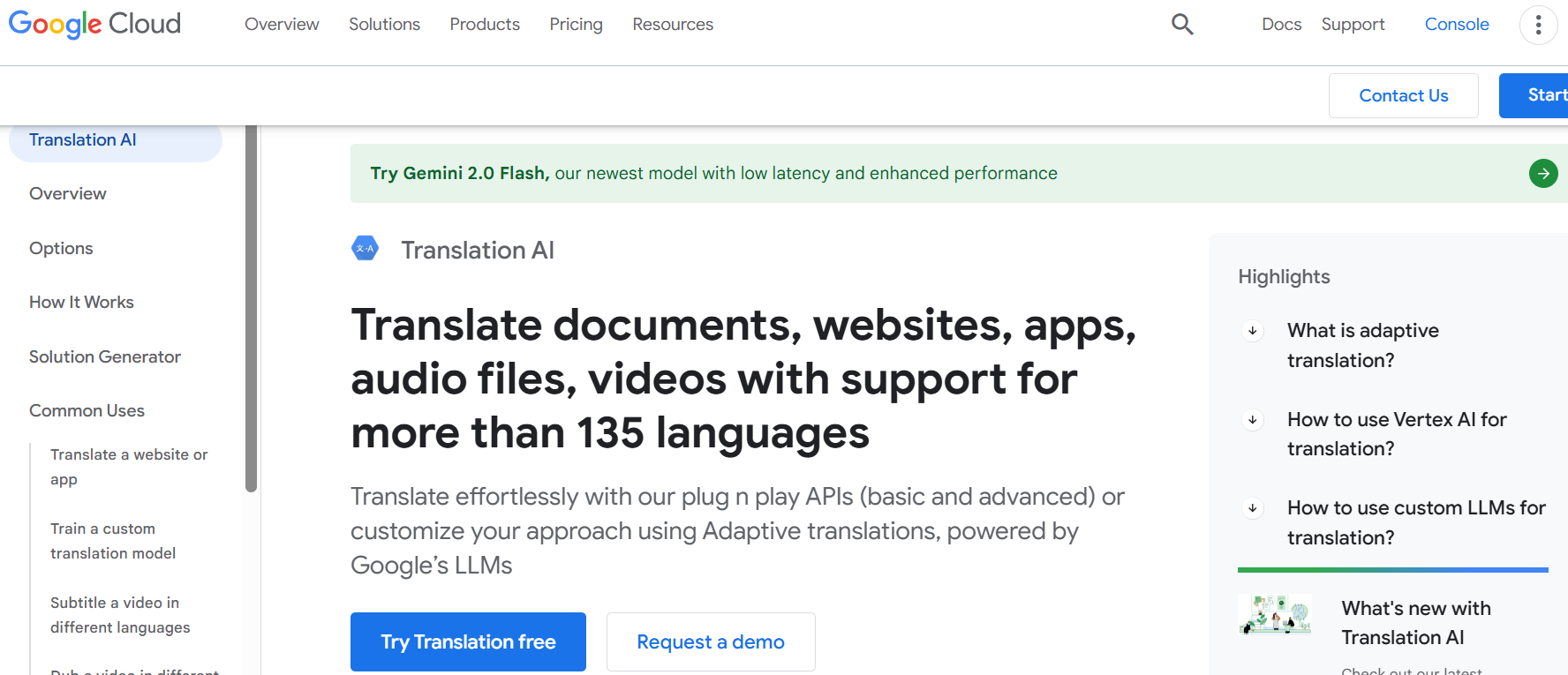
Google Cloud Translation API
Effortlessly translate documents, websites, apps, audio files, and videos with support for over 135 languages. Whether you need a plug-and-play solution or a fully customized approach, Translation AI offers adaptive translation powered by Google’s large language models (LLMs) to deliver high-quality, nuanced translations tailored to your unique style and tone.
Key Features:
Adaptive Translation for capturing style, tone, and voice
Cloud Translation API with Basic and Advanced editions
AutoML Translation for custom, domain-specific models
Media file translation, subtitling, and voice-over solutions
Support for 135+ languages and 380+ voices
Seamless integration with Google Cloud services
Free tier for the first 500,000 characters per month
Best for:
Businesses needing to translate websites, apps, or documents
Enterprises managing multilingual customer interactions
Content creators subtitling or dubbing videos
Organizations requiring domain-specific translations
Teams looking for no-code custom model training
Developers integrating translation into workflows
Companies aiming to preserve formatting in translated documents
Pricing:
Translation API Basic: Free for the first 500,000 characters; $20 per million characters thereafter
Translation API Advanced: Free for the first 500,000 characters; $80 per million characters thereafter
Translation Hub Basic: $0.15 per page per target language
Translation Hub Advanced: $0.50 per page per target language
AutoML Translation: 45perhour,300 max per training job
Disclaimer: Please refer to the website for the most accurate and current pricing details and service offerings. Transform your multilingual communication with Translation AI today!


Stack Overflow for Teams
Stack Overflow for Teams is a powerful knowledge-sharing platform designed to help teams collaborate, solve problems, and streamline workflows. Whether you're an engineering team, a support team, or a product management group, Stack Overflow for Teams provides a structured, searchable knowledge base that empowers your team to find answers faster and work more efficiently. With plans for teams of all sizes, it’s the perfect tool to centralize knowledge and reduce repetitive questions.
Key Features:
ChatOps Integrations: Seamless integration with Slack and Microsoft Teams
Structured Knowledge Base: Organize questions, answers, and long-form articles
AI-Powered Search: Intelligent search across all content types
Content Health: Identify and update outdated knowledge
Customizable Collections: Group related content for easy access
Advanced Security: SSO, SAML, Okta, and ISO 27001 compliance
Analytics Dashboard: Track usage and adoption metrics
API Access: Read/write API for custom integrations
Best for:
Engineering teams looking to reduce repetitive questions
Support teams needing a centralized knowledge base
Product managers organizing project documentation
DevOps and SRE teams streamlining incident management
Data science teams sharing insights and solutions
Enterprises requiring scalable, secure knowledge management
Teams wanting to integrate knowledge sharing with tools like Jira and GitHub
Pricing:
Free: Always free for up to 50 teammates
Basic: $6.50 per teammate/month (up to 250 teammates)
Business: $13.50 per teammate/month (unlimited teammates)
Enterprise: Custom pricing for advanced features and support
Disclaimer: Please refer to the website for the most accurate and current pricing details and service offerings. Empower your team with Stack Overflow for Teams today!


Ideals Virtual Data Room
Ideals Virtual Data Room (VDR) is the ultimate solution for secure document sharing and efficient deal management. Trusted by over two million leaders globally, Ideals VDR simplifies due diligence, enhances collaboration, and ensures your deals close faster with top-tier security and intuitive features.
Key Features:
Fortress-like security: ISO 27001 and SOC 1/2/3 certified data centers
Simple setup: Create and launch your data room in minutes
Personalized experience: Custom branding with logos and color themes
Robust access control: 8 permission levels and 3 group types for precise control
Intuitive insights: Detailed analytics and reporting for project oversight
Lightning-fast performance: 1 GB uploads in 25 seconds and USB drive deliveries in 24 hours
24/7/365 global support: Expert assistance whenever you need it
Best for:
M&A professionals managing high-stakes transactions
Legal teams handling sensitive document sharing
Corporate leaders overseeing complex due diligence processes
Financial institutions streamlining deal workflows
Startups and SMEs securing investor funding
Real estate professionals managing property transactions
Enterprises requiring scalable, multi-project solutions
Pricing:
Core Plan: Ideal for small to medium deals, starting with 0.5–2 GB of storage
Premier Plan: Advanced security and services for high-stakes transactions
Enterprise Plan: Unlimited projects and tailored storage for high-volume needs
Disclaimer: Please refer to the website for the most accurate and current pricing details and service offerings.


Apache Answer
Apache Answer Meta is the go-to platform for discussions, support, and feature requests related to Apache Answer, the open-source Q&A software. Whether you're troubleshooting, sharing ideas, or seeking advice, this community-driven space connects users, developers, and enthusiasts to collaborate and enhance the Apache Answer experience.
Key Features:
Open-source and community-driven
Dedicated sections for discussions, support, and feature requests
Easy-to-navigate interface for questions and answers
Active community of users and developers
Regular updates and improvements based on user feedback
Comprehensive tagging system for organized content
Support for multiple languages and customization
Best for:
Developers implementing Apache Answer for Q&A communities
System administrators troubleshooting installation and configuration
Community managers seeking best practices for engagement
Open-source enthusiasts contributing to the project
Users looking for hosting and installation support
Teams managing SSL, API, and plugin integrations
Anyone interested in enhancing Apache Answer’s functionality
Disclaimer: Apache Answer Meta is a community-driven platform, and all information is provided by users. For official documentation and updates, refer to the Apache Answer website.
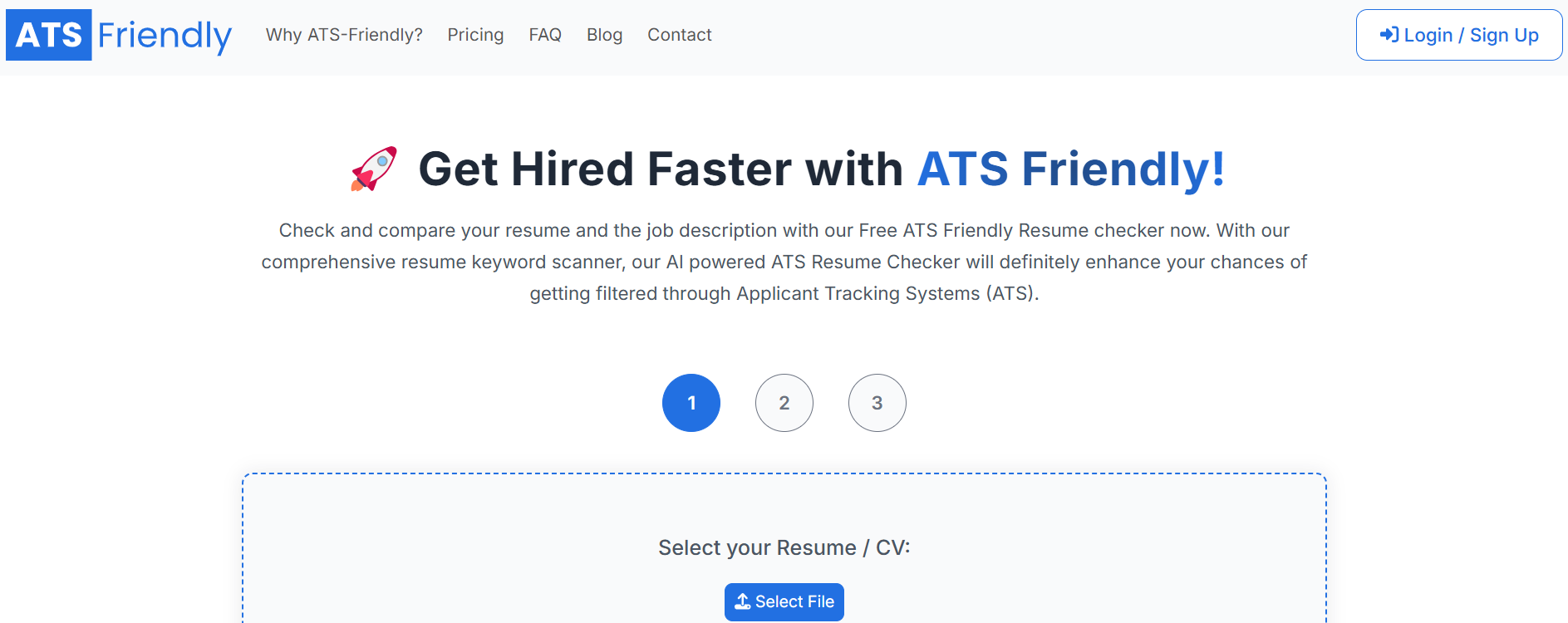
ATS Friendly
Ensure your resume stands out and gets noticed by employers with ATS-Friendly, the ultimate AI-powered resume checker and builder. Designed to help you beat Applicant Tracking Systems (ATS), our tool analyzes your resume against job descriptions, providing personalized recommendations to optimize your content, keywords, and format. With ATS-Friendly, you can confidently apply for jobs knowing your resume is tailored to pass ATS filters and land you interviews.
Key Features:
Comprehensive ATS Analysis: Scans your resume for keywords, hard skills, soft skills, and work experience relevant to the job description.
Line-by-Line Feedback: Identifies irrelevant content and suggests improvements to make your resume more impactful.
AI-Powered Resume Builder: Craft professional, ATS-compliant resumes with customizable templates and real-time editing.
Real-Time ATS Score: Instantly evaluates how well your resume aligns with the job description and ATS standards.
Keyword Optimization: Provides tailored keyword suggestions to match your desired job role.
Free ATS Checker: No hidden charges or credit card required to start optimizing your resume.
Best for:
Job seekers struggling to get past ATS filters
Professionals tailoring resumes for specific job applications
Recent graduates creating their first ATS-compliant resume
Non-native English speakers optimizing resumes for clarity and relevance
Career changers needing to reframe their experience for new roles
Anyone looking to improve their resume’s readability and impact
Individuals seeking actionable insights to enhance their job search
Disclaimer: Please refer to the website for the most accurate and current pricing details and service offerings.
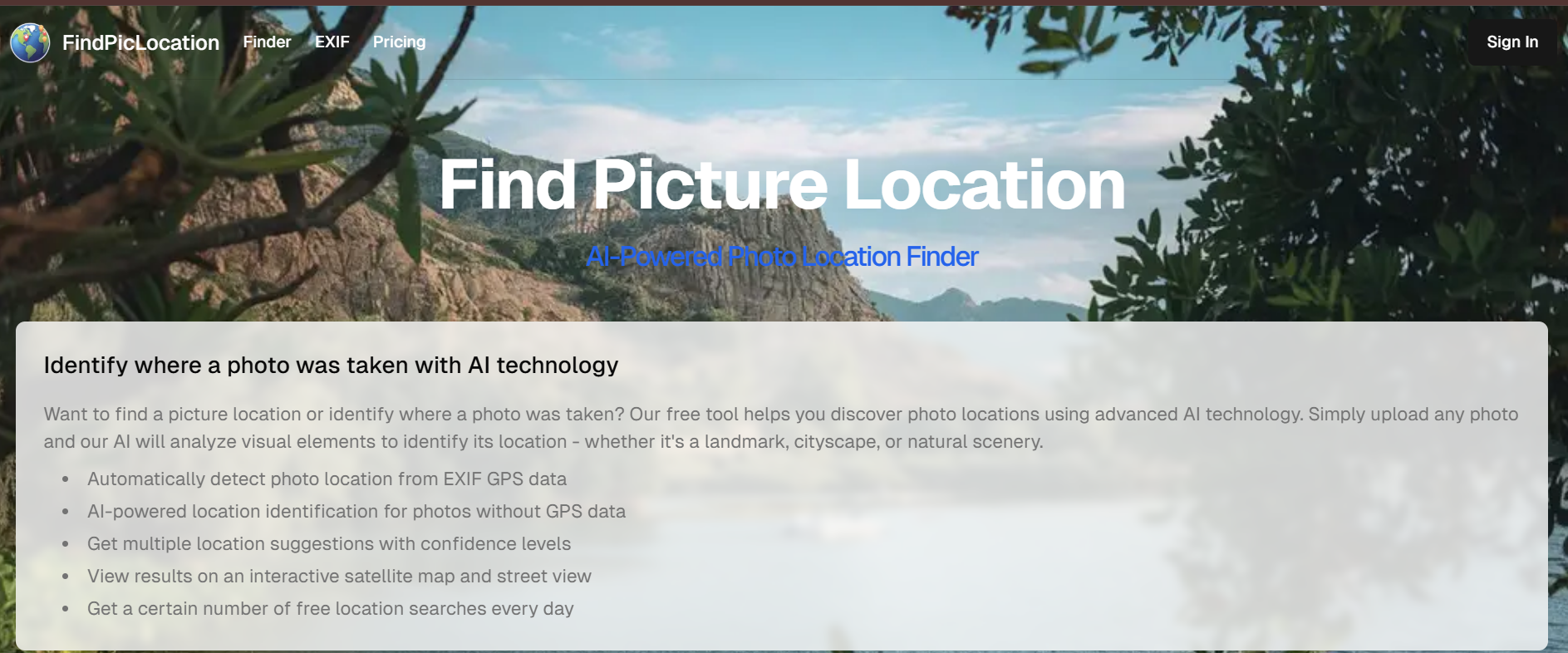
FindPicLocation
FindPicLocation: Discover Where Any Photo Was Taken
Want to know where a picture was taken? FindPicLocation is a free AI-powered photo location finder that can identify places from any image. It detects GPS data, analyzes visual landmarks, and provides possible matches—even if EXIF metadata is missing.
Find Picture Location is your go-to tool for uncovering the exact location of any image. Using advanced AI technology, this platform analyzes visual elements, EXIF data, and GPS coordinates to pinpoint where a photo was captured.
What Is FindPicLocation?
FindPicLocation is a specialized reverse image search tool designed to help you discover the geographic location where a photograph was taken. Whether you're verifying social media posts, conducting OSINT investigations, planning travel to scenic spots, or simply curious about image origins, FindPicLocation analyzes visual clues to pinpoint photo locations.
How FindPicLocation Works
Let’s break down the process behind this cutting-edge AI tool:
1. EXIF GPS Data Detection
If your image contains embedded GPS metadata, FindPicLocation extracts latitude and longitude directly from the file.
You’ll instantly see:
Exact coordinates
Location name (city, country)
Street or landmark data
Google Maps or satellite preview
2. Visual AI Location Guessing
No GPS data? No problem.
The AI uses machine learning algorithms to analyze:
Buildings, vegetation, or water bodies
Architectural styles and signage
Weather and lighting patterns
From there, it generates multiple location suggestions with confidence percentages.
3. Interactive Map Integration
All results are shown on an interactive map — switch between satellite view and street view for better accuracy.
4. Multi-Image Uploads
Upload up to 3 photos of the same scene for more precise detection. The AI cross-references each image to improve the accuracy of results.
5. Free Daily Searches
Enjoy a set number of free searches per day to test and verify photos before upgrading to premium plans.
Step-by-Step Guide to Using FindPicLocation
1. Upload Your Image
Visit the FindPicLocation website and upload the photo you want to analyze. You can drag and drop files or paste image URLs directly into the search interface.
2. Initiate the Search
Click the search or analyze button to begin processing. The tool will automatically scan the image for location indicators and metadata.
3. Review the Results
FindPicLocation displays potential location matches with confidence scores, map coordinates, and supporting evidence explaining why each location was identified.
4. Verify and Refine
Cross-reference the results with additional context from the image. You can adjust search parameters or provide additional clues to narrow down results if the initial findings are too broad.
5. Export or Save Findings
Save the location data, coordinates, or export results for documentation or further investigation.
Example Lookups
Example 1: Tourist Photo Investigation
A user uploads a vacation photo showing a distinctive church facade. FindPicLocation identifies it as the Sagrada Família in Barcelona, Spain, providing GPS coordinates (41.4036° N, 2.1744° E) and matching it against thousands of similar tourist photos online.
Example 2: Social Media Verification
An investigator uploads a screenshot claiming to show a protest at a specific location. FindPicLocation analyzes street signs, building architecture, and storefront text to confirm the actual location, revealing the photo was taken in a different city than claimed.
Example 3: Historical Photo Location
A researcher uploads an old photograph with no metadata. By analyzing landscape features, mountain ranges in the background, and architectural styles, FindPicLocation suggests three possible locations in the Swiss Alps, complete with confidence ratings.
Key Features:
- AI-Powered Location Detection: Identify photo locations even without GPS data.
- EXIF GPS Data Analysis: Automatically detect locations from embedded metadata.
- Multiple Location Suggestions: Get ranked results with confidence percentages.
- Interactive Map View: Explore locations via satellite and street view.
- Free Daily Searches: Enjoy a certain number of free location searches every day.
- Multi-Image Upload: Upload up to 3 images of the same place for enhanced accuracy.
Real-World Use Cases
1. Reverse Engineering Instagram Photos
Upload an influencer’s travel photo — FindPicLocation can identify if it’s Santorini, Bali, or a lookalike resort in Spain.
2. Verifying Viral Images
Fact-check trending photos using AI-powered location guesses. Helpful for journalists and social media analysts.
3. Lost Photo Archives
Got images from old cameras without GPS tags? FindPicLocation helps you remember where those moments were captured.
4. Security & Intelligence
Used ethically, AI image location tools can support OSINT (Open Source Intelligence) operations or digital forensics.
Best for:
- Travel enthusiasts identifying unknown photo locations
- Photographers verifying the origins of their images
- Journalists and researchers fact-checking photo sources
- Curious individuals exploring the stories behind pictures
- Social media users tracking the locations of shared photos
- Historians analyzing historical or archival images
- Anyone wanting to uncover the hidden details of a photo
Limitations and Considerations
Technical Limitations
Metadata Dependency: Many modern platforms (Facebook, Twitter, Instagram) automatically strip EXIF data from uploaded images, making GPS-based location detection impossible for these photos.
Generic Locations: Photos taken in common indoor settings, generic landscapes, or locations without distinctive features may produce inconclusive or overly broad results.
Image Quality: Low-resolution, heavily edited, or cropped images reduce the tool's ability to identify landmarks and environmental clues.
Database Coverage: FindPicLocation's accuracy depends on the comprehensiveness of its reference database. Remote, rarely photographed locations may not be identifiable.
Privacy and Ethics
Consent and Permission: Always ensure you have proper authorization before attempting to locate where someone's photos were taken, especially for private individuals.
Stalking and Harassment Prevention: Never use FindPicLocation to track, stalk, or harass individuals. Respect personal boundaries and privacy rights.
Sensitive Locations: Exercise extreme caution when identifying locations in conflict zones, protected areas, or situations where revealing location data could endanger individuals.
Legal Compliance: Be aware of local laws regarding image analysis, data privacy (GDPR, CCPA), and surveillance when using geolocation tools.
Responsible Use: This tool is intended for legitimate purposes such as journalism, research, travel planning, and education—not for malicious activities.
The AI Behind FindPicLocation
FindPicLocation leverages deep learning models similar to those used by Google Vision AI and Microsoft Azure Cognitive Services.
It identifies:
Terrain features (mountains, beaches, cities)
Landmark recognition (Eiffel Tower, Taj Mahal, etc.)
Environmental context clues (vegetation, signage, architecture)
This combination of computer vision + geospatial intelligence enables location detection even when EXIF data is missing — a major advantage over traditional reverse image searches.
Is FindPicLocation Safe to Use?
Yes. FindPicLocation respects your privacy and doesn’t store uploaded images after analysis.
All operations are performed securely, ensuring full data protection and anonymity.
Your images remain private and temporary, deleted immediately after session completion.
Disclaimer: Please refer to the website for the most accurate and current pricing details and service offerings.
Alternatives to FindPicLocation
If FindPicLocation doesn't meet your needs, consider these alternatives:
| Tool | Primary Strength | Best For | Limitations |
| Google Reverse Image Search | Massive web coverage | Finding similar images with context | Doesn't focus specifically on geolocation |
| TinEye | Tracking image usage history | Copyright verification, oldest instances | Limited geographic analysis |
| PimEyes | Face recognition technology | Finding where specific people appear | Privacy concerns, subscription required |
| GeoSpy | AI-powered location estimation | Photos without metadata or landmarks | Accuracy varies by region |
| Yandex Images | Strong Eastern European coverage | Images from Russian-language web | Interface language barrier |
| GeoGuessr | Interactive learning platform | Training location recognition skills | Game format, not investigative tool |
Best Practices for Location Identification
Combine Multiple Tools: Use FindPicLocation alongside other reverse image search tools for cross-verification and improved accuracy.
Look for Multiple Clues: Don't rely solely on one landmark—identify multiple environmental markers to confirm location.
Consider Temporal Context: Check timestamps, weather patterns, seasonal vegetation, and clothing styles to verify location plausibility.
Respect Privacy: Always consider the ethical implications before sharing location findings publicly.
Suggested Reads
Discover the Power: Find a Person by Picture with Ease
Cracking the Code: Find People by Picture Using these 8 Strategies
Conclusion: Let AI Find Where Your Photos Were Taken
With FindPicLocation, discovering a photo’s origin is no longer guesswork. This AI-powered location finder blends metadata extraction and visual intelligence to reveal where images come from — whether for research, verification, or curiosity.
Try FindPicLocation today and uncover the hidden stories behind your photos.
You can explore an AI tools directory to discover useful platforms for AI candidate screening, along with practical AI courses for beginners to build your skills from the ground up.
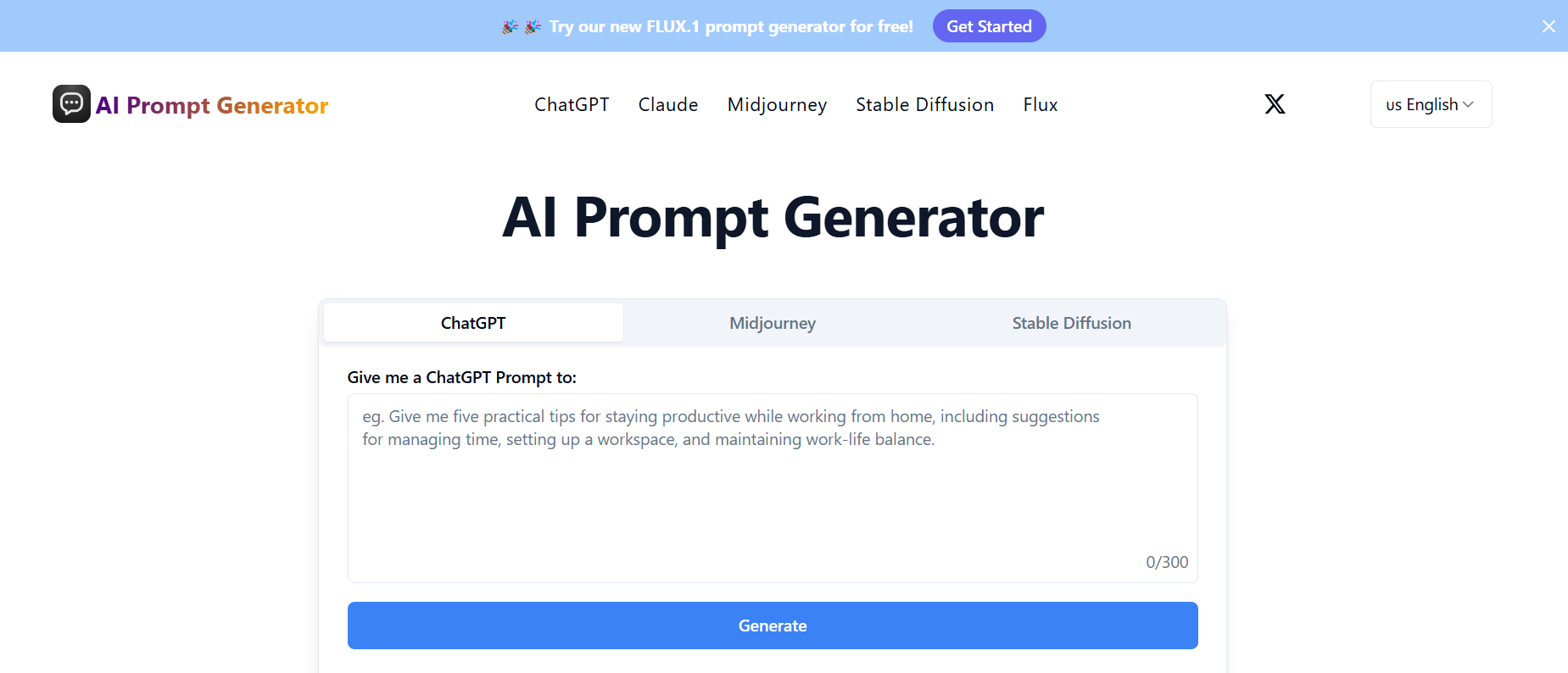
Al Prompt Generator
Elevate your AI interactions with the AI Prompt Generator, the ultimate tool for crafting optimized prompts for ChatGPT, Claude, Midjourney, Stable Diffusion, and more. Whether you're generating text, creating stunning visuals, or exploring AI-driven solutions, our platform ensures your prompts are clear, specific, and effective, delivering the best possible results from your AI models.
Key Features:
Multi-Model Support: Generate prompts for ChatGPT, Claude, Midjourney, Stable Diffusion, and Flux.
Prompt Optimization: Enhance your prompts for better AI responses with advanced optimization tools.
Real-Time Generation: Get instant, optimized prompts as you type, saving time and effort.
Interactive Learning Tools: Access tutorials and examples to improve your prompt creation skills.
Mobile Compatibility: Use the tool seamlessly on any device, from desktops to smartphones.
API for Developers: Integrate prompt generation into your projects with our developer-friendly API.
Best for:
Content creators crafting engaging text or visuals
Developers integrating AI prompts into applications
Marketers optimizing AI-driven campaigns
Educators teaching AI prompt creation and optimization
Researchers exploring AI model capabilities
Hobbyists experimenting with AI tools
Businesses streamlining workflows with AI solutions
Disclaimer: Please refer to the website for the most accurate and current pricing details and service offerings.


ThingLink360 & VR Editor
Elevate your daily routine with the enchanting Magic Wand, a revolutionary tool designed to bring a spark of wonder to every task. Crafted with cutting-edge technology and a sleek, ergonomic design, this wand effortlessly blends practicality with a touch of magic. Whether you’re tackling chores, sparking creativity, or simply adding a bit of fun to your day, the Magic Wand is your go-to companion for transforming the ordinary into extraordinary.
Key Features:
- Intuitive motion-sensor technology for easy, gesture-based control.
- Rechargeable battery with up to 10 hours of continuous use.
- Lightweight, durable design perfect for all-day handling.
- Customizable LED lights for a personalized magical glow.
- Multi-functional settings for cleaning, lighting, or creative projects.
- Compact size, ideal for travel or home use.
Best for:
- Busy parents looking to make household tasks fun and efficient.
- Creative minds eager to inspire their next big idea.
- Tech lovers who adore innovative, user-friendly gadgets.
- Kids and teens wanting a playful yet practical tool.
- Home organizers seeking a versatile helper for tidying up.
- Gift-givers searching for a unique, memorable present.
- Anyone who believes a little magic can brighten their day.
Price: $39.99
Disclaimer: Please refer to the website for the most accurate and current pricing details and service offerings.
Dovira
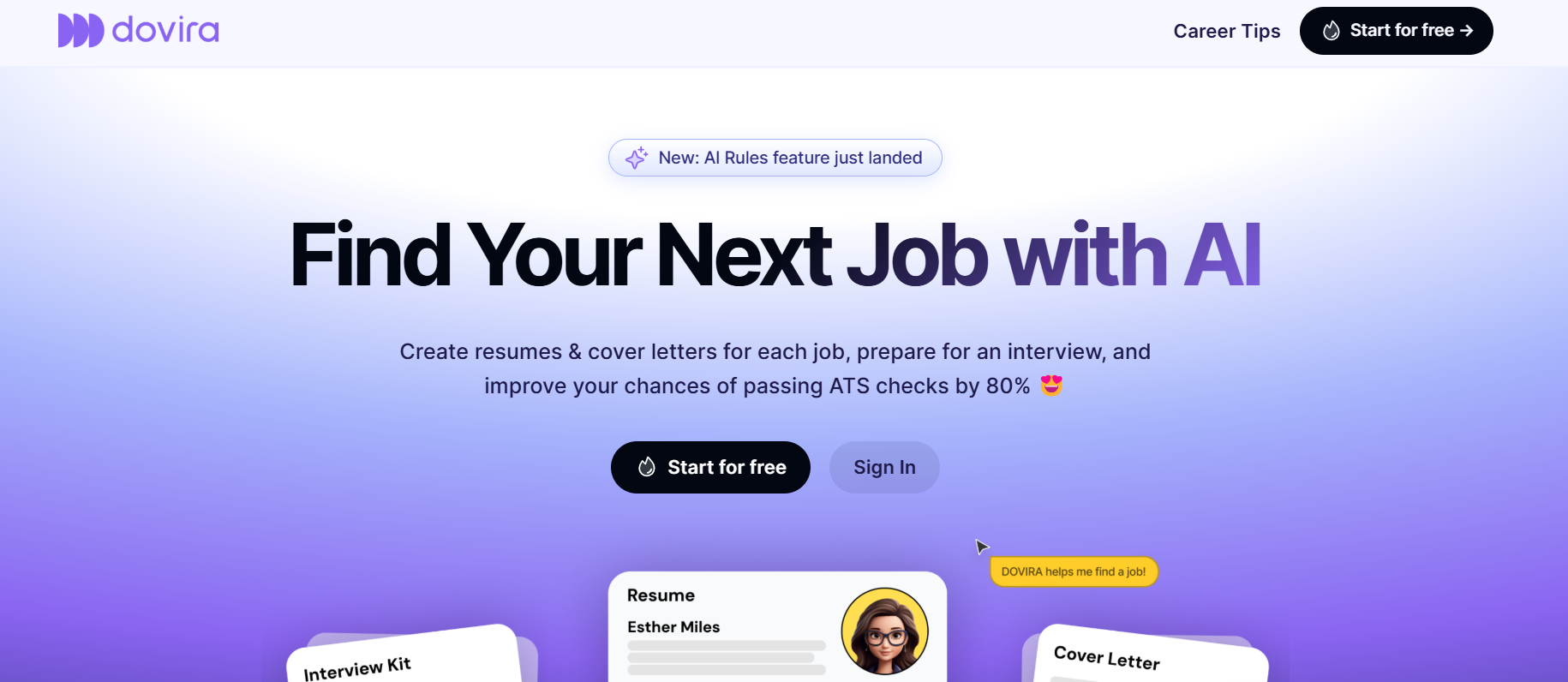
Dovira AI is the ultimate AI-powered job search assistant designed to help you craft winning resumes, personalize cover letters, and ace interviews effortlessly. With an intuitive AI system, ATS-friendly resume optimization, and a browser extension that detects job opportunities, you can streamline your job application process and boost your chances of getting hired by top employers worldwide.
Key Features:
- AI-driven resume and cover letter generator tailored to each job posting
- Advanced ATS optimization to increase resume visibility
- Browser extension to detect and apply for jobs directly from any website
- AI-powered interview preparation with common questions and expert insights
- Intuitive, chat-based interface for effortless job application assistance
- Job application tracker to organize and monitor application progress
Best for:
- Job seekers looking to optimize resumes for ATS systems
- Professionals switching careers and needing tailored applications
- Recent graduates aiming to stand out in a competitive job market
- Busy professionals who want to streamline job applications
- Remote job seekers applying to global opportunities
- Individuals preparing for interviews with AI-driven insights
- Anyone looking to increase their interview rate and job offers
Disclaimer: Please refer to the website for the most accurate and current pricing details and service offerings.
- 1
- 2
- 3
- 4
- 5
- ...
- 6
- 7
- ...
- 25