JetBrains AI: Smarter Coding, Built for You
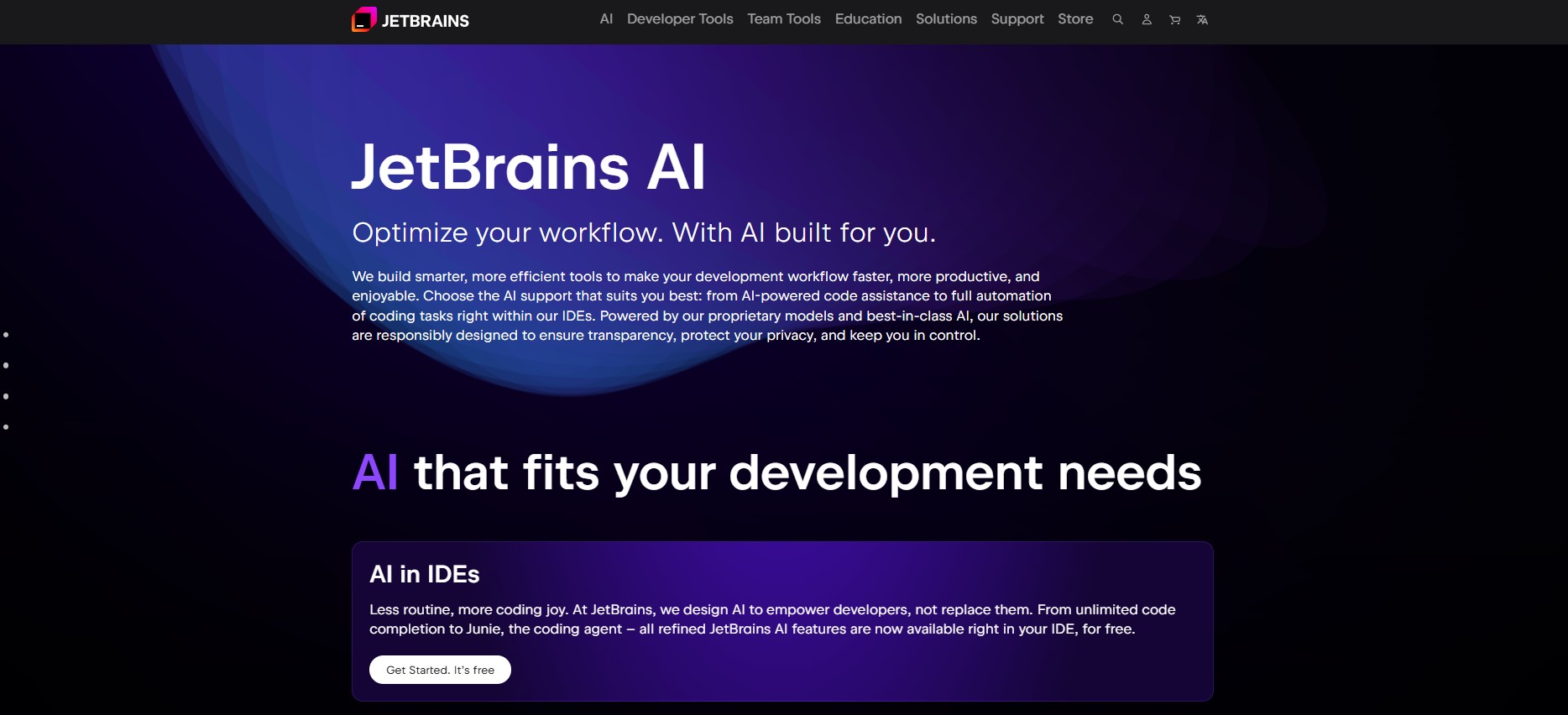
Streamline your coding tasks with the revolutionary JetBrains AI Service and In-IDE AI Assistant.
Say goodbye to manual debugging and constant code reviews – boost your productivity and efficiency today!
JetBrains AI isn’t just “another AI copilot.” It’s a context-aware assistant that understands your entire project, not just isolated snippets.
This means better suggestions, fewer errors, and a more natural workflow.
Key Features:
– Advanced AI technology for intelligent code completion
– Automated bug detection and suggestions for quick fixes
– Seamless integration within your IDE for a smooth workflow
– Real-time code analysis to enhance coding quality
– Tailored recommendations based on your coding style and preferences
Please refer to the website for the most accurate and current pricing details and service offerings.
How JetBrains AI Works
JetBrains AI uses a hybrid AI architecture combining:
-
Proprietary JetBrains models trained on curated codebases
-
External LLM integrations (like OpenAI’s GPT models, used responsibly)
-
IDE-level context parsing for precise code understanding
This blend ensures the model isn’t guessing — it’s reasoning with your actual code structure.
Best for:-
Developers looking to optimize their coding process
– Professionals seeking to enhance code quality and efficiency
– Teams collaborating on coding projects
– Individuals aiming to boost productivity in coding tasks
– Beginners wanting AI assistance in learning and improving coding skills
Responsible AI: Privacy & Control
JetBrains has been vocal about responsible AI adoption — and it shows.
You can choose between local inference and cloud-based suggestions, with full control over what data is shared. Their AI Principles emphasize transparency, fairness, and developer agency — making
JetBrains AI one of the most ethically designed developer assistants available.
Alternatives to JetBrains AI
If you’re exploring the AI coding ecosystem, you might also like:
-
GitHub Copilot — for seamless GitHub integration
-
Tabnine — for private AI completions
-
Codeium — a free alternative with multi-language support
These tools complement JetBrains AI or offer lighter options for non-JetBrains IDE users.
Elevate your coding experience with JetBrains AI Service and In-IDE AI Assistant and unlock a new level of coding proficiency today!
Final Thoughts: The Future of Coding Is Contextual
JetBrains AI isn’t just another “AI coder.” It’s a context-aware assistant built by developers, for developers, designed to understand your entire workflow: not just your code snippets.
If productivity, control, and code quality matter to you, JetBrains AI is the next upgrade your IDE deserves.
Try JetBrains AI today and experience the future of coding with confidence.
FAQs
Q1: Is JetBrains AI free to use?
JetBrains AI is available as a paid add-on or included in select IDE subscription tiers. Some features, like AI code completion and explanations, may require a JetBrains AI Access subscription.
Q2: Which IDEs support JetBrains AI?
JetBrains AI is currently supported in IntelliJ IDEA, PyCharm, WebStorm, Rider, PhpStorm, and other JetBrains IDEs.
Q3: How is JetBrains AI different from GitHub Copilot?
While GitHub Copilot focuses on inline completion, JetBrains AI integrates deeper into your project structure, offering smarter debugging, refactoring, and explanations within the IDE itself.
Promote JetBrains AI

Write a review
 Own or work here?
Claim Now!
Claim Now!
Own or work here?
Claim Now!
Claim Now!

-
$99.00
/ Per Listing
-
Duration : Unlimited days
Lorem ipsum dolor sit amet, lorem sit.
- Verified check mark
- Indexed on Google
- FAQ Section
- Tags or keywords
- Free newsletter feature
- Published within 2 days
- Long texts and media
- Social Links
- Lead Form
- Announcement Feature
- Deals/Offers/Discounts Feature
-
$49.00
/ Per Listing
-
Duration : Unlimited days
Lorem ipsum dolor sit amet, lorem sit.
- Verified check mark
- Indexed on Google
- FAQ Section
- Tags or Keywords
- Free newsletter feature
- Published within 4 days
Claim request is processed after verification..
Contact with Admin
 Your request has been submitted successfully.
Featured AI Tools
-
TrueFoundry
TrueFoundry provides an enterprise-grade AI Gateway that encompasses an LLM…
-
-
-
-

TrueFoundry
TrueFoundry provides an enterprise-grade AI Gateway that encompasses an LLM…