


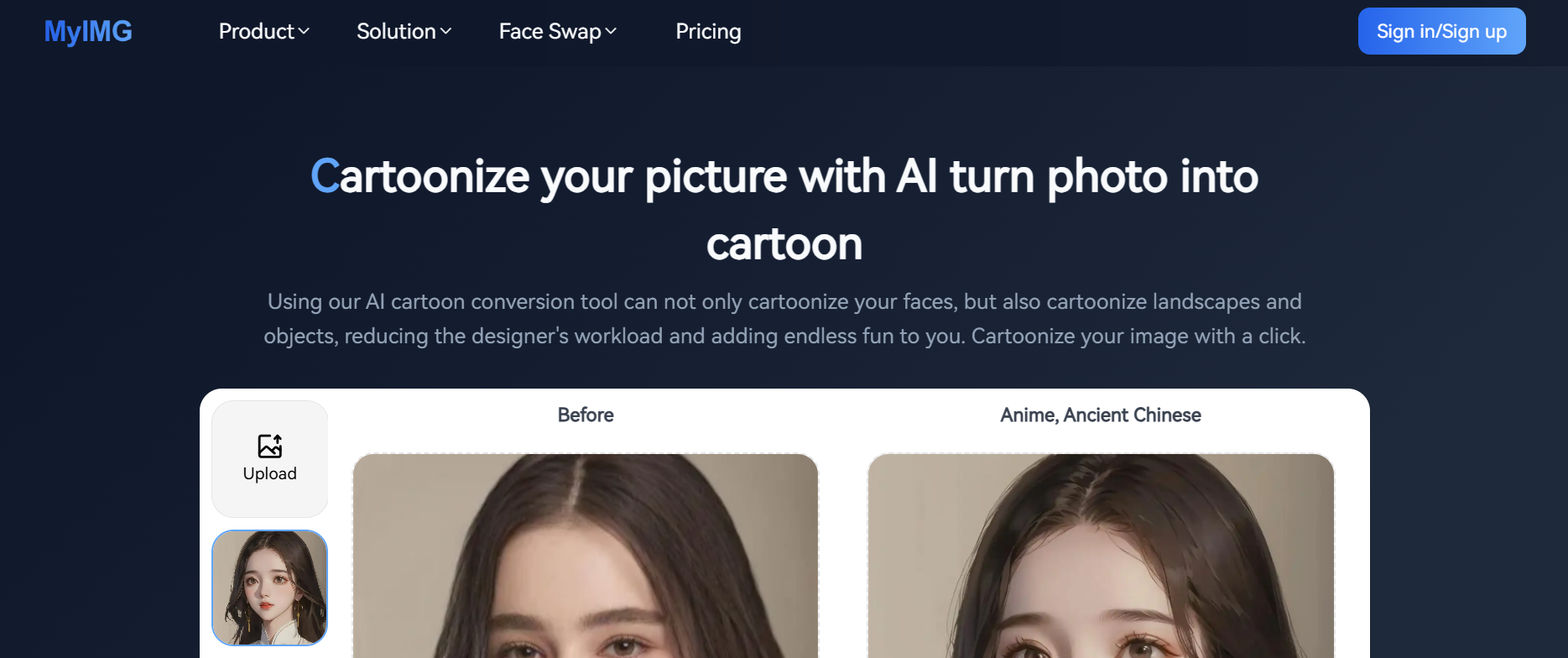
MyMIG AI – Free AI Age Progression & Photo Editor Tool
Last reviewed: March 2026MyMIG AI is a free online AI age progression tool that lets you see what you’ll look like when you’re older: from any photo, in seconds, with no watermark and no app download. Upload a face photo, choose an aging style, and get a photorealistic aged version of yourself using deep learning face simulation.
Beyond age progression, MyMIG is a full AI photo editor: it cartoonizes photos, runs face swaps up to 4K, and generates images from text prompts: all browser-based, all on a generous free daily credit plan.
Part of our AI Image Generator Tools collection: 200+ tools reviewed and updated monthly by the The AISurf editorial team.
What Is AI Age Progression — and How Does MyMIG Do It?
AI age progression is the process of simulating how a face will change over time using machine learning. Unlike simple filters that add wrinkles or grey hair cosmetically, MyMIG’s neural network models analyze facial bone structure, skin texture, and proportional changes that occur with biological aging to produce a realistic face aging result.
The underlying model is trained on thousands of paired age-progression examples, allowing it to predict natural changes in jaw definition, eye area, hairline, and skin tone — not just apply a texture overlay. The result is one of the most accurate free AI aging photo generators available without a subscription.
What MyMIG’s age progression can do:
- Process in under 10 seconds with no watermark on free plan
- Show you what you’ll look like at 40, 60, or 80 from a single photo
- Generate a “future self” image for social sharing or personal use
- Simulate aging on any face, including historical or childhood photos
- Reverse-age a photo (de-aging / AI age regression)
Who uses AI face aging tools:
- Individuals curious to see their future self
- Families wanting to age photos of young children
- Genealogy researchers visualizing ancestors
- Law enforcement and forensic teams for missing persons age progression
- Filmmakers and content creators needing aged character visuals
How to Age a Photo with MyMIG AI (Step-by-Step)
Download your result — free plan outputs are high-resolution with no watermark
Go to MyMIG.AI — no account required for free use
Select the Age Progression tool from the homepage or tool menu
Upload your photo — use a clear, front-facing portrait for best results (JPG or PNG, well-lit)
Choose your target age range — options typically span from +10 to +50 years
Click Generate — processing completes in 5–10 seconds
Pro tips for realistic results:
- Use a photo taken in neutral lighting with a plain background
- Avoid sunglasses, heavy shadows, or extreme angles
- For group photos, crop to a single face before uploading
- Run the same photo twice for subtle variation in output style
MyImg AI Pricing Plans
| Plan | Price | Credits | Best For |
| Free Trial | Free | 10/day | Casual users |
| Basic | $9.99 (1-time) | 1,050 | Beginners |
| Standard | $39.99 (1-time) | 5,000 | Regular use |
| Premium | $99.99 (1-time) | 15,000 | Power users |
| Unlimited | $299.99 (1-time) | Unlimited | Professionals |
Pricing reflects available plans at time of listing. Check MyMIG’s website for current offers.
Try MyMIG Free — 10 Credits Daily
Use Cases of MyMIG.AI
Social media content creators
Turn selfies into anime or cartoon avatars for profile pictures, thumbnails, or story content that stands out.
Marketing and e-commerce teams
Generate stylized product visuals or swap models across different images without a full photo shoot.
Streamers and VTubers
Create custom character art or transform real photos into illustrated personas for channel branding.
Casual users and gift makers
Convert family photos into cartoon portraits for personalized gifts, cards, or wall prints.
MyMIG vs Other AI Age Progression Tools
| Feature | MyMIG AI | FaceApp | Fotor | AgingBooth |
| Free plan | ✓ 10 credits/day | ✓ Limited | ✓ Limited | ✓ Yes |
| No watermark (free) | ✓ Yes | ✗ No | ✗ No | ✗ No |
| No app needed | ✓ Browser-based | ✗ App required | ✓ Web | ✗ App required |
| Age regression (reverse aging) | ✓ Yes | ✓ Yes | ✗ No | ✗ No |
| Face swap | ✓ 4K + Video | ✗ No | ✗ No | ✗ No |
| One-time pricing | ✓ Yes | ✗ Subscription | ✗ Subscription | ✗ Subscription |
| Commercial use (paid) | ✓ Yes | ✗ Restricted | ✓ Yes | ✗ No |
Verdict: MyMIG is the only free AI age progression tool that combines no-watermark output, browser access with no app download, and a one-time paid upgrade path, making it the strongest option for casual and professional users alike.
Start Free, No Sign-Up Required
Disclaimer: Please refer to the website for the most accurate and current pricing details and service offerings.
Explore More AI Image Transformation Tools
MyMIG specialises in AI age progression, but if you’re exploring the wider landscape of AI face and photo tools, the TheAISurf editorial team has reviewed and ranked the following categories:
- Best AI Face Editing Tools →
- AI Anime & Cartoon Generator Tools →
- AI Face Swap Video Tools →
- Best AI Image Generator Tools →
Explore the full AI image transformation category:
Exploring similar tools? Browse all AI Anime Generator Tools on TheAISurf, or compare options in the AI Face Swap Video Tools category.
Reviewed and updated weekly.
Try nowFAQs
What is the best free AI age progression tool?
MyMIG AI is widely considered one of the best free AI age progression tools available in 2025–2026. It offers 10 free credits daily with no watermark on outputs, requires no app download, and uses a deep learning face aging model that produces realistic results — outperforming most free-tier competitors including FaceApp's free version and AgingBooth.
How accurate is AI age progression on photos?
AI age progression accuracy depends on the quality of your input photo and the model used. MyMIG uses a neural network trained on thousands of real-world aging examples, making it highly accurate for predicting structural facial changes like jawline softening, skin texture, and eye area aging. For best accuracy, use a clear, front-facing photo in good lighting.
Can AI age progression be used for missing persons or forensic purposes?
Yes. Age progression AI is actively used by law enforcement agencies and forensic artists to estimate what a missing person may look like years after disappearance. MyMIG's tool is accessible to the public for similar purposes — for example, aging a childhood photo to visualize how a person might appear today. Professional forensic work typically uses more specialized software, but MyMIG provides a strong starting point for public awareness use cases.
What's the difference between AI age progression and an age filter?
An age filter (like Snapchat's or Instagram's) applies a superficial texture overlay — adding wrinkles and grey tones — without modeling structural facial change. AI age progression tools like MyMIG use deep learning to simulate how bone structure, skin, muscle, and proportions actually change over decades, producing a far more realistic result than a filter.
Is there a free AI tool to see what I'll look like when I'm older?
Yes — MyMIG AI is one of the best free options. It gives you 10 free age progression credits per day with no watermark, no credit card, and no app required. Simply upload a photo, select your target age, and download the result in seconds.
Is MyMIG AI free to use?
Yes. MyMIG offers 10 free credits per day — no credit card required to start.
Does MyMIG work on mobile?
Yes. It's fully browser-based and works on iOS and Android without any app download.
Promote MyMIG AI

1 Review for MyMIG AI


MyMIG turns any photo into a vibrant cartoon instantly. It’s fast, fun, and style-rich—perfect for social posts, profile pics, or just playing with creative ideas. No skills needed, just click and smile.
Write a review
 Own or work here?
Claim Now!
Claim Now!
Own or work here?
Claim Now!
Claim Now!

-
$99.00
/ Per Listing
-
Duration : Unlimited days
Lorem ipsum dolor sit amet, lorem sit.
- Verified check mark
- Indexed on Google
- FAQ Section
- Tags or keywords
- Free newsletter feature
- Published within 2 days
- Long texts and media
- Social Links
- Lead Form
- Announcement Feature
- Deals/Offers/Discounts Feature
-
$49.00
/ Per Listing
-
Duration : Unlimited days
Lorem ipsum dolor sit amet, lorem sit.
- Verified check mark
- Indexed on Google
- FAQ Section
- Tags or Keywords
- Free newsletter feature
- Published within 4 days
Claim request is processed after verification..
Featured AI Tools
-
DepositPhotos AI Image Generator
DepositPhotos AI Image Generator is a reliable, commercially focused AI…
-
-
-
-
Product ai
Generate stunning, professional-grade product photos in seconds with ProductAI—your all-in-one…
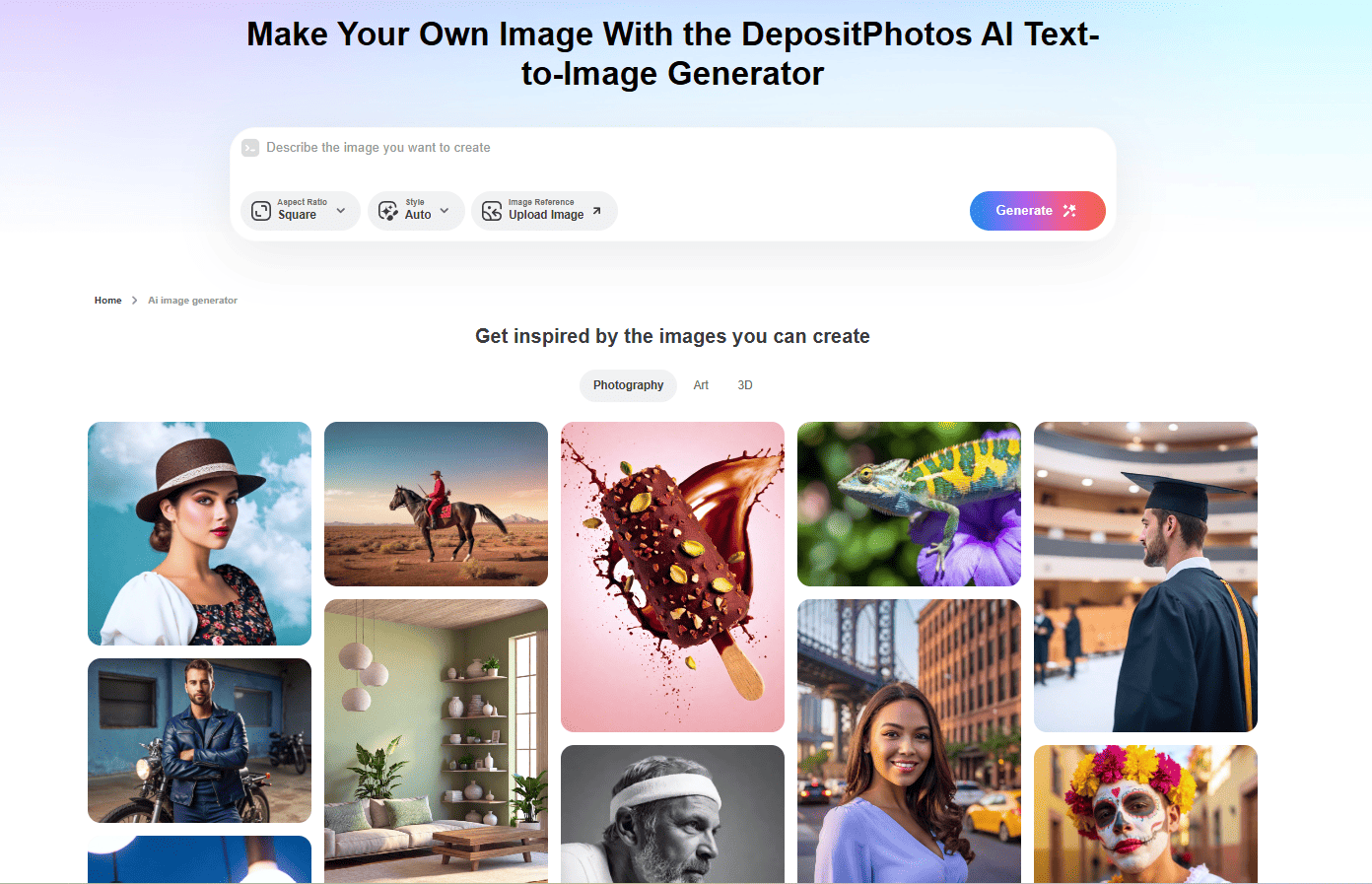
DepositPhotos AI Image Generator
DepositPhotos AI Image Generator is a reliable, commercially focused AI…



Product ai
Generate stunning, professional-grade product photos in seconds with ProductAI—your all-in-one…
