


Pixble: AI Face Swap & Photo Editor You Need to Try
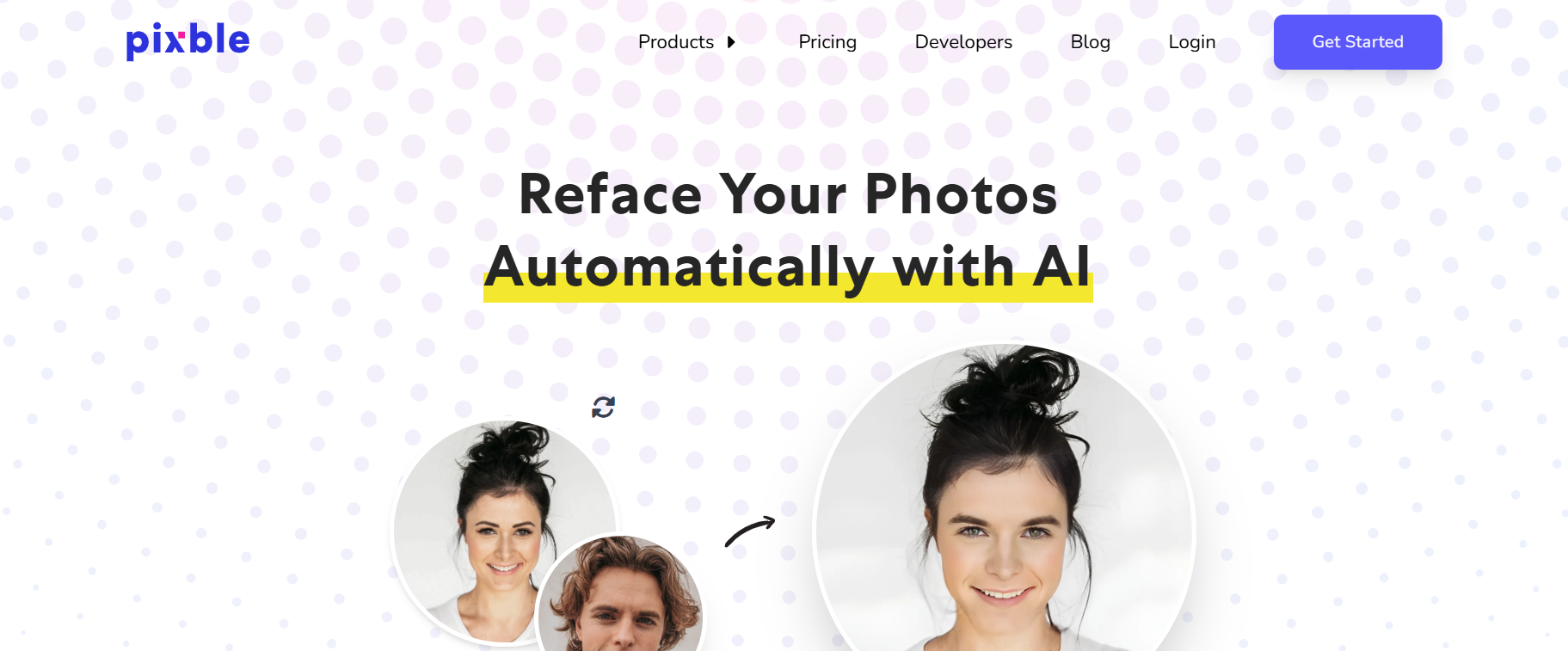
Face-swapping apps have exploded in popularity, whether for memes, content creation, or just for fun. Pixble is an AI-powered face swap and photo editor that lets you reface photos online in seconds. Just upload, drag, and drop your image, and Pixble automatically swaps faces without reducing quality.
Transform any photo in seconds. No manual editing. No quality loss. Just pure AI magic. Pixble makes pro-level face swaps effortless, fast, and fun, for everyone.
What is Pixble?
Pixble is a cloud-based AI photo editing platform designed to make professional-quality image enhancement accessible to everyone. Launched as part of the growing wave of AI-powered creative tools, Pixble bridges the gap between simple mobile photo apps and complex professional software.
The Technology Behind Pixble
Pixble leverages computer vision and machine learning models trained on millions of images to understand photo composition, lighting, color theory, and aesthetic principles. This AI foundation allows the platform to:
- Suggest improvements based on best practices
- Automatically detect and correct common photo issues
- Understand subject matter and context
- Apply edits that respect the original image intent
Key Features of Pixble
AI-Powered Face Swap Engine
Uses cutting-edge facial recognition and 3D rendering to map and blend faces with precision — even with rotated or tilted subjects.
Preserves Image Quality
Maintains your photo’s original size and resolution — perfect for high-res prints, ecommerce assets, or social media.
Lightning-Fast Results
Generate face swaps in under 1 minute with fully automated processing. Ideal for content creators and fast-moving teams.
API Access for Developers
Seamlessly integrate face-swapping into your own apps, platforms, or creative tools with Pixble’s robust developer-friendly API.
No Learning Curve
Simple drag-and-drop UI makes it beginner-friendly. Zero manual intervention needed.
How Pixble’s AI Photo Editing Works
The AI Enhancement Pipeline
When you upload an image to Pixble, the platform’s AI performs a multi-stage analysis:
- Scene Recognition: Identifies whether the image is a portrait, landscape, product shot, or other category
- Quality Assessment: Detects issues like poor exposure, noise, blur, or color casts
- Intelligent Correction: Applies targeted fixes based on the analysis
- Style Application: Optionally applies creative transformations while maintaining image integrity
AI vs Manual Control
Pixble offers two editing approaches:
AI-First Workflow:
- Click “AI Enhance” for automatic improvements
- Use smart suggestions for additional edits
- Let the algorithm handle technical decisions
- Best for speed and consistency
Manual-First Workflow:
- Start with traditional editing tools
- Use AI features selectively
- Maintain complete creative control
- Best for specific artistic visions
Most users find a hybrid approach works best – starting with AI enhancements and then fine-tuning manually.
Accessing Pixble: How to Use the Site
Official Pixble.com Access
Primary Platform: Pixble.com is the main web application where all editing happens.
System Requirements:
- Modern web browser (Chrome, Firefox, Safari, Edge)
- Stable internet connection (minimum 5 Mbps recommended)
- JavaScript enabled
- Cookies enabled for account functionality
No Downloads Required: Unlike traditional photo editors, Pixble runs entirely in your browser. This means:
- Works on any operating system
- No storage space needed
- Always running the latest version
- Edit from any device
Account Setup
- Visit Pixble.com official site
- Click “Sign Up” or “Get Started”
- Choose registration method (email, Google, or social login)
- Verify your email address
- Start with the free tier or select a premium plan
Mobile vs Desktop Experience
Desktop (Recommended):
- Full feature access
- Larger workspace
- More precise control
- Better for batch processing
Mobile Browser:
- Core editing features available
- Touch-optimized interface
- Good for quick edits on the go
- Some advanced features may be limited
Real-World Use Cases
Content Marketing: Quickly polish product photos, blog images, and social media visuals without hiring a designer.
E-commerce: Enhance product photography, remove backgrounds, and maintain consistent image quality across catalogs.
Personal Projects: Restore old photos, enhance vacation pictures, and create shareable content for social media.
Professional Workflows: Speed up initial editing passes before final retouching in dedicated software.
Who Is Pixble For?
- Content creators & YouTubers
- Influencers & meme-makers
- Advertising agencies
- Mobile app developers
- Digital artists & AI enthusiasts
- Ecommerce platforms & mockup designers
- Anyone who wants fun + functional face swaps
Pixble Pricing Breakdown
Free Plan
- Cost: $0/month
- Limits: 5-10 AI edits per month
- Features: Basic tools, standard resolution
- Exports: Watermarked images
- Best for: Testing the platform, occasional users
Pro Plan
- Cost: ~$9-15/month
- Limits: 100-200 AI edits per month
- Features: All tools, high-resolution exports
- Exports: No watermarks
- Best for: Regular users, small businesses
Business Plan
- Cost: ~$29-49/month
- Limits: Unlimited AI edits
- Features: Priority processing, API access, team features
- Exports: Commercial license included
- Best for: Agencies, e-commerce businesses
Note: Pricing may vary. Check Pixble.com for current rates and promotions.
Feature Comparison Matrix
| Feature | Pixble | MyImg AI | Photoshop | Canva |
| AI Auto-Enhance | ✓ | ✓ | Limited | ✓ |
| Background Removal | ✓ | ✓ | Manual | ✓ |
| Batch Processing | Premium | Premium | ✓ | Limited |
| RAW Support | Premium | ✗ | ✓ | ✗ |
| Offline Mode | ✗ | ✗ | ✓ | ✗ |
| Mobile App | Browser | Browser | ✓ | ✓ |
| Free Tier | Limited | Limited | Trial | ✓ |
| Learning Curve | Easy | Medium | Hard | Easy |
When to Choose Pixble
Pixble is Your Best Choice If:
- You need fast, AI-powered editing without technical knowledge
- You want a balance between automation and manual control
- You prefer browser-based tools over installed software
- You edit photos regularly but not professionally
- You need consistent results across multiple images
- Budget is a concern (vs Adobe Creative Cloud)
Consider Alternatives If:
- You need pixel-perfect professional retouching (→ Photoshop)
- Your focus is AI image generation (→ Midjourney, DALL-E)
- You need offline editing capability (→ GIMP, Affinity Photo)
- You want completely free unlimited editing (→ Photopea)
- You specialize in portrait photography (→ Face Magic)
- You need graphic design tools too (→ Canva)
Expert Tips for Getting the Most from Pixble
- Start with the free tier to understand the interface before committing
- Use AI enhance first, then refine manually for best results
- Save your favorite presets to speed up repetitive editing tasks
- Export in multiple resolutions if you’ll use images across different platforms
- Compare alternatives – try MyImg AI and Face Magic for specific use cases
Related Tools on TheAISurf.com
Why Choose Pixble?
- Quality: Professional-grade results without expensive software
- Speed: Lightning-fast AI processing — done in seconds
- Tech-Forward: Powered by AI, optimized for real-world performance
- Flexible: Use via web app or integrate via API
- Scalable: Ideal for individuals, teams, and SaaS platforms
Ready to Swap Faces Like a Pro?
Whether you’re building a next-gen app, running a content studio, or just want to have fun, Pixble is your go-to AI face swap solution. Don’t listen to us, you yourself Try Pixble Now on pixble.com.
About This Guide: The AISurf is an independent review platform. We are not affiliated with Pixble or any tools we review. Our goal is to help you make informed decisions about AI tools.
Try nowFAQs
Is Pixble free to use?
Pixble offers both free and premium plans. The free version includes limited swaps per day. For high-volume or commercial use, paid tiers are available. Visit pixble.com for pricing.
Does Pixble work on mobile?
Yes — Pixble is fully mobile-optimized and works in your browser. No downloads or app installations required.
Can I integrate Pixble into my app?
Absolutely. Pixble offers an API that developers can use to integrate face-swapping functionality directly into their platforms.
How realistic are the results?
Pixble uses 3D rendering and advanced facial matching to deliver studio-grade, photorealistic face swaps with zero manual retouching.
Promote Pixble

Write a review
 Own or work here?
Claim Now!
Claim Now!
Own or work here?
Claim Now!
Claim Now!

-
$99.00
/ Per Listing
-
Duration : Unlimited days
Lorem ipsum dolor sit amet, lorem sit.
- Verified check mark
- Indexed on Google
- FAQ Section
- Tags or keywords
- Free newsletter feature
- Published within 2 days
- Long texts and media
- Social Links
- Lead Form
- Announcement Feature
- Deals/Offers/Discounts Feature
-
$49.00
/ Per Listing
-
Duration : Unlimited days
Lorem ipsum dolor sit amet, lorem sit.
- Verified check mark
- Indexed on Google
- FAQ Section
- Tags or Keywords
- Free newsletter feature
- Published within 4 days
Claim request is processed after verification..
Featured AI Tools
-
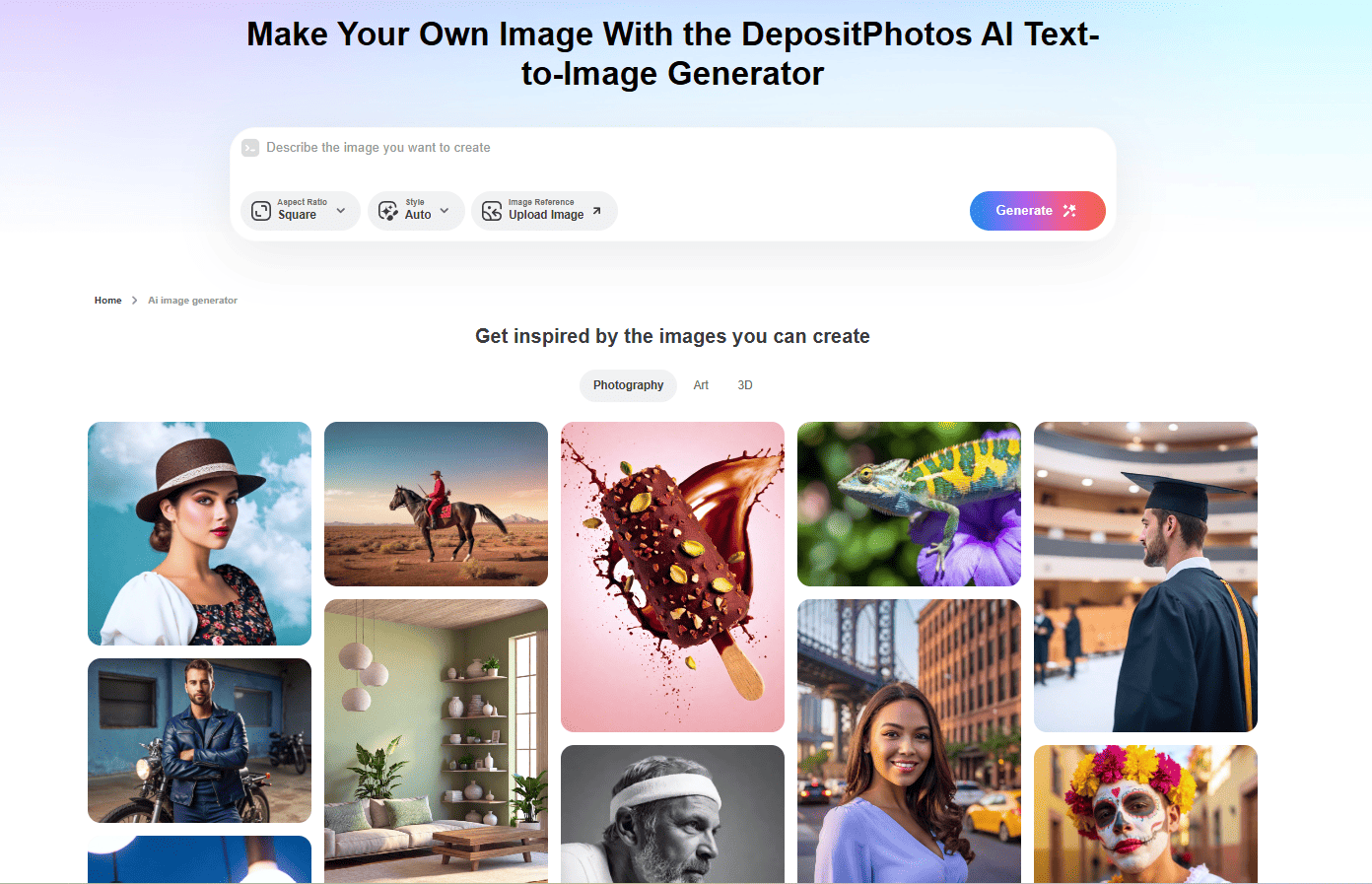
DepositPhotos AI Image Generator
DepositPhotos AI Image Generator is a reliable, commercially focused AI…
-
-
-
-
Product ai
Generate stunning, professional-grade product photos in seconds with ProductAI—your all-in-one…
DepositPhotos AI Image Generator
DepositPhotos AI Image Generator is a reliable, commercially focused AI…


Product ai
Generate stunning, professional-grade product photos in seconds with ProductAI—your all-in-one…
