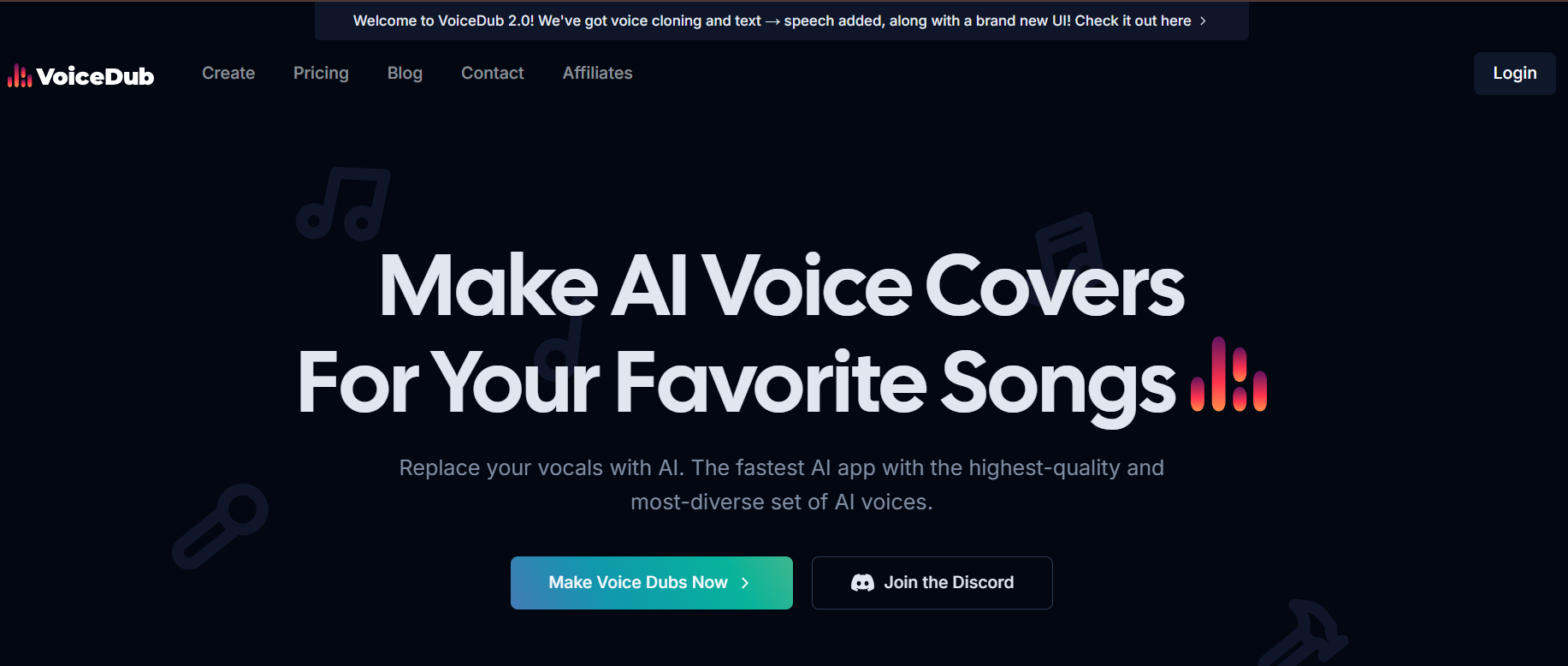
VoiceDub is the fastest free AI voice dubbing tool for creators who want professional results without a learning curve.
Whether you want to dub a video into 30+ languages, clone your own voice for covers, or strip vocals from any track, VoiceDub does it all in three clicks, no credit card required.
Used by over 2 million creators on TikTok, YouTube, and Instagram, it’s built for speed, simplicity, and viral content, not studio engineers.
If you’ve been searching for a free AI voice dubbing tool that actually works, this is it.
What Is VoiceDub?
VoiceDub is a browser-based AI voice dubbing and voice cloning platform that lets anyone transform audio, video, or text into professional-quality voice content, for free.
Unlike traditional dubbing software that requires audio engineering skills and expensive hardware, VoiceDub runs entirely in the cloud. Upload your file, choose a voice, and get a finished dub in under two minutes.
The platform is built around three core use cases:
Content Dubbing — Replace voices in any video for multilingual publishing. VoiceDub supports 30+ languages with natural-sounding AI narration, making it the go-to free AI voice dubbing tool for YouTube creators expanding into global audiences.
Voice Cloning — Record a 30-second voice sample and VoiceDub replicates it with surprising accuracy. Use your cloned voice for consistent narration, covers, or character voices across all your content.
AI Music Covers — Combine the built-in vocal remover with any AI voice to produce covers, duets, and remixes of your favourite tracks. No music production experience needed.
VoiceDub’s free plan is genuinely usable, not a watered-down teaser. You get 5 voice dubs per week, unlimited vocal removal, and access to 10,000+ voices without entering a payment method.
Why creators choose VoiceDub
Extremely easy 3-step workflow
Realistic voice cloning without setup
10,000+ AI voices, biggest library in the space
Free unlimited vocal remover
Great for covers, podcasts, storytime videos & more
If you want a fast, creator-friendly dubbing tool with no upfront cost, VoiceDub is one of the best choices available.
Key trust points:
✔ No credit card required
✔ Free unlimited vocal remover
✔ Best value for casual creators
How Does AI Voice Dubbing Work?
AI voice dubbing works by separating the vocal track from a video or audio file, analyzing the speaker’s voice characteristics, and replacing it with a synthetic AI-generated voice, either cloned from a real person or selected from a voice library. The result syncs with the original timing and tone in seconds.
VoiceDub Features Breakdown
Below are the core features that matter most to creators, each with a clear benefit & free/paid badge.
1. AI Voice Cloning Free: 1 clone/week — Paid: Unlimited
VoiceDub’s voice cloning captures the unique characteristics of your voice: pitch, cadence, and tone, from a 30-second recording. The resulting synthetic voice can be applied to any text or audio file, giving you consistent narration across videos, podcasts, and covers without re-recording.
Best for: Creators who want their own AI voice cover generator, podcasters building a consistent audio brand, and voice actors creating AI-enhanced demo reels.
2. 10,000+ AI Voice Library Free + Premium options
Access one of the largest AI voice libraries available in a free dubbing tool: covering characters, accents, regional dialects, and celebrity-style voice models contributed by the community. Filter by language, gender, age, and style to find the exact voice your content needs.
Best for: Multilingual dubbing, AI dubbing software for videos targeting international audiences, meme creators, and storytelling channels.
3. Free Vocal Remover & Stem Splitter Always free — unlimited uses
Separate vocals from instrumentals in any track with a single click. VoiceDub’s vocal remover is fully free with no weekly limit, making it useful as a standalone AI vocal remover free tool even if you don’t use the dubbing features. Output stems can be downloaded separately for remixing, karaoke creation, or AI cover production.
Best for: Musicians producing AI covers, producers extracting instrumentals, TikTok creators making karaoke-style content.
4. Text-to-Speech AI Voice Generator Free
Type any script and convert it to realistic speech using any voice in the library, including your cloned voice. The text-to-speech AI voice generator supports multiple languages and produces natural-sounding narration without any recording equipment. Useful for voiceovers, explainer videos, and automated content pipelines.
Best for: YouTubers producing faceless content, educators creating course narrations, developers prototyping voice UI.
5. One-Click Dub Replacement Free (standard speed) — Paid (2× faster)
Upload a video or audio file and replace the existing voice track with any AI voice in seconds. This one-click voice dubbing for YouTube and TikTok makes language localisation and voice swapping accessible to creators with no audio editing experience. The replacement syncs automatically to the original timing.
Best for: Content creators localising videos into multiple languages, podcasters updating archived episodes, anyone rebranding older video content.
6. Community Voices & Trending Presets Free
Discover trending voice clones, viral character presets, and creator-contributed voice models through VoiceDub’s community library. New voices are added regularly, giving you fresh options for seasonal content, trending audio formats, and niche communities.
Best for: Creators staying ahead of viral audio trends on TikTok and YouTube Shorts.
Free vs Paid Pricing Table| Feature | Free Plan | Paid Plan ($2.99/week ≈ $12/mo) |
| Voice Dubs | 5/week | Unlimited |
| Voice Cloning | 1 clone/week | Unlimited |
| Voice Library | 10,000+ voices | 10,000+ voices |
| Vocal Remover | Unlimited Free | Unlimited |
| Processing Speed | Standard | 2× Faster |
| Audio Quality | High | Ultra-high |
VoiceDub 2.0 isn’t just another voice app, it’s an AI audio studio built for today’s creators:
- Fast, browser-based, and beginner-friendly.
- Used by musicians, YouTubers, podcasters, and TikTok creators worldwide.
- Produces professional-quality results for covers, dubbing, narration, and sound design.
- No downloads or plugins required, everything runs in the cloud.
Honest Review: Pros & Cons
Pros
No download required — entirely browser-based; works on any device with an internet connection
Genuinely free starting point — 5 dubs/week and unlimited vocal removal without entering payment details is among the most generous free tiers in the AI dubbing space
Largest voice library available free — 10,000+ voices covering languages, accents, and character types outpaces most competitors at any price point
Three-click workflow — upload, select voice, download; the entire process requires no audio editing knowledge
Standalone vocal remover — works as a fully free AI vocal remover with no session or usage cap, even on the free plan
Cons
Voice cloning artefacts on free tier — some clones produce robotic-sounding distortion, particularly on voices with strong regional accents; quality improves noticeably on the paid plan
Weekly dub limits feel restrictive for active creators — 5 dubs/week is workable for casual use but limiting for creators producing daily content
No mobile app — the browser-based tool works on mobile but lacks a dedicated app, which affects the workflow for on-the-go creators
Commercial licensing varies by voice — community-contributed voice models carry individual licensing terms; this requires careful checking before monetising AI cover content
Overall Rating:
8.2/10
Verdict: Best for creators wanting fast, easy AI covers and voice dubs without paying upfront.
VoiceDub vs Other Free AI Voice Dubbing Tools
| Feature | VoiceDub | All Voice Lab | Vocalize |
| Free Plan | Yes (5 dubs/week) | Yes (limited) | Yes (limited) |
| Voice Cloning Free | 1/week | Paid only | Paid only |
| Voice Library Size | 10,000+ | 3,000+ | 5,000+ |
| Vocal Remover Free | Unlimited | Limited | Limited |
| Languages Supported | 30+ | 20+ | 15+ |
| No Sign-Up Required | Yes | No | No |
| Mobile App | No | Yes | No |
| Best For | Casual creators, covers | Professional cloning | Music-focused covers |
Data based on publicly available free plan features as of 2025. Check each tool’s official pricing page for current limits.
Step-By-Step Tutorial (With Time Estimates)
Step 1 — Sign Up (1 minute)
Or skip signup and use free tools directly.
Step 2 — Upload Audio/Video or Use Text-to-Speech (1–2 minutes)
Drag and drop, paste a link, or enter text.
Step 3 — Choose a Voice or Clone Your Own (2–5 minutes)
Pick from 10,000+ voices or record a 30-second sample.
Step 4 — Customize Pitch/Speed (1–2 minutes)
Optional adjustments for tone and style.
Step 5 — Generate Your Dub (1–3 minutes)
AI creates your new voice instantly.
Step 6 — Download & Share (1 minute)
Use in TikToks, YouTube Shorts, reels, podcasts, etc.
Real examples:
Viral TikTok music cover
AI duet with favorite artist
Podcast voice cleanup
Dating story narration
Comedy meme voiceovers
Who Is VoiceDub Best For?
Music Creators
If you want to make an AI cover song, produce duets, or remix tracks using your own voice or a celebrity-style model, VoiceDub’s combination of vocal remover and voice cloning makes it one of the most complete free AI cover song makers available without a subscription.
YouTube & TikTok Creators
Creators publishing to global audiences need fast, affordable dubbing. VoiceDub’s 30+ language support and one-click dub replacement make it a practical free voice dubbing app online for localising Shorts, Reels, and long-form videos without hiring translators or voiceover artists.
Podcasters
Use VoiceDub’s text-to-speech AI voice generator to produce consistent episode narrations, update old episodes with a refreshed voice, or create multi-language versions of your show without additional recording sessions.
Streamers & Gamers
Add custom character voices to gameplay footage, commentary, or highlight reels. VoiceDub’s voice library includes character and genre-specific presets suited for gaming content.
Educators & Course Creators
Generate professional narrations in multiple languages from written scripts. No microphone, recording studio, or audio editing skills required.
Developers & Indie Builders
Prototype voice UI, generate synthetic training data, or add text-to-speech AI voice generator functionality to early-stage products, all on VoiceDub’s free tier.
Price: Free tools available; paid features accessible with credit purchases
You can explore an AI tools directory to discover useful platforms for AI candidate screening, along with practical AI courses for beginners to build your skills from the ground up.
Explore More AI Voice & Audio Tools
If VoiceDub fits part of your workflow, these related resources cover the full picture:
- All Voice Lab – Advanced AI Voice Cloning Tool — Better for professional-grade cloning and commercial voice production
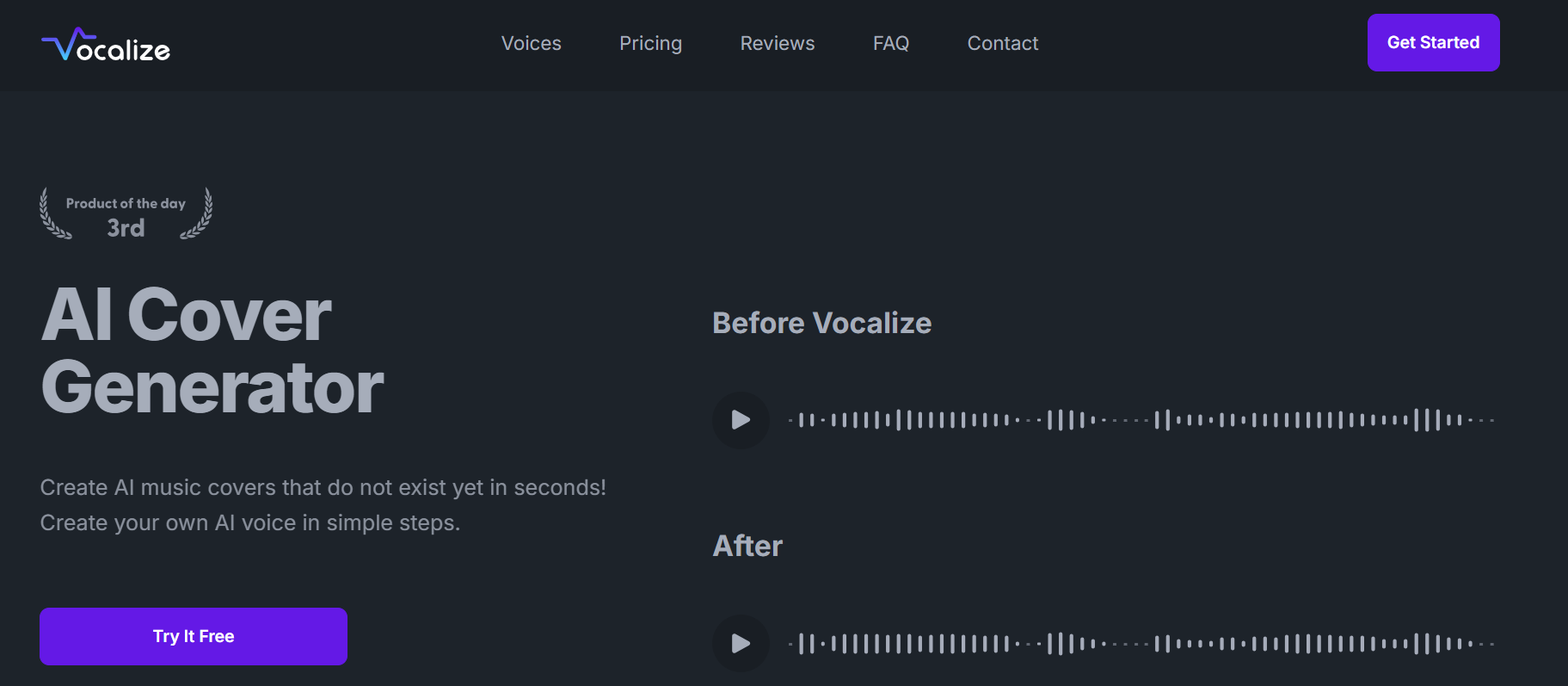
- Vocalize – AI Music Cover Generator — Focused specifically on music covers with high-fidelity output
- 7 AI Cover Song Generators to Breathe New Life Into Your Favourite Tracks — Full comparison guide including VoiceDub, Vocalize, and five other tools
Disclaimer: Please refer to the website for the most accurate and current pricing details and service offerings.
Try VoiceDub Free — No Sign-Up Required
VoiceDub gives you everything you need to start dubbing videos, cloning your voice, and making AI covers today, without a credit card or account.
What you get free:
- 5 voice dubs per week
- 1 voice clone per week
- Unlimited vocal removal
- Access to 10,000+ AI voices
- Full browser-based workflow, no download needed
Free plan available instantly. Paid plans from $2.99/week for unlimited dubs and faster processing.
Try nowFAQs
How do I dub a video with my own AI-cloned voice for free?
With VoiceDub, clone your voice in three steps: record a 30-second audio sample inside the platform, upload the video you want to dub, and select your cloned voice as the output. VoiceDub processes the dub in under two minutes. The free plan includes one clone per week — no credit card required.
What is the best free AI voice cover generator for TikTok and YouTube?
VoiceDub is one of the strongest free options for TikTok and YouTube creators in 2025. It combines a free vocal remover, 10,000+ AI voices, and one-click dub replacement in a single browser-based tool. Alternatives worth comparing include All Voice Lab for advanced cloning and Vocalize for music-focused covers.
Can I clone my voice with AI without paying?
Yes. VoiceDub's free plan includes one voice clone per week with no payment required. You record a short audio sample directly in your browser, and the AI generates a synthetic version of your voice that can be used for covers, narrations, and video dubs. Paid plans unlock unlimited cloning and higher audio fidelity.
How does AI voice dubbing work for multilingual content?
AI voice dubbing for multilingual content works by transcribing the original audio, translating the transcript into the target language, and synthesising speech in that language using a voice that matches the original speaker's tone. VoiceDub supports 30+ languages and handles the entire pipeline automatically — making it practical for creators localising content without a translation team.
Is VoiceDub safe to use, and can I use AI covers commercially?
VoiceDub uses standard HTTPS encryption and does not require personal account creation for free tools. For commercial use, licensing varies by the AI voice selected, some community-contributed voices carry restrictions. Always review VoiceDub's licensing terms before publishing monetised content, particularly for music covers involving artist voice models.
What file formats does VoiceDub support?
VoiceDub accepts MP3, WAV, and M4A for audio uploads, and standard video formats for dubbing. Exports are available in MP3 and WAV. Processing happens entirely in the browser, no software download or plugin installation needed.
How long does a voice dub take to generate?
Most dubs are processed in 10 to 30 seconds depending on file length and server load. Paid plans receive priority processing at approximately 2× the speed of free tier generation.
Promote VoiceDub

Write a review
 Own or work here?
Claim Now!
Claim Now!
Own or work here?
Claim Now!
Claim Now!

-
$99.00
/ Per Listing
-
Duration : Unlimited days
Lorem ipsum dolor sit amet, lorem sit.
- Verified check mark
- Indexed on Google
- FAQ Section
- Tags or keywords
- Free newsletter feature
- Published within 2 days
- Long texts and media
- Social Links
- Lead Form
- Announcement Feature
- Deals/Offers/Discounts Feature
-
$49.00
/ Per Listing
-
Duration : Unlimited days
Lorem ipsum dolor sit amet, lorem sit.
- Verified check mark
- Indexed on Google
- FAQ Section
- Tags or Keywords
- Free newsletter feature
- Published within 4 days
Claim request is processed after verification..
Featured AI Tools