



Online Project Management Tools to Boost Team Productivity in 2025
- ClickUp
- October 16, 2025
- No Comments
Online project management tools have become essential for teams striving to collaborate efficiently, stay organized, and deliver projects on time. These tools facilitate seamless communication, task tracking, and resource allocation, all within a centralized platform accessible from any location.
As remote work continues to grow, the importance of choosing the best project management software online cannot be overstated—they are the backbone of modern project execution, offering flexibility and scalability that traditional methods simply cannot match.
Selecting the optimal platform requires thoughtful consideration of various features, pricing structures, compatibility, and security measures. This comprehensive guide aims to illuminate the nuances of online project management tools, providing actionable insights to help teams and organizations enhance productivity, streamline workflows, and adapt to future trends with confidence.
Choosing the Right Online Project Management Tool: A Comprehensive Guide

Choosing an online project management tool involves understanding your team’s unique needs, project scope, and operational workflows. Consider factors such as ease of use, integration capabilities, scalability, and support services. A tool that excels in one environment might fall short in another; hence, conducting a thorough needs assessment is crucial.
Entrepreneurs and project managers should also evaluate whether the platform offers customizable features like dashboards, task dependencies, time tracking, and automation. To ensure long-term value, it’s advisable to prototype a few options and gather feedback from end users before committing to a single provider. Remember, the goal is to enhance collaboration without adding unnecessary complexity, so simplicity combined with functionality is often the winning formula.
Top 10 Online Project Management Tools for Increased Productivity
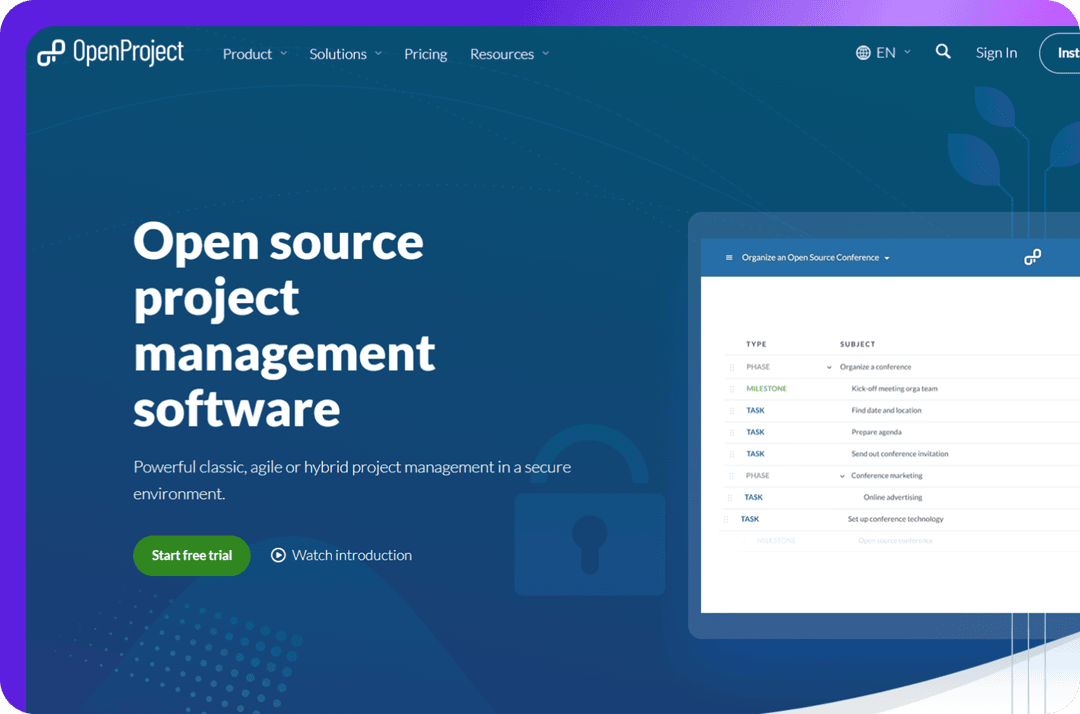
The marketplace for online project management tools is crowded with options, each catering to different types of teams and project requirements. Leading platforms like Asana, Trello, Jira, ClickUp, Monday.com, Smartsheet, Wrike, Notion, Zoho Projects, and Airtable exemplify versatility and depth. These tools excel in features such as visual workflows, task automation, real-time updates, and integrations with other essential apps.
While selecting from this list, consider your project’s complexity, team size, and workflow preferences. For example, Trello’s card-based Kanban style is ideal for simple projects, whereas Jira offers in-depth tracking suited for software development teams. The key is to identify which of these online project management tools aligns best with your operational needs, enabling your team to work smarter, not harder, with increased clarity and efficiency.
The Benefits of Using Online Project Management Tools for Remote Teams
Implementing online project management tools transforms remote teamwork from a potential challenge into a streamlined process. These platforms bridge geographical gaps, allowing team members to access real-time updates, share files, and communicate seamlessly regardless of their location. This connectivity not only enhances transparency but also fosters a culture of accountability, where everyone remains aligned on project goals and deadlines.
Furthermore, they empower teams to work asynchronously, respecting different time zones and personal schedules. The ability to centralize all project data reduces misunderstandings and prevents information silos, which are common in remote settings. By leveraging effective online project management tools, remote teams can emulate the cohesion of co-located groups, significantly boosting productivity and morale.
Comparing Key Features of Popular Online Project Management Platforms
Different online project management tools offer varying core features, making comparison an essential step in choosing the right platform. Key features to consider include task management (to-do lists, Kanban boards, Gantt charts), communication channels (comments, chat integrations), file sharing capabilities, automation, and reporting tools. For instance, Trello’s simplicity makes task management intuitive, while Jira’s advanced issue tracking caters to technical teams.
Another aspect is third-party integration; platforms like Monday.com excel at connecting with other enterprise tools such as Slack, Google Workspace, and Microsoft Teams, creating a seamless workflow ecosystem. User interface and customization options also play vital roles—they can determine user adoption and overall satisfaction. A thorough feature comparison helps identify which online project management platform best supports your team’s operational dynamics and strategic objectives.
Streamlining Workflow: How Online Project Management Tools Improve Efficiency
Utilizing online project management tools directly contributes to workflow optimization by automating repetitive tasks, clarifying responsibilities, and providing visibility into project progress. Automated notifications and reminders reduce manual follow-ups, ensuring nothing falls through the cracks. Visual dashboards and charts enable teams to quickly assess where bottlenecks or delays exist, facilitating proactive problem-solving.
Beyond automation, these tools promote accountability by assigning tasks with deadlines and tracking individual contributions. Collaboration features such as commenting, file sharing, and real-time updates eliminate communication gaps and misunderstandings. Overall, online project management tools serve as digital command centers that orchestrate various moving parts, leading to faster decision-making, better resource allocation, and a more agile project environment.
Online Project Management Tools: Pricing Models and Value for Money
Pricing models for online project management tools vary widely, encompassing free tiers, subscription-based plans, and enterprise licensing. Many platforms offer tiered pricing based on features, team size, storage capacity, and support levels, allowing organizations to scale up as needed. While free versions are appealing, they often come with limitations that could hinder larger or more complex projects.
When evaluating value for money, consider the total cost of ownership—including onboarding, training, integration, and ongoing support. A more expensive platform with robust features and excellent customer service might ultimately be more cost-effective than an inexpensive solution that requires additional tools or incurs hidden costs. The best approach is to align your team’s specific needs with the platform’s capabilities, ensuring that your investment results in tangible productivity gains and streamlined workflows.
Integrating Online Project Management Tools with Your Existing Workflow
Successful adoption of task and workflow management software hinges on seamless integration with existing workflows and systems. Most platforms support integrations with popular applications like Slack, Dropbox, Google Drive, and email clients, enabling a unified environment. This connectivity minimizes disruptions and encourages user adoption by replicating familiar workflows within the new platform.
To maximize benefits, organizations should develop clear guidelines and provide training on how to incorporate online project management tools into daily routines. It’s also important to customize workflows and automate repetitive processes tailored to your team’s specific needs. Carefully planned integration ensures that the new tool complements and enhances your current processes, rather than complicating or duplicating efforts.
Security Considerations When Selecting Online Project Management Software

Data security is a paramount concern when choosing online project management tools, especially given the sensitive nature of business data stored within these platforms. Look for providers that utilize robust encryption protocols, regular security audits, and compliance with relevant standards like GDPR or ISO 27001. Two-factor authentication and role-based access controls add additional layers of protection, safeguarding against unauthorized access.
Organizations should also assess data residency options and backup policies to ensure disaster recovery readiness. Transparency around security practices and incident response protocols demonstrates a provider’s commitment to safeguarding client data. Prioritizing security ensures that collaboration and productivity do not come at the expense of confidentiality, protecting your organization’s reputation and operational integrity.
Future Trends in Online Project Management Tools: What to Expect
The future of team collaboration platforms promises increased intelligence, automation, and personalization driven by advances in AI and machine learning. Expect platforms to offer predictive analytics that anticipate project risks, resource bottlenecks, and deadline pressures. Customizable workflows powered by smart automation will reduce manual work and allow teams to focus on strategic tasks.
Moreover, integration with emerging technologies like virtual reality (VR), augmented reality (AR), and IoT is likely to enhance remote collaboration and real-world project visualizations. User experience will become more intuitive, supported by adaptive interfaces that learn from user behavior. As organizations become more digitally mature, online project management tools will evolve into comprehensive, AI-driven ecosystems that empower teams to operate more proactively and innovatively.
Case Studies: Successful Implementation of Online Project Management Tools

Many organizations have demonstrated that strategic deployment of cloud-based project management tools can transform productivity. For example, a global software development firm adopted Jira and Confluence to streamline issue tracking and documentation, leading to a significant reduction in bug resolution times and improved team collaboration across geographies. Similarly, a marketing agency implemented Trello and Slack integrations to accelerate campaign workflows, resulting in faster project turnaround and increased client satisfaction.
These case studies highlight that success hinges on selecting the right platform, tailoring it to specific needs, offering comprehensive training, and fostering a culture of accountability. They showcase that when organizations leverage online project management tools effectively, they unlock new levels of efficiency, transparency, and innovation across diverse industries.
Relevant Reads:
Project Management Software in 2025: An In-Depth Exploration
Project Management App: Efficiency, Clarity And Collaboration For Teams
Conclusion
In conclusion, online project management tools have revolutionized how teams plan, execute, and collaborate on projects by offering unparalleled flexibility, transparency, and automation. The key to harnessing their full potential lies in careful selection—considering features, pricing, security, and integration—aligned with your organization’s unique needs.
As technological advancements continue, these tools will become even more intelligent and adaptive, further transforming project workflows and remote collaboration. Effective implementation, combined with a forward-looking approach to future trends, enables teams to achieve higher productivity levels and sustain competitive advantages in an increasingly digital world.