


Top AI Video Translation Tools for Seamless Multilingual Content
- Video Generators
- February 18, 2025
- No Comments
Let me start with a moment most marketers won’t admit.
You spend weeks creating the perfect video.
Script is tight. Visuals are clean. Message hits home.
Then someone comments:
“Do you have this in Spanish?”
And suddenly, your “global content strategy” feels… very local.
That’s exactly where AI video translation tools quietly changed the game.
Not five years from now.
Not “someday.”
Right now, in 2026.
I’ve tested, broken, praised, and side-eyed more AI translation tools than I can count. Some feel magical. Others feel like Google Translate from 2012 wearing a new UI.

This guide cuts through all of that.
No hype.
No buzzword soup.
Just the best AI video translation tools you can actually trust to scale multilingual video content, without losing your voice, tone, or audience.
Why AI Video Translation Matters More Than Ever (2026 Reality Check)
Here’s what changed:
- Video is now the #1 content format across search, social, and AI discovery
- Google AI Overviews pull multilingual video snippets
- YouTube, TikTok, and LinkedIn reward localized engagement
- Global audiences expect native-feeling content, not subtitles that sound robotic
In short:
If your video speaks only one language, your reach is capped.
AI video translation is no longer about translation.
It’s about distribution, discoverability, and trust.
Best AI Video Translators for Seamless Multilingual Content

- InVideo AI – AI video translation with expressive voiceovers.
- Vidnoz – Natural AI dubbing with voice cloning technology.
- ElevenLabs – Studio-quality dubbing with voice customization.
- Rask AI – Precise AI voice cloning and lip-syncing.
- Veed – AI-powered subtitles and video translation tool.
- D-ID – AI-driven multilingual video production automation.
- Kapwing – All-in-one AI video editing platform.
- Maestra – AI-powered YouTube video translation integration.
- Wavel – AI voiceovers with multilingual dubbing support.
Top AI Video Translators for Effortless Global Reach
1. InVideo AI
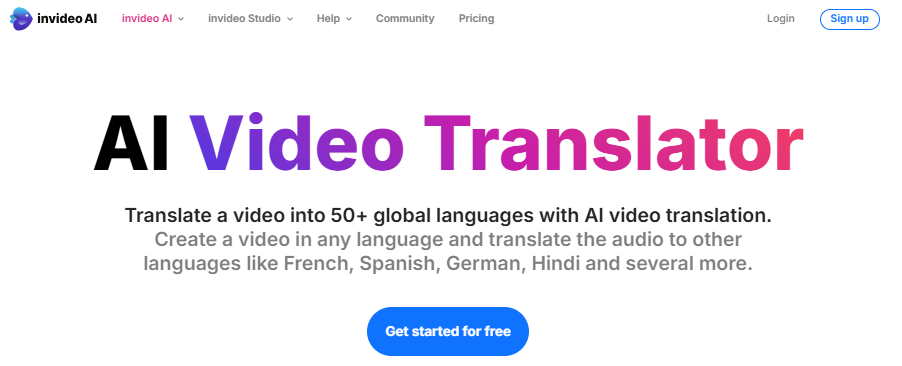
InVideo AI feels like it was built for the “we need this live today” moments.
No production crew.
No localization manager.
No complex workflow.
Just upload your video and let the platform handle the heavy lifting.
In 2026, InVideo AI supports 50+ languages, making it incredibly accessible for small businesses and creators who want to go global without building a full marketing team.
What really stands out is the emotionally aware AI voiceovers.
The translated audio doesn’t sound flat or robotic: it preserves the intent, tone, and energy of the original message, which is where many tools fall short.
Add to that multilingual captions, and your videos instantly become more accessible, more discoverable, and more engaging across international audiences.
Best for:
Small businesses, solo creators, startups, and teams scaling multilingual video content quickly
Pros:
✔ Text-based commands for quick voiceover edits
✔ Extensive stock media library (16M+ assets)
✔ 24/7 customer support
Cons:
✘ Limited free plan capabilities
✘ AI-generated voices may require adjustments
✘ Occasional lag in processing
Pricing:
- Free – $0 (10 min AI generation, 10GB storage, 2.5M stock media)
- Plus – $20/month (50 min AI generation, 100GB storage, 2 voice clones)
- Max – $48/month (200 min AI generation, 400GB storage, 5 voice clones)
2. Vidnoz
Most AI-translated videos fail for one simple reason:
they sound translated.
Vidnoz doesn’t.
This is one of the few AI video translation tools where the voice still feels like the same person, just speaking a different language.
That’s thanks to its advanced voice cloning technology, which captures tone, pacing, and emotion instead of flattening everything into a robotic dub.
Vidnoz supports 140+ languages, and the translations don’t just get the words right, they preserve delivery style.
The pauses. The emphasis. The personality.
That’s a big deal if your brand relies on trust.
For creators, educators, and businesses expanding into global markets, Vidnoz makes localization feel effortless.
You get AI dubbing, subtitle translation, and surprisingly accurate lip-sync: all without spending hours fixing awkward timing or re-editing footage.
The result?
Videos that feel native, not translated.
And in 2026, that’s what actually converts.
Pros:
✔ High-quality AI voice cloning for natural dubbing
✔ Free media library with images, icons, and music
✔ Strong data security measures
Cons:
✘ Free plan has limited translation minutes
✘ Some accents may require manual adjustments
✘ Advanced features require a paid plan
Pricing:
- Free – $0 (1 min/day, 1100+ AI Avatars, 340+ Voices)
- Starter – $19.99/month (10-60 min AI dubbing, 1240+ Voices)
- Business – $56.99/month (30-90 min AI dubbing, 10 Avatar Lite)
- Enterprise – Custom pricing
3. ElevenLabs
If Vidnoz sounds human, ElevenLabs sounds cinematic.
This is the tool that quietly set the standard for professional-grade AI dubbing.
Everything about it feels polished, from the voice quality to the way translations land emotionally, not mechanically.
ElevenLabs supports 29 languages, and instead of simply translating words, it preserves the nuance of the original voice.
You can fine-tune stability, clarity, and speaking style, which means you’re not stuck with a one-size-fits-all output.
You’re directing the performance, not just generating it.
Automatic speaker detection, clean lip-syncing, and precise timeline control make translated videos feel intentional, not automated.
Nothing feels rushed.
Nothing feels off.
For films, podcasts, brand storytelling, or high-stakes business presentations, ElevenLabs delivers what most AI tools promise, but rarely achieve:
Dubbing that sounds like it was recorded that way from the start.
And in 2026, that level of realism is no longer optional.
Pros:
✔ Advanced multi-speaker voice recognition
✔ Customizable audio settings for precision control
✔ Detailed usage analytics for performance tracking
Cons:
✘ Free plan has limited features
✘ Premium plans are expensive
✘ Requires manual fine-tuning for optimal results
Pricing:
- Free – $0 (basic dubbing, API access)
- Starter – $4.17/month (1 min voice cloning, commercial use license)
- Creator – $18.33/month (192 kbps audio, multi-speaker support)
- Pro – $82.5/month (PCM audio, analytics dashboard)
- Scale – $275/month (priority support, premium features)
4. Rask AI
Some videos need more than a decent translation.
They need precision.
That’s where Rask AI earns its reputation.
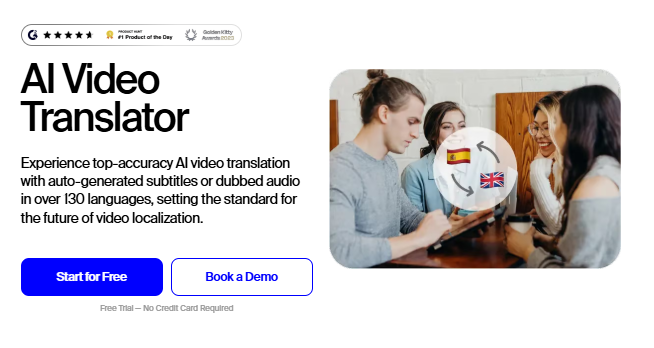
Rask AI is especially strong at AI voice cloning and lip-syncing, which makes it a favorite for professional video localization.
With support for 130+ languages, it lets you translate content without stripping away the speaker’s personality, tone, or natural rhythm.
The interface is refreshingly simple.
Upload a video, choose your target language, and Rask handles the heavy lifting, automatic transcription, voice dubbing, and native-language subtitles included.
This works incredibly well for interviews, educational content, and business presentations where clarity and credibility matter.
The final output feels intentional.
Pros:
✔ Auto-detects language for seamless translation
✔ Supports videos up to 5 hours long
✔ Unused minutes roll over to the next month
Cons:
✘ High-tier plans are expensive
✘ Minor lag in high-resolution video processing
✘ Limited font styling options
Pricing:
- Creator – $50/month (29-language voice cloning, auto captions)
- Creator Pro – $120/month (multi-speaker lip-sync, AI script adjustment)
- Business – $600/month (multi-language translation, API access)
- Enterprise – Custom pricing
5. Veed
Not every tool needs to feel “advanced” to be powerful.
VEED wins because it removes friction.
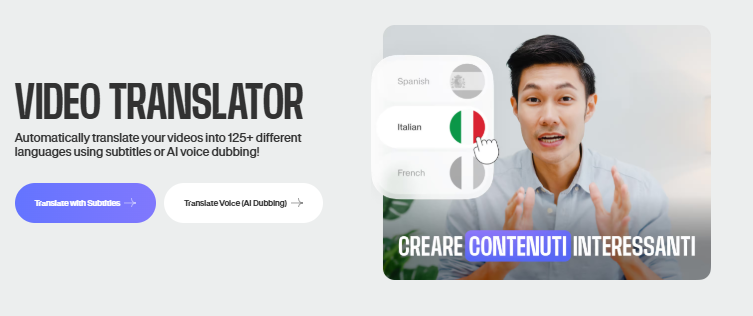
It simplifies video translation using AI-powered subtitles and dubbing, supporting 125+ languages while keeping context intact.
You upload a video, generate subtitles, tweak them if needed, and you’re done: no tutorials, no overwhelm.
That ease matters.
For businesses, educators, and creators who care about accessibility and engagement, VEED feels more like a friendly editor than a complex AI platform.
The translations are accurate, the interface is intuitive, and customization doesn’t feel technical.
What really sets VEED apart is the built-in editing layer.
You can fine-tune videos, add animated subtitles, and polish everything in one place: without exporting to another tool.
Pros:
✔ High subtitle accuracy (98.5%)
✔ Review feature before final export
✔ Option to download subtitles for repurposing
Cons:
✘ Free plan allows only one trial
✘ Limited translation minutes in lower-tier plans
✘ High-end plans required for advanced features
Pricing:
- Pro – $29/month (4 hours per year)
- Enterprise – Custom pricing
5. D-ID
Traditional multilingual video production is slow, expensive, and full of friction.
New shoots.
New voiceovers.
New edits.
D-ID flips that entire process on its head.
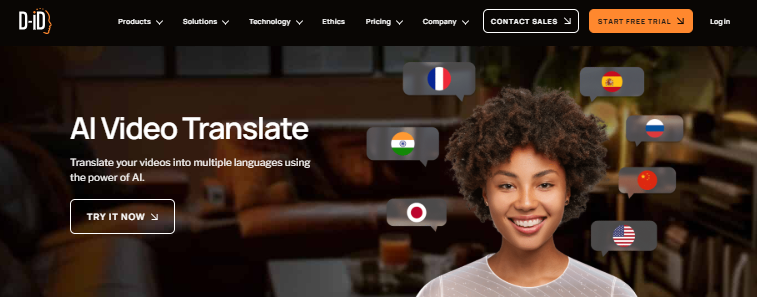
Instead of treating video translation like a production problem, D-ID treats it like a software problem: and automates almost all of it.
You get natural-sounding voiceovers, realistic facial movements, and multilingual output without rebuilding your videos from scratch.
That’s why marketing teams love it.
With a self-service studio and a powerful API, D-ID makes global video localization scalable.
Launch in one market, then adapt the same content for many. It is fast, consistent, and on brand.
Pros:
- AI presenter prompts for enhanced engagement
- The embedded agent is available in the free plan
- Provides footage tips for optimized output
Cons:
- Limited free plan with restricted minutes
- Some languages may lack perfect lip-syncing
- Advanced features require higher-tier plans
Pricing:
- Trial: Free – 5 minutes of video, up to 170 agent sessions
- Lite: $4.7/month – 10 minutes of video, up to 34 agent sessions
- Pro: $16/month – 15 minutes of video, priority support
- Advanced: $108/month – 100 minutes of video, 3 cloned voices
- Enterprise: Custom pricing with dedicated support
6. Kapwing
Most video tools do one thing well.
Kapwing does many, and that’s exactly the point.
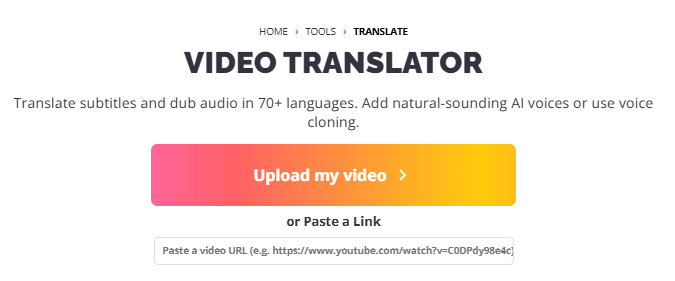
It combines AI video translation, subtitle generation, and dubbing across 75+ languages with a full-fledged video editor.
No tab hopping. No exporting and re-uploading.
Everything happens in one place.
That matters if you’re moving fast.
Creators can translate a video, fine-tune subtitles, add animations, drop in text overlays, adjust transitions, and layer music, all without leaving the platform.
The workflow feels smooth, especially for short-form and social-first content.
Kapwing isn’t trying to be overly complex or enterprise-heavy. It’s built for people who want to translate and polish videos quickly, without sacrificing quality.
If your priority is speed, flexibility, and creative control in 2026, Kapwing fits right into that flow.
Pros:
- Diverse customization options for unique content
- Extensive music library for dubbing and background audio
- Built-in search tool for accessing additional editing features
Cons:
- High-quality exports require a paid plan
- Some translations may need manual adjustments
- AI-generated voiceovers lack emotional depth
Pricing:
- Pro: $16/month – Auto subtitling, priority support
- Business: $50/month – AI-powered lip-syncing, advanced editing
- Enterprise: Custom pricing with premium features
7. Maestra
If your content lives on YouTube, Maestra feels like it was built specifically for you.
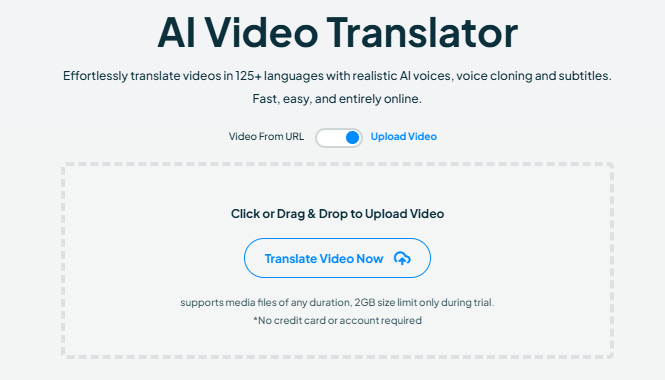
It’s an AI-powered video translation platform that supports 125+ languages, but the real value isn’t just the number, it’s how smoothly everything works at scale.
Because Maestra is fully cloud-based, it handles large video files without slowing you down or breaking your workflow.
The standout feature?
Direct YouTube integration.
No downloading.
No re-uploading.
No messy manual steps.
You can translate your videos straight from YouTube, then publish multilingual subtitles or voiceovers in just a few clicks.
That makes expanding into new regions feel less like a project, and more like a setting you turn on.
For creators focused on growth, watch time, and global reach in 2026, Maestra removes the friction and lets your content travel further.
Pros:
- Easy YouTube integration for automatic content syncing
- AI-powered voice cloning for natural dubbing
- High-quality, customizable subtitles for better engagement
Cons:
- Premium pricing for advanced features
- Some translations may require human review
- Limited free plan
Pricing:
- Basic: $44/month – HD file uploads, 8-hour file duration
- Premium: $138/month – Video embedding, multi-language voiceovers
- Custom: Pay-as-you-go, $5 per 60 credits
8. Wavel
Most AI video translators give you a voice.
Wavel gives you options.
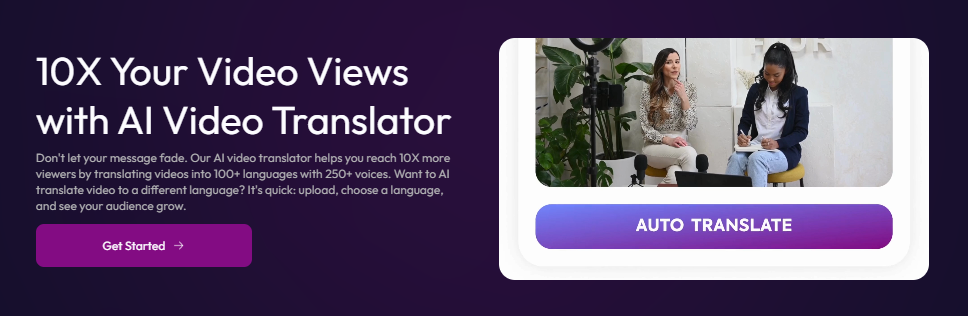
With 250+ AI-generated voices across 30+ languages, Wavel stands out for one reason: control.
You’re not locked into a single tone or delivery style.
Instead, you can fine-tune voice modulation, pacing, and emphasis to match your message.
That flexibility matters, especially when your content needs to sound formal in one market and conversational in another.
Trusted by over 1 million users, Wavel combines precise AI dubbing with accurate subtitles, making multilingual videos feel polished rather than auto-generated.
Its language adaptation goes beyond translation, adjusting for cultural context and communication style.
For creators, educators, and business teams looking to sound natural across borders in 2026, Wavel makes global communication feel surprisingly effortless.
Pros:
- Offers 10+ free editing tools for video refinement
- Wide variety of AI-generated voices for customization
- Fast response times for quick project turnaround
Cons:
- Some AI voices sound robotic
- Free version has limited features
- Certain languages have minor translation inaccuracies
What Makes a Great AI Video Translation Tool? (Quick Framework)
Before we jump into tools, here’s the lens I used:
✔ Natural voice output (not uncanny)
✔ Lip-sync or timing accuracy
✔ Supports US + global languages
✔ Preserves brand tone
✔ Fast turnaround
✔ Scales for creators, marketers, and businesses
Anything that failed this test didn’t make the list.
AI Video Translation vs Subtitles: What Actually Works in 2026?

Here’s the honest answer:
- Subtitles = accessibility
- Dubbed video = engagement
For global growth, dubbed AI-translated videos:
- Increase watch time
- Improve conversion rates
- Feel native on social platforms
- Perform better in AI search summaries
The best strategy?
Use both.
Most tools above let you do exactly that.
Related Reads:
Final Thoughts: Translation Is No Longer the Bottleneck
In 2026, language is no longer the excuse.
Distribution is global.
AI is fast.
Audiences expect relevance.
The brands winning right now aren’t making more content.
They’re making the same content speak more languages.
And that’s exactly what these AI video translation tools unlock.
If you’re building multilingual content strategies, scaling video, or planning global growth, this is your stack.
Choosing the right tool depends on your needs, whether it’s affordability, high-quality dubbing, or ease of use. With these AI-powered tools, expanding your audience has never been simpler!
Don’t miss out—read our latest blog on AI Video Generators for more insights and tips on the best AI interior design tools. Also, log on to TheAISurf for exclusive updates!
FAQs: AI Video Translation Tools (2026)
Which AI video translation tool is best for YouTube?
Tools like HeyGen and Rask AI are popular for YouTube because they support long-form content, natural dubbing, and subtitle exports.
Do AI video translation tools support US English and global languages?
Yes. Most tools support US English along with Spanish, French, German, Portuguese, Japanese, Korean, and many other global languages.
Can AI video translation help with SEO and discoverability?
Absolutely. Multilingual videos improve reach, watch time, and visibility in Google AI Overviews, video search, and global platforms.
Are AI video translation tools suitable for businesses?
Yes. Businesses use them for marketing videos, product demos, training content, and global customer communication.