



Best AI Video to Video Tools: Guide for Creators, Marketers & Video Enthusiasts
- Video & Animation Video Generators
- November 3, 2025
- No Comments
I still remember the first time I tried transforming one video into another automatically using AI.
I spent hours experimenting with text prompts, transitions, and scene edits, only to end up frustrated with traditional video editors.
That’s when I discovered the new wave of AI video to video tools in 2026, and everything changed.
But here’s the challenge: creating high-quality, engaging videos takes time.
Editing, syncing audio, managing multiple scenes… it can easily eat up hours.
These platforms don’t just automate, they transform your content.
Today, I’m breaking down the best AI video generation tools for 2026, so you can create cinematic videos without a full production team.

Whether you want to enhance existing clips, automatically edit for social media, or convert text into video content, this guide has you covered.
What Are AI Video to Video Tools?
Before we dive into the list, let’s get clear. AI video to video tools are software platforms that take an existing video as input and generate a new version of it automatically. They can:
- Change style, tone, or resolution.
- Sync audio automatically.
- Enhance visuals using AI-powered upscaling.
- Transform short clips into multi-scene productions.
Think of it as a video upgrade assistant.
Unlike traditional editors, which require manual tweaking, these tools understand your intent and do the heavy lifting, sometimes even before you finish typing your instructions.
And yes, this isn’t sci-fi. These tools are real, accessible, and trending in 2026.
How We Picked These Tools
- Quality of generated video and motion smoothness
- Variety of supported styles and effects
- AI accuracy in frame analysis and transitions
- Ease of use and accessibility for beginners
- Pricing transparency and flexibility
- Reliability and speed of processing
Top AI Video to Video Tools in 2026
Now let’s get to the meat of it.
I’ve handpicked the best AI video software for different use cases, from text-to-video AI to AI cinematic video tools.
1. DeeVid AI
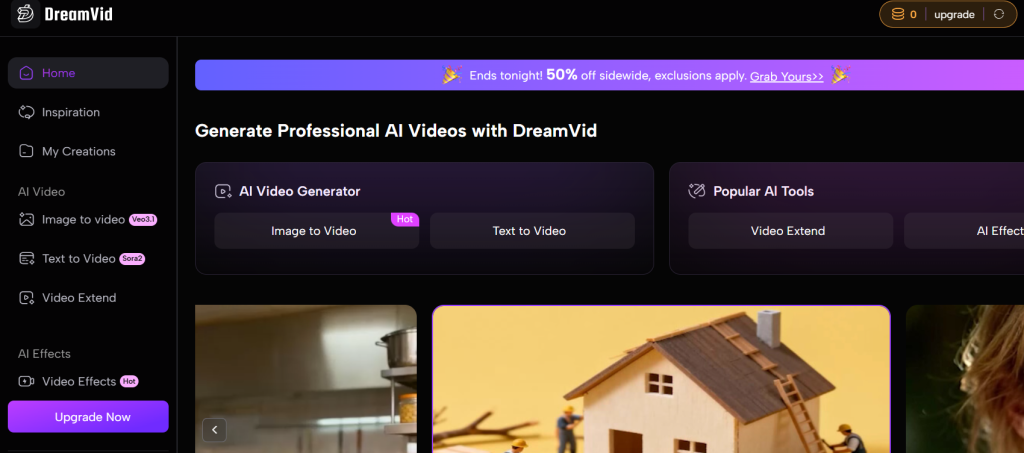
AI-powered video generator for transforming text, images, or videos quickly and easily.
What it is: DeeVid AI helps users create or enhance videos from various inputs, offering precision editing and multi-mode output.
Standout features:
- Multi-source input (text, image, or video)
- 720p to 1080p output
- Advanced camera motion and stabilization
- Priority support for Pro users
Pricing: Starts at $10/month (Standard); $25/month (Pro)
Best for: Content creators and video marketers
Pros: - Multiple generation modes
- High-speed processing
- No watermark in Pro plan
Cons: - Limited credits per plan
- 1080p cap on most tiers
2. Magic Hour
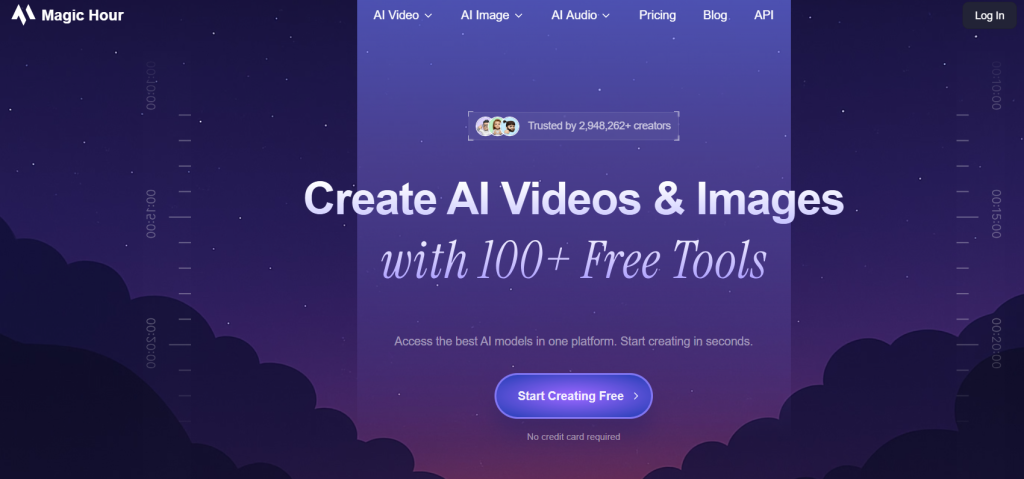
All-in-one AI video and image creation platform.
What it is: Magic Hour combines text, image, and video generation to create cinematic visuals powered by AI.
Standout features:
- Scene composition and animation tools
- Text and style-based control
- Real-time preview
- Multimodal AI creativity
Pricing: Free plan available; paid from approx. $11/month
Best for: Creative professionals and storytellers
Pros: - Strong cinematic effects
- Artistic video blending
Cons: - Slower generation time
- Higher-tier pricing
3. GoEnhance AI
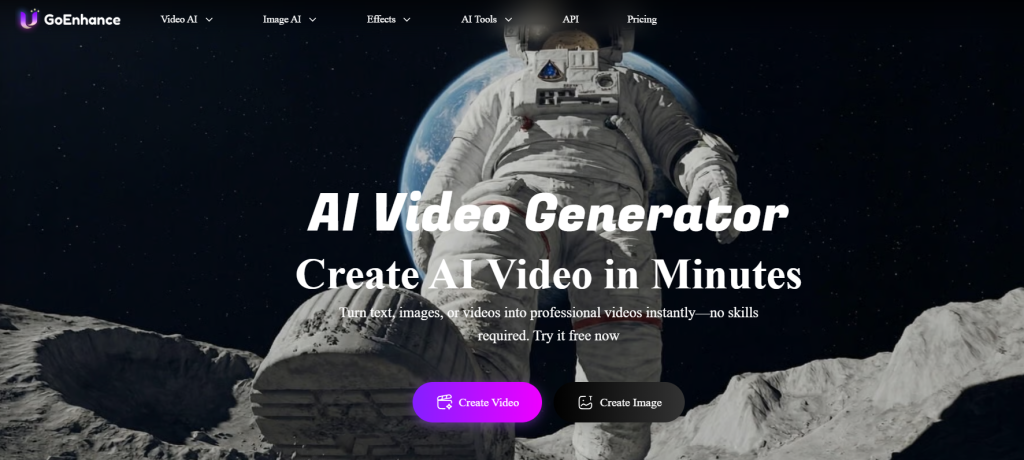
All-in-one AI video and image production suite.
What it is: GoEnhance AI provides tools for video enhancement, face swapping, image generation, and animated style conversion.
Standout features:
- Video-to-video transformation
- Image enhancement and upscaling
- Face swap and lip-sync tools
- Character consistency generation
Pricing: See site for latest pricing
Best for: Video editors and brand marketers
Pros: - Comprehensive feature set
- Suitable for animation and eCommerce use
Cons: - Learning curve for beginners
- Requires stable GPU or high specs
4. Lanta AI
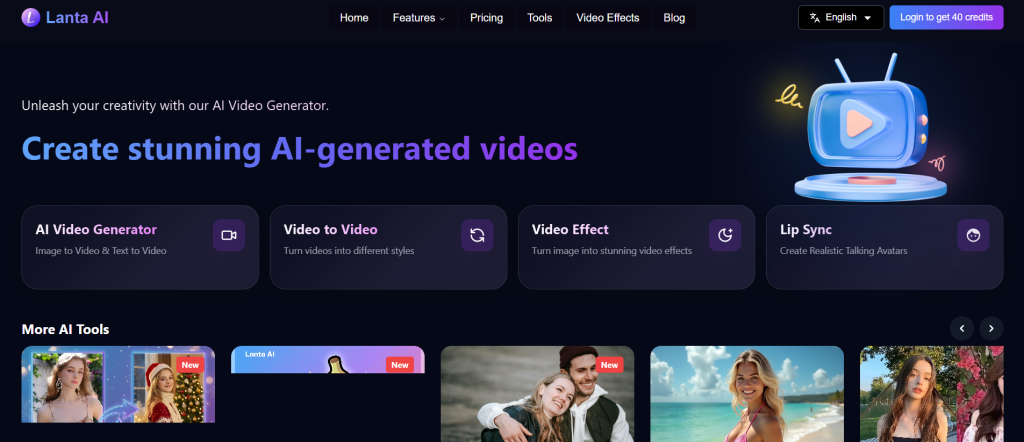
Online AI platform for video, image, and text-to-video generation.
What it is: Lanta AI is a flexible cloud tool that generates or modifies videos from text and visual inputs using advanced AI.
Standout features:
- Video-to-video editing
- Batch processing
- Private generation and storage
- 48-hour support
Pricing: Starts at $6/month (Standard)
Best for: Solo creators and small studios
Pros: - Affordable pricing tiers
- No watermark on paid plans
Cons: - Limited credits
- Basic interface
5. EbSynth
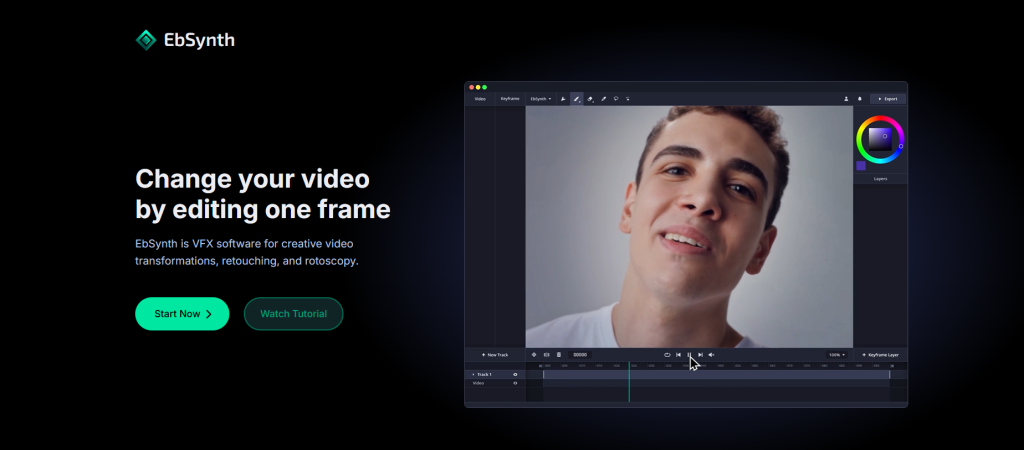
Free AI software for turning keyframes into hand-drawn animations.
What it is: EbSynth uses styled reference frames to animate entire video sequences with artistic precision.
Standout features:
- Keyframe-driven animation
- Ideal for 2D and hand-drawn effects
- No watermark
Pricing: Free
Best for: Animators and illustrators
Pros: - Free to use
- Excellent for stylized art projects
Cons: - Requires manual keyframe setup
- Beta version only
6. WarpVideo AI
AI video creation and enhancement platform.
What it is: WarpVideo AI converts videos and images into dynamic visuals using AI-assisted automation.
Standout features:
- Style transfer
- API access
- No watermark
- Lazy Mode for batch tasks
Pricing: Starts at $9/month (Starter)
Best for: Influencers and creative agencies
Pros: - Wide range of credits
- Strong customization options
Cons: - Some features behind premium tiers
- Requires credits for most outputs
7. Arting AI
AI platform that transforms videos into dynamic, visually engaging content.
What it is: Arting AI reimagines existing footage with artistic enhancements and intelligent scene adjustments.
Standout features:
- Video enhancement and restyling
- AI-driven scene analysis
- Fast rendering
Pricing: See site for pricing
Best for: Video editors and short-form creators
Pros: - Smooth motion effects
- Beginner-friendly UI
Cons: - Limited output resolution
- Few export options
8. EcomAdPro
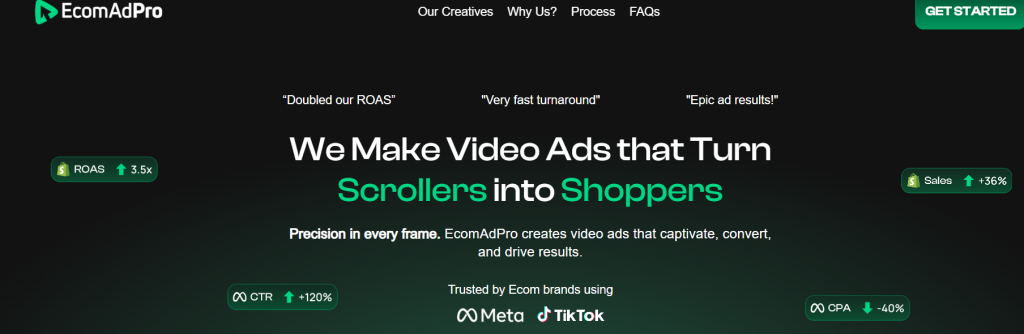
AI video ad generator for eCommerce and brands.
What it is: EcomAdPro specializes in producing performance-based social media ads for TikTok, Facebook, and Instagram.
Standout features:
- AI ad optimization
- Template-based video creation
- Integration with UGC content
Pricing: Custom pricing
Best for: eCommerce marketers and agencies
Pros: - Ready-to-publish ad formats
- Strong social performance focus
Cons: - No free version
- Limited customization
9. Uthana
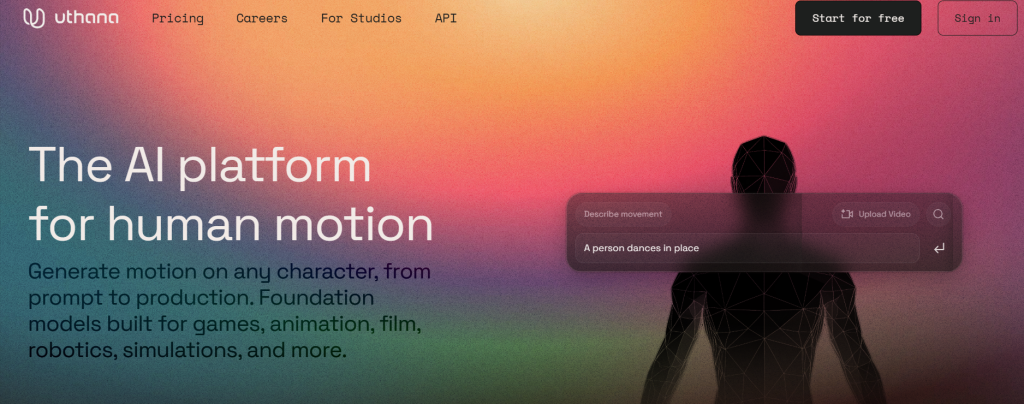
AI 3D character animation tool for text and video prompts.
What it is: Uthana creates 3D motion animations and previews based on text input or uploaded video references.
Standout features:
- PreVis motion tools
- 10,000+ animations
- Commercial-use rights
- API access for studios
Pricing: Free and Pro plans available
Best for: 3D animators and developers
Pros: - Team support options
- Fast character generation
Cons: - Limited free tier
- Requires some technical skill
Comparison Table
| Tool | Key Use Case | Starts At | Free Plan | Standout Feature |
| DeeVid AI | Video generation from text, image, or video | $10/month | No | Pro-level camera movements and watermark-free videos |
| Magic Hour | AI video & image generation | Free | Yes | Multi-format creative suite for pros |
| GoEnhance AI | Video-to-video & image enhancement | See site | No | Face swap, animation, and lip-sync tools |
| Lanta AI | AI video generator | $6/month | No | Private video creation with credits system |
| EbSynth | Artistic video animation | Free | Yes | Hand-drawn animation from keyframes |
| WarpVideo AI | Video transformation & content creation | $9/month | No | API access and unlimited image generation |
| Arting AI | AI-powered video transformation | See site | No | Style transfer for dynamic storytelling |
| EcomAdPro | AI video ads for e-commerce | See site | No | Platform-optimized ad creatives |
| Uthana | Generative 3D character animation | Free | Yes | Motion blending and 3D animation via text/video |
| Runwayaleph.net | Multi-task AI video editing | $29.9/month | No | Full text/image-to-video generation suite |
How to Choose the Right AI Video Tool
With so many options, picking the right tool can be confusing.
Ask yourself:
Ultra HD or cinematic → Runway Gen-2, DeepBrain, Kaiber
What’s your goal?
- Social media clips → VEED or Pictory
- Corporate explainer videos → Synthesia or DeepBrain
- Cinematic visuals → Kaiber or Runway Gen-2
Do you need text-to-video features?
Tools like Pictory, Descript, and Synthesia excel here.
Budget considerations:
Free trials exist, but enterprise features often cost more.
Affordable AI video generation tools in 2026 include VEED and Wisecut.
How AI Video Generation Works

You might be wondering, “How does AI transform a video automatically?”
Here’s the simplified version:
- Input Analysis – AI scans your original video frame by frame, analyzing motion, audio, and scene elements.
- Semantic Understanding – Advanced AI understands context, objects, and scene transitions. This is called semantic video generation.
- Transformation & Synthesis – AI can reimagine the video: change style, add text-to-video elements, or even replace characters.
- Output Generation – The software produces a final video that’s ready to share, often in HD or ultra HD quality.
Some tools even allow prompt-to-video workflows, where you describe what you want, and AI generates the video from scratch.
It’s fast, efficient, and perfect for creators on tight deadlines.
Benefits of Using AI Video to Video Tools
AI video to video tools aren’t just a convenience, they’re a game-changer for creators, marketers, and businesses.
Here’s why these platforms are becoming essential in 2026:
1. Automated Editing for Maximum Efficiency
Gone are the days of spending hours cutting, trimming, or color-grading. AI video tools automatically handle:
- Upscaling low-resolution videos to ultra HD or 4K quality.
- Noise reduction for cleaner visuals.
- Scene transitions and style transfer to give videos a cinematic touch.
This automation lets you focus on storytelling instead of tedious manual editing.
2. Boost Productivity
With AI doing the heavy lifting, you can produce more content in less time.
Whether you’re creating daily social media clips, YouTube videos, or marketing campaigns, these tools drastically reduce production timelines.
3. Achieve Cinematic Quality Easily
AI-powered enhancements bring professional-level visuals and effects to anyone, regardless of experience.
You don’t need expensive cameras or studios.
AI handles frame-level video improvements, lighting adjustments, and stylistic transformations.
4. Unlock Creative Freedom
AI tools enable experimentation with different visual styles, audio tracks, and formats. You can:
- Transform a vlog into a cinematic short.
- Create unique text-to-video sequences.
- Apply generative effects that were previously impossible without a full editing team.
This opens doors for creators, marketers, and enterprises to explore new possibilities.
5. Consistent Quality Across Projects
AI video software ensures that each video maintains consistent color grading, audio sync, and style.
This is especially useful for brands that need uniform visual identity across multiple campaigns.
6. Accessibility for Everyone
From solo creators to enterprise teams, AI video tools make high-quality video production accessible to everyone.
You don’t need a team of editors or complex software knowledge.
The AI handles the technical work while you stay creative.
7. Cost and Resource Efficiency
Instead of hiring expensive editors or renting studios, AI video tools provide affordable, scalable solutions.
Many platforms offer flexible pricing, from free trials to enterprise-level packages, making them viable for all budgets in 2026.
*Pro Tip: Pair AI video to video software with other AI tools like text-to-video platforms or automatic voiceovers. This creates a full AI-powered video production pipeline, saving even more time while producing stunning, professional-quality results.
Why You Should Consider AI Video Tools in 2026
Here’s the truth: traditional video editing is slow.
Even experienced editors spend hours adjusting cuts, syncing audio, or color grading.
With AI video transformation tools, you can:
- Save Time: Automate editing tasks in minutes.
- Boost Engagement: AI-generated effects and enhancements make videos more appealing.
- Scale Content: Produce more videos without hiring a full team.
- Experiment Easily: Quickly test new styles or formats without starting from scratch.
For marketers and creators, this is game-changing.
Imagine generating a week’s worth of social clips in a single afternoon, or transforming a YouTube vlog into a TikTok-ready video automatically.
Tips for Maximizing AI Video Tools
- Leverage templates: Don’t start from scratch every time. Templates save hours.
- Experiment with AI styles: AI video transformation software allows multiple stylistic versions.
- Sync audio smartly: Tools like Descript and Synthesia automatically match speech to visuals.
- Repurpose content: Turn long YouTube videos into short-form social clips.
- Combine tools: Use one tool for cinematic effects and another for audio syncing.
2026 AI Video Trends to Watch

- Semantic Video Creation – AI understands scene context for realistic transformations.
- Multi-Agent AI Editing – Multiple AI agents handle audio, video, and effects simultaneously.
- Prompt-to-Video Workflows – AI generates videos based on text prompts alone.
- Real-Time Editing – Instant AI-powered edits for social media.
- Generative Video AI Comparison – Platforms now benchmark AI outputs for optimal quality.
These trends show that AI video editing is not just automation, it’s intelligence.
Related Reads
Final Thoughts
2026 is shaping up to be the year of AI-powered video transformation.
Whether you’re creating cinematic content, YouTube shorts, or marketing videos, AI tools save time, enhance quality, and give you creative freedom.
Don’t get left behind using traditional editors.
Embrace AI video to video tools and let the software do the heavy lifting while you focus on storytelling.
Experiment with multiple platforms.
Combine templates, multi-scene production, and prompt-to-video workflows.
The right AI video software can revolutionize your content creation, and your results. Your next viral clip or marketing video could be just a few clicks away.
FAQs
Q1: What is the best AI video to video tool in 2026?
It depends on your needs. For cinematic videos, Runway Gen-2 and Kaiber are top choices. For marketing clips, Pictory and VEED work best.
Q2: How does AI video generation work?
AI analyzes your video, understands scenes, and regenerates content with enhanced visuals, audio sync, or style changes.
Q3: Can AI transform one video into another automatically?
Yes. AI video transformation tools like Runway and DeepBrain do this seamlessly using semantic video generation.
Q4: Which AI video tools produce realistic video clips?
DeepBrain, Runway Gen-2, and Synthesia are leaders in creating realistic outputs.
Q5: What’s the difference between text-to-video and video-to-video AI?
Text-to-video generates videos from scripts. Video-to-video modifies or enhances existing videos.
Q6: How to choose the right AI video editor for TikTok or YouTube?
Consider output resolution, social media presets, audio syncing, and speed. VEED and Pictory are ideal for short-form content.