


Best AI Face Swap Video Tools 2026: Free, No Watermark & No Sign-Up Options Tested
- Video & Animation
- November 3, 2025
- No Comments
Last Updated: March 2026 | Tested by the TheAISurf Editorial Team
We tested the top AI face swap video tools in 2026 for realism, speed, watermark policies, and ease of use, then ranked them so you don’t have to.
A couple of years ago, “face swapping a video” meant downloading shady software, watching a 14-minute tutorial, and praying your laptop wouldn’t crash halfway through rendering.
Today?
You can open an AI face swap video generator, upload a clip, and watch your face magically blend into any character, all before your coffee even cools.
And that’s the crazy part:
AI face swap tools aren’t just a trend anymore.
They’re quickly becoming the backbone of TikTok creators, YouTubers, filmmakers, meme pages, and even brand marketers experimenting with synthetic identity.
If you’ve searched “ai face swap video” recently, you already know the problem: dozens of tools claim to be the best, half of them watermark your output, and a third require you to create an account just to see a preview.
This guide cuts through all of that.
Below you’ll find the 10 best AI face swap video tools available right now, ranked for creators, marketers, and casual users. We’ve flagged which ones are free with no watermark, which work without sign-up, and which handle multiple faces in a single video.
Whether you want to swap faces for TikTok content, YouTube videos, meme creation, or professional film editing, there’s a tool on this list for you.
What Is AI Face Swap Video?
AI face swap video tools use machine learning (especially deep learning and GANs) to automatically replace one person’s face with another in a video. They’re used in entertainment, film editing, social content, and creative media.
These tools vary widely in:
- Pricing & platform support
- Accuracy of facial alignment
- Realism
- Processing time
- Privacy & safety features
So… What Makes a “Great” AI Face Swap Video Tool?
After testing dozens of apps, editors, and online tools, a few things separate the gimmicks from the creators’ favorites.
A great face swap AI video tool should offer:
✔ Hyper-realistic face mapping
Not blurry. Not uncanny. Real.
✔ Support for long videos
Many tools choke after 15 seconds — the good ones don’t.
✔ Mobile + web flexibility
Because not every idea happens at your desk.
✔ Safe, legal usage
Especially for brands, marketers, and influencers.
✔ No steep learning curve
Creators shouldn’t need a VFX degree.
✔ Fair pricing
Bonus if you want a free AI face swap video tool that doesn’t watermark your content.
Here are both elements, ready to paste in:
How We Tested & Ranked These AI Face Swap Video Tools
Hundreds of AI face swap tools exist in 2026. Most aren’t worth your time. To build this list, the The AISurf editorial team spent several weeks hands-on testing each tool using the same source video, the same target face photo, and the same export settings, so every comparison is apples-to-apples.
Here’s exactly what we evaluated:
Realism & Facial Motion Accuracy
Does the swapped face track naturally with head movement, expression changes, and lighting shifts? We flagged any tool that produced jaw misalignment, eye flicker, or unnatural skin blending.
Format Support
We tested each tool on photos, short video clips, and GIFs where applicable. Tools that only handled static images without disclosing it upfront were penalized.
Pricing Transparency
Hidden paywalls, bait-and-switch free tiers, and undisclosed credit systems all counted against a tool’s ranking. Every price listed in this guide reflects what you actually pay to get usable output.
Processing Speed
We timed each tool on an identical 30-second clip from upload to download. Speed matters when you’re producing content at scale.
Security & Data Handling
We reviewed each platform’s privacy policy to confirm how uploaded videos and face photos are stored, processed, and deleted. Tools with vague or concerning data practices were noted.
Ethical Safeguards
Every tool on this list has an acceptable use policy that prohibits non-consensual face swapping, deepfake abuse, and the use of minors’ likenesses. We do not list tools that lack these protections.
Real User Feedback
Alongside our own testing, we cross-referenced verified user reviews from the App Store, Google Play, Product Hunt, and Trustpilot to surface any consistent complaints around quality, billing, or support.
No tool paid for placement on this list. Rankings are based entirely on performance, value, and responsible design.
The 10 Best AI Face Swap Video Tools in 2026, Ranked & Reviewed
1. Swapfaces AI
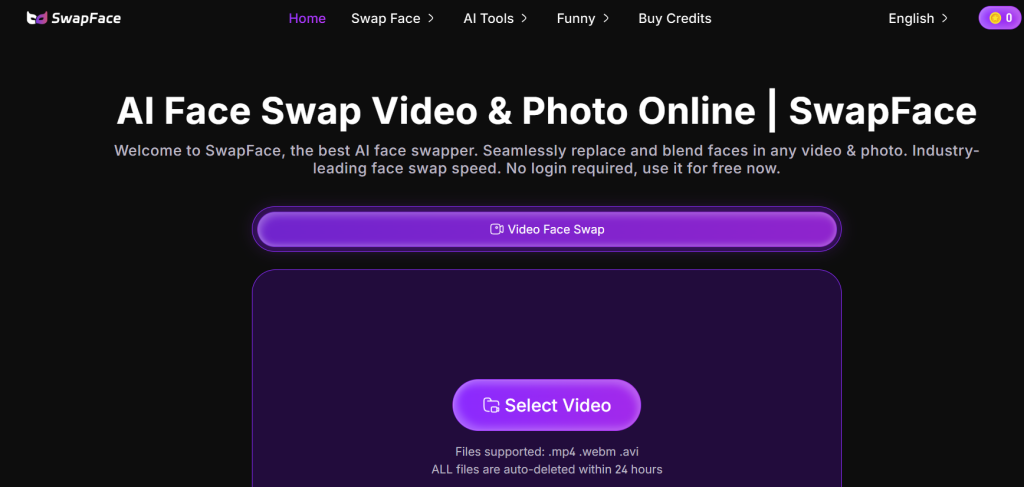
Swapfaces AI – best overall for high-quality face swaps
What it is: An AI-powered online tool for seamless photo and video face swaps with advanced customization features.
Standout features:
- Multiple face swap support
- 4K HD output and clothes swap option
- Priority processing with high credit limits
- No watermark across paid plans
Pricing: Starts at $9.99/month
Best for: Creators, influencers, and editors needing professional-quality face swaps
Pros: - Easy-to-use dashboard
- Fast processing speeds
- Generous credit system
Cons: - No mobile app
- Limited free tier
2. AI Face Swap
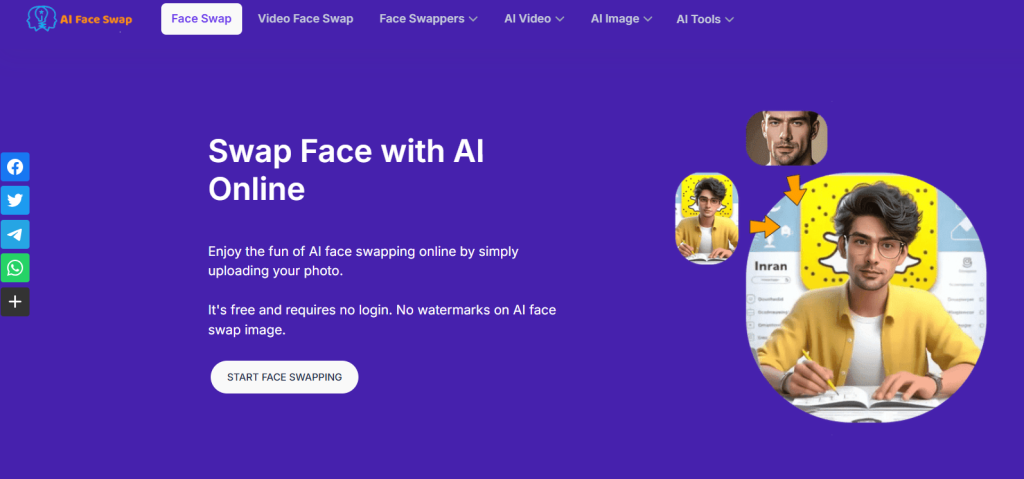
AI Face Swap – best for simple photo and video swaps
What it is: A beginner-friendly online platform for fast face swapping with bulk credit options.
Standout features:
- One-click face replacement
- Batch face swap support
- Discounted credit packs up to 50% off
Pricing: Starts at $6.99
Best for: Casual users and meme creators
Pros: - Affordable pricing
- Supports photo and video
- Simple upload interface
Cons: - No advanced editing
- Limited animation options
3. PixNova AI
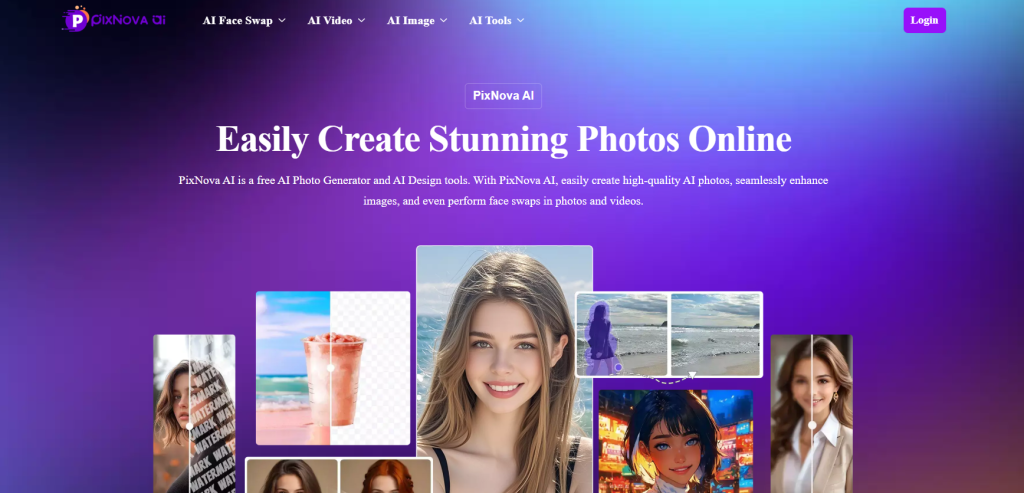
PixNova AI – best for multi-format content creators
What it is: A creative online platform offering face swaps for photos, GIFs, and videos with additional AI art tools.
Standout features:
- AI girlfriend and body generator
- No sign-up required
- Fast and private processing
Pricing: Free and paid versions available
Best for: Content creators seeking quick creativity tools
Pros: - Instant results
- Variety of AI generators
- Simple and fun to use
Cons: - Limited customization
- Occasional output inconsistencies
If you enjoy PixNova’s creative AI tools, you’ll also want to explore the best AI girlfriend tools for animated and virtual character experiences.
4. Magic Hour
Magic Hour – best all-in-one AI content platform
What it is: A robust AI creation suite combining video, photo, and animation generation tools.
Standout features:
- Supports full video editing
- Multiple AI enhancement layers
- Tiered pricing with professional options
Pricing: Free basic plan; paid plans from NT$333.33/month
Best for: Video producers and marketers
Pros: - Multi-purpose platform
- Intuitive interface
- HD output
Cons: - Interface in non-English regions
- High-tier plans can be expensive
5. BeArt AI Face Swap
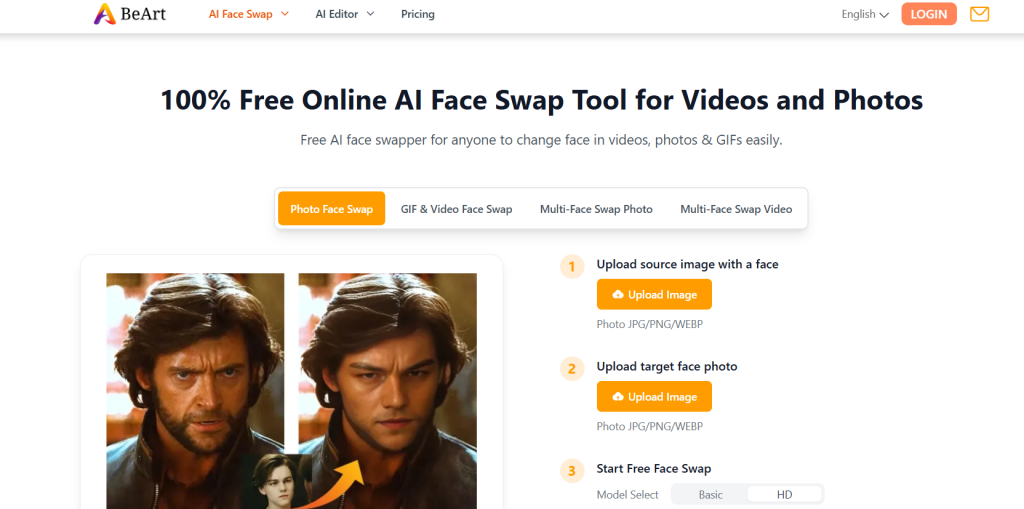
BeArt AI – best free face swapper with no watermark
What it is: A free AI tool for swapping faces in photos, videos, and GIFs with realistic results.
Standout features:
- No download or watermark
- Supports multiple swaps
- Instant online processing
Pricing: Free
Best for: Hobbyists and casual users
Pros: - 100% free use
- Great for quick edits
- No account required
Cons: - No batch processing
- Limited advanced control
6. VidSwap AI
VidSwap AI – best for content creators on YouTube and TikTok
What it is: A video-based AI tool for realistic, high-speed face swaps optimized for social platforms.
Standout features:
- 4K video swap support
- Template-based face matching
- Social media export options
Pricing: From $12/month
Best for: YouTubers and short-form creators
Pros: - Fast rendering
- Platform-optimized templates
- Realistic expressions
Cons: - Limited free plan
- Requires stable connection
7. DeepReface Studio
DeepReface Studio – best for professional film editors
What it is: A desktop application with advanced AI motion tracking and cinematic rendering.
Standout features:
- Multi-face scene replacement
- Deepfake-level realism
- Secure offline processing
Pricing: One-time license $89
Best for: Professional editors and studios
Pros: - Full offline control
- Extremely detailed results
Cons: - High system requirements
- No free trial
For creators who want a complete synthetic media workflow, pairing your face swap output with an AI lip sync face swap tool ensures your audio matches the new face seamlessly.
8. FaceMagic
FaceMagic – best mobile AI face swap app
What it is: A popular app allowing mobile users to swap faces in GIFs, videos, and memes easily.
Standout features:
- Meme templates
- Daily AI face filters
- Share directly to social media
Pricing: Free with in-app upgrades
Best for: Smartphone creators and social media users
Pros: - Intuitive and fun
- Regular new effects
Cons: - Watermark in free plan
- Internet required
9. Reface
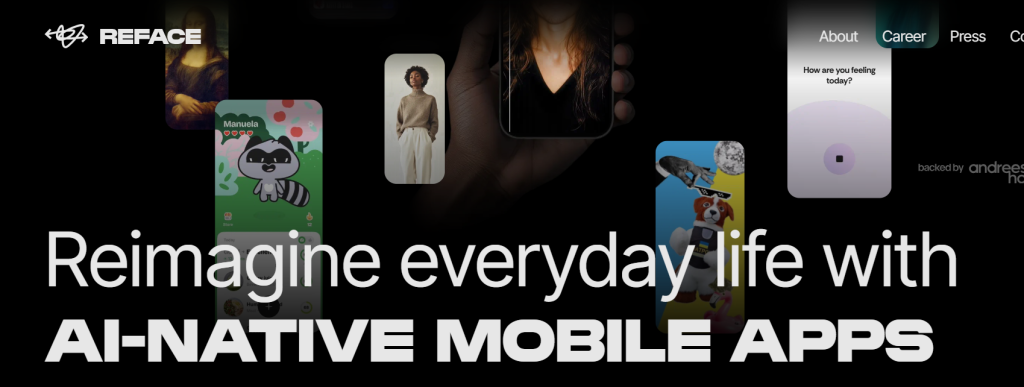
Reface – best for viral meme creation
What it is: A well-known AI face swap app using generative AI for creating entertaining, short clips.
Standout features:
- Celebrity template library
- Advanced expression mapping
- AI lip-sync
Pricing: Free; Pro from $4.99/month
Best for: Casual creators and meme enthusiasts
Pros: - Extremely popular
- Fast and smooth results
Cons: - Limited video duration
- Requires sign-in
10. DeepSwap AI
DeepSwap AI – best for HD deepfake video generation
What it is: An advanced AI face swap tool that offers realistic deepfake-style videos with HD rendering.
Standout features:
- Supports GIF, image, and video
- Multiple faces per clip
- Weekly updates with new features
Pricing: From $9.99/month
Best for: Creators seeking realistic cinematic swaps
Pros: - Excellent motion realism
- Reliable output quality
Cons: - Premium-only advanced tools
- Requires subscription
AI Face Swap Video Tools, Full Feature Comparison (2026)
| Tool | Free Tier | Watermark on Free | No Sign-Up | Video Length Limit | Multi-Face Swap | Platform | Best For |
| Swapfaces AI | No | — | No | Up to 5 min (paid) | Yes | Web | Professional creators |
| AI Face Swap | Yes | Yes | Yes | Short clips | No | Web | Casual / meme users |
| PixNova AI | Yes | No | Yes | Short clips | No | Web | Quick creative content |
| Magic Hour | Yes | Yes | No | Up to 2 min (free) | Yes | Web | Video producers |
| BeArt AI | Yes | No | Yes | Short clips | Yes | Web | Free users, hobbyists |
| VidSwap AI | Limited | Yes | No | Up to 3 min (paid) | Yes | Web | YouTubers, TikTok creators |
| DeepReface Studio | No | No | No | Unlimited (desktop) | Yes | Desktop | Film editors, studios |
| FaceMagic | Yes | Yes | No | Short clips | No | Mobile (iOS/Android) | Smartphone creators |
| Reface | Yes | Yes | No | Short clips | No | Mobile (iOS/Android) | Meme / viral content |
| DeepSwap AI | No | — | No | Up to 5 min (paid) | Yes | Web | HD deepfake-style video |
Best free + no watermark + no sign-up combo:
PixNova AI and BeArt AI are currently the strongest picks if you need all three conditions met simultaneously.
Editor’s Pick: Best AI Face Swap Video Tool for Every Use Case
After testing all 10 tools, here’s where we land:
Best Overall: Swapfaces AI
The strongest combination of output quality, multi-face support, 4K HD export, and no-watermark output on paid plans. Built for creators who need professional results without a desktop application.
Best Free Tool (No Watermark): BeArt AI
Completely free, no account needed, no watermark. The go-to for hobbyists and anyone testing AI face swap for the first time.
Best for TikTok & Short-Form Video: VidSwap AI
Built-in social media export templates, fast rendering, and platform-optimised output make this the strongest pick for creators publishing to TikTok, Instagram Reels, and YouTube Shorts.
Best Mobile App: FaceMagic
The most polished mobile face swap experience available on iOS and Android, with meme templates and direct social sharing baked in.
Best for Professional / Film Use: DeepReface Studio
The only desktop application in this list, offering offline processing, multi-face cinematic rendering, and deepfake-level realism for studio productions.
Best No Sign-Up Option: PixNova AI
Instant results, no registration, no watermark. The lowest-friction entry point for anyone who wants to replace a face in a video with AI in under three minutes.
How to Create Face Swap Videos With AI (Simple 5-Step Flow)
You don’t need editing expertise, AI tools now automate most of the work.
1. Upload your source video
Any clip works (just make sure you have rights to use it).
2. Add the face photo you want to swap
High-quality, front-facing selfies are ideal.
3. Customize options
Some platforms let you adjust:
- Realism level
- Motion smoothing
- Lighting correction
- Blend strength
4. Generate the video
Let the AI video face swap engine run in the background.
5. Download & share
Post to TikTok, YouTube, IG Reels, or your brand’s content pipeline.
Done. No timeline editing. No masking. No motion tracking.
Is AI Face Swap Video Legal? Safety & Ethics Guide
AI face swap technology is powerful, and that power comes with real responsibility. Here’s what every creator needs to understand before publishing face-swapped video content.
When AI Face Swap Video Is Legal & Ethical
Your own face
Swapping your own face into any video is entirely legal and raises no ethical concerns.
Consented participants
If you have explicit written or verbal consent from the person whose face you’re using, you’re in the clear.
Licensed or public domain footage
Using royalty-free clips with consented subjects is standard practice for marketers and content creators.
Entertainment & satire (clearly labelled)
Satirical or clearly fictional face swap content is generally protected in most jurisdictions when properly disclosed.
When It Becomes a Legal & Ethical Problem
- Using a real person’s face without consent to create misleading, defamatory, or sexual content is illegal in most countries, and platforms will remove it.
- Deepfake pornography is explicitly criminalized in the UK, US (multiple states), Australia, and the EU under various digital safety and image abuse laws.
- Impersonating public figures to spread misinformation violates platform policies and can trigger civil or criminal liability.
- Using minors’ faces in any synthetic media context is strictly illegal everywhere.
What Reputable Tools Do to Protect Users
The tools listed on this page include consent-based upload systems, watermarking options for sensitive content, responsible use policies, and GDPR-compliant data handling. Always review a platform’s terms of service before uploading third-party footage.
Best Practice Checklist for Creators
- You own or have rights to the source video
- You have consent for any third-party face used
- Your content is clearly labelled as AI-generated where required
- You’ve reviewed the platform’s usage policy
- You’re not creating content intended to deceive, harass, or harm
Bottom line:
AI face swap tools are legal and creative when used responsibly. The line is consent and intent. If you’re creating content for entertainment, marketing, or personal use with your own likeness, you’re good to go.
Related Tools on The AISurf
- AI Image Upscaler Tools — Enhance resolution of swapped faces
- AI Video Enhancement Tools — Clean up artifacts post‑swap
- AI Voice Cloning Tools — Match voice to swapped face
Explore all related tools: The AISurf AI Tools Directory
The Bottom Line on AI Face Swap Video in 2026
AI face swap video has moved well past the novelty stage.
What started as a niche deepfake experiment is now a mainstream creative tool used by TikTok creators, YouTube producers, brand marketers, and independent filmmakers, and the technology behind it keeps getting sharper, faster, and more accessible every month.
The good news for creators in 2026: you no longer need a high-end PC, a VFX background, or a paid subscription just to get started.
Tools like BeArt AI and PixNova AI prove that professional-looking face swaps are possible for free, with no watermark and no sign-up required.
And if your work demands cinematic quality or multi-face precision, DeepReface Studio and Swapfaces AI deliver results that hold up even at the professional level.
The one thing that hasn’t changed, and never will, is the importance of using this technology responsibly. Consent, transparency, and ethical intent aren’t just legal requirements.
They’re what separates creators who build lasting audiences from those who don’t.
Pick the tool that fits your workflow, test it on a short clip first, and always label your AI-generated content clearly.
The best AI face swap video tool isn’t necessarily the most powerful one, it’s the one you’ll actually use well.
Explore our comprehensive AI tools catalog in the AI Tools Directory — Top Artificial Intelligence Solutions to compare even more powerful tools across categories.
You can explore an AI tools directory to discover useful platforms for AI candidate screening, along with practical AI courses for beginners to build your skills from the ground up.
Frequently Asked Questions About AI Face Swap Video
Q1: What is the best free AI face swap video tool with no watermark?
BeArt AI and PixNova AI are currently the strongest free options that don’t add a watermark to your output. BeArt AI supports photo, video, and GIF face swaps at no cost with no account required. PixNova AI similarly offers instant, watermark-free results without sign-up. For longer videos or multi-face swaps at no cost, Magic Hour’s free tier is worth testing, though it does apply a watermark on free exports.
Q2: How do I swap faces in a video using AI without downloading software?
Every tool on this list except DeepReface Studio works entirely in your browser, no download needed. The typical workflow takes under five minutes: upload your source video, upload a clear front-facing photo of the target face, select your quality settings, and let the AI process the swap in the cloud. Tools like PixNova AI and BeArt AI don’t even require an account to get started, making them the fastest zero-friction options for a quick ai face swap video online.
Q3: Is AI face swap video legal to use?
Yes, with conditions. Swapping your own face into videos is completely legal. Using another person’s face requires their explicit consent. Creating non-consensual intimate imagery, impersonating real individuals to spread false information, or using minors’ faces in synthetic media is illegal in most jurisdictions and violates every major platform’s terms of service. The tools listed here are designed for responsible, consent-based use. Always disclose AI-generated content where required by your platform or local law.
Q4: Which AI tools can swap multiple faces in one video?
Several tools on this list support multi-face video swaps: Swapfaces AI, Magic Hour, BeArt AI, VidSwap AI, DeepReface Studio, and DeepSwap AI all handle multiple faces within a single clip. DeepReface Studio is the strongest option for complex multi-face scenes in professional or cinematic contexts, while Magic Hour and Swapfaces AI are the best browser-based multi-face options for everyday creators.
Q5: How do AI face swap videos work, what technology is behind them?
Modern AI face swap video tools are built on a combination of Generative Adversarial Networks (GANs), facial landmark detection, and neural face reenactment models. The process works in four stages: the AI detects and maps facial landmarks (eyes, nose, jaw, mouth) on both the source and target faces; a generator model blends the target face onto the source body frame-by-frame; a discriminator model checks each frame for realism and corrects artifacts; and a final post-processing layer handles lighting matching, edge blending, and motion smoothing. Higher-end tools like DeepReface Studio and DeepSwap AI use transformer-based architectures that improve temporal consistency, meaning the face stays stable and natural across moving frames rather than flickering between them.