


Best AI Short Video Generator Tools (2026 Edition)
- Video & Animation Video Generators
- November 3, 2025
- No Comments
Let me start with a confession.
Three years ago, “short video” meant hiring an editor, waiting days, rewriting scripts, tweaking captions, and still ending up with a video that barely crossed 300 views.
Fast forward to 2026, and the game has completely changed.
Today, the best AI short video generator tools can turn a raw idea, blog post, or even a single sentence into scroll-stopping TikTok, Reels, or YouTube Shorts, in minutes.
No camera. No editing timeline. No burnout.
If you’re a marketer, creator, founder, or business owner trying to keep up with short-form content… this guide is for you.
Why AI Short Video Generators Are Winning in 2026
Short-form video isn’t a trend anymore. It’s the default language of the internet.
TikTok, Instagram Reels, YouTube Shorts, LinkedIn Clips, they all reward speed, consistency, and relevance. And that’s exactly where AI video creation software shines.
Here’s what changed:
- Generative AI video models became faster and more realistic
- AI voice synthesis sounds human (finally)
- Automatic captioning AI now understands tone, emotion, and pacing
- Social platforms prioritize native short videos, not polished ads
The result?
AI short video generators are now essential AI content creation tools, not “nice to have” toys.
What Is an AI Short Video Generator (Really)?
An AI short video generator is a tool that uses text-to-video generation, AI storyboard generation, motion graphics AI, and voice-to-video AI to automatically create short-form videos.
It automates script creation, editing, subtitles, transitions, and effects, enabling quick production of high-quality clips for social media or marketing campaigns.
Most tools can:
- Convert text, scripts, or blog posts into videos
- Add AI voiceovers
- Generate subtitles and captions
- Apply video trend templates
- Resize videos for TikTok, Reels, and Shorts
In simple terms:
You bring the idea. AI does the heavy lifting.
How We Picked These Tools
- Realism and automatic editing precision
- Speed and multi-platform export options
- Affordable pricing and free trial availability
- Advanced AI captioning, dubbing, and repurposing features
- Security and user-friendly design
- Verified user satisfaction and community reputation
The Best AI Short Video Generator Tools in 2026
This is where most lists get boring.
So instead, I’ll tell you who each tool is actually for.
1. Opus Clip AI
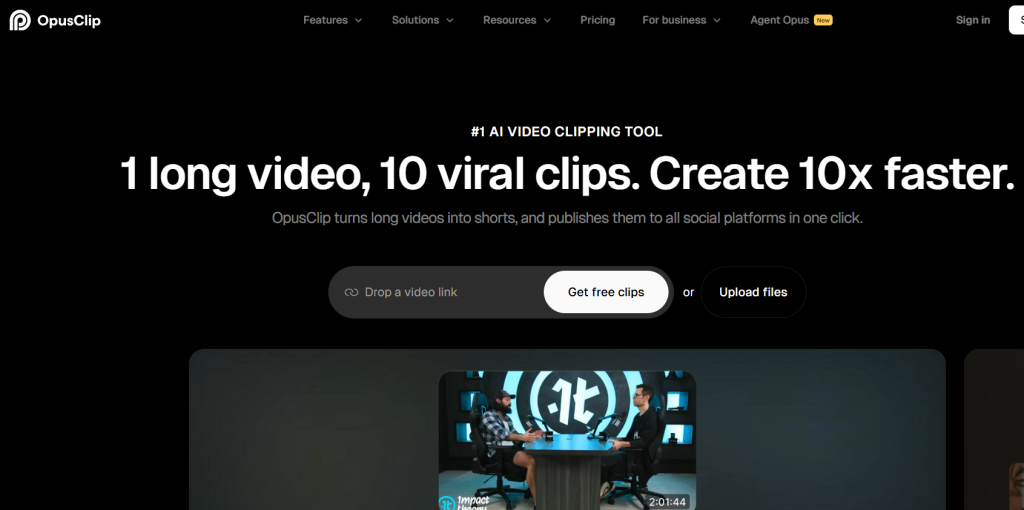
Opus Clip AI – best overall for repurposing long videos into viral shorts
What it is: A popular AI-powered video repurposing platform that turns long videos into short, viral clips automatically.
Standout features:
- AI virality score for smart clip selection
- Captions in 20+ languages
- Auto post to YouTube Shorts, TikTok, and Reels
- Multiple aspect ratios (9:16, 1:1, 16:9)
- Social scheduler and filler removal
Pricing: Free plan available; paid plans start at $15/month
Best for: Video creators and social media marketers
Pros: - Simple to use
- High-quality outputs
- Custom brand templates
Cons: - Limited free credits
- Occasional caption errors
2. Luma AI Dream Machine
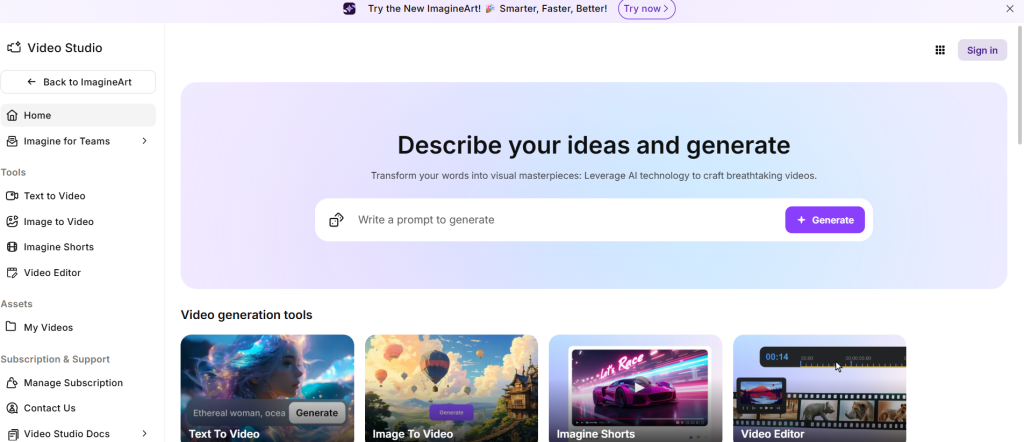
Luma AI Dream Machine – best for text-to-video generation
What it is: An advanced AI engine that converts text and images into hyper-realistic short videos.
Standout features:
- 720p and 1080p video generation
- Fast and relaxed processing modes
- Commercial-use support
- Unlimited credits in enterprise plans
Pricing: Starts at $9.99/month; free plan available
Best for: Creators and agencies needing cinematic AI video outputs
Pros: - Multi-device availability (web + iOS)
- Realistic visual rendering
- Commercial licensing options
Cons: - Watermark in free plan
- Limited features for entry tiers
3. Vizard.ai

Vizard.ai – best for clipping long videos into social shorts
What it is: A tool that automatically detects key moments in long videos and converts them into short-form content.
Standout features:
- 7,200 upload minutes per year
- AI-based highlight selection
- Auto resizing and formatting
Pricing: Free plan available; paid plans start at $14.50/month
Best for: Podcasters, YouTubers, and event organizers
Pros: - High upload capacity
- Streamlined editing
- Fast AI-powered trimming
Cons: - Minimal manual control
- No 4K support
4. Short AI
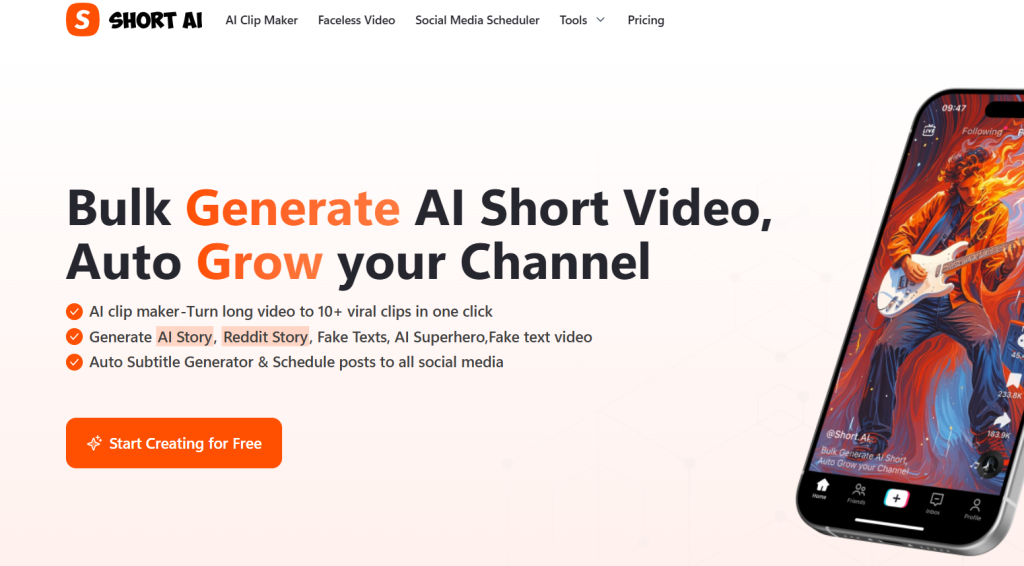
Short AI – best for faceless video automation
What it is: A smart AI tool that generates faceless short videos tailored for YouTube and TikTok.
Standout features:
- 160–720 monthly credits
- Auto caption and music sync
- Faceless video automation
Pricing: Plans start at $19/month
Best for: Faceless video channels and social media creators
Pros: - Quick content turnaround
- Flexible credit system
- Integrated captioning
Cons: - No free plan
- Limited style variation
5. revid.ai
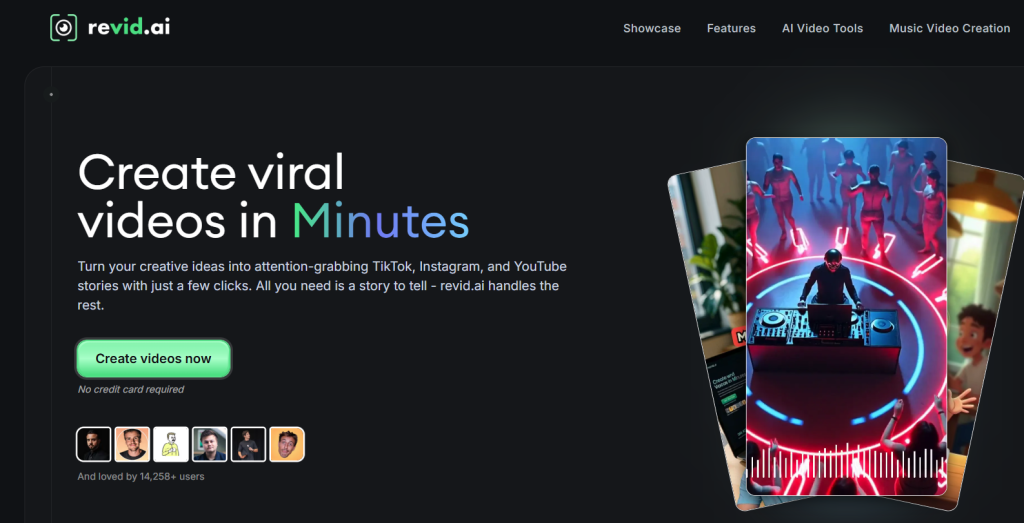
revid.ai – best for template-based viral video creation
What it is: An AI-driven platform that simplifies short-form video creation with templates and influencer-style effects.
Standout features:
- Access to 3M+ viral TikToks for reference
- Voice and script generation
- Auto publishing to major platforms
Pricing: Starts at $39/month
Best for: Influencers and small businesses
Pros: - Full video editor access
- Built-in content inspiration
- Supports automation
Cons: - Higher price entry
- Heavy reliance on templates
6. SendShort
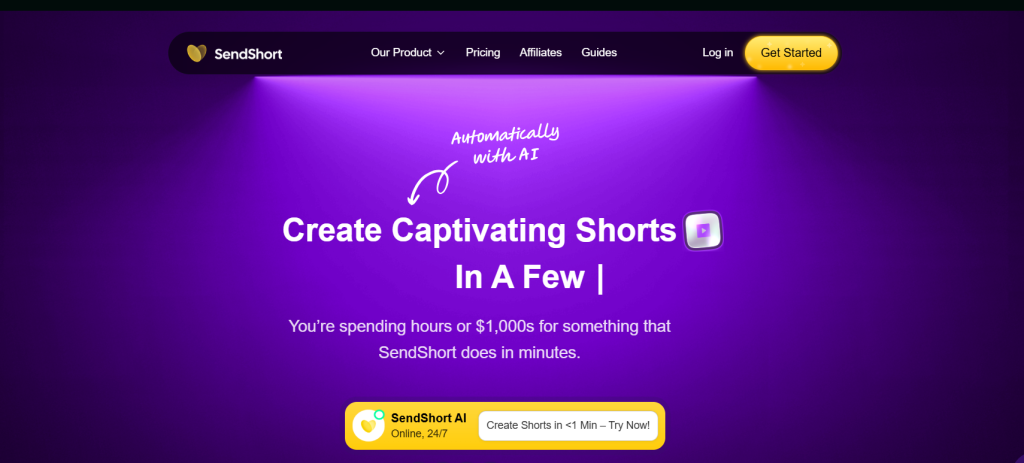
SendShort – best for subtitled video creation
What it is: An AI automation tool for generating subtitled short videos from long-form footage.
Standout features:
- Auto-crop to vertical format
- B-roll and sound effect imports
- Faceless video options
Pricing: Starts at $19/month
Best for: Social media video editors and content marketers
Pros: - Fast subtitle generation
- Platform scheduling
- Easy import from YouTube
Cons: - Watermark in lower tiers
- Limited customization
7. Typeframes
Typeframes – best for instant AI video generation from text
What it is: An AI platform that turns written content into short, visually appealing videos for social media.
Standout features:
- Text-to-video generation in seconds
- 20+ customizable templates
- Auto subtitles and transitions
Pricing: Free plan available; Pro from $25/month
Best for: Social media managers and content creators
Pros: - Fast processing
- Modern templates
- Easy sharing
Cons: - Basic editing tools
- Limited creative freedom
8. Klap
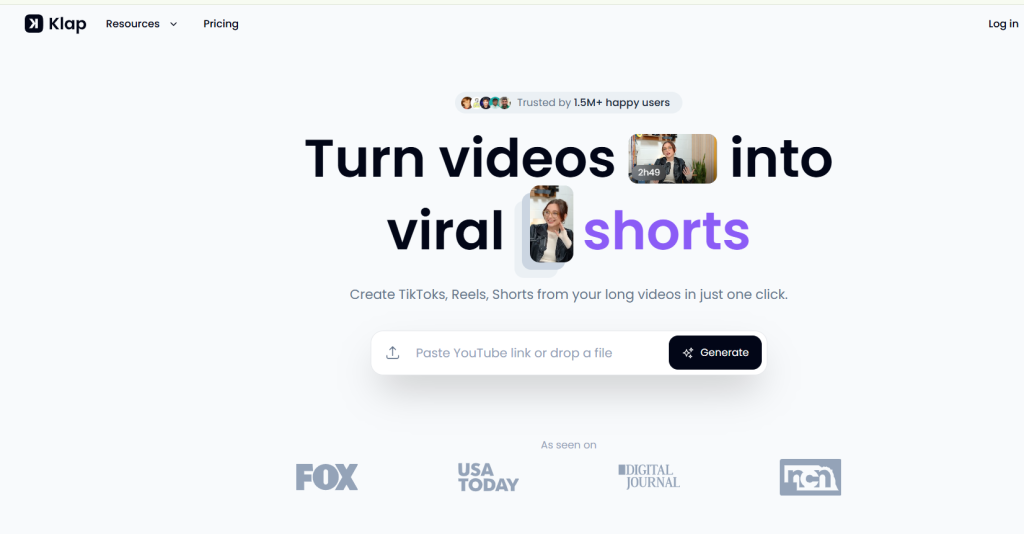
Klap – best for creators who repurpose long videos into short clips
What it is: An AI video clipping tool that automatically detects engaging moments and converts them into viral shorts.
Standout features:
- Multi-platform publishing (TikTok, Shorts, Reels)
- AI-powered captions
- Content repurposing workflow
Pricing: Free trial; Pro from $29/month
Best for: YouTubers, podcasters, and educators
Pros: - Saves editing time
- Consistent quality
- Supports multiple languages
Cons: - Requires clear speech for accuracy
- Output customization limited
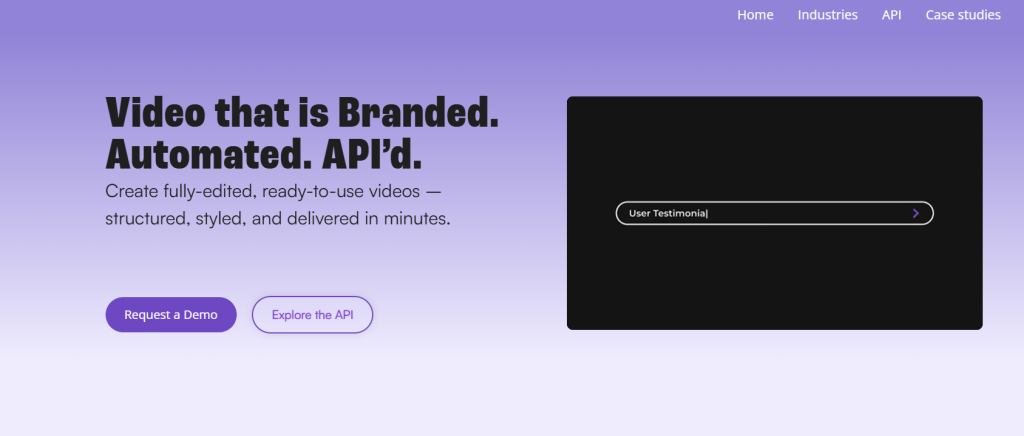
9. Shuffll
Shuffll – best for team-based short video production
What it is: An AI-driven video production platform built for businesses and marketing teams.
Standout features:
- Script-to-video workflow
- Collaboration dashboard
- HD video exports
Pricing: Starts at $39/month; custom enterprise pricing available
Best for: Agencies, teams, and startups
Pros: - End-to-end automation
- Cloud-based editor
- Multi-user access
Cons: - No free plan
- Slightly steep learning curve
Comparison Table
| Tool | Key Use Case | Starts At | Free Plan | Standout Feature |
| Opus Clip AI | Repurpose long videos into shorts | $15/mo | Yes | AI virality score |
| Luma AI Dream Machine | Text-to-video generation | $9.99/mo | Yes | Cinematic visuals |
| Vizard.ai | Auto clip long videos | $14.50/mo | Yes | Highlight detection |
| Short AI | Faceless video automation | $19/mo | No | Auto captions + music |
| revid.ai | Template-based video creation | $39/mo | No | Influencer-style templates |
| SendShort | Auto subtitles + B-roll | $19/mo | No | Faceless video support |
| Typeframes | Text-to-video creation | $25/mo | Yes | Fast text-to-video |
| Klap | Video repurposing | $29/mo | Yes | Multi-platform publishing |
| Shuffll | Team collaboration | $39/mo | No | Script-to-video editor |
How to Choose the Right AI Video Tool (Quick Framework)
Before you pick anything, ask yourself:
- Where will this video live?
TikTok, Reels, YouTube Shorts? - What’s the input?
Text, script, blog, voice, or long video? - Speed vs control?
Fully automated or customizable? - Brand or personal?
Templates vs creative freedom?
The best AI video creator is the one that fits your workflow, not the fanciest demo.
Benefits of Using AI Short Video Generator Tools
AI video generators drastically cut production time, reduce editing costs, and make professional short videos accessible to everyone.
They help creators scale content output, brands repurpose long videos into bite-sized clips, and marketers enhance audience engagement without needing advanced editing skills.
Related Reads
Final Thoughts: AI Video Is No Longer Optional
In 2026, the question isn’t “Should I use AI video tools?”
It’s:
“How fast can I publish without burning out?”
AI short video generators are reshaping content creation, saving time, lowering production costs, and helping creators focus on storytelling instead of editing.
Whether you’re a marketer, influencer, or startup founder, these tools make it easy to produce consistent, scroll-stopping short videos.
The best AI short video generator tools help you stay visible, consistent, and creative: without hiring a full production team.
And that’s the real advantage.
Explore the best platforms above, test their free versions, and find your perfect AI-powered video companion for 2026.
FAQs: AI Short Video Generators (2026)
What is the best AI short video generator?
It depends on your goal. Pictory and InVideo AI are best for marketers, Runway for creatives, and Opus Clip for repurposing long content.
Can AI make TikTok videos?
Yes. Most modern AI short video generators are built specifically for TikTok, Reels, and Shorts.
Are free AI video tools any good?
Free plans are useful for testing, but serious creators usually upgrade for better exports, branding, and templates.
How does AI generate videos from text?
It combines AI storyboard generation, text-to-video models, AI voice synthesis, and motion graphics AI.