


Best AI Reel Generator Tools (2026 Edition)
- Video & Animation
- November 3, 2025
- No Comments
In early 2026, Instagram quietly confirmed something creators already felt.
Reels aren’t rewarded for creativity anymore.
They’re rewarded for retention engineering.
Same vertical size. Same music trends. Same editing styles.
Different outcomes.
Some accounts grow. Others flatline.
The difference?
Not effort. Not talent.
Systems.
And that’s exactly why AI reel generator tools exploded this year.
Not as gimmicks. But as unfair advantages.
This guide exists for one reason.
To help you pick safe, mainstream AI reel tools that actually work, without gambling your time, money, or brand.
No experiments. No obscure startups. No risky platforms.
Just tools creators, brands, and agencies already trust in 2026.
AI Reel Generator tools are transforming how creators and marketers produce short-form content.
Who This Guide Is For (Read This First)
This page is written for:
- Instagram creators chasing consistent growth
- TikTok-first brands running weekly campaigns
- Agencies repurposing long-form content into reels
- Small businesses doing reels without editors
- Marketers tired of manual video work
If you want viral potential without complexity, you’re in the right place.
What Is an AI Reel Generator?
An AI Reel Generator is software that uses artificial intelligence to automatically produce short, engaging video clips optimized for social media.
It analyzes trends, music, and audience preferences to create scroll-stopping content.
These tools allow users to adjust visuals, text, and effects to align with their personal or brand identity.
Benefits of Using AI Reel Generators
AI Reel Generators save time, reduce editing costs, and help users stay consistent with trending content.
They allow brands, influencers, and creators to quickly create professional-looking reels with minimal effort, enhancing engagement, boosting reach, and maintaining a strong social media presence.
Best Practices for Using AI Reel Tools in 2026
- Always customize hooks
- Edit captions manually once
- Test multiple versions
- Track saves, not likes
- Stay native to the platform
This is how AI stays invisible.
How We Picked These Tools
- Ease of use for non-video editors
- AI accuracy in content generation and editing
- Support for trending music and templates
- Export quality and social platform integrations
- Pricing flexibility and free trial availability
- Variety of styles and customization options
Quick Picks: Best AI Reel Generator Tools (2026)
If you’re in a rush, start here.
Best Overall AI Reel Generator: Canva
Best for Instagram Growth: Predis.ai
Best for Auto-Clipping Long Videos: Opus Clip
Best for Captions + Hooks: VEED.io
Best Beginner-Friendly Tool: Kapwing
Best for Brands & Teams: InVideo AI
We’ll break down why each wins below.
Top AI Reel Generator Tools (Ranked)
1. Veo
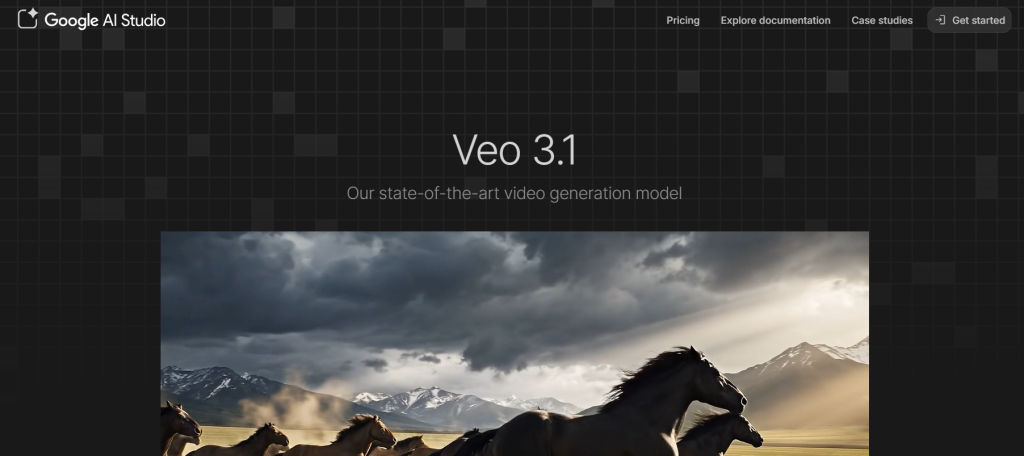
Sports video AI camera and analytics system for team recording
What it is: Veo provides AI-powered cameras that automatically record sports matches, detect highlights, and generate professional clips.
Standout features:
- Automatic recording and analysis
- 4K video output
- Cloud-based video storage
- Team collaboration dashboard
Pricing: From €50/month (Starter)
Best for: Sports coaches and teams
Pros: - Accurate AI motion tracking
- Great for performance review
Cons: - Designed specifically for sports use
2. Deciphr AI
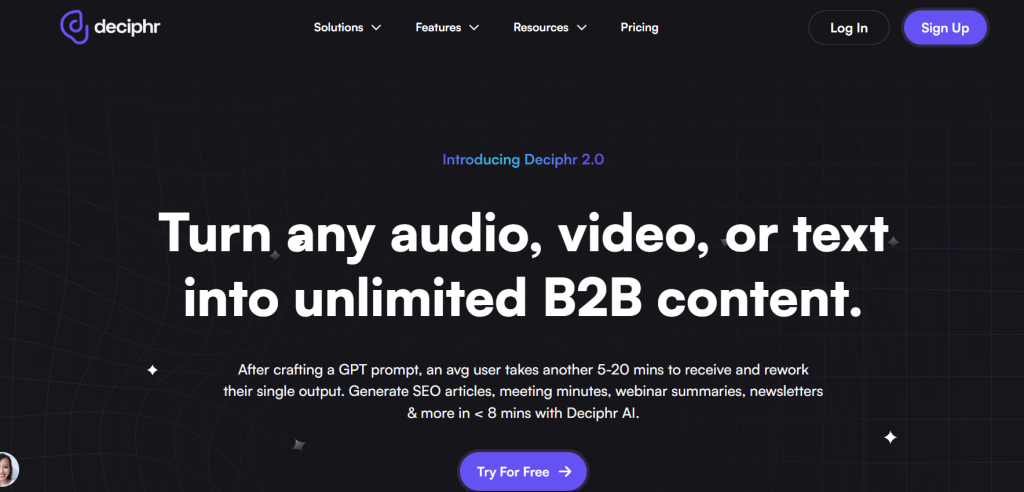
Transforms content into multimedia reels in one click
What it is: Deciphr AI converts long-form content into share-ready videos and clips using natural language understanding.
Standout features:
- Podcast and video summarization
- Text-to-video conversion
- Analytics and content optimization
Pricing: From $5/month (Professional)
Best for: Podcasters and content marketers
Pros: - Fast and automatic content transformation
- Integrates with multiple platforms
Cons: - Limited customization at lower tiers
3. AutoReels
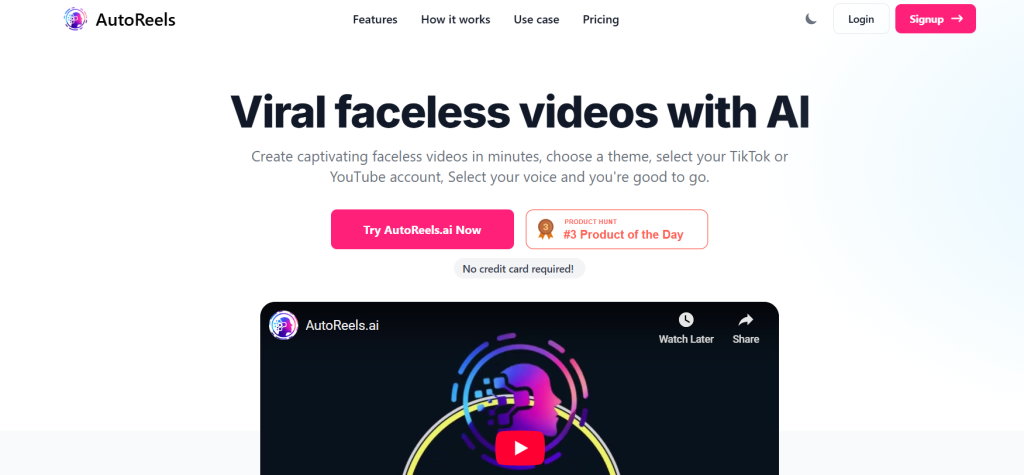
Automates faceless video creation for TikTok and YouTube
What it is: AutoReels allows users to create automated videos with AI voices, visuals, and captions.
Standout features:
- HD export with background music
- Auto posting to platforms
- No watermark in paid plans
Pricing: Free plan available; Paid from $19/month
Best for: Solo creators and social media managers
Pros: - Time-efficient automation
- Good quality output
Cons: - Template-based results may feel repetitive
4. Reeler AI
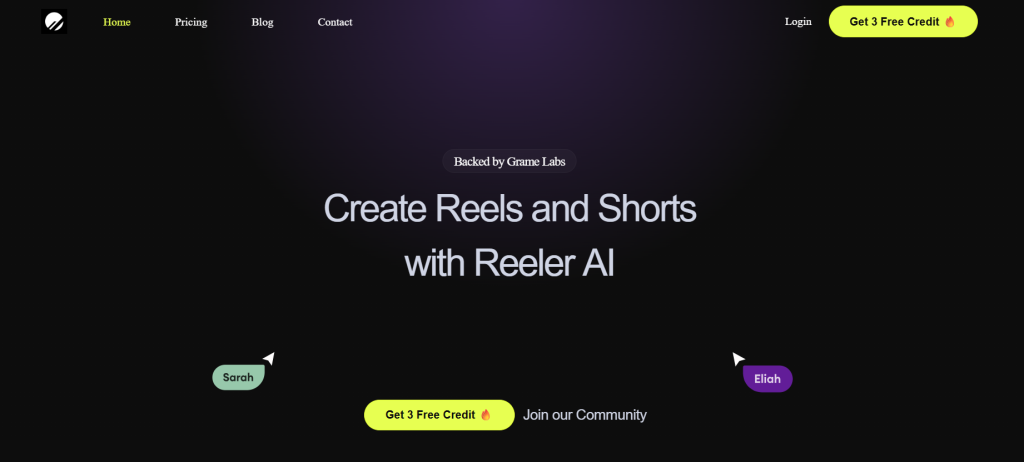
Converts text ideas into dynamic short videos
What it is: Reeler AI generates short videos from user input text and turns scripts into visual stories.
Standout features:
- Text-to-video transformation
- Customizable templates
- Auto-editing with AI transitions
Pricing: See site for latest pricing
Best for: Creators making short social videos
Pros: - Simple to use
- Creative templates
Cons: - Limited editing control
5. AiReelGenerator
AI-based faceless reel automation tool
What it is: AiReelGenerator creates and publishes videos automatically using a credit-based system.
Standout features:
- Up to 30 monthly videos
- Trend-based generation
- Auto-publishing
Pricing: Free plan available; Paid from $19/month
Best for: Content agencies and solopreneurs
Pros: - Cost-efficient
- Fast content turnaround
Cons: - Requires credits for use
6. Reel Maker & AI Templates
iOS app for social media reel creation
What it is: Reel Maker offers trending templates for quick reel design.
Standout features:
- Mobile-friendly editor
- AI Reel Generator trending templates
- Music sync options
Pricing: From $14.99/week (Templix Pro)
Best for: iPhone users and influencers
Pros: - Easy mobile interface
- Regular template updates
Cons: - Subscription renews automatically
7. Shortd
Turns text notes into learning-focused short videos
What it is: Shortd transforms educational notes into animated, snackable video content.
Standout features:
- AI note summarization
- Visual storytelling
- Credit-based model
Pricing: Free plan available
Best for: Educators and learning creators
Pros: - Great for educational reels
- Engaging visual output
Cons: - Limited AI Reel Generator export formats
8. Captora AI
Faceless video cutter and reel maker
What it is: Captora AI creates faceless social content automatically from long videos.
Standout features:
- Unlimited reel cuts
- Gaming backgrounds
- Subscription-based model
Pricing: From $39/month
Best for: Gaming streamers and influencers
Pros: - Smooth AI editing
- Unlimited content
Cons: - Requires monthly renewal
9. Trendvideo.ai
AI tool for fast, monetizable social video creation
What it is: Trendvideo.ai generates short videos optimized for engagement and monetization.
Standout features:
- 4 pricing tiers
- Auto content generation
- No watermark in paid plans
Pricing: Free plan available; Paid from $19/month
Best for: Creators and affiliate marketers
Pros: - High-speed video generation
- Monetization-ready
Cons: - Limited AI Reel Generator free credits
10. Reel Rabbit
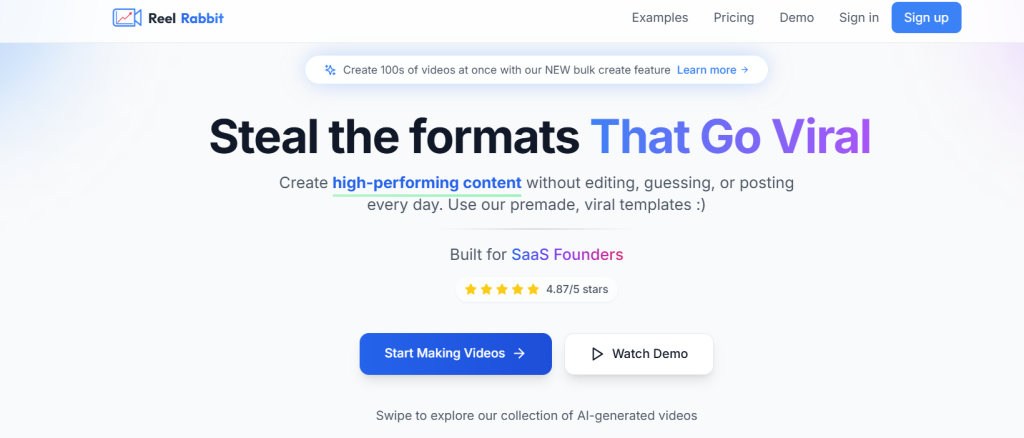
Automated viral reel creation platform
What it is: Reel Rabbit provides ready-to-publish videos with scheduling and analytics.
Standout features:
- Auto-posting to TikTok
- Bulk video creation
- 1080p quality export
Pricing: From $14/month
Best for: Social media marketers
Pros: - Built-in scheduler
- Custom hook video uploads
Cons: - Expensive at scale
11. JetSnaps AI
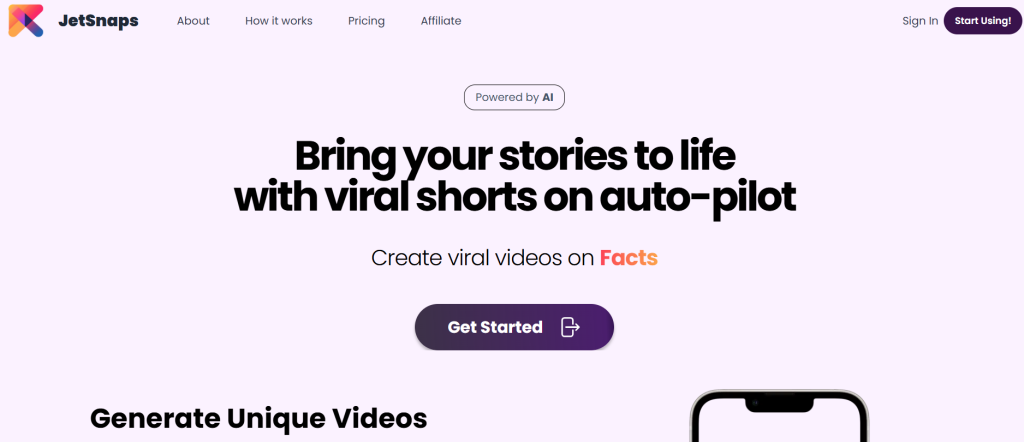
Automates short-form video generation and posting
What it is: JetSnaps uses AI to create and post short videos automatically on social channels.
Standout features:
- Multiple templates
- Auto-posting
- Credits-based video creation
Pricing: Free plan available; Paid from $29/month
Best for: Agencies and media teams
Pros: - High content output volume
- No watermark in paid plans
Cons: - Requires credit management
12. MAIVE: Music AI Video Exporter
Creates music videos and images from audio
What it is: MAIVE turns audio into matching video clips using AI detection.
Standout features:
- Audio-reactive visuals
- In-app purchases
- Three subscription levels
Pricing: From $2.99
Best for: Musicians and podcasters
Pros: - Intuitive AI Reel Generator interface
- Good sync accuracy
Cons: - Limited export resolution
13. Capturelab
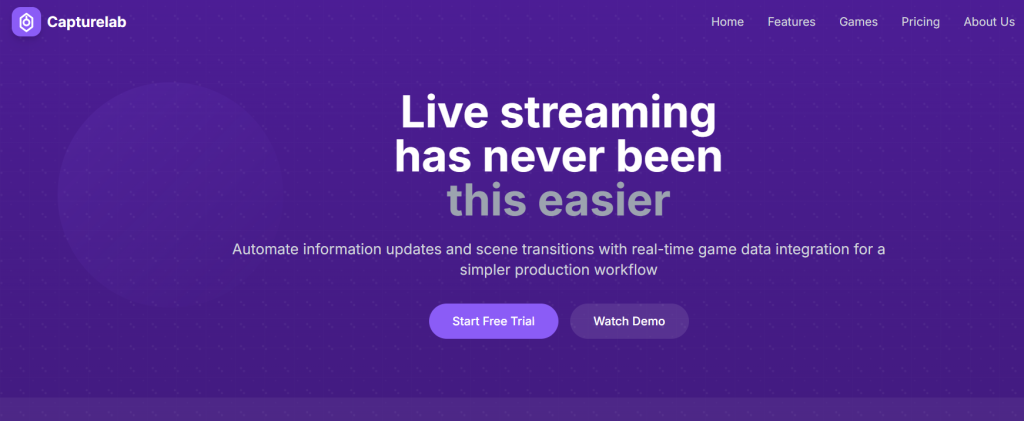
AI-powered highlights for gaming reels
What it is: Capturelab detects highlights in gaming streams automatically.
Standout features:
- 1080p and 4K AI Reel Generator support
- Multi-platform streaming
- Chat integration
Pricing: Free plan; Paid from $15/month
Best for: Streamers and esports teams
Pros: - Accurate highlight detection
- Cloud-based storage
Cons: - Geared mainly toward gaming
14. Opus Clip
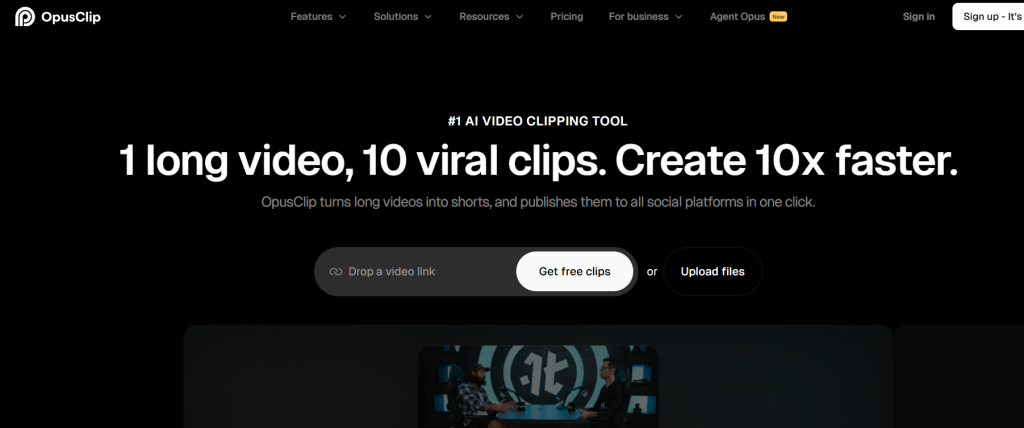
Repurposes long videos into viral short clips
What it is: Opus Clip identifies high-engagement moments and creates short videos automatically.
Standout features:
- AI virality scoring
- Multi-platform auto-post
- Speech enhancement
Pricing: Free plan; Paid from $15/month
Best for: YouTubers and social managers
Pros: - Strong analytics tools
- Watermark-free export
Cons: - Free clips expire after 3 days
15. Sora 2 AI Video Generator
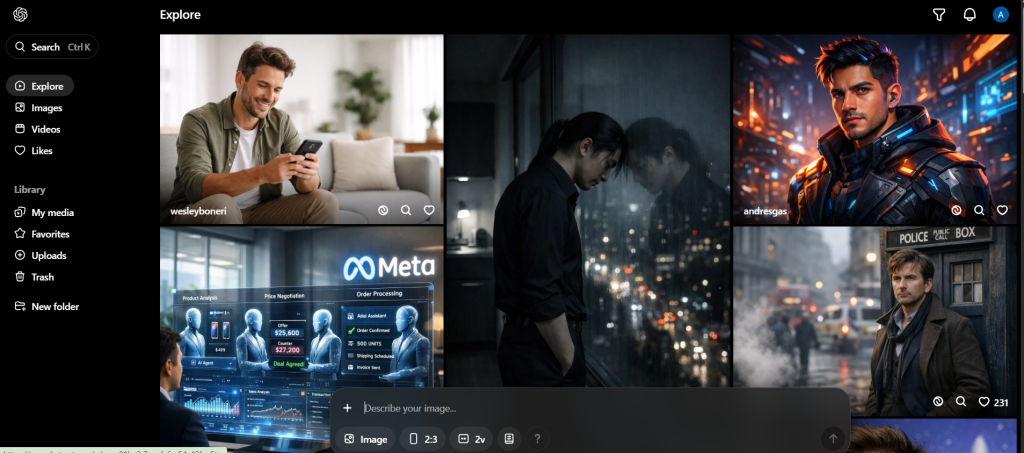
Text and image to video creation powered by OpenAI
What it is: Converts prompts into cinematic, HD videos in seconds.
Standout features:
- Pay-as-you-go credits
- HD export
- Emotion-driven visuals
Pricing: From $6.99/month
Best for: Storytellers and educators
Pros: - Visually rich videos
- Flexible AI Reel Generator plans
Cons: - Credits required for each use
Comparison Table
| Tool | Key Use Case | Starts At | Free Plan | Standout Feature |
| Veo | Sports video AI | €50/mo | No | Auto game recording |
| Deciphr AI | Multimedia reel generator | $5/mo | No | One-click content conversion |
| AutoReels | Faceless video automation | Free | Yes | Auto-posting |
| AiReelGenerator | Faceless video creator | $19/mo | Yes | Trend-based generation |
| Reel Maker | iOS Reel app | $14.99/wk | No | Trending templates |
| Captora AI | Faceless content maker | $39/mo | No | Unlimited reel cuts |
| Reel Rabbit | Viral reel platform | $14/mo | No | Auto scheduling |
| JetSnaps | Auto short posting | $29/mo | Yes | Fully automated posting |
| Opus Clip | Video repurposing | $15/mo | Yes | AI virality scoring |
How to Choose the Right AI Reel Generator
- Select tools based on social platform compatibility
- Prioritize export quality (1080p or higher)
- Look for tools offering royalty-free audio
- Choose subscription or credit-based plans depending on volume
- Prefer AI Reel Generator tools that allow branding and watermark removal
What Makes an AI Reel Generator “Good” in 2026?
This matters.
Most tools claim AI. Few actually help you grow.
The best AI reel generators in 2026 do five things well:
- Automate editing decisions
- Generate hooks that stop scrolls
- Add captions optimized for retention
- Export true 9:16 vertical videos
- Fit into real creator workflows
Anything missing one of these is incomplete.
How to Choose the Right AI Reel Generator Tool
Ask yourself three questions.
1. Where do you post most?
Instagram → Predis.ai, Canva
YouTube Shorts → Opus Clip
Multi-platform → VEED, Kapwing
2. Do you create long-form content?
Yes → Opus Clip
No → Canva, Predis.ai
3. Are captions important to your niche?
Yes → VEED, Predis.ai
No → Canva, Kapwing
Your answer decides the tool.
Common Mistakes Creators Make With AI Reels
AI doesn’t fix strategy.
Creators fail because they:
- Use generic hooks
- Ignore audience context
- Over-automate creativity
- Post without testing formats
AI should assist, not replace thinking.
Do AI Reel Generators Actually Help You Go Viral?
Short answer? Yes.
But not automatically.
AI helps with:
- Speed
- Consistency
- Editing quality
Virality still depends on:
- Hooks
- Storytelling
- Relevance
Related Reads
Final Thoughts: Pick Safe. Scale Smart.
AI reel generator tools are no longer optional. They’re infrastructure.
In 2026, creators who grow don’t work harder. They work systematically.
Pick one tool.
Master it.
Stay consistent.
That’s how reels compound.
AI Reel Generators have made social media content creation faster, smarter, and more scalable.
Explore these platforms to transform your content strategy and stay ahead of the competition.
FAQs: AI Reel Generator Tools (2026)
What is the best AI reel generator in 2026?
Canva and Predis.ai are the most reliable mainstream options.
Are there free AI reel makers?
Yes. Canva, Kapwing, and VEED offer free plans with limits.
Can AI tools add trending music?
Most tools support audio uploads, but platform-native music still performs best.
Do AI reels work on Instagram?
Yes, when hooks and captions are optimized.
Can AI repurpose long videos into reels?
Yes. Opus Clip specializes in this.