


Best AI Game Generator Tools in 2026 (Tested & Ranked)
- Games
- November 5, 2025
- No Comments
In 2026, building a game no longer requires a team of engineers, a six-figure budget, or years of Unity experience.
A new class of AI game generators can now take a text prompt, something as simple as “a top-down dungeon crawler with pixel art”, and produce a working playable prototype in minutes.
We’ve spent over 40 hours hands-on testing 26 tools across real game projects: 2D platformers, RPG prototypes, narrative games, and mobile mockups. This guide ranks every tool by output quality, ease of use, and how well it handles users with zero coding experience.
Whether you’re an indie developer looking to ship faster, a designer exploring game concepts, or a complete beginner with nothing but an idea, this is the only ranking you need.
Quick answers to common questions:
- Best for game assets: Scenario or Meshy
- Best overall: Rosebud AI (text-to-game, no coding needed)
- Best free tool: AI Dungeon (narrative games) / Leonardo.ai (assets)
- Best for beginners: Rosebud AI or Ludo.ai
What Is an AI Game Generator? (And How Do They Actually Work?)
An AI game generator is a tool that uses machine learning and generative AI to automate one or more parts of the game creation process, from level design and character art to dialogue, code, and 3D assets.
Unlike traditional game engines (Unity, Unreal, Godot) which require you to build every element manually, AI game generators create content from your inputs, usually text prompts, reference images, or simple parameters.
How AI Game Generators Work
Most tools operate on one of three models:
1. Text-to-game platforms (e.g. Rosebud AI)
You describe what you want in plain English. The AI generates game mechanics, visual assets, and basic code simultaneously, producing a playable prototype. These are the closest to a true “make a game with AI, no experience required” experience.
2. AI game asset generators (e.g. Scenario, Meshy, Leonardo.ai)
These tools focus on one part of the pipeline, generating sprites, 3D models, textures, or concept art that you then bring into your own engine. They’re favored by studios that already have a workflow but want to speed up asset creation.
Need backgrounds and concept art before committing to a style? Our AI image generator guide covers the best tools for generating game concept art and environmental art at scale.
3. AI-assisted game engines (e.g. Promethean AI, Inworld AI)
These integrate directly into existing engines like Unreal or Unity, using AI to automate world-building, NPC behavior, or procedural level design within your existing project.
Key Capabilities:
- AI 3D Environment Generator: Create realistic worlds and landscapes automatically.
- NPC Dialogue AI Generator: Generate interactive conversations and character behaviors.
- Procedural Game Content AI: Automate levels, quests, and missions.
- AI Game Script Generator: Craft compelling storylines from text prompts.
- No-Code AI Game Builder: Build and deploy games without touching a single line of code.
These tools aren’t just convenient, they’re revolutionizing how games are conceived, prototyped, and launched.
AI Game Generator vs Traditional Game Engine: What’s the Difference?
| AI Game Generator | Traditional Game Engine | |
| Target user | Beginners, indie devs, designers | Professional developers |
| Coding required | No (most tools) | Yes |
| Asset creation | AI-generated | Manual or purchased |
| Time to prototype | Minutes to hours | Days to weeks |
| Customization depth | Medium | Very high |
| Examples | Rosebud, AI Dungeon, Ludo | Unity, Unreal, Godot |
AI game generators are faster and more accessible. Traditional engines give you more control and are better for production-quality commercial games. Many professionals now use both, AI tools for rapid prototyping and ideation, traditional engines for final builds.
How We Evaluated These Tools
Our editorial team tested all 26 tools across three weeks using four real project types:
- A 2D side-scrolling platformer (beginner difficulty)
- A text-based RPG with branching dialogue
- A 3D environment prototype for a survival game
- A mobile puzzle game concept
We scored each tool across five criteria:
| Criteria | Weight | What We Measured |
| Output quality | 30% | Fidelity of generated assets, code accuracy, playability of prototypes |
| Ease of use | 25% | Time to first result, UI clarity, quality of onboarding |
| Free tier value | 20% | What’s actually usable without paying |
| Integration | 15% | Export formats, engine compatibility (Unity/Unreal/Godot) |
| Active development | 10% | Updates in 2025–2026, community size, support quality |
Tools that hadn’t received meaningful updates since 2024 or had inactive communities were noted or removed from the active ranking.
24 Essential AI Game Development Tools for 2026
For standalone AI art and sprite generation, see our full guide to AI art generators used in game development, tools like Scenario and Ludo are covered in depth there.
Best Free AI Game Generator Tools in 2026
Search intent for this topic skews heavily toward free options, so before the full list, here are the tools with genuinely useful free tiers (not just free trials):
| Tool | Free Tier Includes | Best For |
| AI Dungeon | Unlimited text adventures, core AI | Narrative/text games |
| Leonardo.ai | 150 free generations/day | Game concept art & sprites |
| Ludo.ai | Limited concept generation | Game ideation |
| Poly | Asset library access | Textures & 3D assets |
| Meshy | Free trial mesh generation | 3D model prototyping |
| Charactr.ai | Basic avatar + voice | Character creation |
Note: Free tiers change frequently. Always verify current limits on the tool’s pricing page before committing to a workflow.
Here’s my hand-picked list of tools that have personally transformed my workflow:
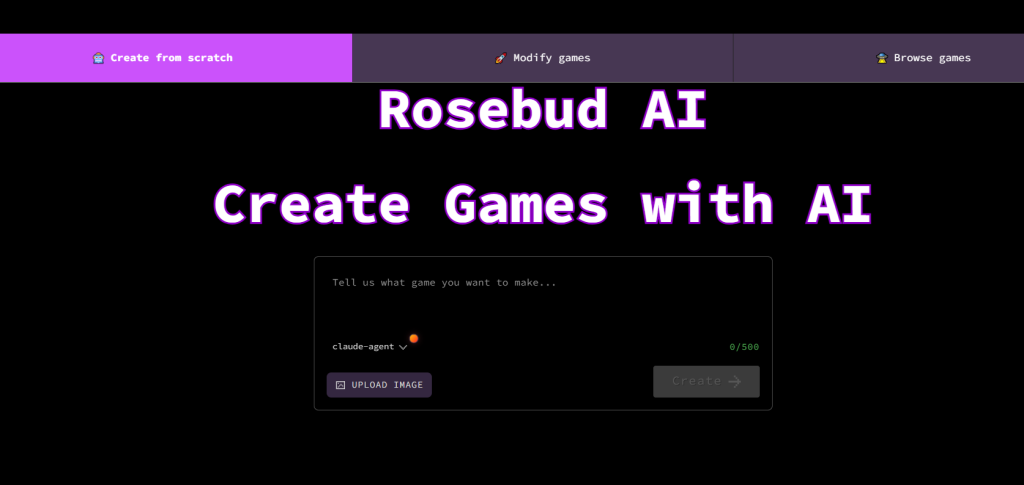
1. Rosebud AI — Best Overall AI Game Generator for Beginners
FREE TIER | BEST FOR BEGINNERS
What it does:
Rosebud converts plain-text descriptions into fully playable 2D and 3D browser games — no coding required. It handles asset generation, basic game logic, and deployment in a single workflow, making it the closest available tool to a true “describe it and play it” experience.
Key features:
- Natural language prompt-to-game pipeline (describe your game concept, get a working prototype)
- Built-in AI art generator for character sprites and backgrounds
- Export to Unity and Unreal for further development
- Browser-based, no downloads or installation required
- Active community with shared game templates
Free tier: Limited game projects with watermark
Paid plans: Check rosebud.ai for current pricing
Best for: Beginners, indie devs, rapid prototypers
Engine export: Unity, Unreal
Coding required: No
Verdict:
The single best entry point for anyone who wants to make a game with AI and zero coding experience. Output quality won’t match a hand-crafted Unity build, but for prototyping and concept validation it’s unbeaten in speed.
Many developers pair Rosebud with AI coding tools that help build game logic like GitHub Copilot when they need to customize beyond the prototype stage.
2. Scenario — Best AI Game Asset Generator for Art Consistency
PAID (from $12/month)
What it does:
Scenario is a generative art platform built specifically for game studios, you train it on your own art style, and it produces characters, environments, items, and UI elements that stay visually consistent across your entire project.
Key features:
- Train custom AI models on your studio’s art style (unique among game asset tools)
- Asset management dashboard with version control
- Direct Unity package import
- Batch generation for large asset sets
- Supports isometric, pixel art, concept, and 3D styles
Free tier: No (trial available)
Paid plans: From $12/month
Best for: Game artists, small studios needing consistent visual identity
Engine export: Unity
Coding required: No
Verdict:
If visual consistency across your game is non-negotiable, Scenario’s custom model training is the best solution in this category. Not a game-builder, purely asset generation.
3. Layer AI — Best for AI Procedural World Generation
What it does:
Layer AI generates detailed game maps, terrain, and environmental structures using machine learning, particularly strong for open-world games where creating varied landscapes manually would take weeks.
Key features:
- Biome-aware terrain synthesis (forests, deserts, arctic, etc.)
- Game-ready 3D exports compatible with Unreal and Godot
- Procedural variation controls (seed values, density, elevation)
- Supports large-scale map generation for open-world titles
Free tier: No
Paid plans: ~$25/month
Best for: 3D world designers, open-world game developers
Engine export: Unreal, Godot
Coding required: Optional
Verdict:
Strong specialized tool for terrain and world generation. Requires a capable GPU and has a learning curve, but delivers impressive realism for environmental assets.
4. Charisma.ai — Best AI NPC Dialogue Generator
What it does:
Charisma.ai is a narrative AI engine that powers lifelike, reactive NPC conversations in games. Characters remember context, respond emotionally, and follow branching story logic, without requiring you to script every possible dialogue branch manually.
Key features:
- Branching dialogue editor with emotion state tracking
- Natural voice synthesis with personality tuning
- Real-time emotional responses based on player choices
- Unity SDK for direct integration
- Memory system lets NPCs recall past player interactions
Free tier: Check charisma.ai for current tier
Paid plans: See site for pricing
Best for: RPG developers, interactive fiction, story-driven games
Engine export: Unity
Coding required: Some (API familiarity helpful)
Verdict:
The best solution currently available for games that need characters who feel genuinely alive. Steeper setup than most tools here, but the quality of NPC interaction it enables is unmatched.
5. Promethean AI — Best AI Tool for 3D Scene Building in Unreal

What it does:
Promethean AI plugs directly into Unreal Engine and uses AI to populate and arrange 3D scenes, placing furniture, props, vegetation, and environment dressing automatically based on context and your specifications.
Key features:
- Intelligent asset placement in Unreal Engine
- Learns your aesthetic preferences over time
- Drag-and-drop environment editor
- Reduces manual scene dressing time by 60–80% on large environments
Free tier: Check promethean.ai
Paid plans: See site for pricing
Best for: AAA and mid-size studios working in Unreal Engine
Engine export: Unreal
Coding required: No (within tool), some Unreal knowledge helpful
Verdict:
Exceptional for teams already deep in Unreal Engine workflows. Less useful outside of that context. A genuine time-saver for environment artists on large projects.
6. Ludo.ai — Best AI Game Concept & Ideation Tool
FREE TIER
What it does:
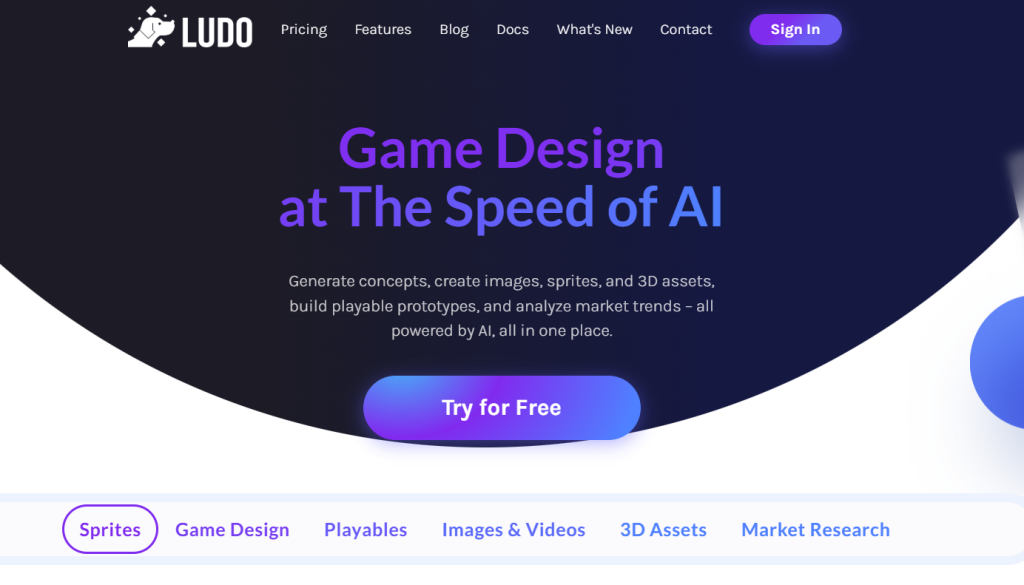
Ludo.ai helps game designers generate and validate game concepts using AI, it analyzes market trends, suggests mechanics, and helps you build out a game design document before a single asset is created.
Key features:
- AI game concept generator with market viability analysis
- Game mechanic suggestions based on genre and audience
- Competitor game analysis
- Team collaboration dashboard for shared ideation
- GDD (Game Design Document) export
Free tier: Limited concept generations
Paid plans: From $15/month
Best for: Game designers, concept teams, indie devs in early stages
Engine export: None (concept tool only)
Coding required: No
Verdict:
Ludo doesn’t make games, it helps you design better games before you build them. Highly recommended as a first step before committing to a development tool.
7. Leonardo.ai — Best Free AI Game Art Generator
FREE TIER (150 generations/day)
What it does:
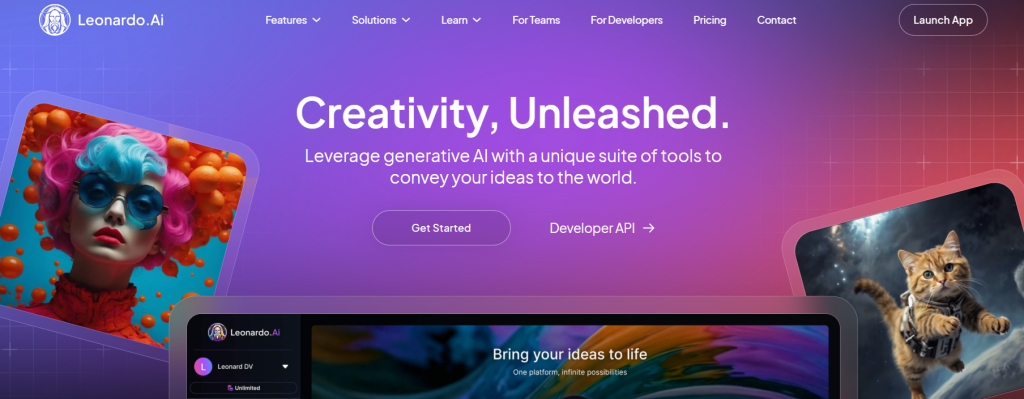
Leonardo.ai is a powerful generative art platform with game-specific features, fine-tuned models for pixel art, concept art, textures, and UI elements, with one of the most generous free tiers in this category.
Key features:
- Game-focused fine-tuned models (pixel art, isometric, fantasy, sci-fi)
- Texture generation with seamless tiling
- Custom model training on your own reference images
- High-resolution outputs up to 4K
- Active community with shared model presets
Free tier: 150 generations/day (watermarked)
Paid plans: Multiple tiers, check leonardo.ai
Best for: Indie developers and artists needing concept art at scale
Engine export: Export assets manually (no direct integration)
Coding required: No
Verdict:
The best free AI game art generator available right now. 150 free generations per day is genuinely enough for a solo developer’s daily workflow.
8. Inworld AI — Best for Intelligent NPC Behavior Systems
What it does:
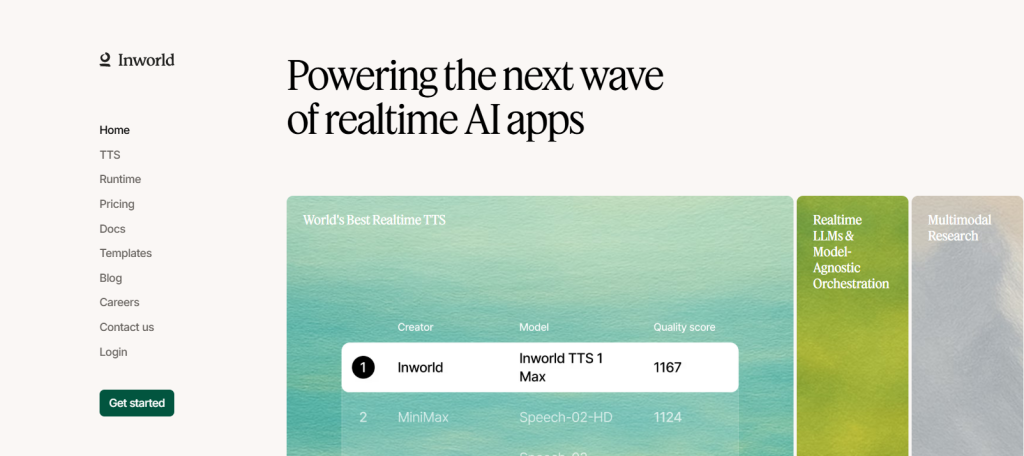
Inworld AI is a development platform for building AI-native game characters, NPCs with persistent memory, dynamic personality, and real-time voice that respond intelligently to player actions and the game state.
Key features:
- Personality-based dialogue modeling with emotional range
- Real-time AI voice synthesis
- Integration with Unity and Unreal Engine via SDK
- Memory architecture (characters remember player history)
- Scalable: supports thousands of unique NPC instances
Free tier: Developer tier available, check inworld.ai
Paid plans: Custom pricing for production use
Best for: RPG studios, simulation games, AAA narrative projects
Engine export: Unity, Unreal
Coding required: Yes (API and SDK integration)
Verdict:
More technically demanding than Charisma.ai but more powerful for production-scale NPC systems. Best for studios with developer resources to implement it properly.
9. AI Dungeon — Best Free Text-Based AI Game Generator
FREE TIER | BEGINNER FRIENDLY
What it does:
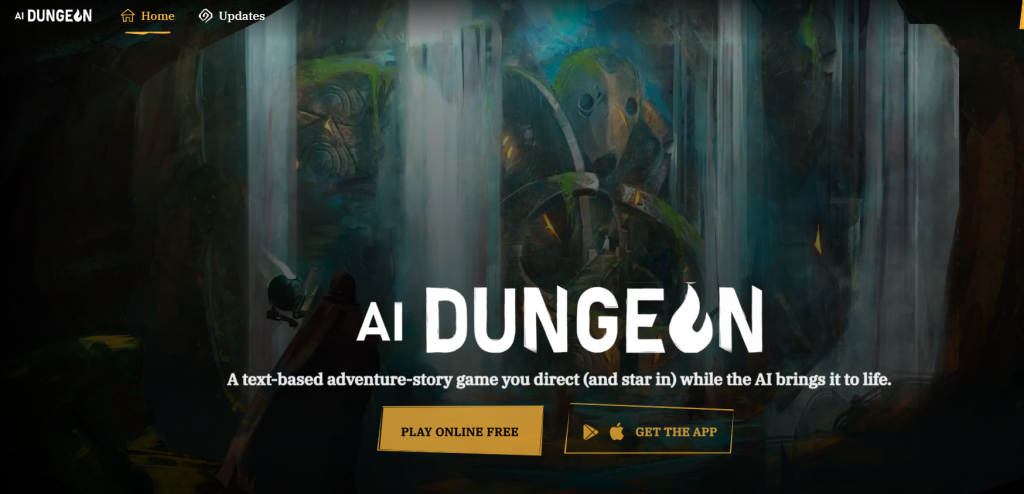
AI Dungeon is the original text-to-game AI, an interactive story platform where the AI generates infinite, responsive narrative in real time based on your choices. No assets, no code, pure story-driven play and creation.
Key features:
- Infinite real-time story generation from player input
- Player-directed plotlines with branching outcomes
- Collaborative multiplayer mode
- World and scenario builder for creators
- No setup or technical knowledge required
Free tier: Core gameplay free
Paid plans: $9.99/month for premium AI quality
Best for: Writers, narrative designers, text adventure fans
Engine export: None
Coding required: No
Verdict:
Not a game engine replacement, it’s a creative writing and narrative prototyping tool. If your game concept is story-driven, AI Dungeon is the fastest way to test whether your narrative works before building anything.
10. Kaedim — Best AI 3D Model Generator for Game Assets
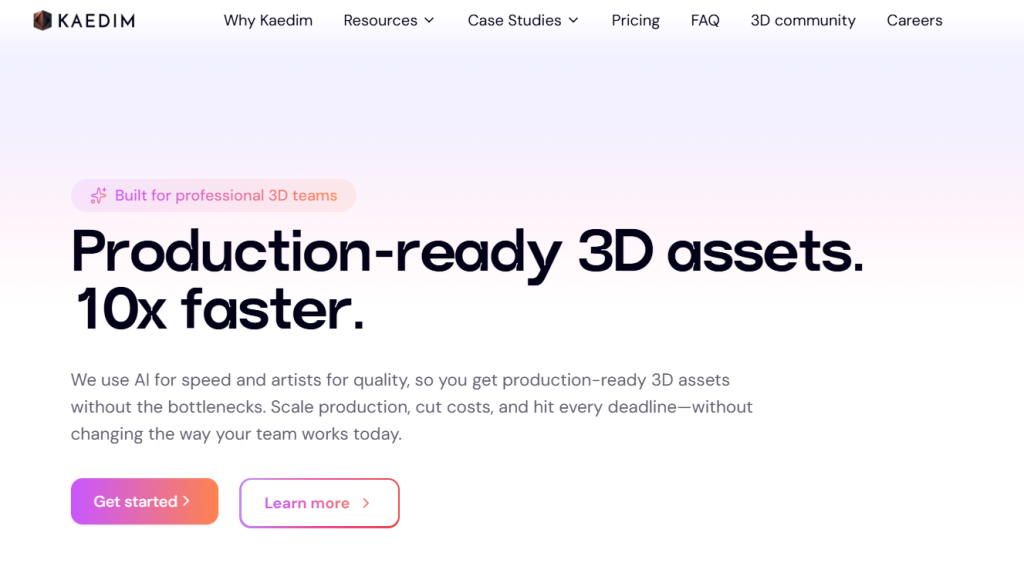
What it does:
Kaedim converts 2D concept art, sketches, or reference images into clean, game-ready 3D models. It combines AI generation with human artist review, delivering higher-quality outputs than purely automated tools.
Key features:
- 2D image or sketch to 3D mesh conversion
- Human artist review on every output (hybrid AI + human pipeline)
- Optimized low-poly outputs for Unity workflows
- Consistent style across asset batches
- Normal maps and UV-unwrapped assets included
Free tier: No
Paid plans: From ~$150/month (studio-focused pricing)
Best for: Studios that need large volumes of high-quality 3D assets
Engine export: Unity
Coding required: No
Verdict:
Expensive for solo developers, but the human review step makes output quality significantly more reliable than comparable automated 3D tools. Best suited to teams with a 3D asset backlog to clear.
11. Poly — Best AI Texture Generator for Game Environments
FREE TIER AVAILABLE
What it does:
Poly (WithPoly) is a browser-based AI texture generator purpose-built for 3D artists and game developers. You type a text prompt, “mossy cobblestone, medieval dungeon”, and Poly produces a seamlessly tileable, physically-based rendering (PBR) texture set with all the maps your engine needs: Color, Normal, Height, Ambient Occlusion, Roughness, and Metalness. No installation, no GPU required.
Key features:
- Text or image prompt to full PBR texture set in seconds (all 6 maps generated simultaneously)
- Seamless output, textures repeat without visible seams across surfaces
- Up to 8K resolution on paid plan; up to 2K on free
- Unlimited cloud material storage, color palettes, style-matching, and collaboration tools on premium tier
- Library of 1,000+ free pre-built seamless textures that can be edited or used as starting points
- Upscale or tile existing textures you already own
- No specialist skills needed, runs entirely in browser
Free tier: Yes, generate textures up to 2K resolution; free account textures are publicly viewable and limited to non-commercial use.
Paid plan: Poly Infinity at $20/month, unlocks 8K resolution, 32-bit depth, and a royalty-free commercial license.
Best for: Environment artists, 3D generalists, and indie developers who need production-ready surface materials fast, particularly for architecture, terrain, props, and level dressing
Engine export: Unity, Unreal, Godot, Blender (standard PBR map formats)
Coding required: No
Verdict:
Poly fills a specific but very common gap, getting high-quality, tileable surface textures without hand-painting them or sourcing from stock libraries. The free tier is genuinely useful for prototyping; the $20/month plan makes commercial use straightforward.
Its main limitation is scope: Poly generates textures, not characters, models, or game logic. Pair it with Meshy or Scenario for a complete AI asset pipeline.
12. Anything World — Best AI Tool for Instant 3D Animation & Rigging
PAID (from $30/month)
What it does:
Anything World is an AI-powered 3D creation tool that automatically rigs and animates 3D models for game developers and digital artists, integrating with software like Blender, Unity, and Unreal Engine to speed up 3D production workflows.
The standout capability is its voice-controlled creation, you can describe a 3D animated character or object out loud and Anything World builds, rigs, and animates it without requiring any manual rigging work.
Key features:
- Voice-controlled AI Creator Tool that lets game developers build entire 3D worlds using simple voice commands, strong for indie studios quickly prototyping environments without extensive 3D modeling skills
- Automatic rigging and skinning — models arrive ready for animation without any manual bone placement
- Physics and motion logic generation for realistic in-game movement
- Ready-to-use library of pre-animated 3D assets
- Integration with Blender, Unity, and Unreal Engine, giving artists flexibility to work in their preferred software while accessing AI-animated assets
Free tier: No (check anythingworld.com for trial access)
Paid plans: From ~$30/month
Best for: Game developers who need animated 3D characters fast, educators using game creation as a learning tool, creative coders prototyping environments
Engine export: Unity, Unreal, Blender
Coding required: No for voice/prompt use; some scripting knowledge helpful for advanced integration
Verdict:
Anything World solves one of the most time-consuming parts of the 3D pipeline, rigging and animation, with almost no manual input. If you’re tired of importing static meshes and spending hours skinning bones, this is the tool to try first. The learning curve for scripting is real, but the voice-to-animated-world workflow is genuinely impressive for prototyping.
13. Charactr.ai — Best AI Character Voice & Personality Generator for Games
FREE TIER AVAILABLE
What it does:
Charactr.ai is an AI platform for creating voiced, animated game characters with distinct personalities, combining synthetic voice generation, avatar animation, and personality scripting into one tool. It’s aimed at indie developers who need characters that can speak and react without hiring voice actors or animators.
Key features:
- Multi-voice synthesis with personality tuning, set a character’s emotional tone, accent, and speaking style
- Animated avatar generation with real-time lip sync
- Personality and backstory scripting for consistent character behavior
- Real-time dialogue export for integration into game builds
- Library of pre-built character voices and visual styles
Free tier: Yes, basic avatar and voice generation available on free plan
Paid plans: Check charactr.ai for current pricing
Best for: Indie game creators building story-driven games, visual novels, or RPGs who need voiced characters without a voice acting budget
Engine export: Limited direct integration; dialogue and audio exported manually
Coding required: No for asset creation; some setup for in-game integration
Verdict:
A practical solution for the indie developer who knows their game needs voiced characters but has no budget for voice actors. The free tier is genuinely functional for prototyping. Main limitation is engine integration depth, you’ll likely need to handle audio import and triggering within your engine manually.
14. In3D — Best AI Tool for Photo-Realistic Avatar Creation from Smartphone Scans
What it does:
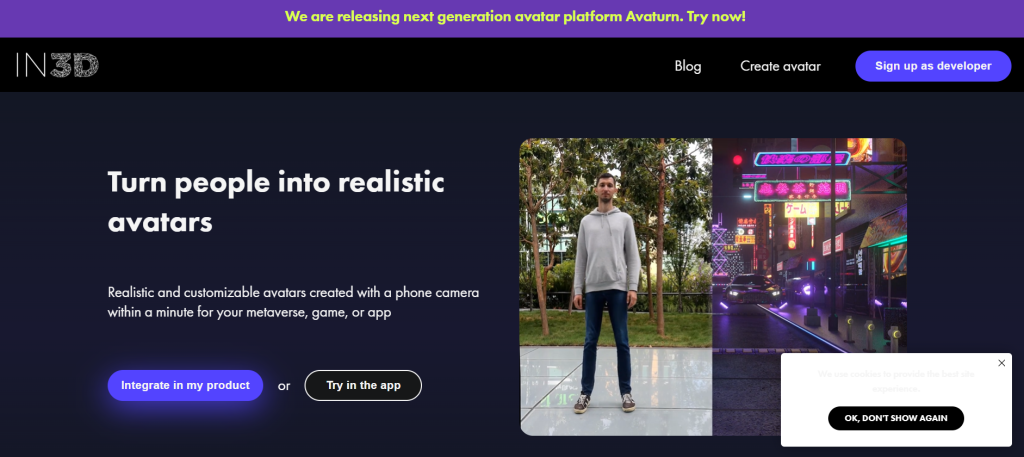
In3D provides a platform for creating photorealistic avatars using a smartphone camera. Users can create personalized avatars within minutes, which can then be integrated into various applications such as metaverses, games, or apps. The tool is purpose-built for the use case of putting real people into games, scanning a user’s face and body via phone camera and generating a fully rigged, game-ready 3D avatar.
Key features:
- Photorealistic avatar creation using just a smartphone camera, full body scan to 3D model in minutes
- SDKs for Unreal Engine and Unity, developers can copy and paste the generated avatar directly into their environment
- MetaHuman format conversion tools available for Unreal Engine workflows
- Customizable clothing, accessories, and animations on generated avatars
- Business scan tooling for converting customers into photorealistic avatars (virtual fitting rooms, AR apps)
Important update: In3D has officially launched Avaturn as its next-generation avatar platform. If you’re evaluating this tool, check Avaturn (avaturn.me) as the current actively developed successor product.
Free tier: Check avaturn.me for current free access
Paid plans: Developer and enterprise SDK pricing, see site
Best for: Games requiring player self-avatars, metaverse apps, virtual fitting rooms, AR experiences
Engine export: Unity, Unreal Engine (direct SDK integration)
Coding required: Yes, SDK integration requires developer setup
Verdict:
In3D/Avaturn solves a very specific problem exceptionally well: turning real people into game-ready 3D characters fast. For sports games, social VR, or any title where player identity matters, the phone-scan-to-avatar pipeline is among the fastest available. Outside of that use case, it’s too narrow for general game asset work.
15. Neural Canvas
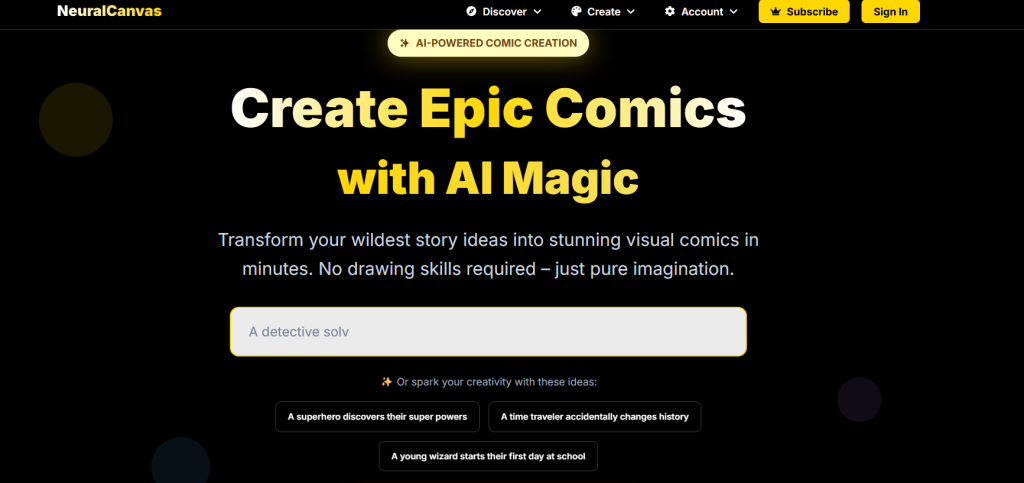
AI storyboard and visual scripting generator.
What it is: Creates narrative-driven storyboards and dialogue trees for games.
Standout features:
- Visual narrative design
- Auto scene flow
- Script export function
Pricing: $12/month
Best for: Story-based indie devs
Pros: - Streamlines writing workflow
- Visually intuitive editor
Cons: - Lacks full engine export
- Focused on 2D storytelling
16. Meshy
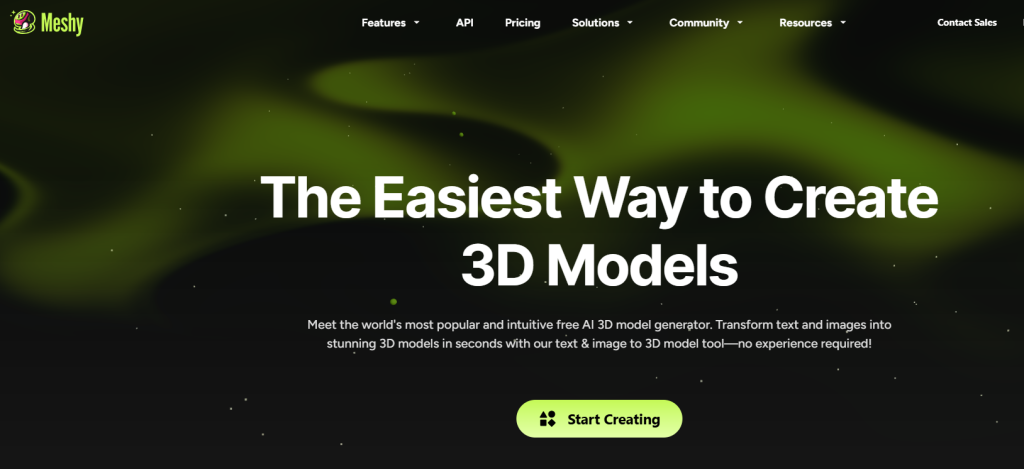
AI 3D model creation tool.
What it is: Generates 3D meshes and textures using text prompts.
Standout features:
- Text-to-mesh generation
- Texture wrapping tools
- Fast cloud rendering
Pricing: Free trial available
Best for: Game modelers
Pros: - Intuitive UI
- High-quality geometry
Cons: - Limited animation options
- Free tier has watermark
17. DIDIMO
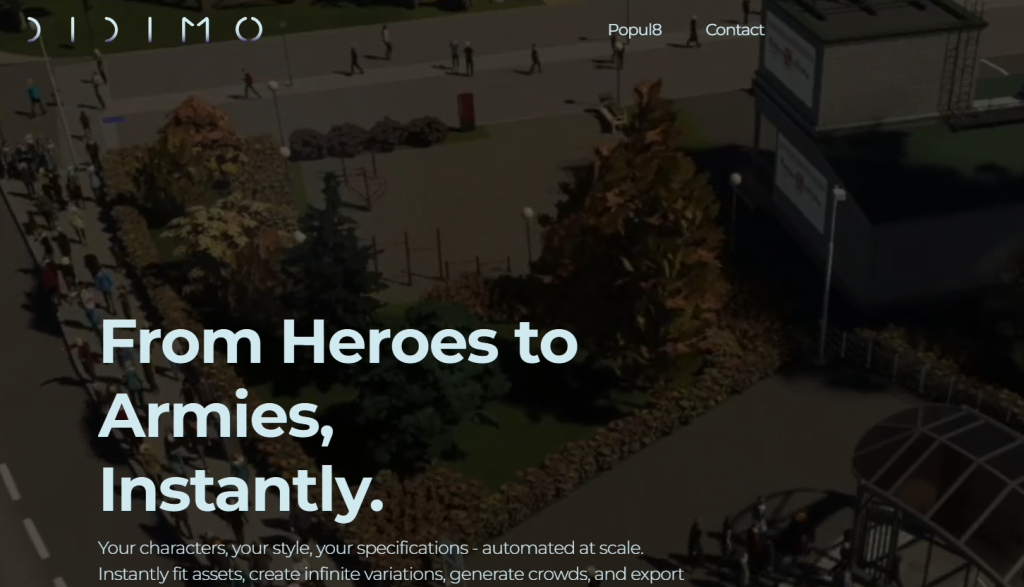
AI character creation for 3D environments.
What it is: Automatically creates digital humans from photos or scans.
Standout features:
- Facial animation system
- Realistic rigging
- Integration with Unreal Engine
Pricing: See site for latest pricing
Best for: Game studios and AR developers
Pros: - Professional-grade results
- Lifelike characters
Cons: - Costly at scale
- Large file sizes
18. Monster Labs
Procedural creature generator.
What it is: Uses AI to design monsters, bosses, and NPCs for fantasy or sci-fi games.
Standout features:
- Morph-based anatomy editor
- AI animation presets
- Texture and skin randomization
Pricing: $19/month
Best for: RPG creators
Pros: - Highly creative variety
- Strong animation base
Cons: - Genre-limited
- Occasional realism issues
19. Kobold AI
Text adventure and story generator.
What it is: AI-driven story-writing assistant that builds interactive games and RPG text experiences.
Standout features:
- GPT-based storytelling
- Custom datasets
- Collaborative co-author mode
Pricing: Free
Best for: Interactive fiction creators
Pros: - Open-source flexibility
- Strong community support
Cons: - No art or visual support
- Requires setup knowledge
20. Mirage Game Builder
Procedural world design platform.
What it is: AI-based terrain and structure generator for open-world games.
Standout features:
- Procedural topography
- Smart vegetation system
- Dynamic day/night control
Pricing: See site for pricing
Best for: 3D adventure games
Pros: - Immersive environment tools
- Realistic geography models
Cons: - Heavy on resources
- Paid-only version
21. DeepMotion
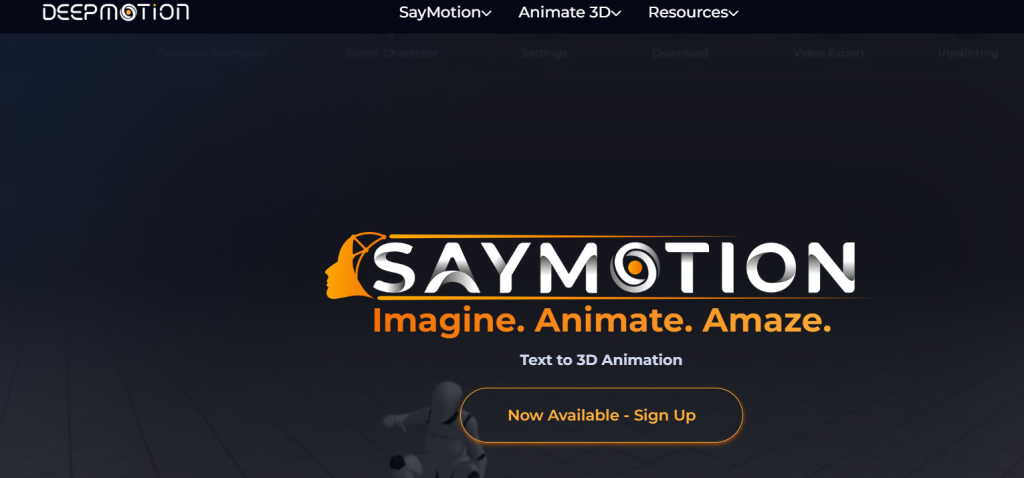
AI animation and motion capture engine.
What it is: Creates realistic body movement from video or text input.
Standout features:
- Motion from video input
- Real-time animation retargeting
- Cloud-based engine
Pricing: Free tier available
Best for: Character animators
Pros: - Smooth animation outputs
- Compatible with major engines
Cons: - Internet required
- Limited scene context
22. Orbify
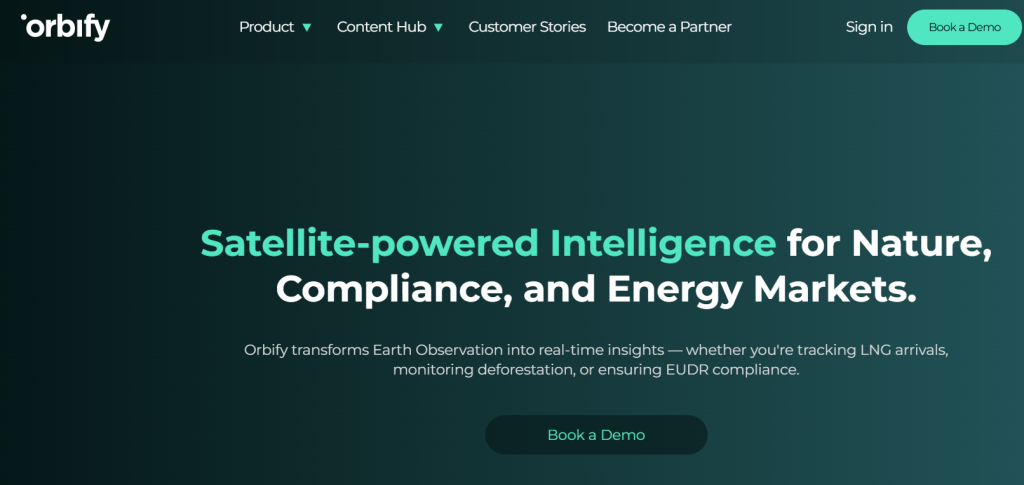
AI platform for procedural map generation.
What it is: Generates realistic terrains using satellite and GIS data.
Standout features:
- Planetary data input
- Customizable topography
- API integration
Pricing: Free tier available
Best for: Real-world simulation games
Pros: - Highly accurate mapping
- Data-driven realism
Cons: - Technical integration needed
- API key limits
23. Hotpot AI
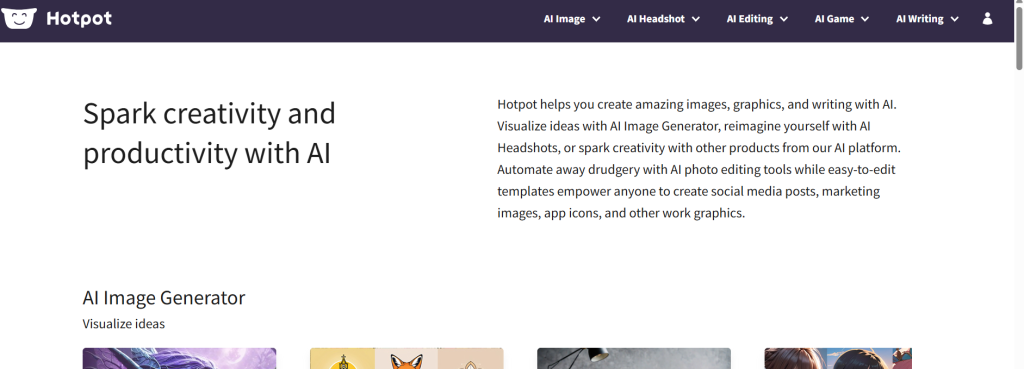
Game art and UI design assistant.
What it is: AI tool for designing icons, textures, and marketing visuals.
Standout features:
- Game UI generation
- Background and texture creator
- Batch processing
Pricing: Free with paid pro tier
Best for: Indie devs and UI artists
Pros: - Fast and easy to use
- Wide creative range
Cons: - Output consistency varies
- Watermark on free plan
24. Octokit
AI-powered game creation SDK for developers.
What it is: Toolkit offering APIs for AI logic, NPC design, and automated asset integration.
Standout features:
- Full developer SDK
- AI model plugin support
- Multiplayer-ready architecture
Pricing: Free open-source
Best for: Game developers and researchers
Pros: - Customizable and extensible
- Strong developer community
Cons: - Requires coding knowledge
- No GUI builder
Comparison Table
| Tool | Key Use Case | Starts At | Free Plan | Standout Feature |
| Rosebud AI | Text-to-game creation | See site | No | Playable prototype generator |
| Scenario | Game asset design | $12/mo | No | Custom AI training |
| Ludo.ai | Idea generation | Free | Yes | Market-backed ideation |
| Inworld AI | NPC dialogue | Custom | No | Personality modeling |
| Kaedim | 3D modeling | $150/mo | No | 2D-to-3D model conversion |
| AI Dungeon | Interactive storytelling | Free | Yes | Real-time narrative AI |
| DeepMotion | Motion animation | Free | Yes | Motion capture from video |
| Replica Studios | Voice synthesis | $24/mo | No | Realistic AI voice library |
| Blockade Labs | Skybox generation | Free | Yes | 3D panoramic visuals |
| Octokit | Developer SDK | Free | Yes | AI integration API |
How to Choose an AI Game Generator: Decision Framework
Use this before you pick a tool:
Step 1 — Define Your Game Scale
- Prototype / Jam submission → tools with strong rapid output
- Full release / commercial → tools with high-fidelity and integration
Step 2 — Primary Output Need
| If you need… | Best Tool Type |
| High-end 3D | Unreal AI Studio, Unity AI |
| Web games | PlayCanvas AI |
| Narrative systems | GameSmith AI |
| Assets/2D art | SpriteAI, Vision2Asset |
| Audio & SFX | AudioForge, SoundTrack AI |
Step 3 — Skill Level
- Beginner → intuitive tools with templates (GameSmith, PlayCanvas)
- Advanced → modular AI + export features (Unity, Unreal)
Step 4 — Budget
- Free tier available? → SpriteAI, PlayCanvas, Vision2Asset
- Enterprise scale? → Unreal AI Studio + custom licensing
How to Make a Game with AI: Beginner’s Guide (No Experience Needed)
If you’ve never built a game before and want to get from idea to playable prototype as fast as possible, here’s the path that works in 2026.
For story-heavy games, AI narrative and dialogue generators for RPGs and visual novels covers tools purpose-built for interactive fiction and branching storylines.
Step 1: Define Your Game Concept (Use Ludo.ai — Free)
Before touching any creation tool, spend 20–30 minutes in Ludo.ai generating and stress-testing your game concept. Describe your idea, let the AI suggest mechanics, and check whether similar games exist. This saves hours of building something that doesn’t work.
Step 2: Generate Your Game (Use Rosebud AI)
Take your concept into Rosebud AI. Write a clear text prompt describing:
- The genre (platformer, RPG, puzzle, shooter)
- The art style (pixel art, cartoon, realistic)
- The core mechanic (what does the player do)
- The win/lose condition
Example prompt:
"A 2D pixel art side-scroller where the player is a knight collecting coins and avoiding bats. 5 levels, increasing difficulty."Rosebud will generate a playable browser prototype. Iterate on the prompt until it’s close to what you want.
Step 3: Create Visual Assets (Use Leonardo.ai — Free)
For characters, backgrounds, and UI elements that need more polish than Rosebud’s defaults, use Leonardo.ai. Select a game-art preset (pixel art, fantasy, etc.) and generate sprites, backgrounds, and icons. 150 free generations per day is more than enough for a solo project.
Step 4: Add Story & Dialogue (Optional — Use Charisma.ai or AI Dungeon)
If your game has NPCs or story branches, draft your narrative dialogue in AI Dungeon first to test whether the story works, then implement it using Charisma.ai’s Unity integration for the final build.
Step 5: Export and Iterate
Export your prototype from Rosebud to Unity or play it in-browser. Share it with 3–5 real users and collect feedback. Return to step 2 and refine.
Realistic expectation:
A solo beginner can have a shareable browser prototype in 2–4 hours using this workflow. A polished, shippable game still requires weeks of iteration, but AI dramatically compresses the earliest and most daunting phases.
What Makes AI Game Development Tools Worth Using
Not all AI tools are created equal. The difference lies in four core benefits:
Speed Without Sacrifice
AI handles repetitive tasks like asset generation, animation, or level design quickly.
For example, tools like Promethean AI automate environment creation, saving days of manual work.
Realism That Scales
Procedural intelligence ensures your worlds are dynamic and believable, even at scale.
Using Cascadeur, I’ve crafted character animations that feel like motion-captured sequences without a single actor on set.
Accessibility for Everyone
You don’t need a PhD in AI or years of coding experience. Platforms like Ludo.ai and Rosebud AI are designed for developers of all skill levels.
Platform Flexibility
Most tools integrate seamlessly with engines like Unity, Unreal, or Godot, allowing multi-platform deployment without extra work.
For a full list of AI platforms I use and trust, check out my AI Tools Directory.
Top AI Game Creator Tools You Should Know
The AI gaming market is booming, and new tools are emerging every year.
Quick Pick Recommendations
Best for Beginners: PlayCanvas AI Platform
Best for 3D High Fidelity: Unreal AI Studio
Best Value Asset Generator: SpriteAI
Best Narrative & Story-driven Games: GameSmith AI
Best for AI-Assisted QA: AI Game QA Tester
Here’s a curated list of best AI game generator tools 2026 that are shaping the industry:
Text-to-Game AI Tools – A Complete Review
These tools convert your written ideas directly into playable game elements:
- Generate levels, characters, and storylines from plain text.
- Rapid prototyping for indie developers.
- Examples: AI-powered text-to-game converters and interactive AI gaming world generators.
AI Game Asset Creation Tools
No more hunting for sprites, textures, or 3D models.
AI handles asset generation with precision:
- AI 3D asset generator for realistic environments.
- AI sprite creation tools for 2D games.
- AI NFT game asset generators for blockchain-based projects.
AI Game Development Tools
From logic automation to procedural mechanics, AI helps developers streamline production:
- AI procedural content generation for levels and missions.
- AI-assisted game engine tools for Unity, Unreal, and Godot.
- Voice-to-game AI tools and AI game mechanics automation tools for next-gen interactivity.
Features That Separate Good AI Tools from the Best
Not every AI tool will transform your workflow. Here’s what I look for:
- Procedural Intelligence – AI that can generate environments, assets, and logic dynamically.
- Working Code Assistance – AI that doesn’t just suggest, but writes usable code. Tools like GitHub Copilot have been game-changers here.
- Testing That Finds Real Issues – AI that can simulate player behavior, detect balance problems, and stress-test levels.
- Collaboration Features – Cloud-based solutions allow your team to work seamlessly together.
Free vs Paid AI Game Generation Software
Choosing the right tool depends on your needs:
Free AI Game Generators
- Great for testing ideas or prototyping.
- Beginner-friendly AI game creator software.
- Limited assets and export options.
Paid AI Game Development Tools
- Full access to AI-powered game engines and 3D asset generators.
- Professional-grade NPC behavior and dialogue generators.
- Ideal for studios and serious indie developers aiming for commercial release.
Challenges in Integrating AI Tools into Game Development
AI isn’t magic.
Here’s what I learned:
- Integration Complexity: Some tools don’t play well with existing pipelines.
- Learning Curve: Advanced AI features require some understanding of AI concepts.
- Cost: Premium AI platforms can be expensive.
- Ethical Considerations: AI-generated content must respect copyrights and diversity guidelines.
Getting Maximum Value from AI Tools
Here’s my strategy to make AI tools work effectively:
Blend AI with Human Creativity
Use AI for repetitive tasks. Humans provide the vision and story.
Customize Everything
AI outputs should be tailored to your unique style and audience.
Validate with Real Players
Even the best AI tools can’t replace real-world feedback.
Maintain Creative Control
AI is an assistant, not a replacement. Always guide its outputs to maintain originality.
What Comes Next in AI Game Development
The future is even more exciting:
- Dynamic NPC Behavior: AI-driven NPCs that adapt to player decisions.
- VR & AR Integration: Real-time AI asset generation in immersive environments.
- Predictive Player Analytics: Using AI to forecast player behavior and retention.
- Cloud Gaming Optimization: AI helps optimize performance across devices in real-time.
To learn more about integrating AI into business workflows, check out how to claim your business on AI Surf.
Related Reads on The AISurf:
- Adobe AI Image Generator A Game Changer for Creative Professionals
- AI Image-to-Video Generators: A Game-Changer for Marketers
The Bottom Line
- AI game generator tools are revolutionizing game development in 2026.
- From AI game asset creation to procedural content generation, these tools save time and expand creative possibilities.
- Beginners and indie developers can now compete on a level playing field with AI-powered tools.
- The future is interactive, AI-driven, and no-code friendly.
Whether you’re crafting your first indie game or scaling AAA projects, integrating AI into your workflow is no longer optional, it’s essential.
Explore the tools that align with your game type and workflow, and start building smarter, faster, and more imaginative games today.
Continue Learning and Expanding Your AI Knowledge
- Explore the AI Tools Directory for more solutions.
- Discover platforms that power modern AI game development.
- Submit your own tool or explore new opportunities on AI Surf.
Frequently Asked Questions
What is the best AI game generator for beginners?
Rosebud AI is the best AI game generator for beginners in 2026. It requires zero coding knowledge, converts text prompts directly into playable browser games, and includes a built-in art generator for visual assets. AI Dungeon is the best free option for beginners specifically interested in narrative or text-based games.
Can AI generate a fully playable game from a text prompt?
Yes, tools like Rosebud AI can generate a basic playable game prototype from a text prompt in minutes. However, “fully playable” is relative: AI-generated prototypes work as proof-of-concept demos, but producing a polished, shippable game still requires manual refinement, additional assets, and testing. Think of AI as compressing the early prototype phase from days to hours, not replacing the full development process.
Are there free AI tools to make games without coding?
Yes. The best free options are:
- AI Dungeon — free for text-based narrative game creation
- Leonardo.ai — 150 free AI art generations per day for game assets
- Ludo.ai — free tier for game concept ideation
- Rosebud AI — limited free projects for text-to-game prototyping
- Poly — free access to AI-generated textures and 3D assets
All of these work without any coding knowledge.
How do AI game generators work?
AI game generators use large language models (LLMs) and image generation models to interpret your inputs, usually text descriptions, and produce game content automatically. Text-to-game tools like Rosebud parse your prompt, generate game logic using code models, create visual assets using image models, and assemble them into a running prototype. Asset-focused tools like Scenario or Meshy use diffusion models trained on game art to produce consistent visual outputs based on your style references.
What’s the difference between an AI game generator and a traditional game engine?
A traditional game engine (Unity, Unreal, Godot) is a complete development environment where you manually build every element of your game: writing code, importing assets, designing levels. It offers maximum control but requires significant technical skill.
An AI game generator automates the creation of game content from your descriptions or references. It’s faster and more accessible, but offers less precise control than hand-building in an engine. Many developers use both: AI tools to prototype and generate assets, traditional engines to refine and ship.
Which AI tools are best for generating 3D game assets?
The top AI tools for generating 3D game assets in 2026 are:
- In3D — photo-to-3D avatar for realistic characters
- Meshy — text-to-3D mesh generation with texture support
- Kaedim — converts 2D sketches to game-ready 3D models (human-reviewed)
- 3Dfy.ai — text description to 3D object, good for quick mockups
You can explore an AI tools directory to discover useful platforms for AI candidate screening, along with practical AI courses for beginners to build your skills from the ground up.