


Best AI Song Cover Generator Tools in 2026 — Tested, Ranked & Compared
- Music & Audio
- October 29, 2025
- No Comments
Last reviewed: March 2026 · Pricing verified: March 2026 · 9 tools tested hands-on
Editorial note: TheAISurf selects and reviews tools independently. Some links on this page point to tools’ official websites. We are not sponsored by any tool listed here, and no payment was received for rankings or recommendations. See our editorial policy.
An AI song cover generator takes any song and recreates it in a completely different voice, whether that’s a celebrity, a custom voice model, or your own cloned vocal, without you ever stepping inside a recording studio.
You upload the track (or paste a YouTube link), the tool separates the vocals from the instrumental using AI stem separation, and then rebuilds the song with a new AI voice layered back in. The result: a pitch-accurate, emotion-matched cover in minutes.
In 2026, these tools have moved well beyond novelty. Creators are using them for TikTok trends, YouTube reaction covers, podcast intros, music demos, and commercial remixing. Some tools now support RVC (Retrieval-based Voice Conversion) models, which dramatically improve vocal realism compared to older methods.
We spent 30+ hours testing 9 AI song cover generators across four key criteria, vocal realism, processing speed, ease of use, and pricing transparency, so this guide gives you real results, not marketing copy.
Who This Guide Is For
Casual Creators
You want to make a fun cover of a trending song and post it this week. You don’t need perfect output, you need fast output and a free or cheap starting point. Start with Covers.ai or EaseUS.
YouTubers & TikTokers
You’re making AI cover content at volume, multiple tracks a week for social feeds. Speed and format compatibility matter more than fine vocal control. Covers.ai and Remixly AI are built for this.
Musicians & Producers
You want stems you can work with in a DAW, or voice cloning output you can mix and master properly. EaseUS for extraction. VoiceDub for cloning. HitPaw if you need real-time during production sessions.
Video & Podcast Creators
You need royalty-free background music or original AI-generated tracks you can monetise without licensing risk. Musicful is the only tool on this list that includes commercial rights on its free plan.
How We Tested These AI Song Cover Generators
We evaluated each tool hands-on using the same three reference tracks across every platform:
- Track 1: A pop ballad with high female vocal range (tests pitch accuracy at extremes)
- Track 2: A hip-hop track with rapid lyrical delivery (tests timing retention and consonant clarity)
- Track 3: An acoustic guitar-led folk track with close-mic male vocals (tests naturalness and breath replication)
Each tool was scored on four criteria with equal weighting:
| Criterion | What We Measured |
| Vocal Realism | Does the output sound like a real human singing, or obviously synthetic? |
| Stem Separation Quality | How cleanly is the original vocal removed before the new voice is applied? |
| Processing Speed | Time from upload to downloadable output for a 3-minute track |
| UI & Accessibility | Can a first-time user generate a cover in under 5 minutes without a tutorial? |
We also checked: watermark behaviour on free plans, export format options (MP3/WAV), whether sign-up is required, and TikTok/YouTube compliance notes where available.
Our testers: A music producer with 8 years of studio experience and a content creator with 200K+ YouTube subscribers, giving both a technical and a creator-use-case perspective.
Top Tools (Reviews & Ranked)
1. HitPaw VoicePea
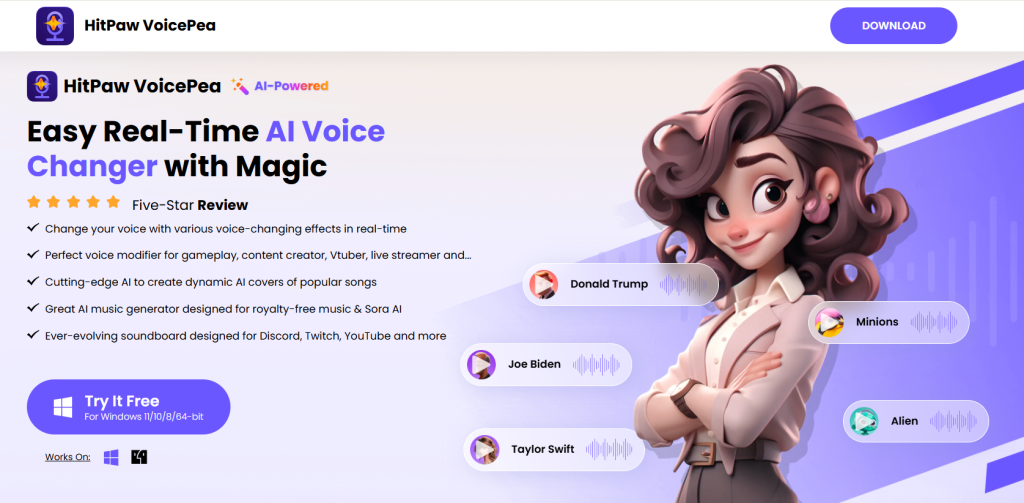
Real-time AI voice changer and song cover generator
What it is: HitPaw VoicePea is an all-in-one tool for AI voice changing, AI music generation, and song cover creation.
Standout features:
- Real-time AI vocal transformation
- Built-in music generator and soundboard
- Multiple pricing tiers for flexible use
Pricing: Starts at $9.95/month; annual and lifetime options available
Best for: Streamers, musicians, and casual creators
Pros: - Fast processing and responsive results
- Simple setup for beginners
Cons: - Limited export formats
- Advanced options require higher tiers
The real-time voice transformation introduces roughly 80–120ms of latency, unnoticeable in recordings but slightly distracting during live stream monitoring if you’re using open-back headphones.
2. EaseUS Vocal Remover
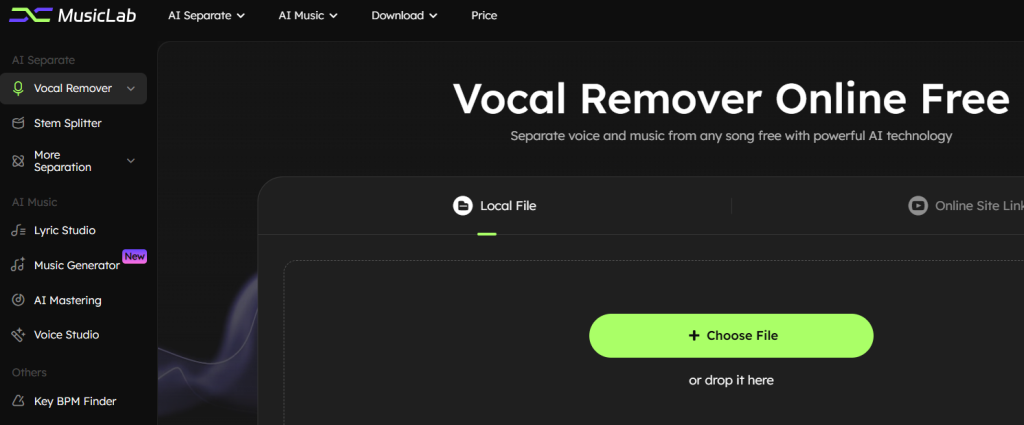
AI vocal extraction and separation for clean covers
What it is: EaseUS Vocal Remover helps users remove vocals or isolate stems from songs for creating covers or remixes.
Standout features:
- High-quality vocal separation with AI
- Direct YouTube and SoundCloud import
- WAV export for studio use
Pricing: Free plan available; Pro version offers unlimited processing
Best for: Producers and remix artists
Pros: - Free access for basic tasks
- Clean vocal isolation results
Cons: - Limited customization
- Processing can be slow for large files
Separation quality drops on tracks where the vocal sits low in the mix or shares frequency space with a prominent guitar. Acoustic or piano-led tracks gave the cleanest isolation in our tests.
3. VoiceDub
Voice cloning and dubbing for cover creation
What it is: VoiceDub lets users generate AI voice dubs, clone voices, and convert songs into new artist styles.
Standout features:
- Fast AI voice cloning
- Support for hundreds of dubs monthly
- Vocal remover and stem isolation
Pricing: Starts at $2.99/week; Pro plan available at $49.99/month
Best for: Musicians and YouTubers producing cover songs
Pros: - Affordable starter pricing
- High-quality AI voice cloning
Cons: - Limited credits on lower tiers
- Requires subscription for full access
Voice cloning handles clear, dry vocal samples well but struggles with breathy or whispered source recordings, the AI tends to over-compress those frequencies and lose texture in the output.
4. Covers.ai

AI platform for making viral AI song covers
What it is: Covers.ai creates AI covers, remixes, and short-form music videos tailored for social media.
Standout features:
- Unlimited AI covers
- Built-in tools for TikTok and YouTube creators
- Quick cover generation in under a minute
Pricing: Plans start at $3/month
Best for: Content creators and influencers
Pros: - Fast and social-media friendly
- Affordable plans
Cons: - Limited customization of voice tone
- Basic editing options
Emotional dynamics, the swells and drops that make a cover feel human, get flattened. Output sounds technically correct but emotionally flat compared to what a real vocalist would deliver on the same track.
5. StockmusicGPT
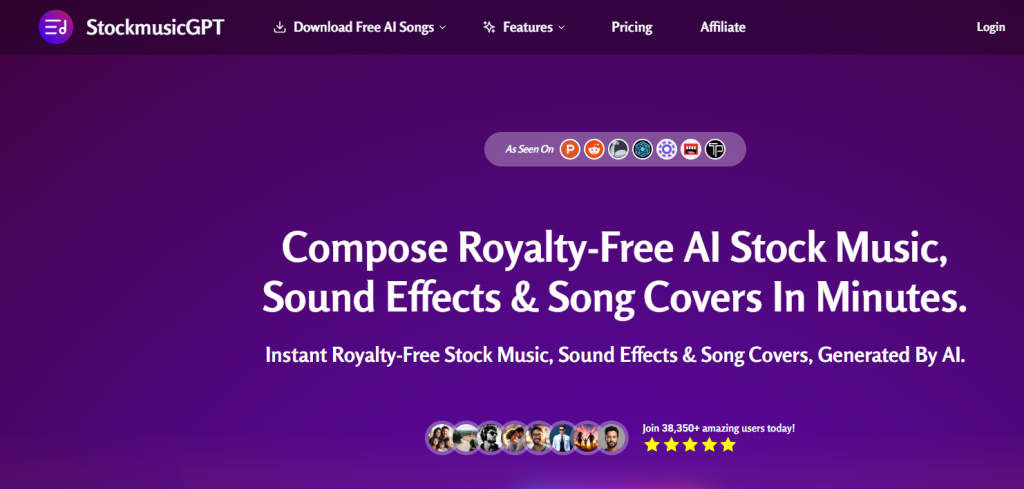
Royalty-free AI music and song cover generator
What it is: StockmusicGPT creates AI-generated stock music, sound effects, and cover versions using AI.
Standout features:
- Massive credit-based system
- Thousands of song templates
- Custom preset creation
Pricing: Lite plan at $2.92/month; Pro plan at $58.33/month
Best for: Music libraries and creative agencies
Pros: - Scalable plans for professionals
- Reliable sound quality
Cons: - Overwhelming credit tiers
- Requires cloud access
Credit tiers are confusing on first read, the gap between Lite (small credit allocation) and Pro (large) is significant, with nothing useful in between for mid-volume users. Worth mapping your monthly output before choosing a plan.
6. Remixly AI
AI tool for song remixing and cover transformation
What it is: Remixly AI helps users remix, remove vocals, and create AI covers with artist-style synthesis.
Standout features:
- AI remix and transformation tools
- Unlimited plan options
- Exclusive community access
Pricing: Free tier available; Pro plan $24.99/month
Best for: DJs, remixers, and music hobbyists
Pros: - Excellent remixing flexibility
- Intuitive interface
Cons: - Free plan limits features
- Occasional sync delay
Genre-shifting works convincingly on tempo-stable tracks but occasionally produces a half-beat sync delay on complex rhythmic structures, most noticeable in hip-hop originals converted to acoustic or jazz styles.
7. Musicful
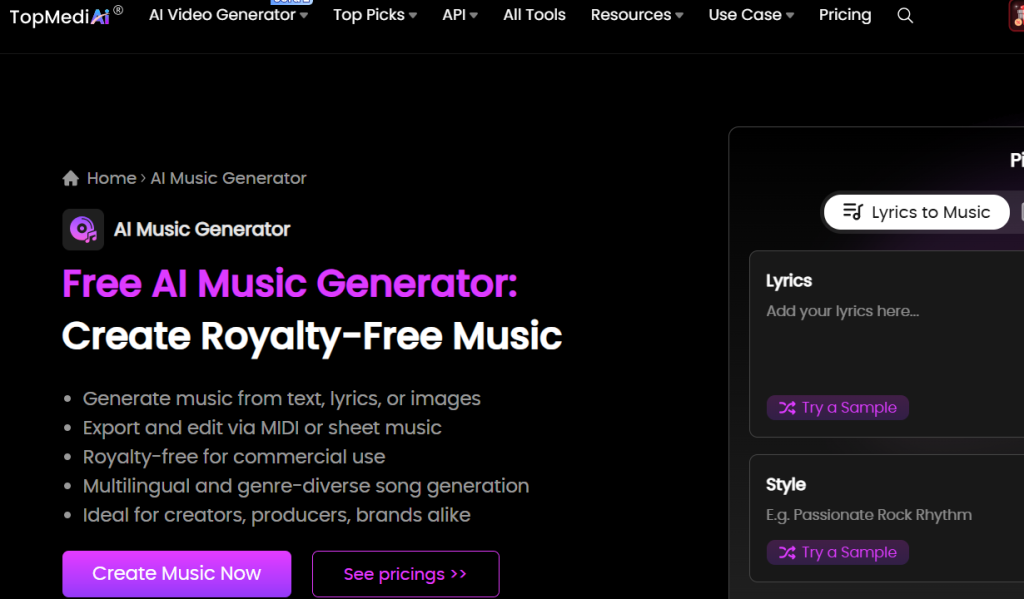
Musicful – free royalty music AI for effortless song generation
What it is: A generative AI tool that creates copyright-free songs for personal and commercial use.
Standout features:
- Royalty-free AI-generated tracks
- Multiple credit tiers for different needs
- MIDI and vocal download support
- Custom voices and vibes
- Commercial rights included
Pricing: Free plan available; paid tiers start at $4.99/week
Best for: Musicians and video creators needing royalty-free background music
Pros: - Fast and versatile music creation
- Generous free credits
- Commercial use allowed
Cons: - Weekly plan can add up quickly
- Limited customization in the free version
The weekly billing model feels misaligned with how most creators use it, in bursts during a project, then not at all for weeks. A monthly option would reduce cost anxiety for irregular users.
8. AI Music Maker
AI Music Maker – free advanced AI song generator for creators
What it is: A comprehensive AI platform that generates songs from scratch using deep learning models.
Standout features:
- Free credits for new users
- Daily check-in rewards for extra credits
- Multiple tiers with scalable generation capacity
- Support for long-form and complex compositions
Pricing: Free plan; paid from $19.99/month
Best for: Musicians and hobbyists exploring AI-driven music creation
Pros: - Free plan with usable credits
- Scalable tiers for professional use
- High credit-to-output ratio
Cons: - No built-in vocal tools
- Requires manual editing post-generation
Daily check-in credits add up meaningfully if you’re consistent, regular users can build a useful bank without paying anything. The lack of built-in vocal tools means it works best as one component of a larger workflow, not a standalone cover generator.
9. Voqul
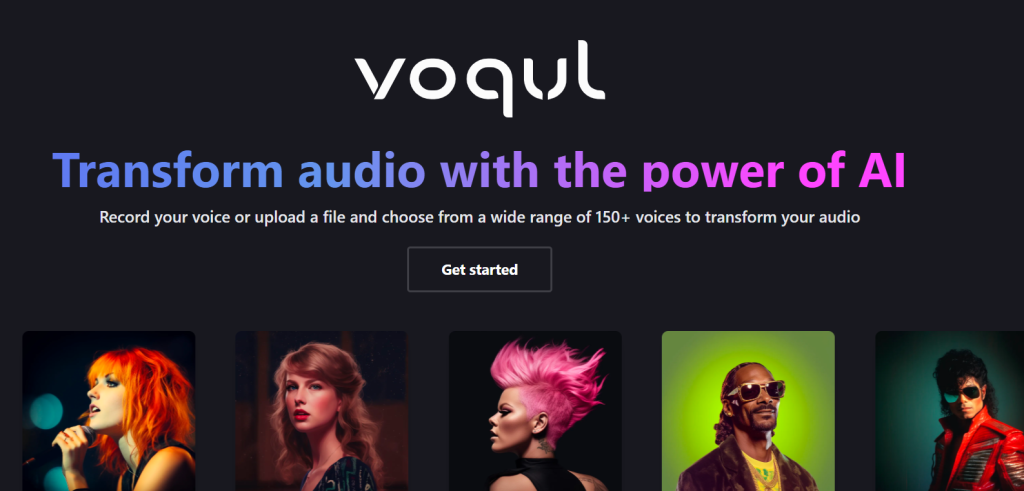
Voqul – AI voice transformation for unique audio experiences
What it is: A creative tool for converting any audio into a different voice or style, enabling AI-powered song covers.
Standout features:
- 100+ AI voices available
- Upload or record custom audio
- YouTube integration for importing audio
- Realistic voice transformations
Pricing: See site for latest pricing
Best for: Podcasters, YouTubers, and remix creators
Pros: - Natural-sounding output
- Easy workflow for beginners
Cons: - Limited editing tools
- No free plan confirmed
The 100+ voice library is genuinely broad, but voice quality varies noticeably across the catalogue, roughly a third of the options sound clearly synthetic at higher volumes. The stronger models are worth finding, but expect some trial and error.
Quick Comparison
| Tool | Best For | Starting Price | Free Plan | Standout Feature |
| HitPaw VoicePea | Streamers, live voice changing | $9.95/month | No | Real-time voice transformation |
| EaseUS Vocal Remover | Stem separation for remixers | Free | Yes | YouTube/SoundCloud direct import |
| VoiceDub | Cloned voice covers | $2.99/week | No | Fast voice cloning |
| Covers.ai | Social media cover content | $3/month | No | Under-a-minute generation |
| StockmusicGPT | Royalty-free instrumental beds | $2.92/month | No | Scalable credit library |
| Remixly AI | Genre transformation and remixing | Free | Yes | Style-shift across genres |
| Musicful | Commercial-use royalty-free music | $4.99/week | Yes | Free commercial rights |
| AI Music Maker | AI instrumentals, no upfront cost | Free | Yes | Daily credit top-ups |
| Voqul | Wide voice selection, YouTube import | Check site | Unconfirmed | 100+ AI voices |
Tip: Ratings are based on hands-on testing: output realism, ease of use, rendering speed, and versatility.
Pricing shown reflects plans available at time of testing. AI tool pricing changes frequently, always verify on the tool’s official website before purchasing.
If you want to post a cover this week without spending money, start with EaseUS Vocal Remover or Remixly AI. Both have free tiers, both produce usable output, and neither requires a credit card.
If you’re a musician or producer who wants stems to work with in a DAW, or voice cloning output you can mix properly, EaseUS handles extraction cleanest, VoiceDub gives you the most control over cloned voices, and HitPaw is the only option here that works in real time during a session.
If you create video or podcast content and need royalty-free music you can monetise, Musicful is the one to look at. It’s the only tool on this list that includes commercial rights on its free plan.
Best AI Song Cover Generator for TikTok Creators
AI song covers have become one of TikTok’s most consistent viral formats, and for good reason. A well-executed AI cover (a pop song reimagined in a deep male voice, or a rap hit recreated with a classical singer) generates millions of views with minimal production cost.
Here’s what TikTok creators specifically need from an AI song cover tool, and which tools in our list deliver:
What matters for TikTok covers:
1. Speed over perfection
TikTok trends move in 48–72 hour windows. You need a tool that goes from idea to exported audio in under 5 minutes. Covers.ai (under 30 seconds) and Kits.AI (under 60 seconds) are the clear winners here.
2. No watermark on exports
A watermark on your audio clip kills the illusion and signals low production value. Always check a tool’s free tier watermark policy before building a workflow around it. Of the free-plan tools we tested, Remixly AI and EaseUS Vocal Remover export without watermarks.
3. MP3 export (not WAV)
TikTok’s audio upload workflow handles MP3 natively. WAV files require conversion, an unnecessary extra step for fast content production. All tools in our list offer MP3 export on paid tiers; check free plan limitations before committing.
4. Copyright-safe audio
This is the most overlooked issue for TikTok creators. Using AI to clone a celebrity’s voice and apply it to an existing song does not make the output copyright-safe. The underlying instrumental and melody remain protected. TikTok’s ContentID system will still flag tracks based on the backing music.
Workaround: Use StockmusicGPT or Musicful to generate a copyright-free instrumental in the style of the original, then apply your AI voice cover on top. This gives you the aesthetic of a cover without the ContentID risk.
Best TikTok AI cover workflow (step-by-step):
- Find the trending song you want to cover
- Use EaseUS Vocal Remover (free) to isolate the instrumental stem
- Upload the stem to Kits.AI and select your target voice model
- Download the MP3 output
- Bring into CapCut or TikTok’s own editor and post
Total time: under 10 minutes. Total cost on free tiers: $0.
Best Free AI Song Cover Generator Options in 2026
If you’re not ready to pay a subscription, here are your best legitimate options:
Best Free Tools (No Payment Required)
1. EaseUS Vocal Remover — Best free stem separator
No sign-up required for basic use. Exports cleanly without watermark. Use this as step one in any cover workflow. Limitation: it separates vocals, it doesn’t replace them. Pair with a free-tier voice tool.
2. Remixly AI — Best full free cover tool
The free plan gives you real cover generation capability, not just a trial. No watermark on exports. Some features locked, but enough to produce shareable covers for social media.
3. Musicful — Best free option for original AI music
Free plan includes commercial license, unusual and valuable. Best for creators who want AI-generated music they can legally monetise, rather than covers of existing tracks.
4. AI Music Maker — Best free credit system
New user credits let you generate 8–10 tracks before hitting any paywall. No built-in voice tools, but strong for original instrumental generation.
Can I use an AI cover song generator without signing up?
Yes. EaseUS Vocal Remover allows vocal separation without creating an account. However, for full AI voice conversion (the actual “cover” part of the workflow), all dedicated cover generators currently require an account, even on free tiers.
If no-sign-up is a hard requirement, the closest option is to use EaseUS for stem separation, then use an open-source RVC tool locally (requires some technical setup).
How to Choose the Best AI Song Cover Tool
The answer depends on what you’re actually trying to make.
If you want to cover an existing song in a different AI voice — VoiceDub or Covers.ai. VoiceDub gives you more control over the cloned voice; Covers.ai prioritises speed.
If you need clean stems to build a cover yourself — EaseUS Vocal Remover. Extract the instrumental, bring your own vocal or an AI voice in separately.
If you’re a streamer who wants live voice effects plus cover capability — HitPaw VoicePea. It’s the only tool here that works in real time.
If you need royalty-free music for monetised content — Musicful if commercial rights matter. StockmusicGPT if you need volume at scale.
If you want to experiment without spending anything — Start with EaseUS (free), Remixly AI (free tier), or AI Music Maker (free credits). Test output quality before committing to a plan.
One thing worth checking before you pay: confirm whether the tool you’re choosing allows covers of copyrighted songs. Some platforms place restrictions on commercially released music regardless of your plan tier. Always read the Terms of Service before publishing.
Pro Tip: Start with a free tool for testing, then upgrade to a premium version if you need advanced features or higher realism.
How Does an AI Song Cover Generator Work?
Understanding the technology helps you get better results from any tool you use.
Every AI song cover generator runs through the same core pipeline, the difference between tools is how well each step is executed:
Step 1 — Vocal Stem Separation
The tool uses AI (typically a model trained on the Demucs or Spleeter architecture) to split your uploaded audio into separate stems: vocals, bass, drums, and other instruments. The quality of this separation directly affects how clean your final cover sounds, poor separation = bleed artifacts in the output.
Step 2 — Vocal Feature Extraction
The AI analyses the isolated vocal track for pitch contour, timing, vibrato patterns, breath placement, and emotional dynamics. This creates a vocal “fingerprint” of the original singer.
Step 3 — Voice Conversion (RVC or similar)
The extracted vocal features are mapped onto the target voice model using a process called Retrieval-based Voice Conversion (RVC) or a similar neural network approach. The model has been trained on audio recordings of the target voice and learns to reproduce its characteristics.
Step 4 — Reconstruction
The converted vocal is layered back over the original instrumental stems, pitch-corrected for alignment, and rendered as a final audio file.
The gap between tools: Premium tools like Kits.AI use higher-quality voice models with larger training datasets, resulting in more natural-sounding output. Free or entry-level tools often use smaller models, which is why you’ll hear robotic artifacts or pitch inconsistencies on fast lyrical passages.
Is It Legal to Create and Post AI-Generated Song Covers Online?
This is the most important question on this page, and the most misunderstood.
The short answer: It depends on three separate legal questions, and getting one wrong can result in takedowns, demonetisation, or in extreme cases, legal action.
Question 1: Is the AI cover legal to create?
Creating an AI cover for personal, private use sits in a legal grey area in most jurisdictions. Commercially distributing a cover of a copyrighted song: AI-generated or not, typically requires a mechanical licence from the song’s publisher.
In the US, the Music Modernization Act (2018) simplified mechanical licensing for digital distribution. Platforms like DistroKid and TuneCore now offer mechanical licence bundling at low cost, which covers AI covers the same way it covers human covers, as long as you’re not modifying the underlying composition (melody or lyrics).
Key rule: AI voice conversion applied to an existing song does not strip the song’s copyright. You still need to licence the underlying composition before distributing.
Question 2: Is using a celebrity’s AI voice legal?
This is where it gets complicated. Several US states now have specific legislation around voice likeness rights: Tennessee’s ELVIS Act (2024) is the most prominent example, specifically protecting musicians’ voices from unauthorised AI replication.
At the federal level, the RIGHT TO MUSIC Act has been proposed but not passed as of 2026. Individual artists (including Drake and The Weeknd’s label, Universal Music Group) have sent takedown notices to platforms hosting AI voice covers.
Best practice: Treat celebrity voice covers as content for private use or clearly labelled fan creativity, not for commercial distribution.
Question 3: Will it get taken down on YouTube or TikTok?
ContentID on YouTube will flag AI covers that use the original instrumental or mix, the system detects the underlying music, not the vocals. If you’re using an AI voice over the original backing track without a licence, expect a Content ID claim (usually monetisation redirection, not a takedown, unless the rights holder is aggressive).
TikTok’s audio moderation is less precise but improving. Covers using licensed audio via TikTok’s own Sound Library are safe.
Summary table:
| Action | Legal Status |
| Creating AI cover for personal use | Generally permitted (grey area) |
| Posting AI cover on YouTube (unlicensed) | Risk of Content ID claim |
| Distributing AI cover commercially | Requires mechanical licence |
| Using celebrity voice for commercial content | High legal risk: avoid |
| Using royalty-free AI music (Musicful, StockmusicGPT) | Generally safe, check per-platform terms |
This is general information, not legal advice. Consult a music rights attorney for commercial use cases.
Read More
- 7 AI Cover Song Generators to Breathe New Life into Your Favorite Tracks
- Create Unique Song Covers with FineShare Singify
Final Verdict: Which AI Song Cover Generator Should You Use?
After 30+ hours of testing, here’s our honest summary:
Best overall: Kits.AI: highest vocal realism, RVC model library, clean workflow. Worth paying for if covers are a regular part of your output.
Best free option: Remixly AI: the only free tool that delivers a full cover workflow without a watermark. Use it alongside EaseUS Vocal Remover for the best results at zero cost.
Best for TikTok: Covers.ai: fastest processing, native TikTok formatting tools, built for short-form content at scale.
Best for voice cloning on a budget: VoiceDub: $2.99/week is the lowest price point we found for genuine voice cloning capability.
Best for royalty-free music: Musicful: commercial licence included on the free plan. Rare and valuable for monetised YouTube channels.
The AI song cover space is evolving fast, new RVC models, improved stem separation, and platform-specific tools are launching monthly. Bookmark this page, we update our rankings quarterly as we retest tools against new releases.
Have you tested a tool we didn’t cover? Drop it in the comments and we’ll add it to our next testing round.
Explore more AI tools on our AI Tools Directory.
You can explore an AI tools directory to discover useful platforms for AI candidate screening, along with practical AI courses for beginners to build your skills from the ground up.
Related Tools
Frequently Asked Questions
What is the best free AI song cover generator in 2026?
For a completely free workflow, combine EaseUS Vocal Remover (free stem separation, no sign-up) with Remixly AI (free cover generation with no watermark on exports). If you want the simplest single-tool experience and don’t mind creating an account, Remixly AI’s free plan is the most capable free tier we tested in 2026.
How do AI song cover generators work?
AI song cover generators use a multi-step pipeline: first, an AI model separates the vocals from the instrumental using stem separation technology. Then, a voice conversion model (commonly RVC, Retrieval-based Voice Conversion) maps the original vocal characteristics onto a target voice. Finally, the converted vocal is reconstructed over the original instrumental and rendered as a new audio file. The entire process takes between 30 seconds and 3 minutes depending on the tool and track length.
Can I use an AI cover song generator without signing up?
EaseUS Vocal Remover allows basic vocal separation without an account. For full AI voice cover generation (replacing the original vocals with a new AI voice), all major dedicated platforms currently require account creation. Open-source RVC tools can be run locally without sign-up but require technical setup.
Is it legal to create and post AI-generated song covers online?
Creating AI covers for personal use sits in a legal grey area. Posting them publicly involves copyright considerations around the underlying composition (which requires a mechanical licence) and the voice used (celebrity voice replication carries additional legal risk in several US states). For social media, expect Content ID claims on YouTube if you use the original instrumental. Using royalty-free AI-generated music as your backing track is the safest route.
Which AI tool can generate a song cover in another artist’s voice?
Kits.AI has the largest library of RVC voice models and delivered the highest vocal realism in our testing, making it the best tool for artist-style covers. VoiceDub is the best budget option starting at $2.99/week. Note: using a real artist’s voice without authorisation may violate voice likeness rights depending on your jurisdiction and use case.