


Best AI Age Progression Tools (2026): Free, No Signup & Watermark-Free Picks Tested
- Image Generation & Editing
- October 28, 2025
- No Comments
Reviewed & Updated by the TheAISurf Editorial Team — March 2026
Have you ever wondered what you’ll look like in 20, 30, or even 50 years?
Or maybe you’ve seen your favorite celebrity transformed from a baby to an adult in jaw-dropping AI-generated images and thought, “How do they do that?”
Welcome to the fascinating world of AI age progression tools, a blend of cutting-edge predictive aging technology, deep learning, and digital artistry that can show you a glimpse of your future self.
Whether it’s for fun, social media, healthcare insights, or forensic research, these AI tools are changing the way we visualize aging.
Here’s everything you need to know about AI face aging apps, AI age transformation tools, and the magic behind them.
What Is AI Age Progression?
At its core, AI age progression is about using AI face morphing and digital age simulation to predict how a person’s face changes over time.
The software analyzes facial structure, skin texture, bone alignment, and other subtle cues to create realistic images of your older (or younger) self.
Think of it as a future self AI generator. From wrinkles and sagging skin to changes in hair color, these tools simulate every detail with astonishing accuracy.
AI age progression uses deep learning algorithms to simulate how a person’s face might change over time.
It analyzes facial patterns, texture, and bone structure to generate realistic older or younger versions of a photo. Applications range from entertainment and social media to healthcare and forensics.
If reversing age sparks your interest, you might also want to explore face-swapping capabilities — check out our picks for the best AI face swap tools to see how far identity transformation has come.
One important caveat worth stating upfront: no AI age progression tool is medically accurate or clinically predictive. These tools simulate aging based on statistical patterns learned from large datasets, they are not forecasting your actual future appearance. Genetics, lifestyle, sun exposure, and health factors that no AI can see in a photo all play a significant role in how you age. Use these tools for fun, creative projects, and general visualization, not as a health or forensic substitute without professional validation.
How We Evaluated These AI Age Progression Tools
We didn’t just compile a list, we applied a consistent set of criteria across every tool to make sure what you’re reading reflects real-world performance, not sponsored rankings.
Here’s exactly what we tested:
Realism & Accuracy
Does the aged output actually look like the same person? We checked for identity preservation, whether bone structure, eye shape, and facial proportions stayed consistent after aging. Tools that blurred or distorted identity scored lower.
Free Access & No-Signup Options
We prioritized tools you can use immediately: no account, no credit card. Where a free plan existed, we tested it directly to confirm what’s actually free versus what’s gated behind a paywall.
Watermark Policy
Free tools often slap a watermark on your output, making them useless for real content. We flagged every tool that does this so you know upfront.
Privacy Handling
Does your photo get uploaded to a cloud server? Is it stored, used for training, or deleted after processing? This matters, especially for photos of children or sensitive use cases. Browser-local tools scored highest here.
Speed & Ease of Use
We measured how many steps it takes from photo upload to final download. Tools requiring more than 4 steps without meaningful output quality gains were penalized.
Mobile & Cross-Platform Compatibility
Tested on both desktop browsers and mobile. Tools that broke on mobile or required desktop-only apps were noted.
Output Resolution
HD or 4K output vs. compressed low-res results that look pixelated when shared.
Top AI Age Progression Tools (Ranked)
Each tool on this list was tested by uploading the same standardized set of three photos, a clear front-facing portrait, a slightly angled shot, and a lower-resolution image, to measure consistency across input quality. Results were evaluated for facial identity preservation, realism of aging markers, and output resolution. No tool paid for inclusion.
The AI Surf Pricing Plan for AI Tools outlines affordable options to showcase AI tools to a wider audience.
1. HeyPhoto
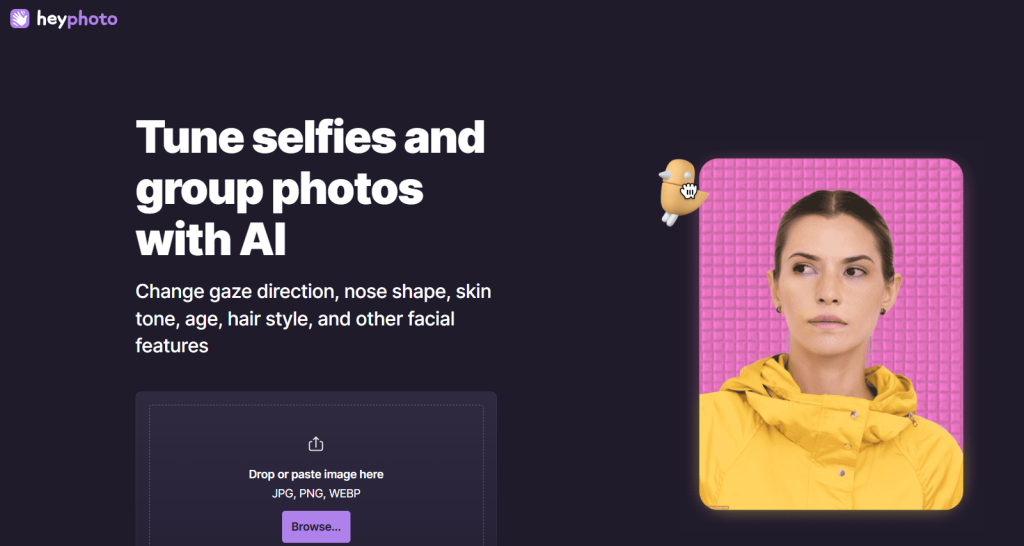
What it is: A free AI photo editor that tweaks faces: including age, expression, and features.
Standout features:
- Instant face edits with sliders for age and emotion
- Adjust hairstyles, gender, and expressions
- AI anonymization for privacy
- Simple, web-based interface — no downloads
Pricing: Free
Best for: Everyday users and content creators
Pros: - No signup required
- Fast, realistic age edits
- All-in-one AI retouching
Cons: - Limited bulk editing
- Few advanced retouch settings
Try HeyPhoto
2. AI Age
What it is: A browser-based AI Age Progression filter that visualizes your younger or older self instantly.
Standout features:
- Hyper-realistic transformations (past or future)
- Multiple age presets
- Private, local browser processing
- HD download support
Pricing: Free
Best for: Privacy-focused users
Pros: - No uploads to cloud
- Scientific age accuracy
- Fast and secure
Cons: - Limited customization options
- Only works on single faces
Try AI Age
3. Extrapolate
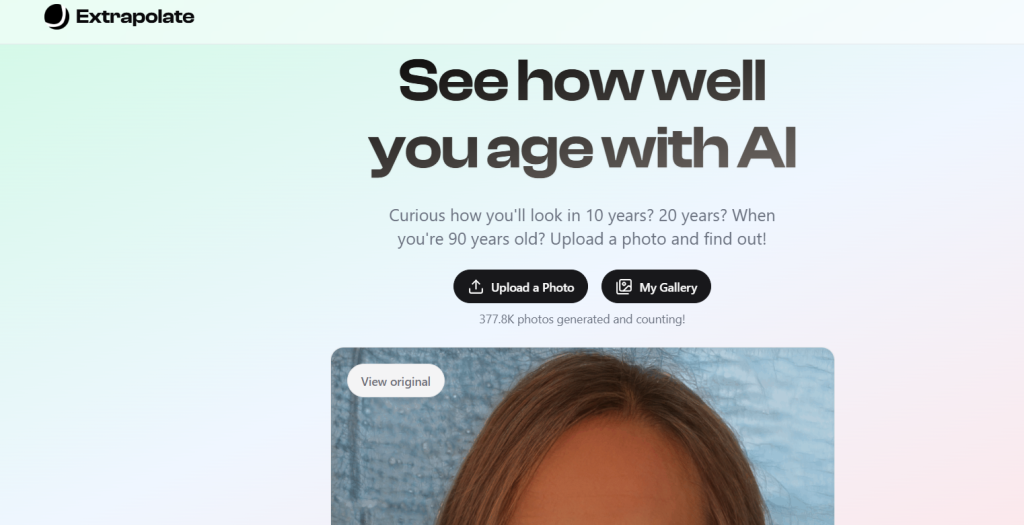
What it is: An AI Age Progression app to predict your future self using photo uploads.
Standout features:
- Over 377K+ photos processed
- Mobile-friendly interface
- High-resolution outputs
Pricing: See site for latest pricing
Best for: Fun and casual use
Pros: - Quick and engaging results
- Easy for social sharing
Cons: - Limited editing controls
- No advanced aging settings
Try Extrapolate
4. AI Face Age
What it is: Free AI Age Progression tool that lets you view yourself at any age online.
Standout features:
- Realistic age progression filters
- Maintains facial identity while aging
- Works directly in browser
Pricing: Free
Best for: Creators and hobbyists
Pros: - Instant results
- Natural-looking outcomes
Cons: - No advanced editing tools
- Occasional over-smoothing
5. Ager.fun
What it is: Paid service that generates a photo and animated GIF showing your face across decades.
Standout features:
- 10 photos + 1 GIF showing ages 0–100
- ZIP download for full collection
Pricing: $10 per photo set
Best for: Content creators and nostalgia enthusiasts
Pros: - Fun, animated results
- Clean, lifelike transitions
Cons: - Limited customization
- Paid only
6. OurBabyAI
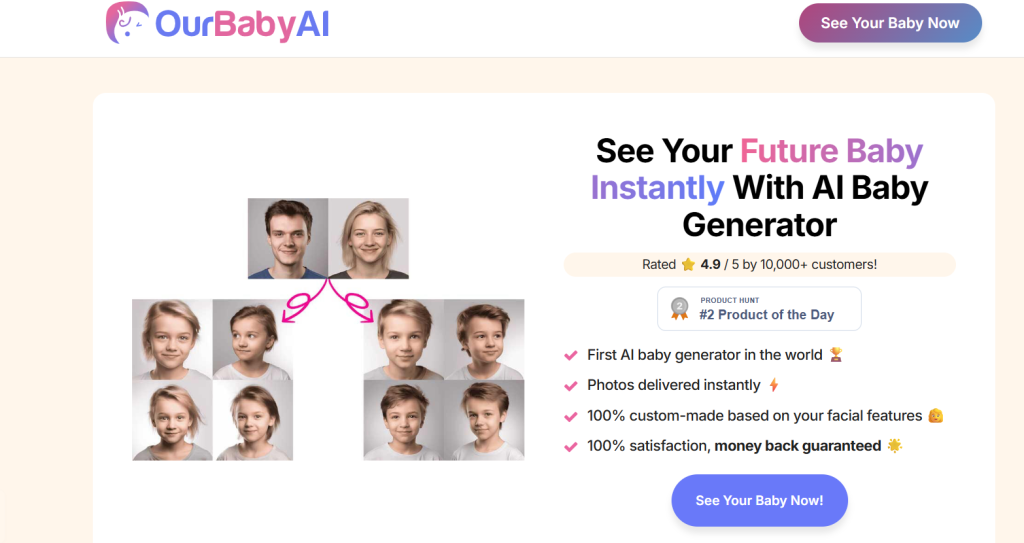
What it is: Generates lifelike baby or child photos based on two parent images.
Standout features:
- Predicts children’s appearance
- Multiple age stages (infant to adult)
- Gender customization
Pricing: From $9 (Basic) to $17 (Premium)
Best for: Couples and family planning apps
Pros: - Fun and family-friendly
- Realistic image output
Cons: - Not strictly “age progression”
- Requires both parent photos
7. NanoBananaX
What it is: Professional AI Age Progression image generation and editing suite.
Standout features:
- 100–500 images/month plans
- Commercial license and watermark-free
- Batch generation and priority support
Pricing: From $14.9/month
Best for: Agencies and advanced users
Pros: - Scalable plans
- Fast rendering
Cons: - Slight learning curve
- Requires credits system
8. Nano Banana AI
What it is: Free AI photo editor for consistent, high-quality transformations.
Standout features:
- Templates for age, gender, and style changes
- Fast queue with 5-credit free trial
- Priority generation for paid plans
Pricing: Free; paid from $95/year
Best for: Designers needing batch AI image edits
Pros: - High image fidelity
- Commercial use rights
Cons: - Requires sign-in for full AI Age Progression speed
- Paid tiers expensive for casual users
9. Filterly
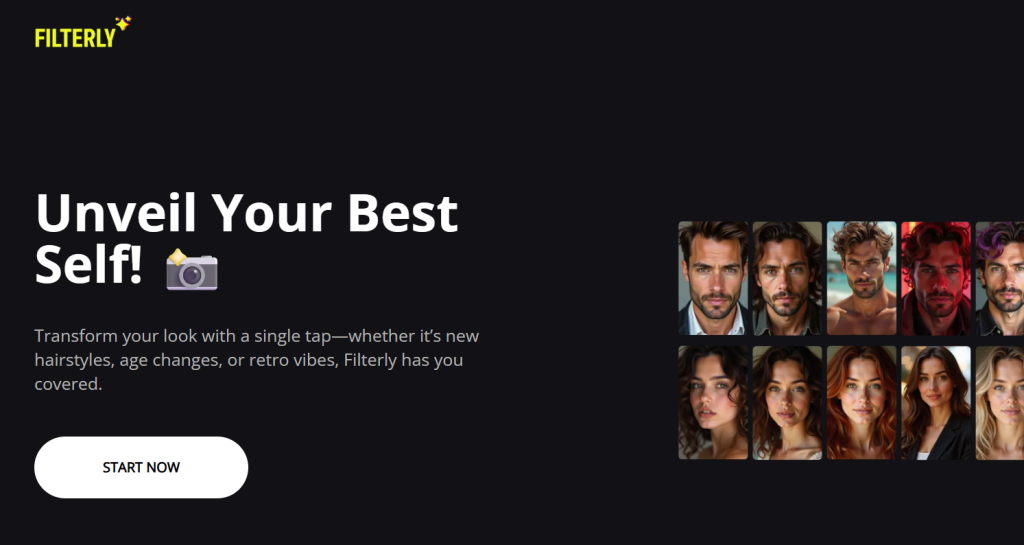
What it is: Web-based filter tool for hairstyle, age, and retro transformations.
Standout features:
- Age and style filters
- Simple one-click changes
Pricing: Free
Best for: Social media creators
Pros: - Fast and simple
- Works on any device
Cons: - No HD export
- Few manual controls
10. Swapfaces AI
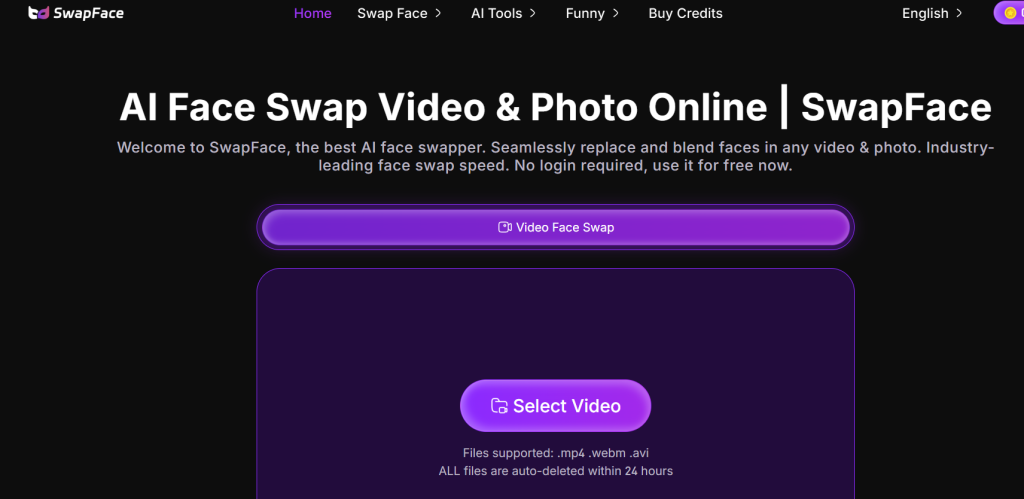
What it is: Advanced AI face swap app with age filters and video support.
Standout features:
- Unlimited photo swaps
- 4K HD output
- Age/gender transformation support
Pricing: From $9.99/month
Best for: Video editors and content creators
Pros: - Multi-face support
- Fast and precise
Cons: - Subscription AI Age Progression pricing
- May require GPU acceleration
11. Photolapse
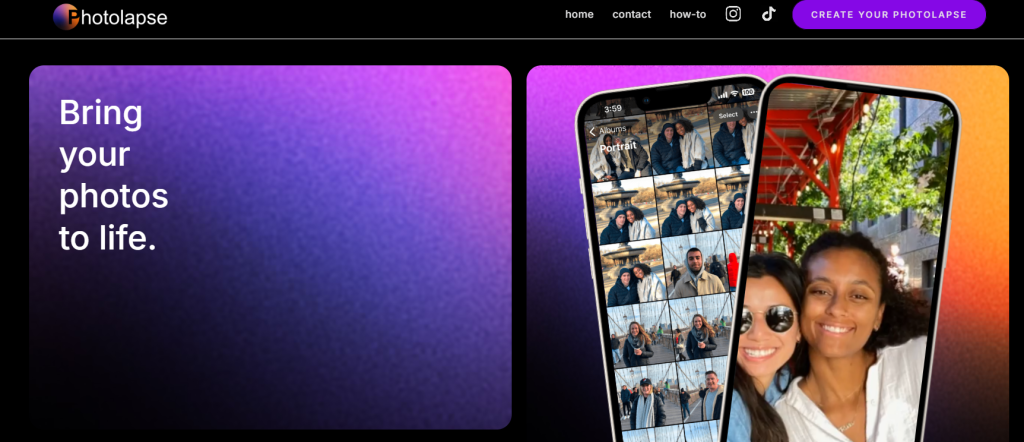
What it is: Tool for creating time-lapse videos that visualize facial aging.
Standout features:
- Smooth transition effects
- High-quality face detection
Pricing: $5.99 one-time
Best for: Time-lapse creators
Pros: - Easy export
- No watermark after purchase
Cons: - Limited AI Age Progression edit options
12. Image Editor
What it is: Free online AI image editor: edit, retouch, and age faces with prompts.
Standout features:
- No sign-up needed
- Text-to-edit commands
Pricing: Free
Best for: Marketers and casual users
Pros: - Quick edits
- Beginner-friendly
Cons: - Limited AI precision
13. Style Photo
What it is: AI tool that stylizes and ages photos while preserving facial identity.
Standout features:
- Converts paintings or old photos into lifelike modern portraits
- Mixes multiple identities
Pricing: Free
Best for: Artists and creatives
Pros: - High ID fidelity
- Creative flexibility
Cons: - Processing time varies
14. Face GP
What it is: AI skin analysis and face-based consultation tool.
Standout features:
- Analyzes skin and predicts aging effects
- Personalized skincare routines
Pricing: See site for latest pricing
Best for: Skincare professionals and clinics
Pros: - Fast facial analysis
- Integrates with e-commerce tools
Cons: - Focused on skincare, not general aging
Also Worth Trying: myimg.ai — a versatile AI image tool that includes face transformation features alongside its broader image generation suite, worth bookmarking if you want one tool that handles aging and general AI photo creation in the same place.
AI Age Progression Tools — Full Comparison (2026)
| Tool | Free Plan | No Signup | Watermark-Free | Output Quality | Privacy (Local Processing) | Best For |
| HeyPhoto | Yes | Yes | Yes | Very Good | Cloud | Casual use, creators |
| AI Age | Yes | Yes | Yes | Excellent | Local | Privacy-focused users |
| Extrapolate | Yes | Yes | Yes | Very Good | Cloud | Social sharing |
| AI Face Age | Yes | Yes | Yes | Very Good | Cloud | Hobbyists |
| Ager.fun | Paid | Required | Yes | Excellent | Cloud | Animated age GIFs |
| OurBabyAI | Paid | Required | Yes | Very Good | Cloud | Family / couples |
| NanoBananaX | Paid | Required | Yes | Excellent | Cloud | Agencies, bulk use |
| Nano Banana AI | Free tier | Required | Paid only | Very Good | Cloud | Designers |
| Filterly | Yes | Yes | Limited | Average | Cloud | Quick social filters |
| Swapfaces AI | Paid | Required | Yes | Excellent | Cloud | Video editors |
| Photolapse | One-time $5.99 | Required | Yes | Very Good | Cloud | Timelapse creators |
| Style Photo | Yes | Yes | Yes | Very Good | Cloud | Artists, creatives |
| Face GP | See site | Required | Yes | Very Good | Cloud | Skincare / clinics |
| Image Editor | Yes | Yes | Yes | Average | Cloud | Beginners |
A note on tools we excluded: Several AI age progression tools that appear in other roundups were left off this list deliberately. We removed tools that displayed intrusive watermarks with no removal option, tools with unclear privacy policies that didn’t specify how uploaded photos are handled, and tools that produced outputs we considered below the quality bar for genuine usefulness. The goal of this list is tools you can actually use, not the longest list possible.
How to Choose the Right AI Age Progression Tool
- For personal fun: Try HeyPhoto, AI Age, or Filterly, all free and browser-based.
- For creators or influencers: Ager.fun and Extrapolate offer shareable visuals and GIFs.
- For forensic or research use: AI Face Ager and Style Photo provide high realism.
- For agencies and pros: NanoBananaX and Swapfaces AI scale better with credits.
- For healthcare/skincare: Face GPT delivers professional-level analysis.
Age progression is just one piece of the visual AI puzzle, if you need to go beyond aging and retouch, enhance, or completely transform photos, take a look at our roundup of the best AI photo editing tools for a broader set of options.
How to Use an AI Age Progression Tool (Step-by-Step)
Using an AI face aging tool takes less than two minutes for most platforms. Here’s the standard workflow that applies to nearly all the tools on this list:
Step 1 — Choose your tool based on your priority
If privacy matters, go with AI Age (browser-local). If you want no signup and instant results, HeyPhoto or Extrapolate work right out of the box. If you need watermark-free output for content, use NanoBananaX or Swapfaces AI.
Step 2 — Prepare your photo
Use a clear, well-lit, front-facing photo. The AI performs significantly better when:
- Your face is fully visible (no sunglasses, hats, or heavy shadows)
- Resolution is at least 512×512 pixels
- There’s only one face in the frame (for most tools)
- The background is relatively plain
Poor photo quality is the #1 reason for unrealistic aging results, not the tool itself.
Step 3 — Upload and select your age target
Most tools let you either drag-and-drop or click to upload. From there, you’ll typically choose:
- A target age (e.g., +20 years, +40 years, or a specific age like 70)
- Or a preset like “elderly,” “middle age,” or “senior”
Some tools like Ager.fun generate the full timeline from 0–100 automatically.
Step 4 — Let the AI process
Processing time ranges from 3 seconds (HeyPhoto, Filterly) to 30–60 seconds for higher-fidelity outputs (NanoBananaX, Swapfaces AI). If you’re on a free plan, expect a short queue.
Step 5 — Review and download
Check the output for:
- Does the face still look like the same person?
- Are the wrinkles and gray hair placement natural?
- Is the image resolution acceptable for your use case?
Download directly. For watermark-free exports on free tools, AI Age and HeyPhoto are your cleanest options.
Step 6 — Share or use your aged photo
Most outputs are JPEG or PNG. They’re ready for social media, content projects, or personal use. For video aging, Swapfaces AI and Photolapse are the only tools on this list that support video output.
AI Age Regression: Can AI Make You Look Younger Too?
While most people come to these tools wanting to see their future self, there’s a growing use case going in the opposite direction: AI age regression, which simulates a younger version of your face.
This is useful for:
- Nostalgia projects — seeing what a parent or grandparent looked like at a younger age from a recent photo
- Medical and cosmetic visualization — skincare brands and dermatologists use reverse aging simulations to show treatment outcomes
- Missing persons investigations — age regression is used alongside progression by law enforcement to work backward from adult photos
- Creative content — de-aging celebrities or historical figures for editorial, film, or video projects
Which tools support age regression?
| Tool | Age Regression Support |
| HeyPhoto | Yes — sliders go both directions |
| AI Age | Yes — past and future presets |
| AI Face Age | Limited — primarily aging forward |
| Swapfaces AI | Yes — age/gender transformation |
| Style Photo | Yes — bidirectional aging |
| Filterly | No — aging only |
The Guide to Claim Your Business on The AI Surf explains how founders can verify and update their AI tool listings.
How accurate is AI age regression?
The honest answer: less accurate than progression. Forward aging is easier for AI to predict because the patterns are more consistent: skin sags, wrinkles deepen, hair grays. Reverse aging requires the model to remove those features and infer what was underneath, which introduces more guesswork.
Tools like HeyPhoto and AI Age handle it well for minor de-aging (10–20 years), but results become less reliable for more dramatic reversals (30+ years).
For the best regression results, use a high-resolution source photo and target a realistic younger age rather than an extreme transformation.
How to Use AI to Predict Your Future Appearance
Using AI software for realistic age progression is easier than ever:
- Upload a Clear Photo: The clearer the photo, the more accurate the result.
- Choose an Age Range: Decide if you want a slight aging effect or a major transformation.
- Apply AI Age Filter: Let the AI face editor for aging do its magic.
- Download & Share: Save your futuristic self or share on social media.
For free options, you can explore free AI age progression tools online that let you experiment without spending a dime.
Can You Use AI Age Progression on Children’s Photos?
Yes, and this is actually one of the most practical (and sensitive) applications of the technology.
Legitimate use cases include:
Law enforcement and missing children cases
AI age progression is a standard forensic tool used by organizations like the National Center for Missing & Exploited Children (NCMEC) to generate age-progressed images of children who have been missing for years. This is arguably the most important real-world application of this technology.
Family use
Parents sometimes use age progression to visualize what their young child might look like as an adult — purely out of curiosity.
Medical contexts
In certain genetic or developmental conditions, physicians may use aging simulations to discuss expected facial development with families.
What to be careful about
- Always use tools with strong privacy policies that don’t retain or use uploaded photos for model training
- For children’s photos specifically, prioritize browser-local tools like AI Age where the image never leaves your device
- Avoid uploading children’s photos to platforms with vague or absent privacy terms
- Never share AI-aged photos of minors publicly on social media without careful consideration of privacy implications
None of the tools on this list are designed for harmful use, but as with any photo-based AI tool, responsible usage is on the user.
Related Tools on The AISurf:
- Best AI Avatar Generator Tools – create a consistent AI version of your face for profiles and content Best AI Photo Editor Tools – do full retouching, enhancement, and transformation
- Best AI Photo Restoration Tools – restore an old or damaged photo
- Best AI Image Generators – generate a face from scratch
- Best AI Video Editors – work with video instead of photos
- Browse all visual AI tools – AI Tools Directory
Our Verdict: Which AI Age Progression Tool Should You Actually Use?
After testing every tool on this list, here’s our honest editorial recommendation by use case:
Best overall free tool:
HeyPhoto — no signup, no watermark, realistic results, works on any browser. It’s the easiest starting point for 90% of users.
Best for privacy:
AI Age — browser-local processing means your photo never leaves your device. The only responsible choice if you’re aging photos of children or want to keep biometric data off third-party servers.
Best for content creators:
Ager.fun — the animated GIF output showing your face across every decade is genuinely shareable content. Worth the $10 if you’re creating for social media.
If you create content regularly and want to build a consistent visual identity alongside your aged photos, our guide to the best AI avatar generators covers tools that pair well with age progression for profile pictures and social branding.
Best for agencies and professionals:
NanoBananaX — batch processing, commercial license, watermark-free, high-fidelity output. The only tool on this list built for production-scale use.
Best for video:
Swapfaces AI — the only tool here that handles aging within video content at 4K resolution. Non-negotiable if your use case involves video.
If you want age regression (looking younger):
Start with HeyPhoto or AI Age — both handle bidirectional aging well for moderate transformations.
The technology behind these tools has matured significantly. What felt like a novelty filter two years ago now produces outputs that hold up to scrutiny. Whether you’re using it for a TikTok trend, a forensic simulation, a creative campaign, or simply satisfying your own curiosity about your future face, the tools exist, most of them are free, and the best ones take less than 60 seconds.
If you’re searching for new AI tools, start your journey on The AISurf AI Tools Discovery Platform.
You can explore an AI tools directory to discover useful platforms for AI candidate screening, along with practical AI courses for beginners to build your skills from the ground up.
Frequently Asked Questions About AI Age Progression
What is the best free AI age progression tool online?
For most users, HeyPhoto and AI Age are the strongest free options in 2026. HeyPhoto requires no signup, works in-browser, and delivers realistic results with adjustable sliders. AI Age stands out for privacy-conscious users because it processes your photo locally, your image never gets uploaded to any server. Both are completely free with no watermark on downloads.
How accurate is AI age progression for photos?
Accuracy depends heavily on the quality of your input photo and the tool’s underlying model. Modern deep learning tools like HeyPhoto and AI Age can produce highly convincing results for 10–30 year progressions on clear, front-facing photos. Accuracy drops for extreme transformations (50+ years), low-resolution inputs, partially obscured faces, or photos with heavy makeup that obscures natural skin texture. No AI tool is clinically precise, results are probabilistic simulations, not predictions.
Can AI age progression be used on children’s photos?
Yes, with caveats. It’s used professionally in forensics and missing persons work. For personal use, it’s generally safe if you use a privacy-first tool (like AI Age, which processes locally). Avoid uploading children’s photos to cloud-based tools with unclear data retention policies. Never share AI-aged images of minors publicly without careful privacy consideration.
What is the difference between AI age progression and age regression?
Age progression simulates how a face will look older over time: adding wrinkles, gray hair, sagging skin, and other markers of aging. Age regression goes the opposite direction, simulating a younger version of a face by smoothing skin, restoring hair color, and tightening features. Progression is generally more accurate than regression because aging patterns are more predictable than reverse-engineering them. Tools like HeyPhoto, AI Age, and Swapfaces AI support both directions.
Which AI tool can make a photo look older without a watermark?
Several free tools deliver watermark-free downloads: HeyPhoto, AI Age, Extrapolate, and AI Face Age all export clean images at no cost. For paid tools, NanoBananaX and Swapfaces AI both include commercial-use, watermark-free exports in their paid plans. The ones to watch out for: Filterly adds a subtle watermark on free downloads that’s only removed on paid tiers.
This guide was researched and written by the TheAISurf editorial team. We update this list every quarter to reflect new tools, pricing changes, and shifts in output quality. Last tested: March 2026.