


Generate AI Video from MP4 for Free: 5 Best Tools in 2026
- Video Generators
- October 30, 2024
- No Comments
You have a short MP4 clip of your product demo, a tutorial, or a social media snippet.
It’s good, but it could be amazing.
You dream of adding cinematic effects, AI-generated avatars, motion graphics, or even syncing AI voiceovers perfectly with your visuals.
But there’s a problem: hiring a professional video editor is expensive, and most free software feels clunky.
Here’s the good news: you can generate AI video from MP4 for free in 2026, right from your browser.
Yes, without installing heavy software, without spending hundreds, and without learning a complicated editing suite.
In this guide, I’ll show you the 5 best free AI video tools in 2026, step by step, to convert your MP4 into jaw-dropping AI-enhanced videos.

Whether you’re a marketer, content creator, social media manager, or just someone who loves playing with AI, this list will save hours of work and tons of frustration.
Let’s dive in.
Understanding AI Video Generation
The concept of AI video generation is founded on the utilization of sophisticated algorithms that analyze and manipulate video data to produce new visuals.
It’s essential to understand how this technology functions and its implications for content creation.
What is AI Video Generation?
AI video generation is the process of using artificial intelligence and machine learning to create, edit, or enhance video content automatically.
Instead of manually cutting, animating, or adding effects, AI analyzes the video and applies enhancements intelligently.
When working with an MP4 file, AI can detect scenes, characters, objects, and even the emotions in a video. From there, it can:
- Add voiceovers that sync perfectly with visuals
- Generate animations or motion effects
- Transform simple clips into cinematic sequences
- Create entirely new scenes based on text prompts
In short, AI video generation allows you to turn basic MP4 videos into polished, engaging, and professional-quality content without needing advanced editing skills.
How to Generate AI Video from MP4 for Free?
When an MP4 file is input into an AI video generator, the software first decodes the file’s format to analyze the visual and audio components.
- AI examines video frames to identify objects, actions, and colors.
- Uses deep learning to understand the context of each scene.
- Enables seamless edits or enhancements.
- Can replace backgrounds or add animated characters intelligently.
- This advanced processing makes AI video generation revolutionary for digital content creation.
Why You Should Use AI to Enhance Your MP4 Videos
Before jumping into tools, let’s talk about why AI video creation from MP4 is a game-changer.
1. Save Time
Traditional video editing is time-consuming. With AI MP4 to video generation, you can automatically add effects, transitions, and enhancements in minutes.
2. Improve Video Quality
AI tools can upscale your video, stabilize shaky clips, improve colors, and even generate motion where there was none.
3. Engage Your Audience Better
Social media moves fast. Videos with AI enhancements, like avatars, cinematic effects, and smart captions, grab attention immediately.
4. Cost-Efficient
You don’t need Adobe After Effects or a full editing team.
Many free AI video generators now give professional-level results online.
Popular Tools for AI Video Generation
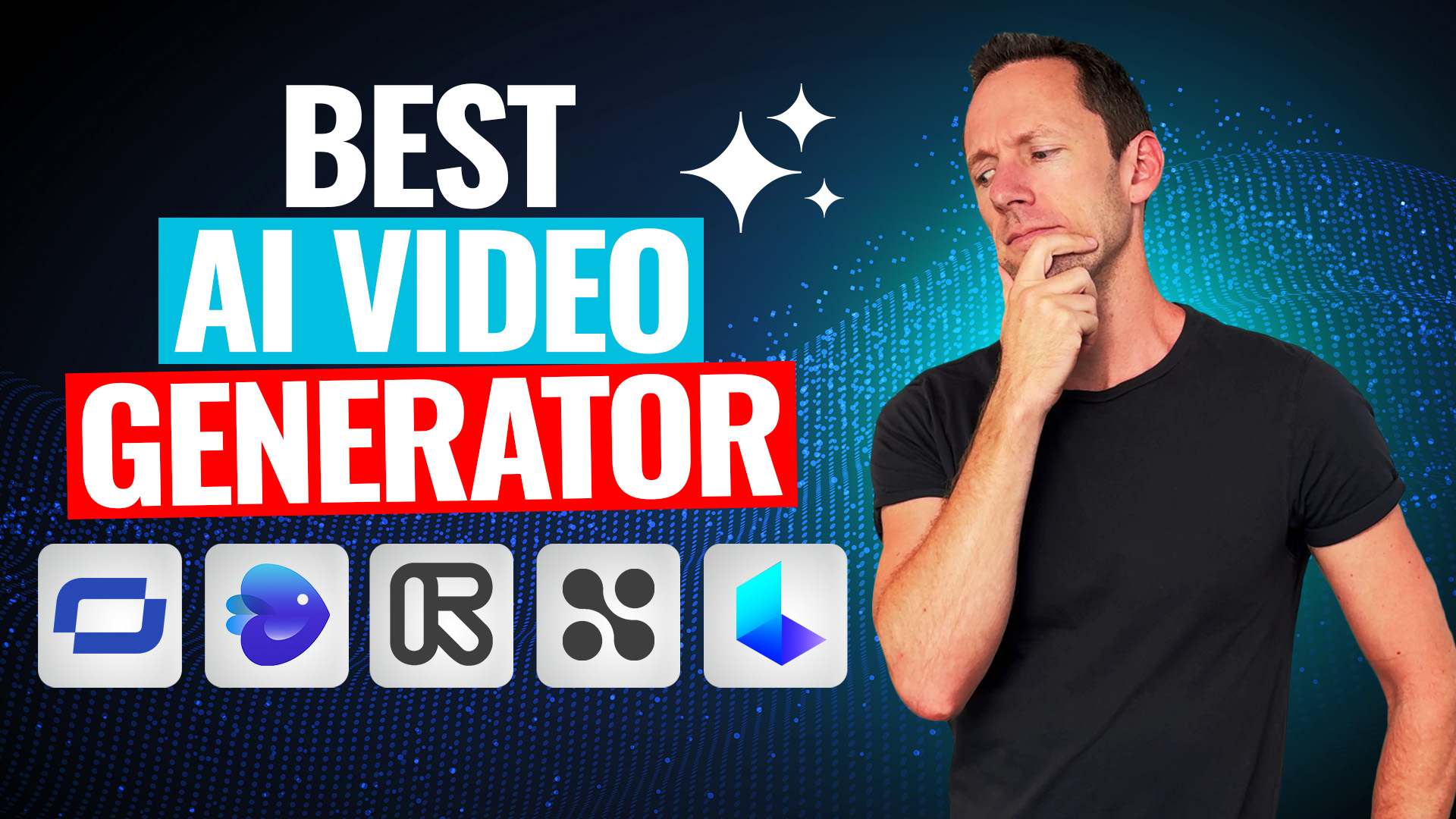
With the rise of AI technology, numerous tools have surfaced that enable users to generate videos from MP4 files freely or at a low cost.
Each tool offers unique features designed to cater to varying needs.
Keeping these criteria in mind, I’ve curated the top 5 tools that check all the boxes in 2026.
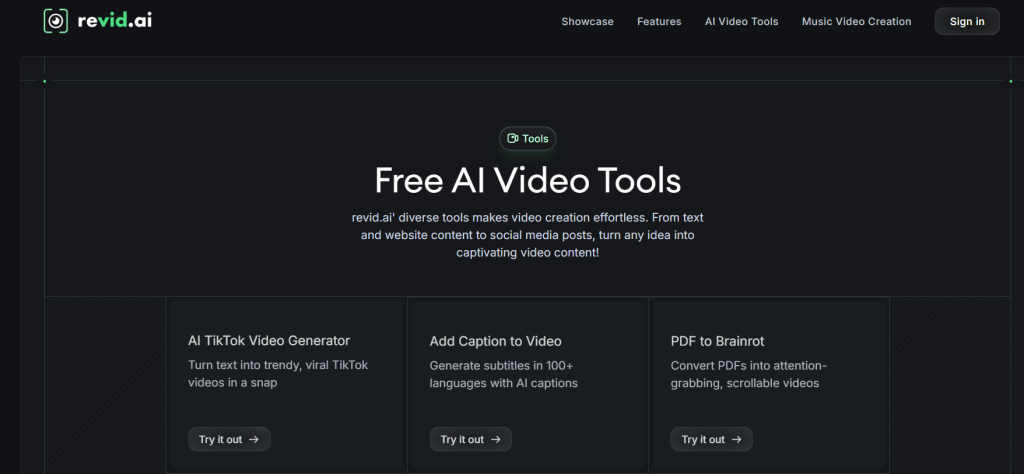
1. ReVid AI – The Fastest Free AI MP4 Video Converter
If speed is your top priority, ReVid AI is your go-to.
Why It’s Great:
- Upload MP4 and get AI-enhanced video in under 5 minutes
- Supports AI motion generation and cinematic effects
- Free plan includes watermark-free exports up to 1080p
- AI can auto-sync captions and audio
How to Use ReVid AI:
- Go to RunVid AI online.
- Upload your MP4 file.
- Choose an enhancement style: cinematic, social media, or tutorial.
- Add AI-generated audio or captions (optional).
- Click Generate Video, then download.
Pro Tip: For social media, select the “Vertical AI Enhancement” to optimize your video for Instagram Reels, TikTok, or YouTube Shorts.
Best For: Fast AI MP4 enhancement without watermarks.
2. Veo AI – Best for AI Avatar Videos from MP4
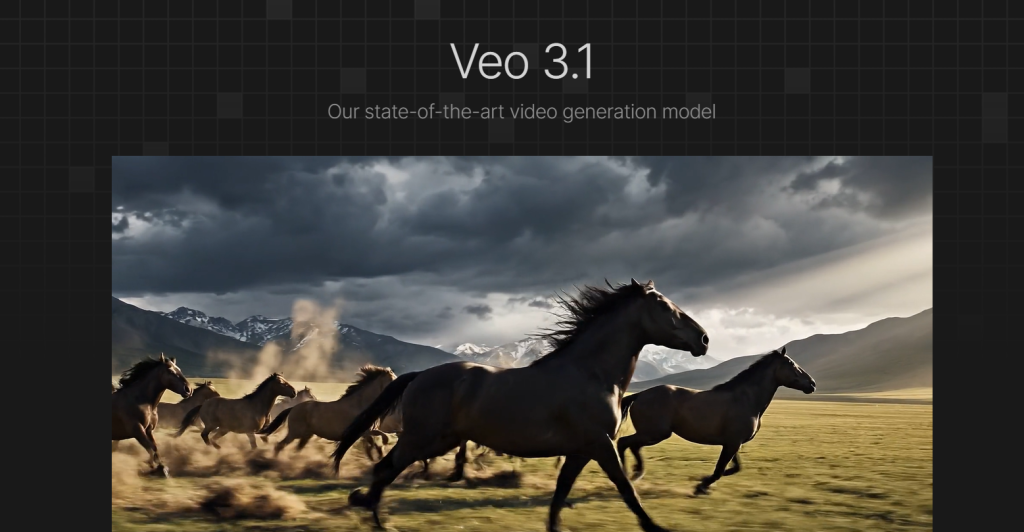
Ever wanted your video to have an AI avatar or presenter? Veo AI turns your MP4 into a professional AI-driven presentation.
Key Features:
- AI avatars speak your script using your uploaded MP4 as background
- Automatic lip-sync and facial expression matching
- Free plan allows 2 AI avatars per video
- Works on desktop and mobile
How to Generate AI Video with Veo AI:
- Upload your MP4 clip.
- Select an AI avatar (human-like, animated, or cartoon).
- Add your script for the avatar voiceover.
- Generate AI video and export in MP4 or social media format.
Pro Tip: Use Veo AI for product demos, tutorials, and training videos to engage viewers instantly.
Best For: AI avatar videos from existing MP4 clips
3. LTX Video Studio – The AI MP4 Editor Online

Looking for a full-fledged online editor with AI power? LTX Video Studio is perfect.
What Makes LTX Stand Out:
- AI MP4 video enhancer (upsamples 720p to 1080p)
- Add AI-generated motion effects
- Supports text-to-video and image-to-video AI
- Free version offers limited but high-quality exports
How to Use LTX:
- Open LTX Video Studio in your browser.
- Upload your MP4.
- Apply AI enhancements: motion stabilization, color grading, or background replacement.
- Export in your preferred resolution.
Pro Tip: Combine AI motion effects with AI sound to create highly immersive clips for social media ads or short films.
Best For: Editing MP4s with AI enhancements online
4. Kling AI – Free AI Tool to Animate MP4 Video
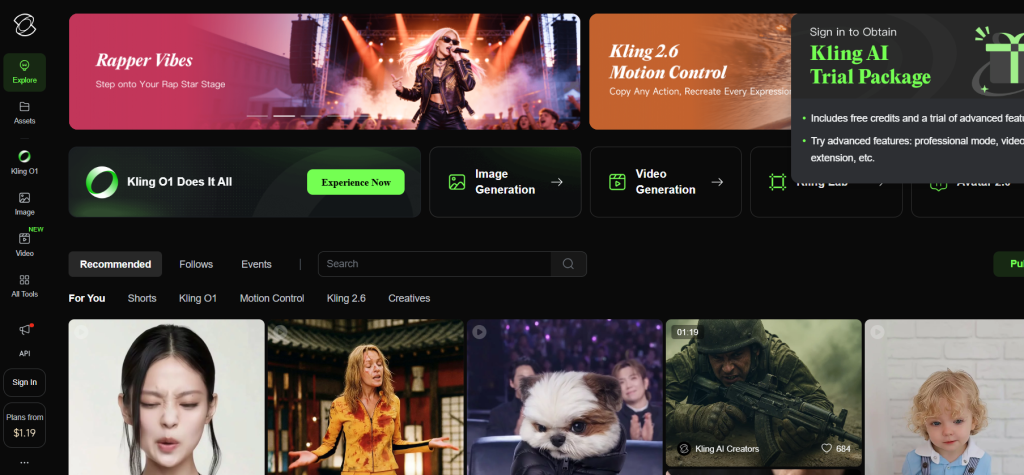
Want to bring static MP4 clips to life? Kling AI specializes in animation.
Features You’ll Love:
- AI generates motion and effects automatically from MP4
- Works with existing video, images, or text prompts
- Free plan allows up to 3-minute video clips
- Exports ready for YouTube, Instagram, or LinkedIn
How Kling AI Works:
- Upload your MP4 file.
- Choose “Animate” or “AI Motion Enhance.”
- Select an output style (cinematic, social, or cartoon).
- Download AI-enhanced MP4.
Pro Tip: Use Kling AI to transform simple MP4 product demos into eye-catching animated clips without learning complex animation software.
Best For: AI motion generation and MP4 animation
5. Veed AI – AI Video Generation Software for Social Media
If you need fast, social-ready AI videos, Veed AI is unbeatable.
Highlights:
- Upload MP4 and apply AI text, audio, or motion effects
- Perfect for marketing videos and social media content
- Free plan supports watermark-free 720p videos
- Includes AI auto-subtitles and voiceover
How to Generate AI Video from MP4 in Veed AI:
- Sign up for free Veed AI account.
- Upload MP4 file.
- Add AI enhancements: motion effects, audio sync, or captions.
- Preview and export video.
Pro Tip: Use Veed AI for quick TikTok, Instagram, or LinkedIn video marketing. Its AI auto-captioning feature boosts engagement by 30% on social feeds.
Best For: Social media AI video generation from MP4.
Key Features to Look For
When choosing an AI video generator, it’s crucial to consider certain features that will enhance your experience and output quality.
Ease of Use
A user-friendly interface can significantly reduce the learning curve, allowing users to focus on creativity rather than technical difficulties.
Customization Options
Tools that offer extensive customization options, including background music, text overlays, and visual effects, can help tailor the final product to specific needs.
Export Quality
Ensuring that the platform provides high-resolution exports is essential for maintaining video quality across different viewing platforms.
Integration Capabilities
Many modern tools allow you to integrate directly with social media or other content-sharing platforms, simplifying the distribution process for your newly created content.
What Makes a Great Free AI Video Generator in 2026?

Not all AI video converters are equal. When evaluating AI video tools for MP4, these factors matter:
- MP4 Support: Can you upload standard MP4 files without conversion?
- AI Enhancements: Does it offer motion generation, AI avatars, or cinematic effects?
- Free Export: Can you download videos without watermarks?
- Ease of Use: Is it beginner-friendly, or do you need technical skills?
- Speed: Does it process quickly, or will it take hours for a 1-minute clip?
Creative Techniques for AI Video Production
Harnessing the power of AI video generation is not just about uploading an MP4 file; it involves understanding various techniques and creative strategies to maximize the potential of generated videos.
- Storytelling with AI
- Visual Enhancements and Effects
- Integrating Sound and Music
Step-by-Step Guide to Generate AI Video from MP4 for Free
Here’s a simple workflow you can follow with any of these tools:
- Select Your Tool
Choose from RunVid AI, Veo AI, LTX Video Studio, Kling AI, or Veed AI. - Upload Your MP4
Most tools accept standard MP4 files. Keep them under 500MB for faster processing. - Choose AI Enhancements
Decide whether you want:- AI motion effects
- AI avatars
- Text or voice overlay
- Color grading and stabilization
- Preview Your Video
Almost all tools let you preview before exporting. Fine-tune if needed. - Export
Free plans usually allow 720p–1080p export. Some may limit duration or watermark, so pick the right tool for your goal. - Share
Upload directly to social media, embed on your website, or send via email campaigns.
How to Choose the Best Free AI Video Generator in 2026

With so many options, picking the right tool can feel overwhelming. Here’s a quick checklist:
- For Speed: RunVid AI
- For Avatars & Voiceover: Veo AI
- For Editing MP4 Online: LTX Video Studio
- For Motion & Animation: Kling AI
- For Social Media Content: Veed AI
Pro Tip: Start with one tool for experimentation, then mix tools for advanced effects.
Related Reads:
Final Thoughts
The era of AI video creation from MP4 is here.
In 2026, even free tools can deliver cinematic-quality results that were impossible just a few years ago.
Whether you want to animate clips, add AI avatars, enhance motion, or create social media-ready videos, there’s a tool on this list for you.
Start small, experiment, and you’ll soon be producing videos that look like a professional studio did them.
That too without spending a fortune or learning complicated software.
Remember: AI video creation is all about speed, engagement, and creativity.
Your next viral clip could start as a simple MP4.
FAQs About AI Video Generation from MP4
1. Can you generate AI videos from MP4 for free?
Yes! Tools like RunVid AI, Veo AI, LTX, Kling, and Veed AI allow free AI video generation with MP4 uploads.
2. What is the best free AI tool to convert MP4 into an AI-generated video?
It depends on your needs: RunVid AI for speed, Veo AI for avatars, LTX for editing, Kling for animation, Veed AI for social videos.
3. How do I turn MP4 into an AI-generated video online?
Upload your MP4 to any AI video tool, select enhancements, preview, and export. No software installation is required.
4. Do free AI video generators add watermarks?
Some do. Always check the free plan details—tools like RunVid AI and Veed AI offer watermark-free export.
5. Can AI improve my MP4 video quality?
Absolutely. AI tools upscale resolution, stabilize motion, enhance color, and even generate new visual effects.
6. Are there AI tools for MP4 social video creation?
Yes! Veed AI and RunVid AI are perfect for social media-ready AI video generation.
Looking to learn more? Dive into our related article for in-depth insights into the Best Tools For Image Generation. Plus, discover more in our latest blog post on Best AI Video Generators. Keep exploring with us!
Related Tools:
Image Generation Tools
Video Generators
Productivity Tools
Design Generation Tools
Music Generation Tools
For more AI tools, explore all categories by clicking here.