


Best Long Video To Short Video AI Tools
- Video & Animation Video Generators
- November 3, 2025
- No Comments
Let me guess why you’re here,
You have long videos.
Podcasts.
Webinars.
YouTube uploads.
Client calls.
Course recordings.
And everyone keeps telling you the same thing:
“Just turn them into Shorts. That’s where the growth is.”
Sounds simple.
It’s not.
I’ve been there.
I’ve manually scrubbed through 2-hour podcasts just to find one decent 20-second moment.
I’ve paid editors.
I’ve tested “auto-clip” tools that felt more random than intelligent.
That’s why this page exists.

This is not a hype piece.
This is a battle-tested breakdown of the best long video to short video AI tools: what actually works, what doesn’t, and which tool you should use based on your real use case.
No fluff.
No generic summaries.
Just clarity.
What this guide will help you do
By the end of this page, you’ll know:
- What long video to short video AI tools actually do behind the scenes
- Which AI video shortener is best for your workflow
- How creators are using AI video repurposing software to 10× output
- When not to rely on AI (yes, that matters)
- How to turn one long video into 20–50 Shorts automatically
And most importantly,
how to stop wasting time on tools that look good but don’t deliver.
What is a Long Video to Short Video AI tool (really)?
Long Video To Short Video AI uses machine learning to detect highlights, speech patterns, and key scenes from full-length videos.
It then generates shorter versions optimized for platforms like YouTube Shorts, TikTok, and Instagram Reels.
It saves time while boosting engagement.
At its core, a long to short video converter AI does four things:
Understands your video
- Speech recognition
- Topic segmentation
- Emotion & emphasis detection
Identifies “clip-worthy” moments
- High-energy segments
- Questions, hooks, punchlines
- Pattern-matched viral structures
Reformats automatically
- Vertical 9:16
- Speaker framing
- Platform-safe margins
Adds growth layers
- Auto captions
- Emoji & emphasis
- Platform-specific formatting
The good ones feel like a junior editor who actually understands content.
The bad ones?
Random timestamps and broken captions.
Why long video → short video is no longer optional (2026 reality)
Short-form isn’t a trend anymore. It’s infrastructure.
A few hard numbers (recent creator reports & platform insights)
- YouTube Shorts now drive discovery for 70%+ of new channels
- TikTok prioritizes clip velocity, not production quality
- Instagram Reels outperform static posts by 3–5× engagement
- Creators repurposing long content see up to 4× output with the same effort
(Source: Creator Economy Reports, YouTube Shorts updates, platform creator briefings)
The takeaway?
If you’re creating long-form content and not repurposing it,
you’re leaking reach.
That’s where AI tools for repurposing videos come in.
How We Picked These Tools
- AI-driven highlight detection accuracy
- Support for multiple aspect ratios (9:16, 1:1, 16:9)
- Customization options like captions, transitions, and B-rolls
- Free and paid plan flexibility
- Export quality and social media compatibility
- Team collaboration or workflow automation options
Top Tools (Ranked)
Now let’s break them down properly, with real context, not marketing copy.
1. Vizard.ai
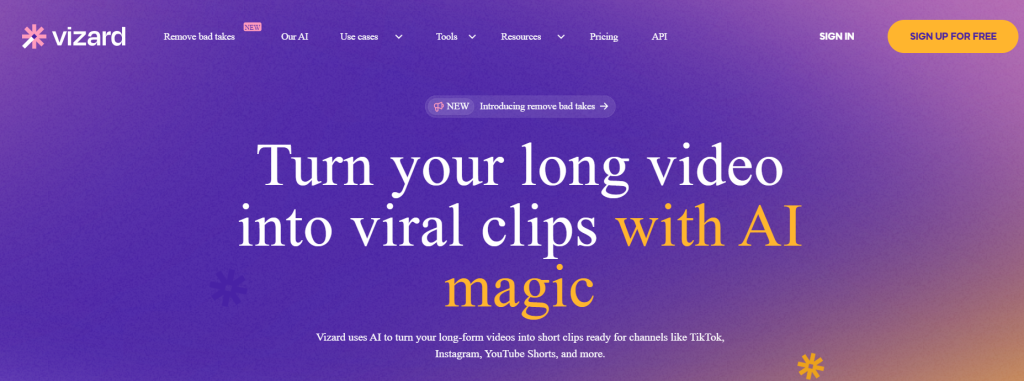
Smart AI video editor for turning long videos into social-ready clips.
What it is: Vizard.ai helps creators transform webinars and podcasts into engaging short-form videos automatically.
Standout features:
- AI-powered scene detection
- Auto captions and trimming
- Multiple export formats
- Browser-based editing
Pricing: Free; Paid from $14.5/month
Best for: Marketers and YouTubers
Pros: - Easy to use
- Accurate content clipping
- Supports long uploads
Cons: - Limited customization in free plan
- Occasional rendering delays
2. OpusClip
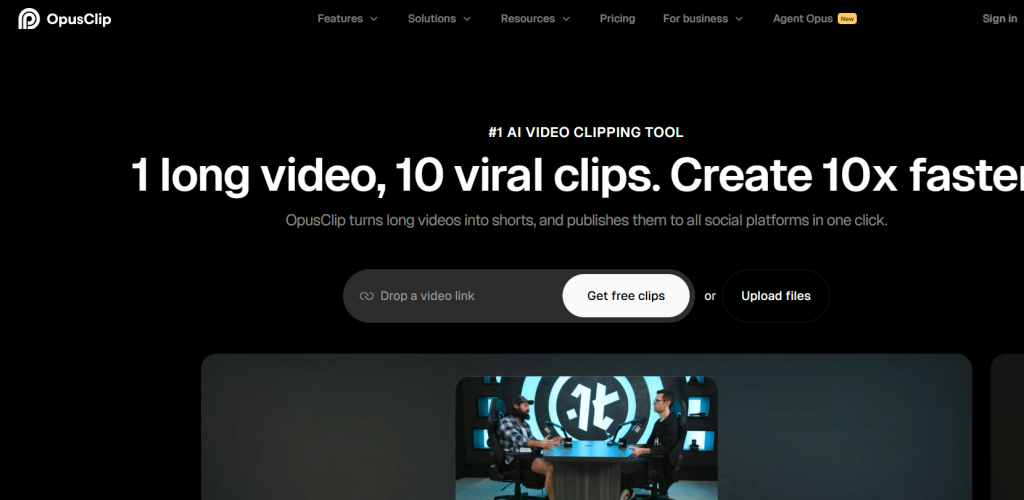
AI repurposing tool for creating viral video shorts.
What it is: OpusClip analyzes long videos and generates viral short clips in one click.
Standout features:
- Virality Score for engagement prediction
- AI captions in 20+ languages
- Auto post to YouTube, TikTok, and Reels
Pricing: Free; Paid from $15/month
Best for: Content creators
Pros: - Automated captions
- Excellent for social platforms
Cons: - Limited exports in free plan
- Watermark in basic tier
3. Riverside.fm
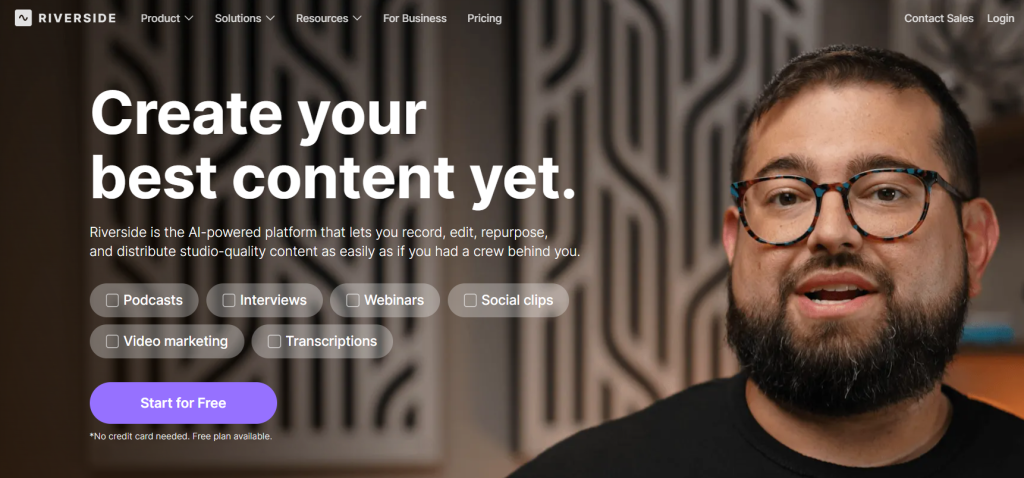
Professional studio tool for podcast and video creators.
What it is: Riverside.fm enables remote recording and high-quality AI editing.
Standout features:
- Multi-track recording
- AI noise reduction
- Auto speaker detection
Pricing: Free trial; Paid from $19/month
Best for: Podcasters and interview shows
Pros: - Studio-quality recording
- Stable remote sessions
Cons: - Limited free recording hours
- Steeper learning curve
4. Wondershare Filmora

AI-powered video editing platform for all skill levels.
What it is: Filmora simplifies advanced editing and offers AI effects for creative projects.
Standout features:
- AI text-to-video
- Auto beat sync
- Motion tracking
Pricing: From $49.99/year
Best for: Professional editors and influencers
Pros: - Wide feature set
- Reliable software
Cons: - Higher annual cost
- Large install size
5. SendShort
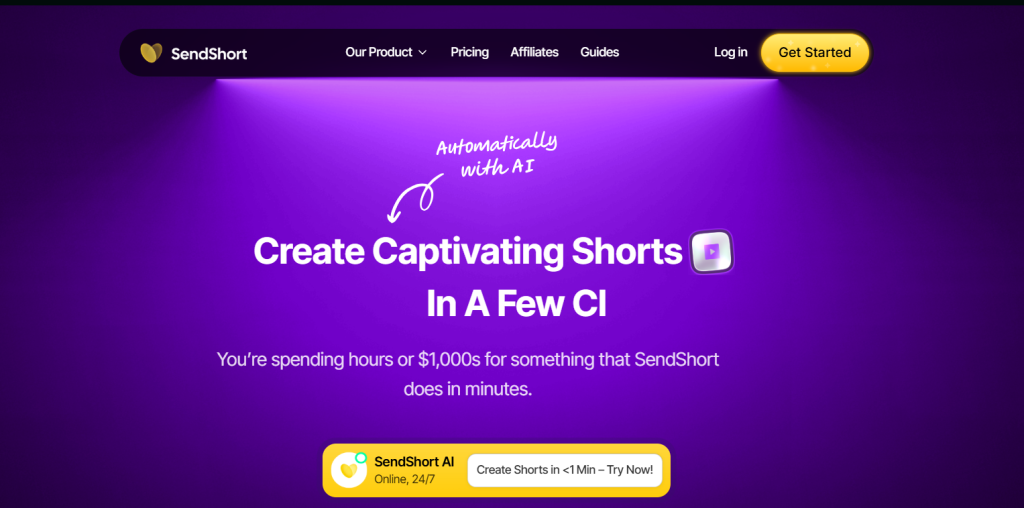
Automatic AI short-video creation platform.
What it is: SendShort creates viral shorts from long videos with subtitles and B-rolls.
Standout features:
- Auto cropping and subtitling
- Faceless video generation
- Analytics dashboard
Pricing: From $19/month
Best for: Social media marketers
Pros: - Powerful automation
- Platform posting support
Cons: - Limited free plan
- Watermark on free exports
6. Klap
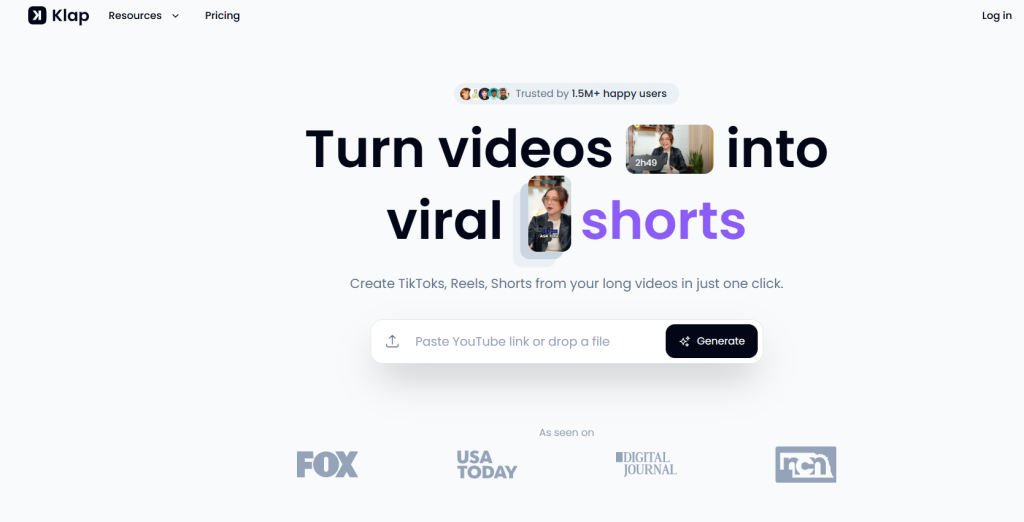
AI platform to repurpose long videos into viral clips.
What it is: Klap identifies key moments and automatically generates short clips optimized for social media.
Standout features:
- AI dubbing in 29 languages
- HD and 4K download options
- Auto vertical cropping
Pricing: Free; Paid from $23/month
Best for: Multilingual creators
Pros: - Multi-language support
- Simple export process
Cons: - Pricey for high volume users
- Requires good input quality
7. StreamLadder
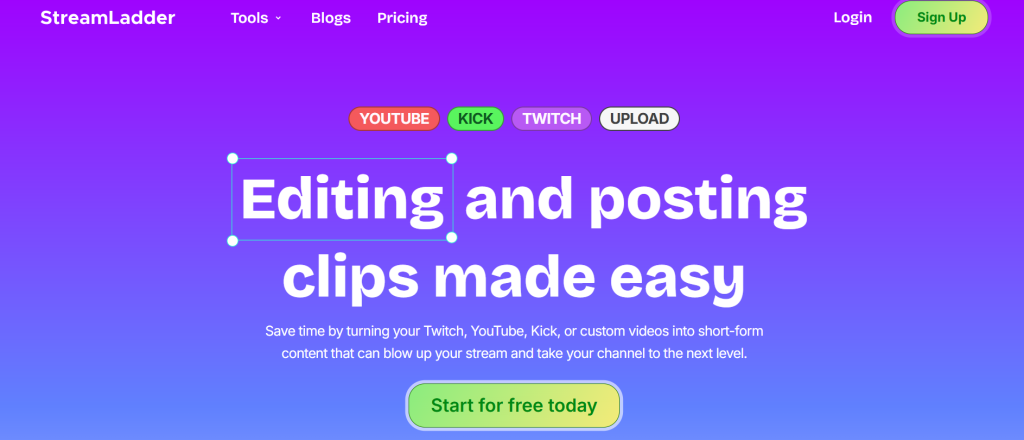
Converts Twitch and YouTube clips into Reels and Shorts.
What it is: StreamLadder lets gamers turn live streams into social media videos instantly.
Standout features:
- AI-powered captions
- Layout templates
- Direct upload to platforms
Pricing: Free; Paid from SGD2.14/week
Best for: Streamers
Pros: - Easy interface
- Free basic use
Cons: - Weekly pricing model
- Limited editing tools
8. Eklipse
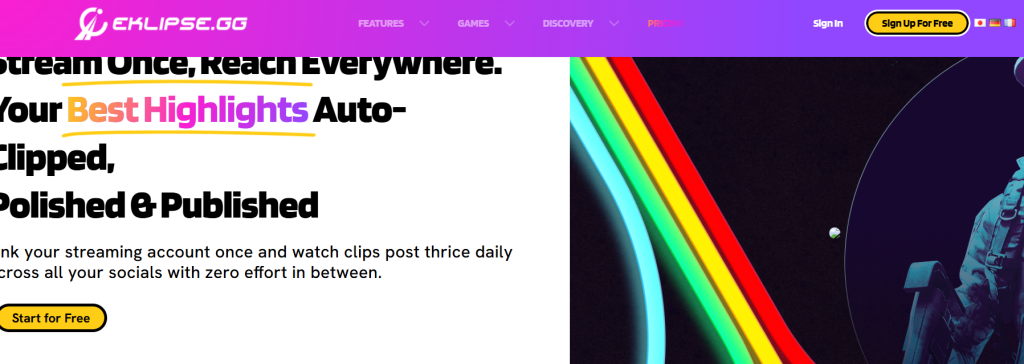
Gaming highlight generator for streamers.
What it is: Eklipse automates highlight detection and clip creation from gaming content.
Standout features:
- Auto clipping from Twitch streams
- Social media posting
- Custom highlight reels
Pricing: Free; Paid from $19.99/month
Best for: Gamers
Pros: - Fully automated workflow
- Integrates with Twitch and YouTube
Cons: - Limited free options
- Requires stable uploads
9. Nexus Clips
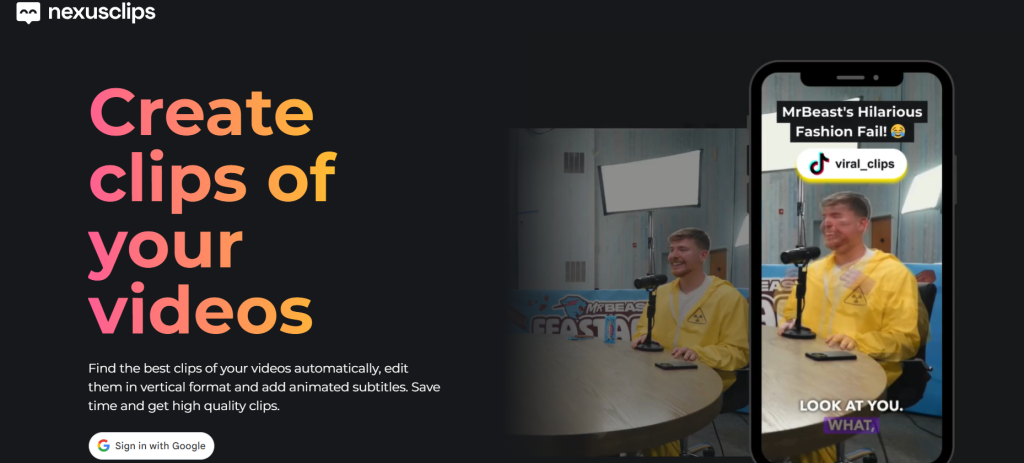
AI platform for creating viral animated clips.
What it is: Nexus Clips identifies the best moments from videos and adds captions automatically.
Standout features:
- Scene analysis
- Vertical formatting
- Subtitles with animations
Pricing: See site for latest pricing
Best for: Influencers
Pros: - Automated style detection
- Fast exports
Cons: - Few customization tools
10. Ssemble
AI tool for short-form YouTube and social clips.
What it is: Ssemble automatically curates, captions, and transitions long videos into short-form content.
Standout features:
- Auto curation and face tracking
- Caption translation
- YouTube downloader and scheduler
Pricing: From $9/month
Best for: YouTubers
Pros: - Rich automation
- Easy to scale
Cons: - Limited in free version
Benefits of Using Long Video To Short Video AI Tools
These tools help creators efficiently produce high-performing short-form videos.
Benefits include faster editing, higher viewer retention, better content repurposing, and improved reach on social media.
Businesses can amplify visibility by sharing bite-sized clips across multiple channels.
Comparison Table
| Tool | Key Use Case | Starts At | Free Plan | Standout Feature |
| Vizard.ai | Repurpose webinars | $14.5/mo | Yes | Scene detection |
| OpusClip | Viral short creation | $15/mo | Yes | Virality Score |
| Riverside.fm | Podcast recording | $19/mo | Yes | Multi-track audio |
| Filmora | AI editing | $49.99/yr | Trial | AI effects |
| SendShort | Auto short generator | $19/mo | No | Faceless shorts |
| Klap | Multilingual dubbing | $23/mo | Yes | AI dubbing |
| StreamLadder | Game clip conversion | SGD2.14/wk | Yes | Layout templates |
| Eklipse | Stream highlight creation | $19.99/mo | Yes | Auto highlights |
| Nexus Clips | Viral AI clips | — | Yes | Animated subtitles |
| Ssemble | YouTube short maker | $9/mo | Yes | Auto captioning |
How to Choose the Right Long Video To Short Video AI Tool
- Choose based on your platform (YouTube, TikTok, or Twitch).
- If you post frequently, pick tools with automation like SendShort or Klap.
- For professional editing, Filmora or Riverside.fm work best.
- Streamers should go for Eklipse or StreamLadder.
- Test free tiers before scaling up.
Free vs Paid AI video tools (real talk)
Free tools
- Good for testing
- Limited output
- Often watermark or cap exports
Paid tools
- Better AI models
- Faster processing
- Higher-quality captions
- Multi-platform optimization
If content is part of your business, paid is worth it.
How AI chooses the “best” moments (quick breakdown)
This is important, because not all tools do this well.
Most modern AI video segmentation systems analyze:
- Audio peaks (tone, excitement)
- Language signals (questions, conclusions, strong statements)
- Topic transitions
- Historical viral patterns (trained on Shorts/Reels data)
The better the model → the better the clips.
That’s why some tools feel magical…
and others feel like dice rolls.
How creators are actually using AI video repurposing tools

This part matters more than features.
Real-world workflow that works
- Record one long video per week
- Upload to AI video clip generator
- Generate 15–30 Shorts
- Schedule across platforms
- Track what hits
- Double down manually on winners
That’s it.
No burnout.
No daily filming.
Creators using this workflow consistently report:
- Higher consistency
- Lower production stress
- Better platform reach
When you should NOT use long video to short video AI
Important honesty moment. AI is not magic.
Avoid AI-only workflows if:
- Your content relies heavily on visuals (travel, cinematic edits)
- Timing and humor are extremely precise
- You need emotional storytelling arcs
In these cases:
Use AI for first-pass clipping, then refine manually.
Related Reads
Final thoughts (from experience)
I’ve tested dozens of AI video editing tools.
Most are forgettable. A few are game-changing.
The real power isn’t automation. It’s consistency without burnout.
If you create long-form content and want growth in 2026, long video to short video AI tools are no longer optional.
They’re leverage.
FAQs
How do AI tools choose the best clips?
They analyze audio, language patterns, emotional peaks, and viral data to detect engaging moments.
Can AI tools auto-add captions?
Yes. Most modern tools include AI subtitle creators with emphasis and emojis.
Do these tools work for podcasts?
Absolutely. Some tools are better at podcasts than visual-heavy content.
Are AI short video tools worth it in 2026?
If you publish long content — yes. They save hours and increase output dramatically.