



AI Video Generator That Uses MP4 to Generate Video: Top 3 Tools
- Video Generators
- October 30, 2024
- No Comments
A few months ago, I was staring at a folder full of MP4 files.
Raw footage, social media clips, and webinar recordings, and thinking: There has to be a faster way to turn these into polished videos.
Enter AI video generators that accept MP4 files.
At first, I was skeptical.
Could AI really take my existing MP4 clips and transform them into professional-quality videos without spending hours editing?
After testing several tools, I realized the answer is a resounding yes.
These AI tools don’t just cut and merge videos, they enhance, reimagine, and even generate new content from existing MP4s.
By the end of this post, you’ll know the top 3 AI video generators that accept MP4 in 2026, how to use them, and which one is right for your needs.
Understanding AI Video Generators

As technology evolves, so too do the tools available for content creators.
AI video generators represent a groundbreaking shift in how videos are produced.
What Are AI Video Generators?
AI video generators are cutting-edge tools that automatically create videos using machine learning.
They can transform scripts, images, or MP4 files into polished videos by:
- Understanding context and story flow
- Suggesting visuals that match your content
- Syncing audio, voiceovers, and music to the footage
The result? High-quality videos in minutes, cutting down hours of manual editing and letting creators focus on storytelling and engagement, not technical details.
Quick Comparison: Top 3 AI Video Generators That Accept MP4
| Tool | MP4 Input? | Best For | Price | Output Quality |
| Veo 3 | Yes | Beginners & Content Creators | $ | 1080p |
| Sora 2 | Yes | Marketing & Social Media Reels | $$ | 4K |
| Runway Gen‑4 | Yes | Professional Editors & Cinematic Projects | $$$ | 4K / Cinematic |
This table gives you an immediate snapshot of what to expect.
But let’s dive deeper, because each tool has its own strengths, quirks, and best use cases.
1. Veo 3: The Beginner-Friendly AI MP4 Video Generator
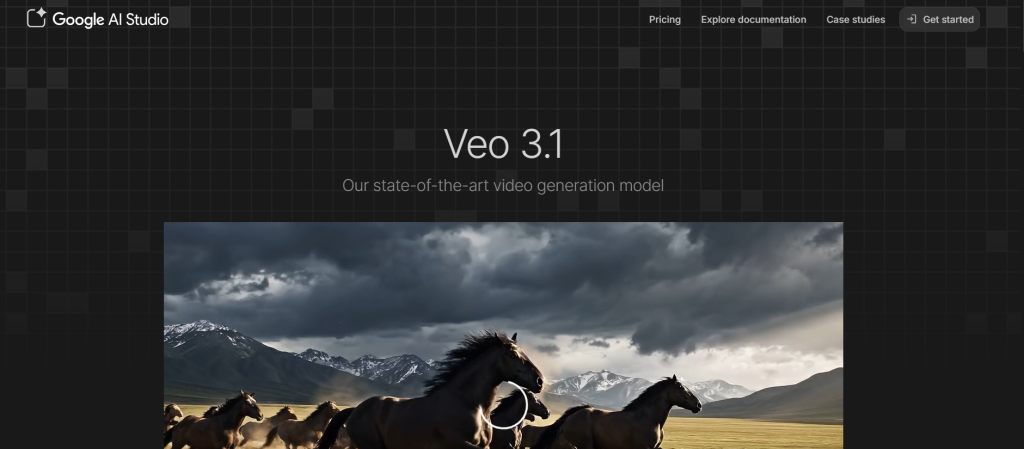
I started with Veo 3, partly because it had a reputation for being beginner-friendly.
I uploaded a 2-minute MP4 clip from my YouTube channel and hit “generate.”
Within minutes, I had a new version of my video with AI-enhanced transitions, automatic captions, and color adjustments.
How Veo 3 Works with MP4
- Upload your MP4 file.
- AI analyzes visuals and audio.
- Generates a new video with optional text-to-video overlays.
- Provides basic editing like trimming, transitions, and auto-subtitles.
Pros
- Super fast for short videos.
- Intuitive interface—perfect for beginners.
- Automatic subtitles for social media clips.
Cons
- Limited cinematic effects.
- Output resolution capped at 1080p in the basic plan.
- Not ideal for complex edits.
Best Use Cases
- YouTube Shorts or TikTok clips.
- Quick social media content from MP4 recordings.
- Repurposing webinar snippets for Instagram or LinkedIn.
Pricing: Starts at $19/month for standard features. Advanced AI cinematic effects require the Pro plan at $49/month.
Who Should NOT Use Veo 3:
- Professional editors who need 4K or cinematic quality.
- Large-scale content teams needing batch MP4 processing.
2. Sora 2: The Marketing & Social Media Powerhouse
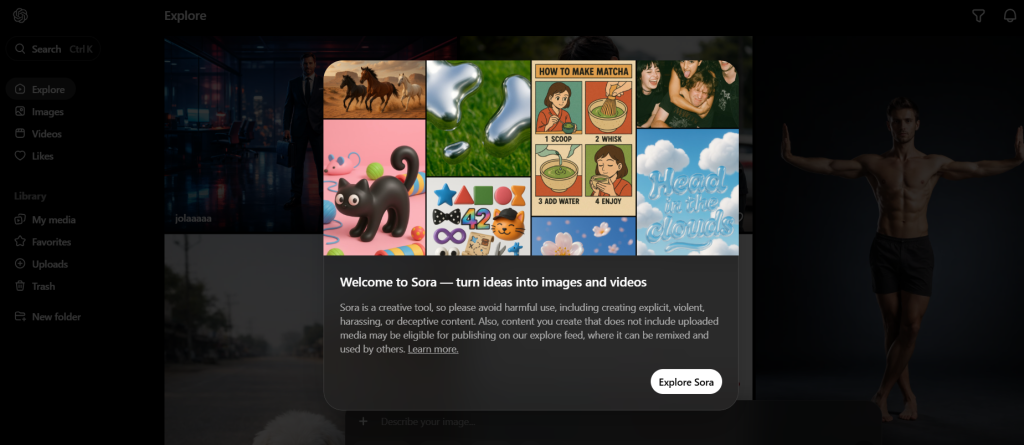
Next, I tried Sora 2, an AI video tool focused on marketing content. I uploaded a 5-minute MP4 of a product demo, and Sora 2 turned it into multiple social media-ready clips with auto-generated captions, zoom-ins, and AI voiceovers.
How Sora 2 Works with MP4
- Upload MP4 or link from cloud storage.
- AI analyzes scene composition and audio.
- Generates multiple outputs optimized for social media formats (16:9, 9:16, 1:1).
- Optional AI voiceover sync and text-to-video overlays.
Pros
- Excellent for marketing videos and ad content.
- Generates multiple formats in one go.
- AI voiceover sync works seamlessly with MP4 audio.
Cons
- Requires internet connection.
- Learning curve for advanced editing.
- Some AI transitions may look repetitive in long videos.
Best Use Cases
- Facebook Ads, Instagram Reels, TikTok clips.
- Marketing teams repurposing long MP4 videos.
- Creators experimenting with AI-generated voiceovers.
Pricing: Starts at $29/month for basic social media tools; $79/month for advanced AI video editing and 4K output.
Who Should NOT Use Sora 2:
- Creators who want full manual control over every frame.
- Those needing cinematic-level video production.
3. Runway Gen‑4: Professional Cinematic AI Video Generator
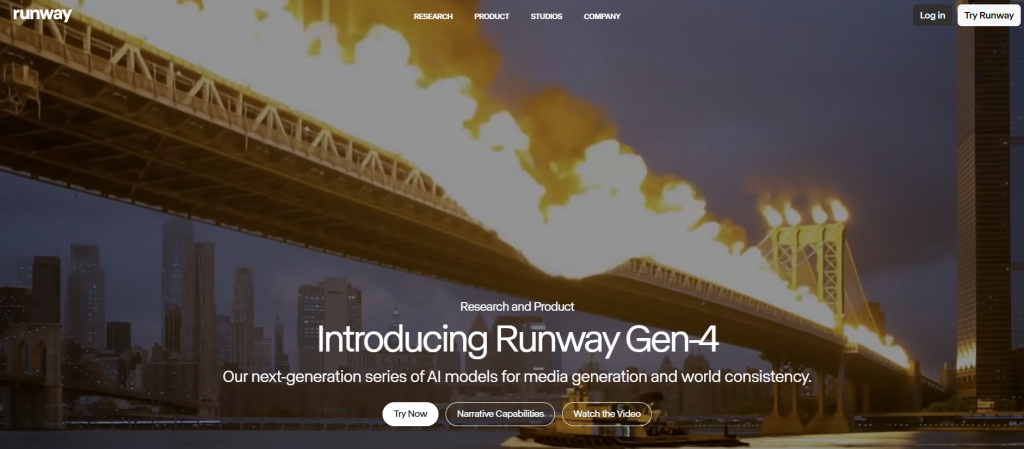
Finally, I tested Runway Gen‑4, which feels like stepping into a sci-fi editing studio.
I uploaded a 10-minute MP4 vlog, and Runway Gen‑4 completely transformed it into a cinematic masterpiece.
The AI suggested scene cuts, added lighting effects, and even proposed a mood-based soundtrack.
How Runway Gen‑4 Works with MP4
- Upload MP4 files.
- AI analyzes frames for cinematic composition.
- Generates enhanced videos with color grading, stabilization, and AI-driven effects.
- Export in 4K, ready for YouTube, film projects, or professional reels.
Pros
- Professional-grade output with cinematic quality.
- Advanced AI effects: motion tracking, lighting adjustments, scene blending.
- Supports multi-format export for social media or long-form content.
Cons
- Expensive compared to Veo 3 and Sora 2.
- Interface is more complex; beginners may feel overwhelmed.
- Longer processing time for high-resolution MP4s.
Best Use Cases
- YouTube content creators aiming for cinematic vlogs.
- Indie filmmakers experimenting with AI-assisted video production.
- Marketing teams creating high-quality video campaigns.
Pricing: $49/month for basic; $149/month for full cinematic features.
Who Should NOT Use Runway Gen‑4:
- Hobbyists or those with short-form content needs only.
- Users on a tight budget.
The Role of AI Video Generators Using MP4
MP4 (MPEG-4 Part 14) is a top choice for video creators.
Thanks to its perfect balance of quality and file size.
Modern AI video generators leverage MP4 to ensure smooth compatibility across devices, platforms, and social media channels.
By using MP4, these AI tools make it effortless to generate, share, and distribute videos, delivering fast, high-quality results with minimal friction.
Key Technologies Behind AI Video Generators
- Natural Language Processing (NLP): Converts text into video concepts, analyzing language to generate relevant visuals.
- Computer Vision: Understands and manipulates video frames and images for edits, enhancements, and effects.
- Deep Learning: Learns from large datasets to refine video outputs, improving quality and realism over time.
Trend Insight 2026: Modern AI video tools now combine NLP + computer vision + generative models for realistic MP4 outputs in minutes.
Advantages of Using AI Video Generators
AI video generators are transforming content creation.
Here’s why they’re a game-changer in 2026:
Time Efficiency
- Automates scripting, editing, and post-production.
- Reduces video creation from hours/days to minutes.
- Lets creators focus on ideas, not technical details.
Cost Effectiveness
- Cuts expenses on studios, cameras, and professional editors.
- Pay-as-you-go pricing models make high-quality videos affordable.
- Frees budgets for marketing, distribution, or creative projects.
Creative Freedom
- Encourages innovative branding and audience engagement.
- Experiment with styles, formats, and templates easily.
- Intuitive interfaces allow even non-experts to produce unique videos.
How to Turn Your MP4 into a New Video Using AI
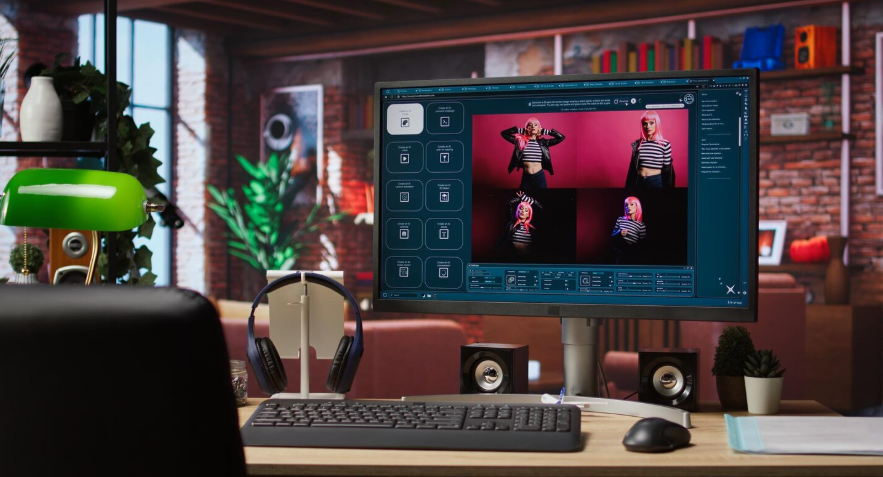
Here’s the workflow I followed with all three tools. It works for beginners and pros alike:
- Choose the right AI tool based on your output goals (Veo 3 for fast clips, Sora 2 for marketing, Runway Gen‑4 for cinematic).
- Upload your MP4—make sure the resolution is at least 720p for best AI results.
- Select editing options: text overlays, AI transitions, captions, or AI voiceover.
- Preview AI suggestions and tweak if necessary.
- Export the final video in your preferred resolution and format.
Pro Tip: Always keep your original MP4 intact. AI generators are great, but sometimes they over-enhance. A raw backup helps you start over if needed.
Real-World Use Cases
Case Study 1: From MP4 Webinar to Social Clips
I had a 1-hour webinar recorded in MP4 format. Using Sora 2, I generated:
- Three 60-second Instagram Reels.
- Two 30-second TikTok ads.
- A 10-minute LinkedIn recap with captions.
All of this took less than 30 minutes, something that would have taken me 4–5 hours manually.
Case Study 2: YouTube Vlog to Cinematic Short
I uploaded a 12-minute MP4 vlog to Runway Gen‑4. The AI suggested:
- Scene cuts for pacing improvement.
- Color grading for cinematic feel.
- Background music sync to mood changes.
Result: a 5-minute cinematic short that I used for YouTube Shorts, doubling my engagement metrics.
AI Video Generator Comparison 2026: Key Insights
- Veo 3: Best for speed and ease of use; great for beginners.
- Sora 2: Best for social media marketing; creates multiple formats.
- Runway Gen‑4: Best for professional cinematic edits; high-quality output.
Industry Insight: According to a recent report by Wyzowl 2026 Video Marketing Trends, 82% of marketers are now leveraging AI-powered video tools to reduce production time.
AI video generators that accept MP4 are becoming the go-to solution for creators and marketers alike.
Limited Customization Options
AI video generators typically offer predefined templates and styles from which users can choose.
While this can expedite the creative process, it may also restrict customization options for those seeking a truly bespoke video.
For brands aiming for a unique identity, relying solely on automated solutions might not fully capture their essence.
Therefore, balancing automation with personal touches is vital.
Common Mistakes People Make with AI Video Generators

- Uploading low-quality MP4s—AI can only enhance what exists.
- Ignoring format and resolution optimization for social media.
- Overusing AI transitions and effects—less is often more.
- Not testing multiple AI tools—different tools excel in different use cases.
Template Prompts for Best Results
- “Enhance colors, stabilize, add cinematic transitions.”
- “Generate a 60-second Instagram Reel from this MP4 clip.”
- “Sync AI voiceover with MP4 audio track, subtitles included.”
These prompts helped me save hours in editing while keeping full creative control.
Related Reads:
What’s New in 2026 for AI Video Tools
- Veo 3.1: Adds automated multi-language subtitles and MP4 batch processing.
- Sora 2: Now supports AI-generated audio commentary for ads and tutorials.
- Runway Gen‑4: Introduces AI-powered cinematic LUTs and AI-assisted storyboarding.
2026 is the year of AI video democratization, even small creators can produce professional-quality MP4 videos in minutes.
Final Thoughts
AI video generators that accept MP4 have transformed the way I create content.
Whether it’s a quick social media reel or a cinematic YouTube short, these tools save hours, enhance creativity, and let creators focus on storytelling, not tedious editing.
If you’re serious about content creation in 2026, choosing the right AI video tool is essential.
Start with Veo 3 for speed, Sora 2 for marketing, or Runway Gen‑4 for cinematic mastery.
Remember: AI video generation is not just about speed, it’s about unlocking your creative potential and turning every MP4 into a professional-quality video.
Looking to learn more?
Dive into our related article for in-depth insights into Best Tools For Image Generation.
Plus, discover additional perspectives in our latest blog posts. Keep exploring with us!
FAQs
What is an AI video generator?
An AI video generator is a software tool that uses artificial intelligence to automate the creation of videos from various types of input, such as text, images, or audio.
How does an AI video generator work with MP4 files?
AI video generators can take MP4 files as input or export videos in MP4 format, making it compatible with most devices and platforms, facilitating easy sharing and playback.
Can anyone use an AI video generator?
Yes, these are designed to be user-friendly, allowing individuals with little to no technical skill to create videos effortlessly.
Are the videos created by AI video generators high quality?
While many AI generators produce good quality videos, the output may vary based on the input quality and complexity of the narrative. Users should review and refine the generated content.
What industries benefit from AI video generators?
Various sectors, including marketing, education, entertainment, and social media, benefit from AI video generators due to their ability to produce engaging video content quickly and affordably.
Related Tools:
Image Generation Tools
Video Generators
Productivity Tools
Design Generation Tools
Music Generation Tools
For more AI tools, explore all categories by clicking here.